CyberLink has long been one of our favorite alternatives to Adobe's creative suite, and currently there's a big sale on standalone alone apps as well as CyberLink Director Suite, which bundles the photo, video, and audio editor software alongside an audio editor and large royalty-free stock library.
• Best for: Content creators who regularly edit video, photographs and audio and want their main creative applications bundled into one subscription.
• Why we like it: CyberLink's creative tools have consistently reviewed well during our tests, offering an excellent all-rounder entry-point into video and photo editing. They're surprisingly advanced but beginner-friendly, and this is a good way to get the full suite.
Director Suite: was $149.99 now $109.99 This creative suite combines PowerDirector 365, PhotoDirector 365 and AudioDirector 365, providing AI video, photo and audio editing alongside integrated royalty-free Getty Images and Meta stock content.
Director Suite combines three powerful creative tools. PowerDirector 365 handles video production, PhotoDirector 365 covers photo editing and graphic design, and AudioDirector 365 provides tools for audio restoration, recording and mixing.
All three core apps have reviewed well in our tests.
In his 4-star review of PowerDirector, our expert Steve said it "remains one of the best video editing software for beginners, as well as intermediate editors." He gave PhotoDirector 4.5-stars and called it a "powerful multi-faceted beast, which not only allows you to organize and improve the quality of your photos, but also offers Photoshop-like compositing tools, as well as numerous generative AI features."
In her 4-star review, our audio expert Angel said AudioDirector "goes from strength to strength using powerful AI tools to separate elements giving even total novices to recording control over their material."
The applications are designed to work together, so projects can be passed between them without repeatedly rendering files. There's plenty of AI features too.
Price context & historical value
At $109.99 a year instead of $149.99, you're saving $40 on Director Suite, equivalent to 27% off. The annual subscription works out at just $9.17 per month, compared with $29.99 if you pay monthly, which would add up to $359.88 over a year — $249.89 more.
You regularly work with video, photographs and audio and would prefer to have an integrated collection of creative applications than subscribe to different products. Director Suite also provides access to millions of royalty-free videos, images and music tracks from iStock by Getty Images and the Meta Sound Collection.
❌ Skip CyberLink Director Suite if...
You only need one type of editor. If almost everything you create is video, for example, paying for a suite containing dedicated photo and audio tools may not be necessary.
One of the advantages of having written about tech for as long as I have is that you start to notice when the same ideas come around decade after decade, in different shapes and sizes. Especially the bad ones.
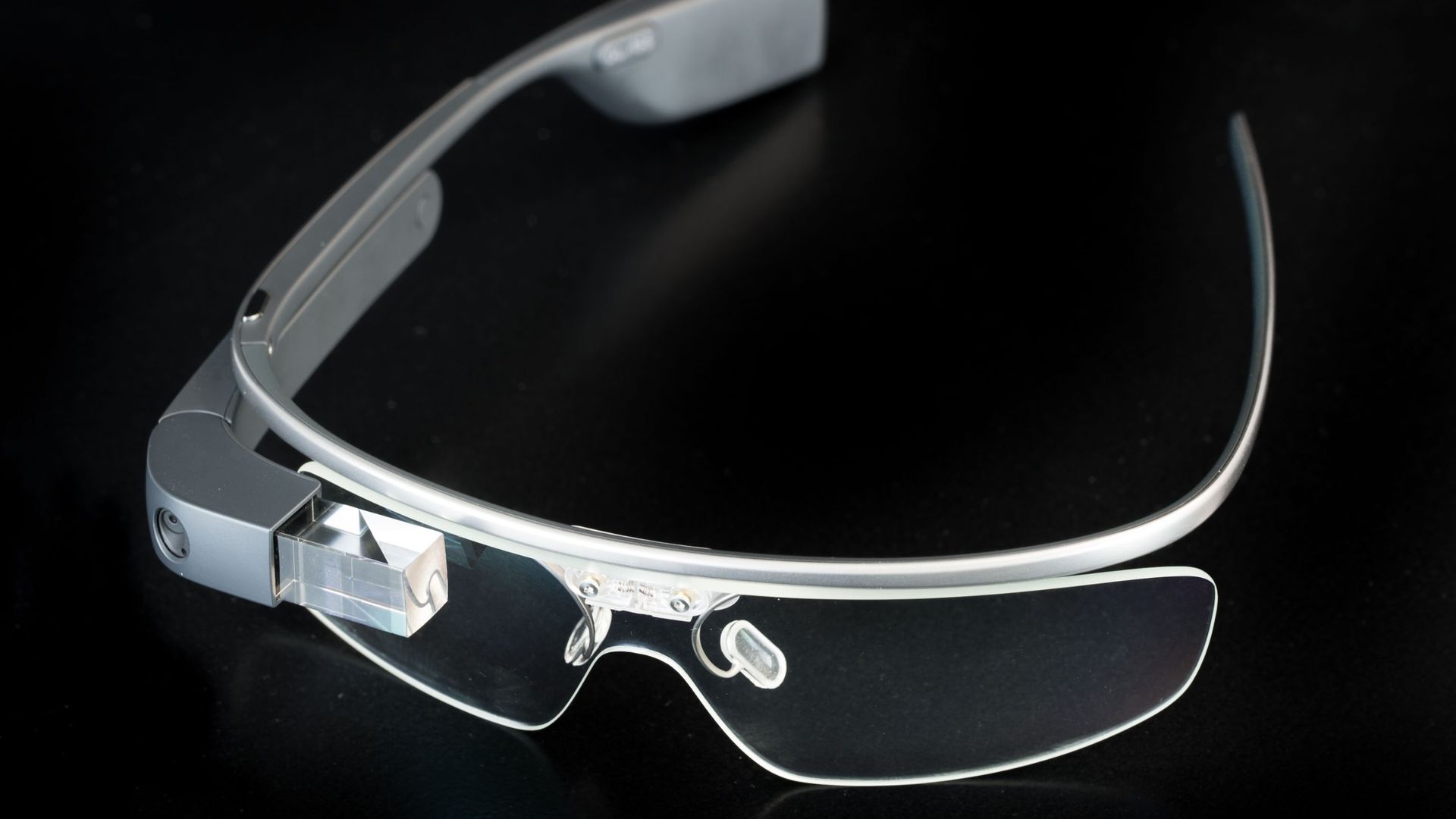
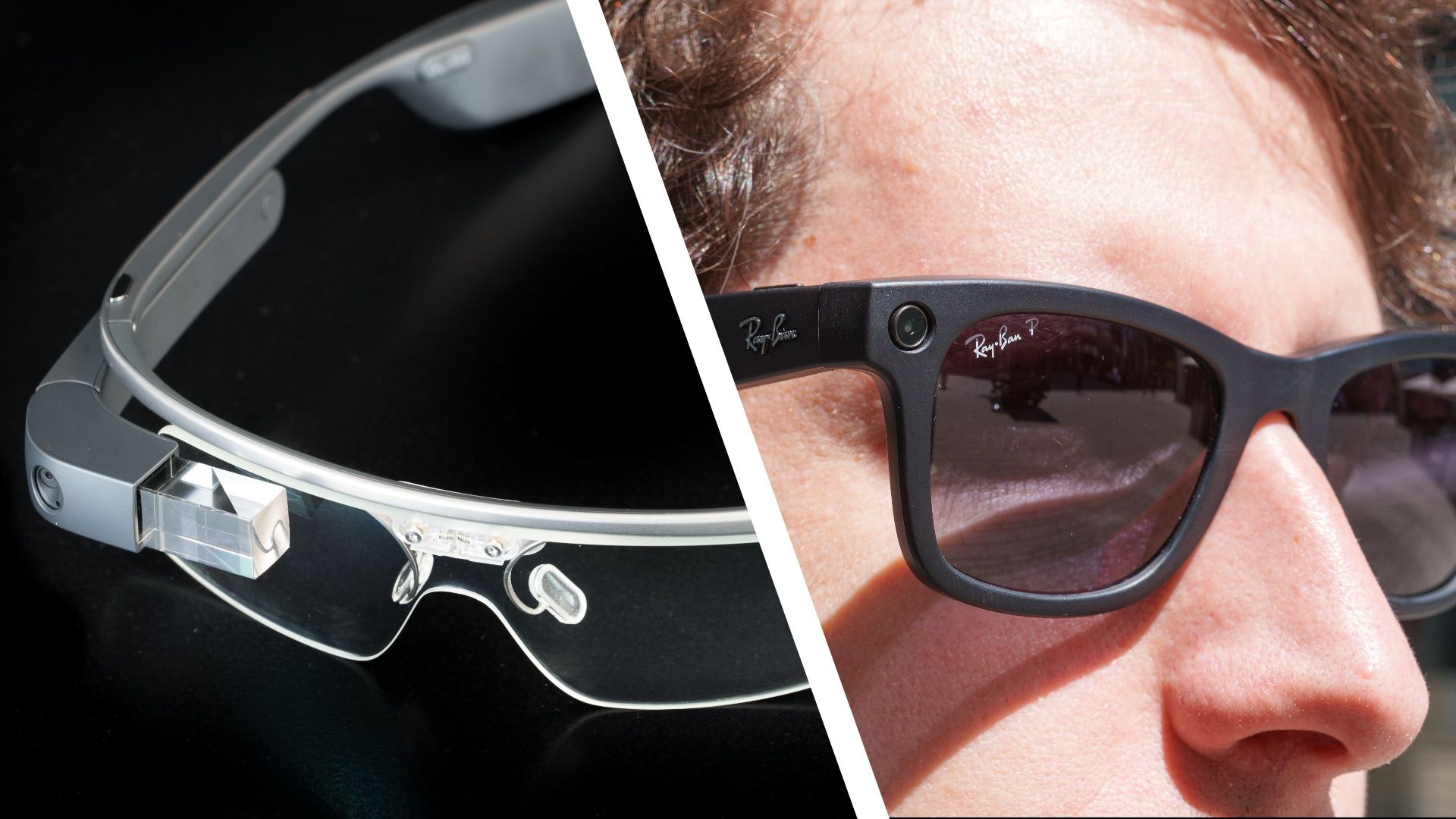
12 years ago Google invented something called Google Glass — a set of glasses complete with a camera so you could record what you were looking at — and it was so roundly hated by everyone that we all breathed a collective sigh of relief when they went away.
But now it's 2026 and smart glasses are back, powered by AI, and tied in with a world-famous fashion brand, but fundamentally they still have exactly the same problem, which still hasn't been fixed: they enable people to record other people without their consent.
The problem is that none of this should have come as a surprise. The privacy risks of putting a camera on somebody's face weren't merely predictable — they were predicted. Women were raising concerns about men using Google Glass to record them more than a decade ago.
And yet here we are again.
The curious case of Google Glass
(Image credit: Shutterstock / Hattanas )
Let’s remind ourselves what happened the first time that smart glasses arrived.
Google Glass arrived in 2013. It puts a small heads-up display and camera on the wearer's face, allowing them to take photos and record video from their point of view. Almost immediately, privacy became one of the defining controversies around it.
By 2014, women were explicitly raising issues of abuse. Wired reported that women were particularly interested in technology that could detect and block Glass because of concerns about men covertly recording them in nightclubs. "Even if they didn’t know if the device was recording, they felt threatened by its presence", said Oliver, the creator of the detection device.
Google Glass wearers were being called “Glassholes,” businesses were banning the device, and Google itself was publishing etiquette guidance because of complaints about people creepily filming others without permission.
By 2015, consumer Glass effectively died. Privacy wasn't its only problem — its price, awkward appearance, and lack of compelling everyday uses all played a part — but by January 2015 Google had stopped selling the consumer Explorer Edition. Glass survived as an enterprise product before Google finally discontinued the Enterprise Edition in 2023.
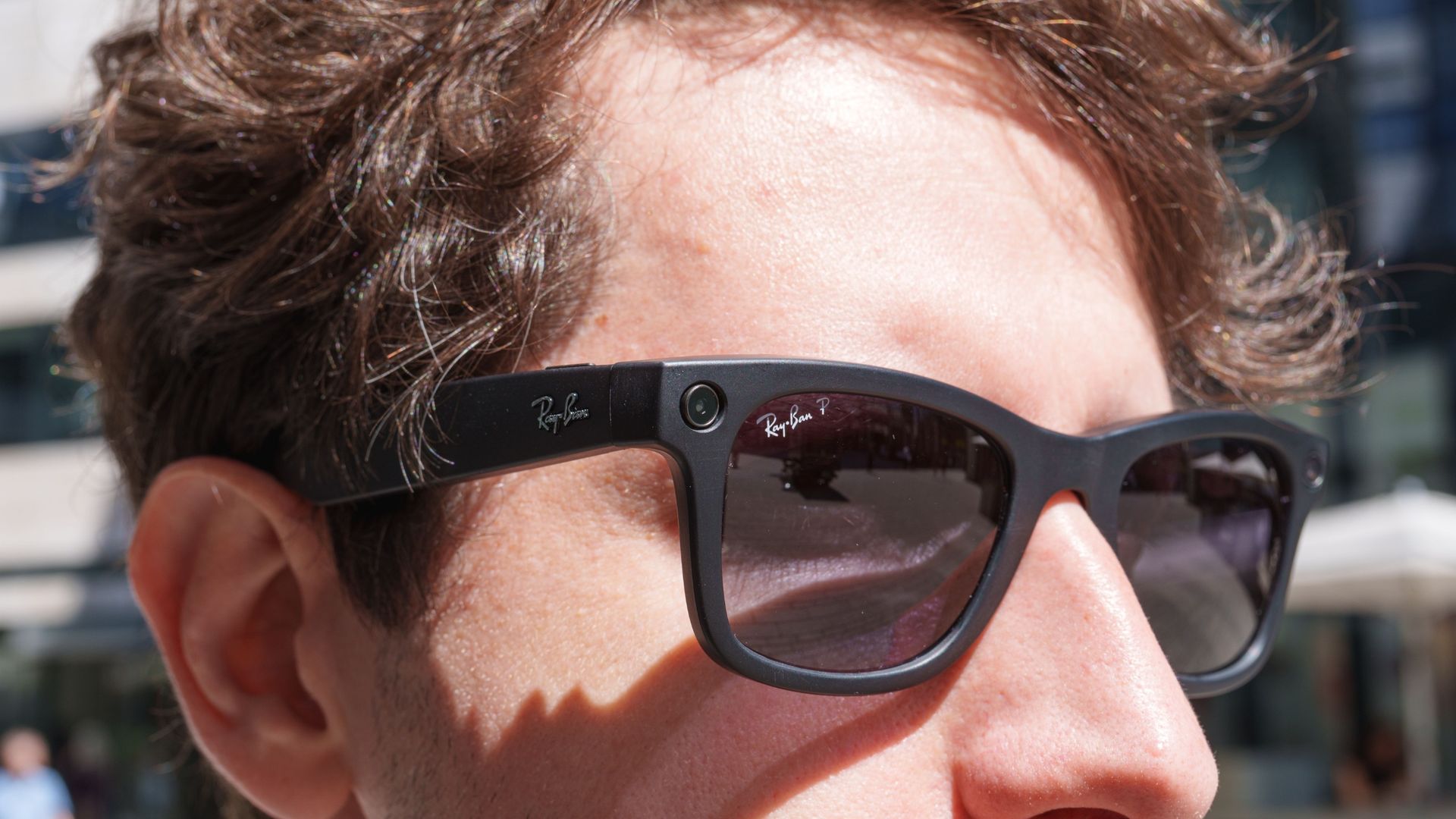
Smart glasses didn’t die with Google Glass. They had simply retreated to a lab to lick their wounds and wait for that vital next piece of technology that would make them relevant again. That technology was AI. In 2023, AI-powered smart glasses, partnered with leading fashion brands, started to emerge, with Meta leading the charge with its Ray-Ban Meta glasses.
This time they looked much more like ordinary glasses. Meta had also found the compelling use cases that Google Glass struggled to provide: its glasses could use AI to answer questions about what you were looking at, give you directions, and translate signs and conversations. But they could also still record what, or more importantly, who, you were looking at without needing that person's consent.
It’s like women don’t exist
(Image credit: Shutterstock / Alexander Fedosov)
Frankly, I don’t think Meta should have released them with that ability, but here we are. It’s like we’ve learned nothing from the Google Glass debacle. Almost as soon as the next generation of smart glasses emerged they were being used to harass women and record them without their consent or knowledge.
Researchers at the University of Sydney have been studying hundreds of social-media videos involving smart glasses and found men using them to approach and record women without their knowledge, including at gyms, workplaces and beaches. Australia's eSafety Commissioner says the technology can amplify gendered harms because recording can be almost undetectable, and specifically highlights pickup-artist content in which women often don't know they're being filmed.
The researchers analysed 350 publicly available Instagram videos from 2023–2026. In a subset of covert POV videos, around 60% of interactions were classified as potential harassment. And in about 43% of the videos, women were subjected to further abusive online commentary, sometimes exposing personal information.
These are real victims. CBS interviewed a woman who discovered she'd been secretly recorded only after the resulting video went viral, attracting more than 200,000 views. Her reaction said it all: “I had no say.”
I don't think these products were designed to harm women. That's almost the point. Too often, the technology industry seems to design products around what the person using them can do, without giving enough consideration to the person standing on the other side of the technology. And when the potential for abuse disproportionately affects women, that's a particularly serious blind spot. Women have historically been underrepresented in the data and testing used for product design, with designers still describing the male body as the implicit default.
Meta clearly did think about privacy. The glasses have a recording LED specifically designed to tell people nearby when the camera is being used. But if your safeguard against covert recording is a tiny light on the front of the glasses — one that people have found ways to conceal or disable — is that really enough?
Did it consider what happens when a man wearing an almost invisible camera approaches a woman who's alone?
Meta's audio-only smart glasses
Meta Ray-Ban Audio smart glasses. (Image credit: Meta)
Yesterday at Meta Connect, Meta announced a new version of its smart glasses called the Ray-Ban Meta Audio glasses, which don’t have a camera. They got barely a mention in Zuckerberg’s keynote, but I wonder if they were released because of the existential threat to its business that the now commonly used “perv glasses” moniker poses.
Ray-Ban Meta Audio has no camera. You can still listen to music, make calls, translate conversations, and talk to Meta's AI, but the person sitting opposite you no longer needs to wonder whether they're being secretly recorded.
Meta hasn't said the Audio glasses exist because of the privacy backlash, and removing the camera inevitably removes some genuinely useful features too. For visually impaired people in particular, a camera combined with AI can be transformative.
But Ray-Ban Meta Audio proves something important: smart glasses don't have to contain a camera.
Twelve years ago, women were already warning that putting inconspicuous cameras on people's faces could enable men to record them without their knowledge, and today researchers are documenting precisely that behavior.
Google Glass users became known as “Glassholes” because people hated that the person they were talking to was recording them. Twelve years later, we're having the same argument about “perv glasses.”
That's what makes me angry. This wasn't an unforeseeable consequence of some revolutionary new technology. We'd already run this experiment and realized that these should never have got out of the lab in the first place.
Among the host of new products that Meta unveiled at its Connect event this week — an AI Tamagotchi, anyone? — we got the Meta Ray-Ban Gen 3 smart glasses. Here we're going to break down all the key specs of the new specs, and in particular how they compare to the model that launched this time last year.
In our Meta Ray-Ban Gen 2 review, we praised the AI-powered glasses for bringing with them improvements in camera quality, battery life, and design, and there are upgrades to talk about with the third-generation too.
Whether you already own a Gen 2 pair and are thinking of making the switch to the new models, or you're considering getting involved in smart glasses for the first time, here's how the 2025 and 2026 versions compare.
Pricing and design
The Meta Ray-Ban Gen 3, Zena edition (Image credit: Meta)
The Meta Ray-Ban Gen 3 are out now and yours for a starting price of $449 / £409 / AU$679, which is a modest price bump over the previous versions. Meta says the overall design is slimmer and more comfortable to wear compared to the Gen 2, though the weights listed on Meta's store suggest there isn't much change there (at least in terms of the Wayfarer, which is the only style carried over).
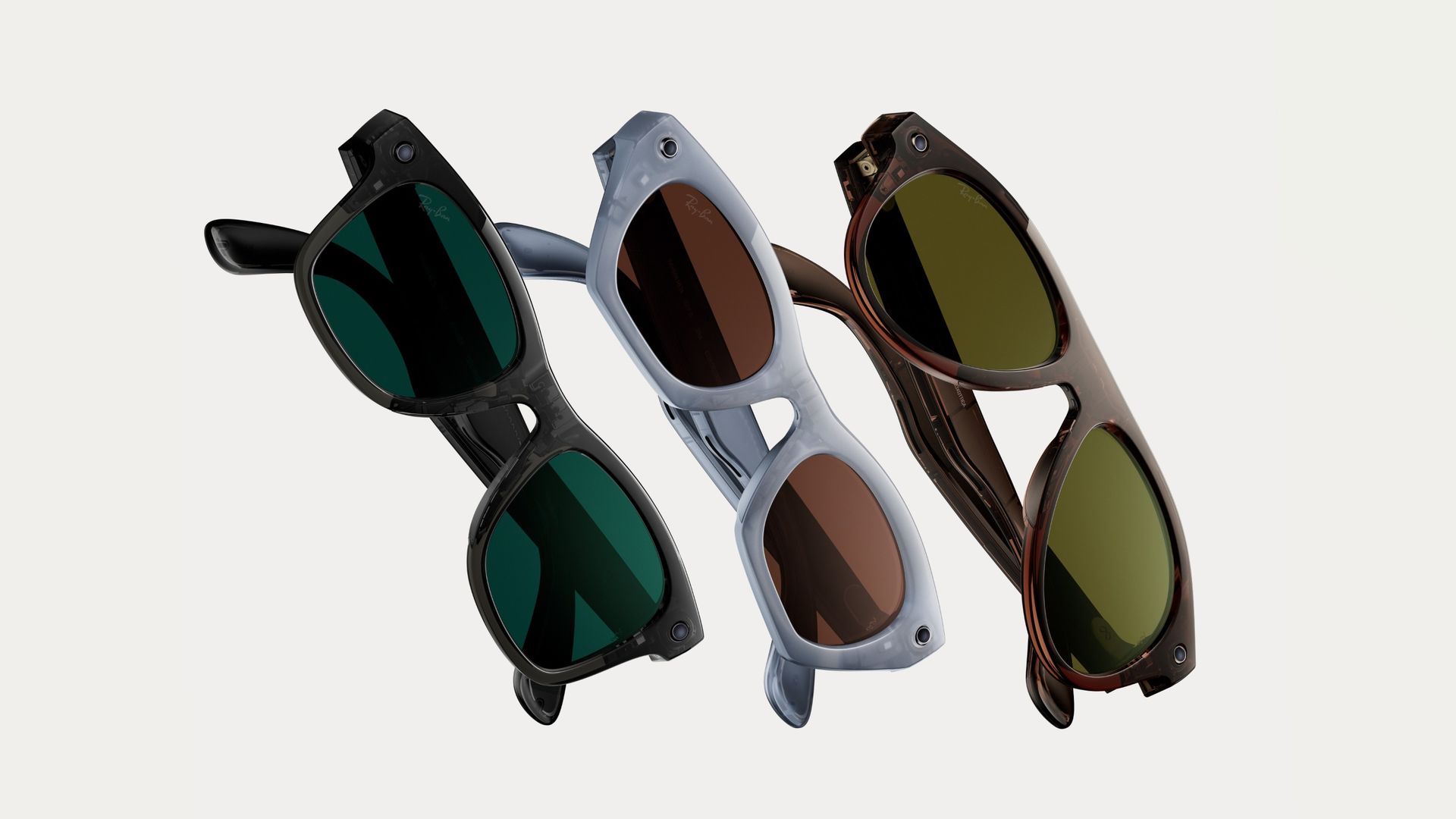
There are three different styles to choose from. You've got the Wayfarer we saw with Gen 2 (also available in large), and two new additions: the iconic Aviator design, plus the Zena, which Meta describes as "a bold new cat-eye frame that makes a confident statement". A total of 27 lens and color combinations are available across these frame shapes, with colors including Black and Havana (a mix of dark and light brown).
When the Meta Ray-Ban Gen 2 launched, they were available for $379 / £379 / AU$599 and up, and at the time of writing, that price hasn't dropped with the arrival of the Gen 3 models. All three styles are still available to buy too: the Wayfarer (in standard or large), the cat-eye Skyler, and the more rounded Headliner.
At launch time, Meta mentioned 27 lens and color combinations for the Gen 2 glasses, but those combinations aren't exactly the same as they are for the Gen 3, and they changed over time with seasonal offerings — something that's likely for the new models too. So the takeaway is that there's about the same range of design choice, though the specific options are different based on which generation of smart glasses you choose.
Battery life and specs
The Meta Ray-Ban Gen 3, Aviator edition (Image credit: Meta)
You don't want your smart specs dying during the day, and Meta says the Ray-Ban Gen 2 are capable of lasting 8 hours between battery charges. Assuming you take a fully charged case out with you as well, you're getting an extra 48 hours (or six full recharge cycles) on top of that before you need to find a power socket.
With the Ray-Ban Gen 3, Meta is promising up to 9 hours of battery life on a single charge, with an extra 50 hours supplied by the charging case. There's also mention of charging the glasses from zero to 50% in a mere two minutes, which is the same claim made with the previous Gen 2 models.
When it comes to the camera, it's all the same: both the Gen 3 and the Gen 2 have a 12MP ultrawide camera capable of shooting up to 3K resolution video (just be respectful of other people's privacy). There is a boost for voice input though, because the Gen 3 has a 6-mic array compared to the 5-mic array of the Gen 2.
The loudness and bass of the speakers is listed as the same between generations — 76.1 dB(C) — so there's no difference there, while the 32GB of internal storage matches as well. The headline upgrades as far as key details go are better battery life and improved mic inputs, though we're basing that on spec sheets rather than any testing.
Features and AI
The Meta Ray-Ban Gen 3, Wayfarer edition (Image credit: Meta)
In terms of what you can actually do with the Gen 3 smart glasses, everything is more or less the same as before. The only exception is an extra 'action' button you get on the new models, alongside the existing photo/video capture button, which can be customized to launch a specific feature: the AI assistant, sending a text to a favorite contact, or activating the on-board translation, for example.
Besides that, you get access to the same Meta AI on your glasses, and it's the same companion Meta AI app running on your phone too. All the core functions are the same, including audio calls, video calls (where the caller sees what you're seeing), live assistance through the AI about anything you're looking at, and audio playback for your music, podcasts, and audiobooks.
The upgrade isn't quite as dramatic as it was from Gen 1 to Gen 2 — you might remember there were significant improvements to video capture quality, and big leaps in battery life too — so if you already own a pair of Meta Ray-Ban Gen 2 smart glasses then you don't really need to upgrade immediately, unless you're a big fan of the new designs.
If you're still on the Gen 1 models or you're looking at smart glasses for the first time, however, the Meta Ray-Ban Gen 3 are a much more compelling proposition. After the latest round of Meta announcements, you've also now got the choice of the Meta VR Glasses and the camera-free Ray-Ban Meta Audio glasses as well.
You may recall that at the start of this year, the Microslop nickname came about after a comment from Microsoft's CEO – relating to 'AI slop' – and the company cracked down on the word by blocking posts that used it on the Copilot Discord channel.
Windows Latest noticed that this is no longer the case, and the term is now being openly used in the general chat channel. Searching for 'Microslop' produces over 200 results in posts that go back weeks.
In short, Microsoft has moderated its moderation, come to its senses, and realized that cracking down and censoring in this manner is only going to inflame passions against AI, if it achieves anything.
I should make it clear that Microsoft has never said anything official on this matter, in terms of admitting any ban in the first place, let alone the lifting of it. Windows Latest reports that it did hear from Microsoft back at the time, though, and was told that the filtering was a "temporary anti-spam measure" rather than a permanent policy. It seems this is indeed the case.
Analysis: Streisand effect
(Image credit: Microsoft)
The writer of the Windows Latest article further observes that they've noticed that on Reddit, X, and Windows forums, there are fewer mentions of the Microslop term these days. It happens "much less often" we're told.
I'm not so sure about that. I still see Microslop mentioned with some regularity, although I concede that the popularity of the term has diminished. This is a subjective matter, of course, and it may reflect that I visit more negative posts about Windows 11 than the Windows Latest writer has done in the past few months – who can say?
The writer acknowledges that the "criticism is still very much there" in terms of 'AI slop' in Windows 11, but that it has died down since Microsoft started fixing the OS, and made some moves to minimize the presence of AI in certain areas.
I think what Microsoft has done so far is more about not mentioning or actively pushing AI, rather than stripping it out of Windows 11, although it's true some work has been done on the latter front. It doesn't amount to a whole lot, though, in the grand scheme of things.
There has been a change of attitude, yes, but that was absolutely necessary considering the whole 'fix Windows 11 campaign' was embarked upon after Microsoft was blasted for focusing on adding AI trimmings to the system rather than getting the fundamentals right with the OS.
I still see a lot of chorusing of 'Microslop' particularly when a Windows 11 bug emerges. Commenters are very quick to jump on Microsoft and fire criticisms along the lines of 'this is what you get when AI does your coding', and the term Microslop is inevitably included in these kinds of threads. (Microsoft has admitted that it uses AI for coding to a substantial extent, and Windows 11 users won't let the firm forget that in a hurry).
I personally don't think the term Microslop is going anywhere, and it'll be hanging around Microsoft's neck for the rest of the company's existence in all likelihood. While it's obviously a positive step that any 'temporary' censorship has been rescinded, it's a bit late now. Any attempt to curtail negative talk about AI was always only going to further highlight grievances, cause more bad feeling, and yet more damaging chatter.
All eyes were on Meta Connect 2026. The annual hardware showcase is where the company debuts its latest wearables, and this year’s event comes at a time when anti-smart glasses sentiment seems to be at an all-time high — though that didn’t stop Meta showcasing several brand new pairs of specs.
Smart glasses are getting banned from offices, event spaces, pubs, and courtrooms (among other venues), and folks are expressing their uneasiness at being under the gaze of camera-equipped specs — especially given the potential for wearers to film those around them covertly.
Perhaps that’s why Meta has debuted, for the first time, smart glasses that entirely lack cameras, in the shape of the Ray-Ban Meta Audio — though in the pre-Connect briefing I had for the glasses (I’m writing this ahead of the showcase, so can’t speak for what Mark Zuckerberg will say in his version of the keynote) Meta didn’t attempt to link its Audio glasses with the privacy backlash.
Instead, Meta focused on the advantages of these glasses — chiefly their longer 12-hour battery life. We’ll need to see how this figure holds up in our day-to-day testing, though it sounds like these glasses will be able to provide AI assistance and music playback for much longer stretches of your day than previous models.
(Image credit: Meta)
You’ll be able to enjoy wearing them for longer too. The specs now weigh just 43g (down from 49g for the lightest Gen 2 design), and they also boast some of the Ray-Ban Meta Optics’ (Meta's prescription glasses line) fit adjustments, like ergonomic hinges and adjustable temple tips. Based on my time wearing the Ray-Ban Meta Audio glasses, these features help to make them some of Meta’s comfiest yet — though my demo was only for about 20 minutes or so which isn’t the same as all-day wear.
Audio performance is also getting a boost thanks to Dolby Atmos support. The glasses' microphones are much better at picking up an immersive soundscape, and the speakers are better at playing it back to you.
I heard a few examples in my demo where the video swapped between Atmos and standard Stereo playback, and the difference was night and day. With Atmos I felt so much more immersed.
If you’ve wanted to pick up a pair of smart glasses, but don’t want ones with a camera, these could be the specs for you when they launch on October 13, priced at $349 / £319 / AU$529.
(Image credit: Meta)
Problem solved?
Of course, Meta hasn’t abandoned its camera glasses — it just announced its Ray-Ban Meta Gen 3 model — and in my briefing Meta pushed back on claims its specs can be used covertly.
It described the recording indicator as being “a light you can’t miss,” and noted how it has improved its glasses’ tamper-protection features in recent updates. It didn’t provide details on if or how it will make the indicator more obvious (many I’ve spoken to would disagree with Meta’s “can’t miss” claim), though given the existential threat to its business the ‘perv glasses’ moniker poses, I expect more protections and safeguards are on the horizon (assuming they aren’t announced at Connect).
(Image credit: Meta)
Audio-only glasses present a partial solution to the issue. They can still capture audio of yourself and those around you, and aren’t as useful as camera-equipped glasses — you can’t provide visual context to the Muse AI, for example — but the lack of snappers also means they’re a lot less invasive.
And despite being more limited, the glasses can still offer some useful support. Meta has announced a new Hearing Enhancement feature for its specs. The feature is designed to help people with mild or moderate hearing loss enhance the audio of the world around them. It's not free, however, as it'll cost $149.99 a month (pricing outside the US TBC), or it'll come as part of a Meta One subscription.
Possible added costs aside, this feature is an incredible tool — and a showcase for the good things new tech like smart glasses can provide — and some of the Meta employees at the event told me it's the best thing they've worked on while at the company.
Besides the new Meta VR Glasses, the Ray-Ban Meta Audio are probably the glasses I’m most excited to experience, although camera-less specs aren’t my favorite, as they often lack audio capabilities and use a display — Meta’s specs are the opposite, with no display and Dolby Atmos audio, and that’s much more my style.
I want a casual audio experience with the occasional AI assistance, not a constant HUD that feels mildly useful at best, and annoyingly distracting at worst. I’ll be interested to see what others think, though.
The Meta Audio and Gen 3 Ray-Ban glasses (Image credit: Meta)
Will this camera-less design face less backlash, will it be widely accepted? Or has the negativity around smart specs gone too far for brands to be able to win people back?
I think there’s still time for smart glasses to be saved, though ignoring the cameras problem is only a half step. Better privacy protections are still needed, but we’ll have to wait and see who acts next — will Meta and others properly regulate themselves, will the court of public opinion continue to rule against 'perv glasses', or will government regulators take the decision out of everyone else’s hands?
Meta Connect just ended, and the biggest announcement of the night for me was easily the debut of Meta’s VR Glasses — even if they were leaked ahead of schedule by Meta’s own prescription tutorial.
Ahead of their official reveal, I got to spend 30 minutes with the new tech, experiencing a wide range of demos that might have convinced me this isn’t merely Meta’s best VR headset yet — it could be the best VR headset I’ve used yet.
The only downside is we’ll be waiting a little longer to wear it. The headset isn’t due to launch until “Spring 2027” (March, April or May), but at least we know it’ll cost just $1,299 when it does land (price elsewhere TBC).
(Image credit: Meta)
Slimmer than ever
Let’s start with the design.
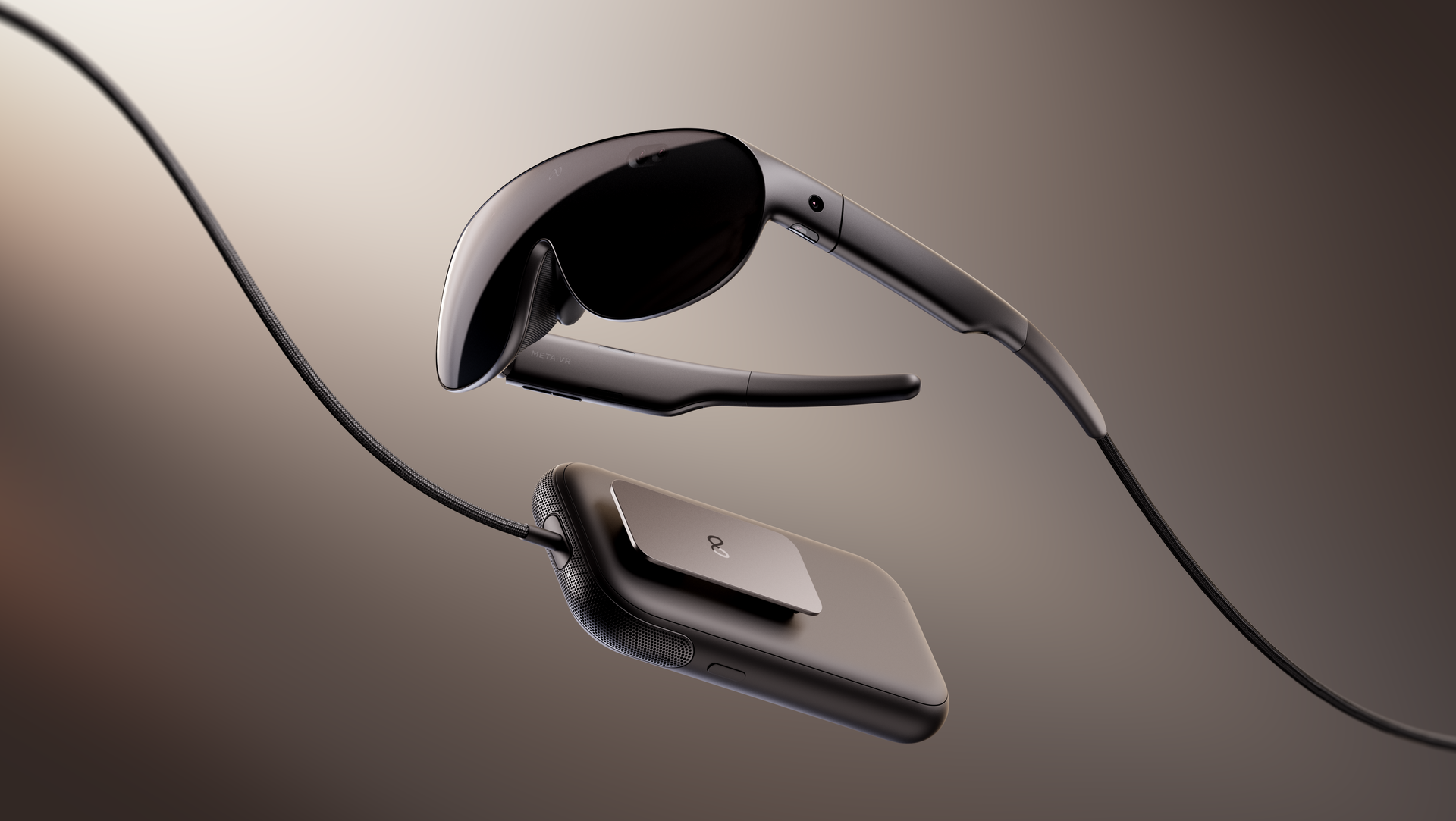
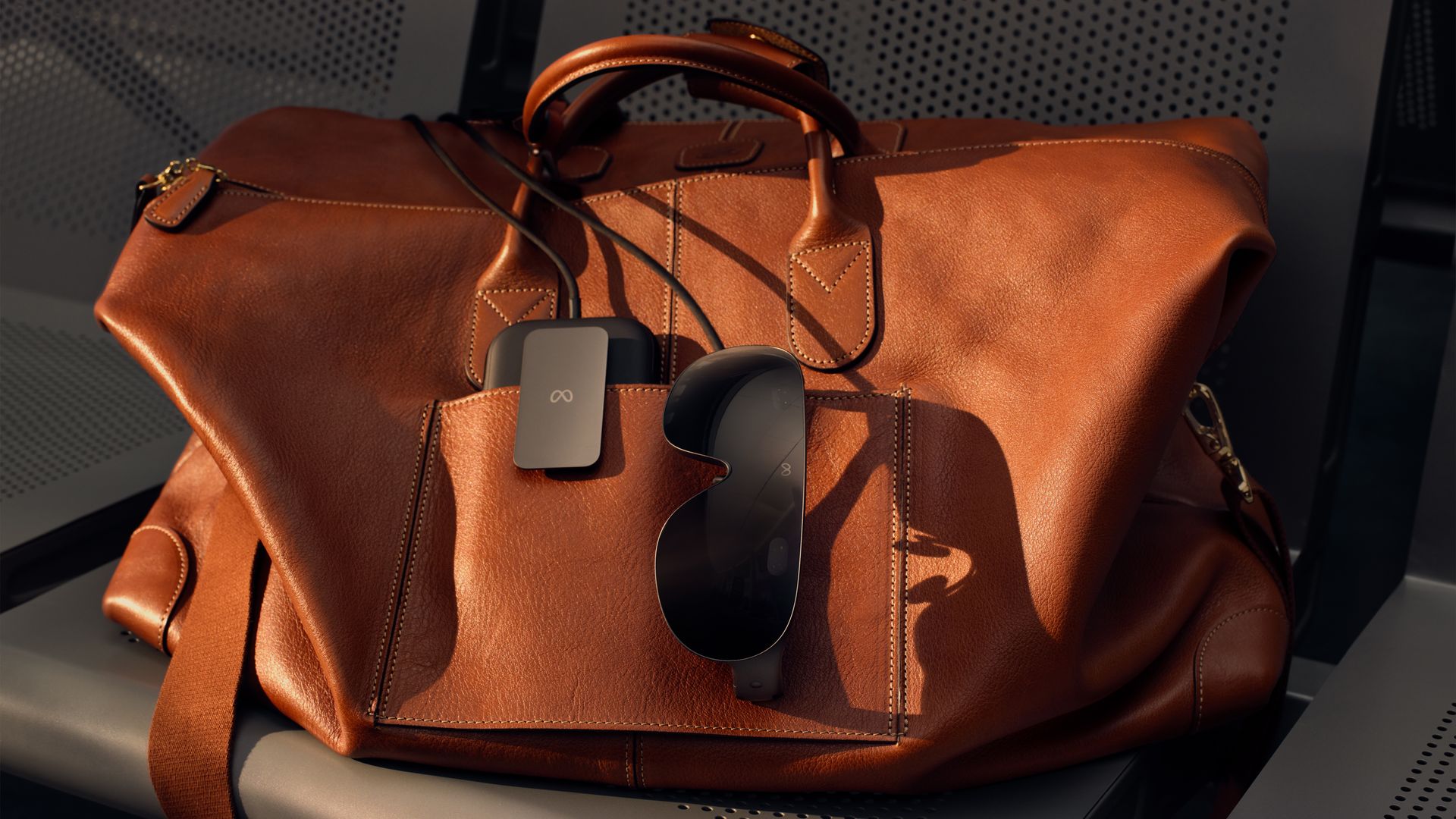
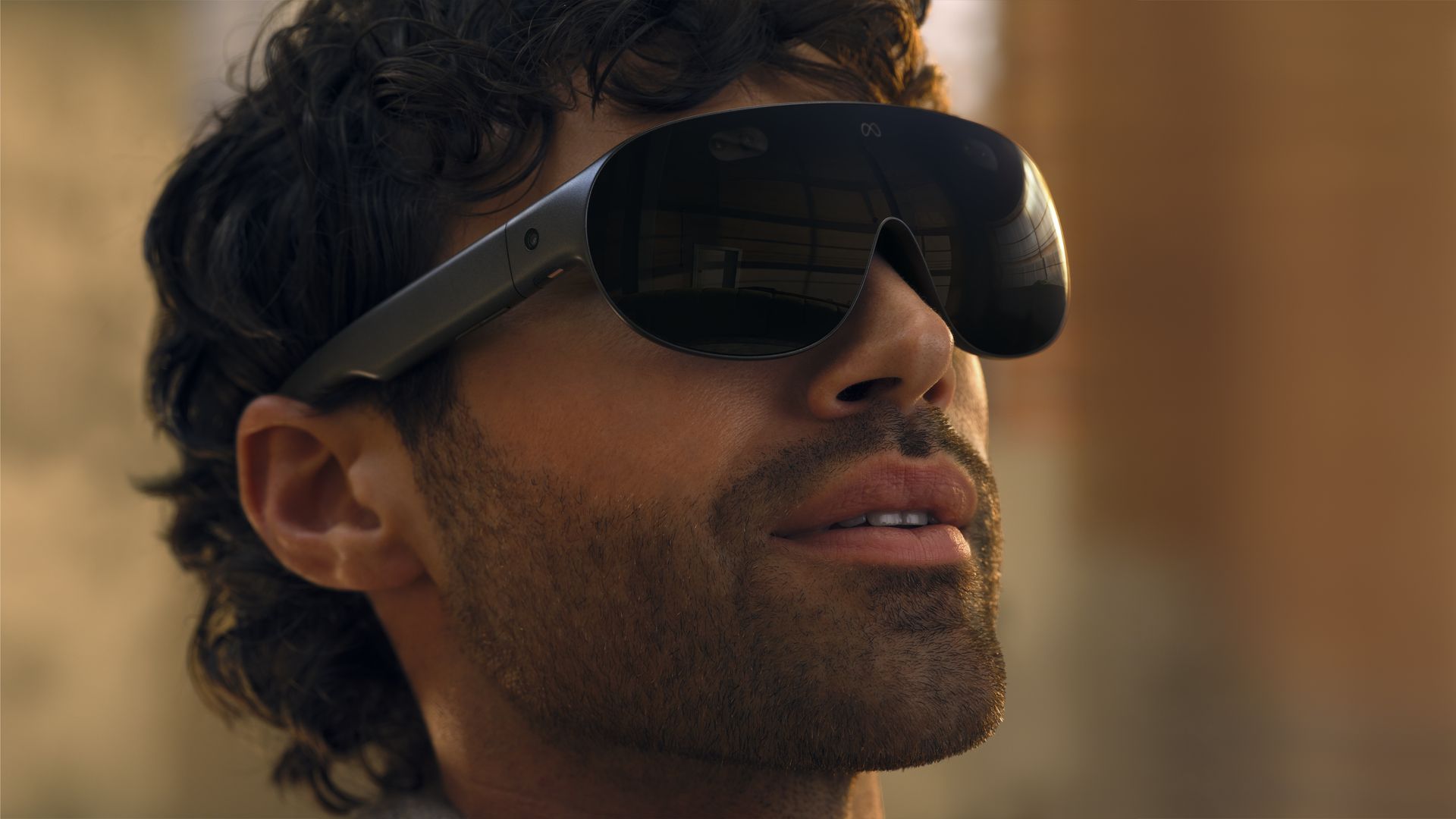
Slimmer and lighter than anything that has come before (the actual headset part you wear is down to just around 100g); this headset looks like a pair of glasses. They even swap the headstrap for glasses stems to stay on your head.
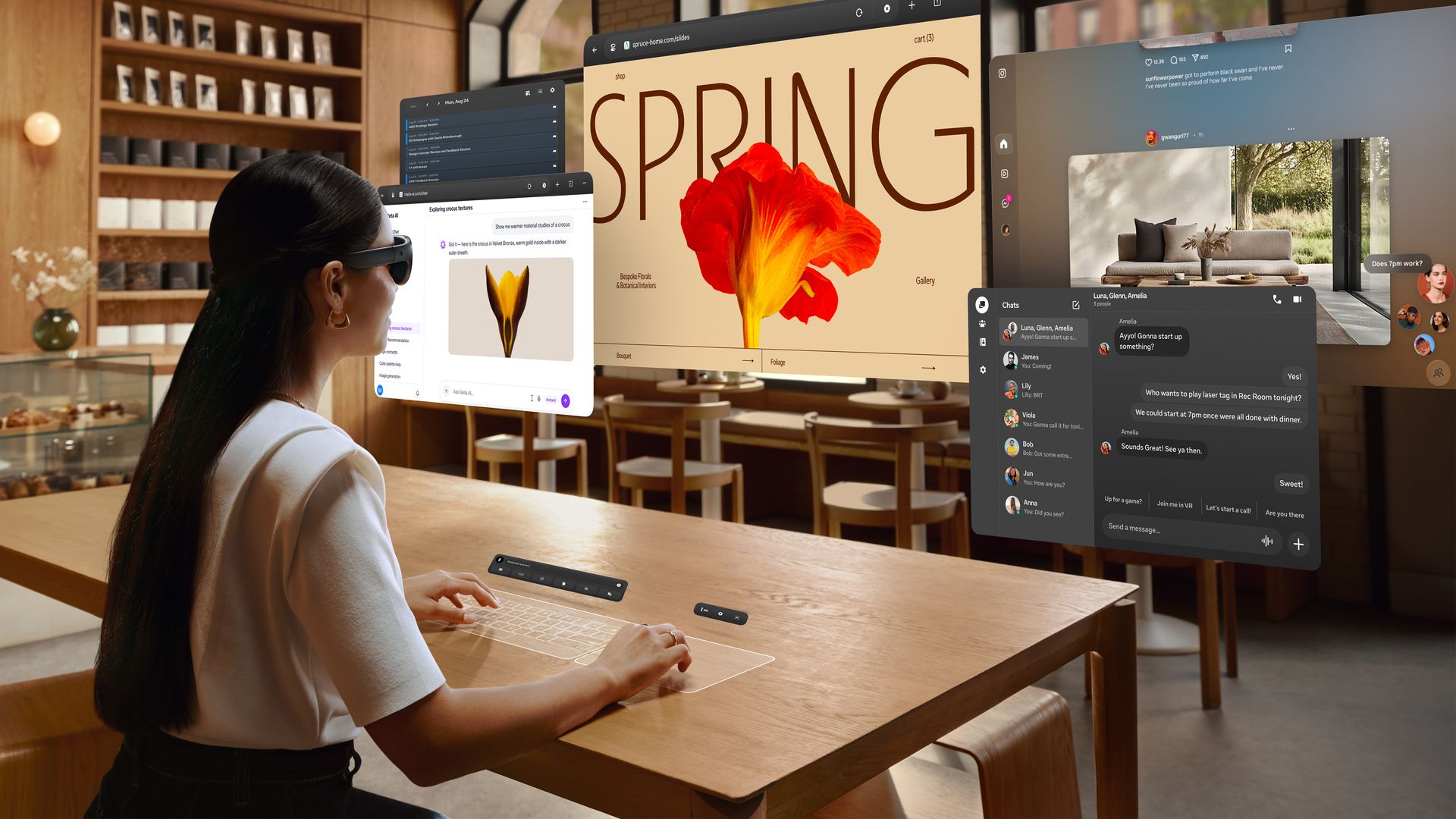
The bulk of the weight is instead housed in a puck you carry in your pocket — a lot like the puck used by the Apple Vision Pro or Samsung Galaxy XR. The big difference here is Meta’s isn’t just a battery pack, it also houses all of the headset’s compute. It’s tethered to the headset via an optical cable, but this wire never got in the way while I used the headset — whether I was up and moving, playing a game like Beat Saber Flux, or sitting being productive with multitasking across multiple windows.
The headset can support controllers; however, it doesn’t come with any in the box. Instead, you’ll need to rely on hand controls: either reaching out and grabbing, or the look and pinch controls popularized by Apple’s Vision Pro and Samsung’s Galaxy XR.
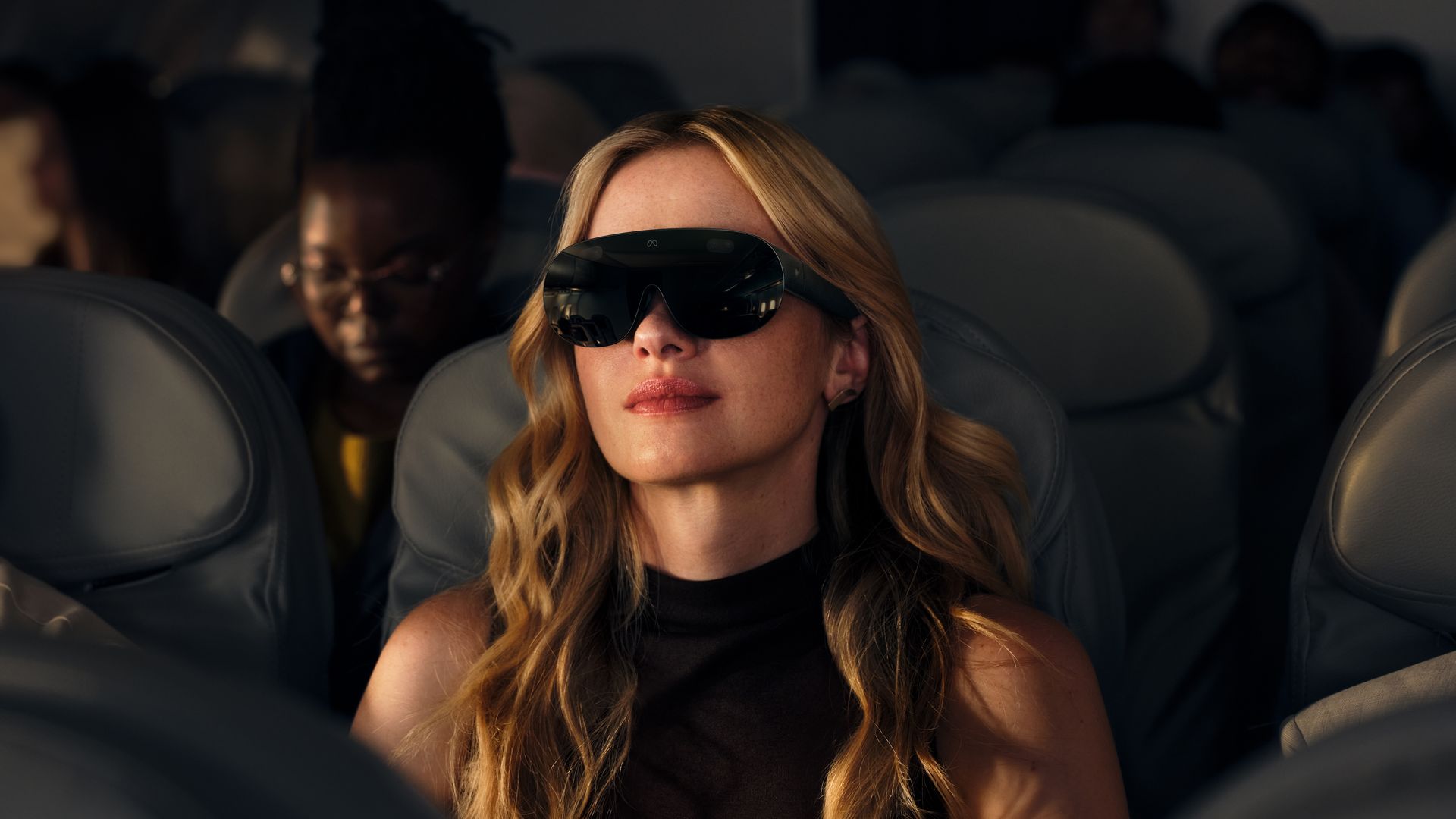
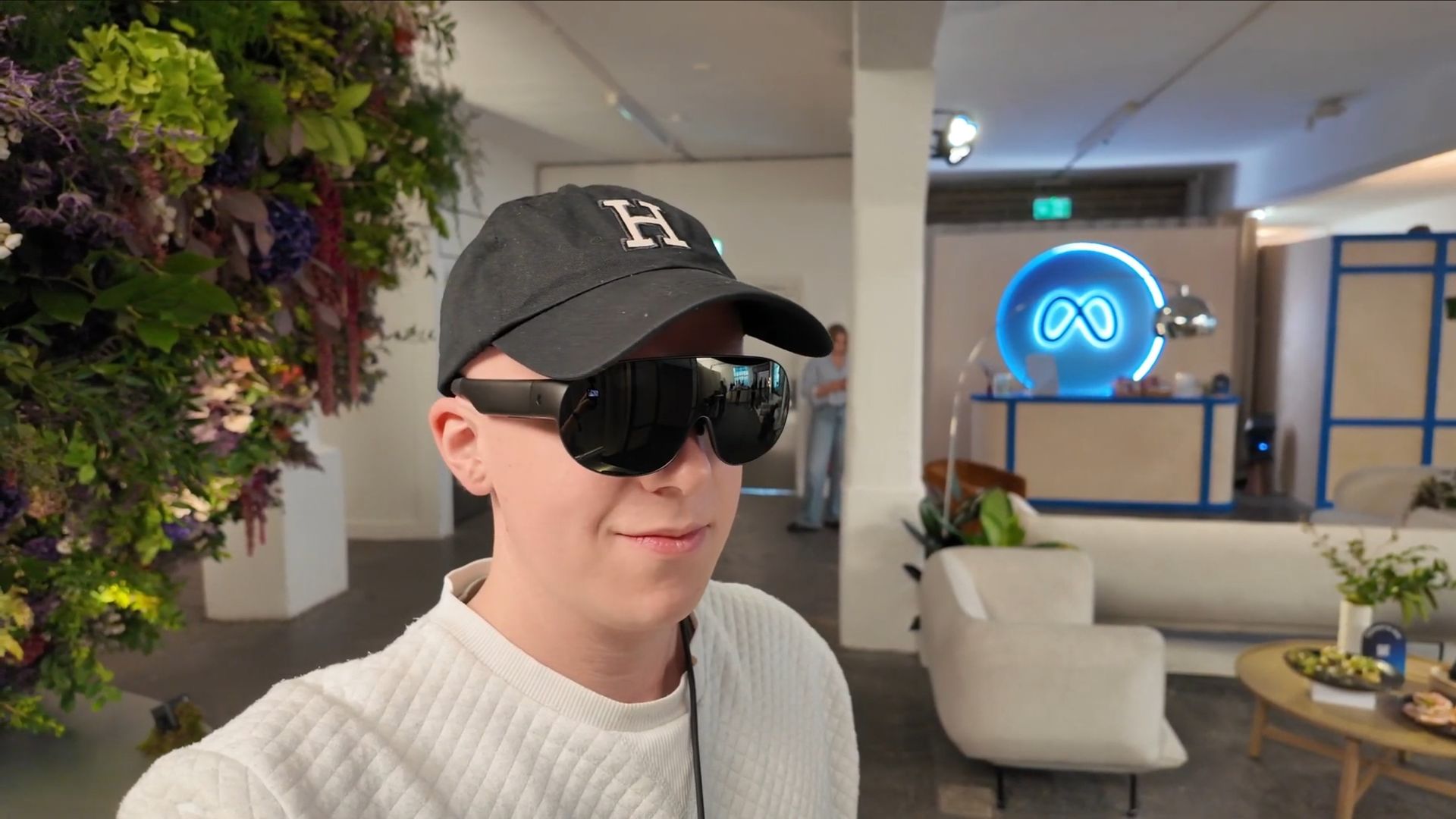
Lastly, I should note that, despite being called glasses, this is a headset. They have an opaque front cover that only appears to be see-through to the wearer because of passthrough. This live video feed of the real world isn’t yet perfect (it’s still a little grainy and there’s a slight delay), though it seems at least as good as the competition based on my experience so far.
(Image credit: Meta)
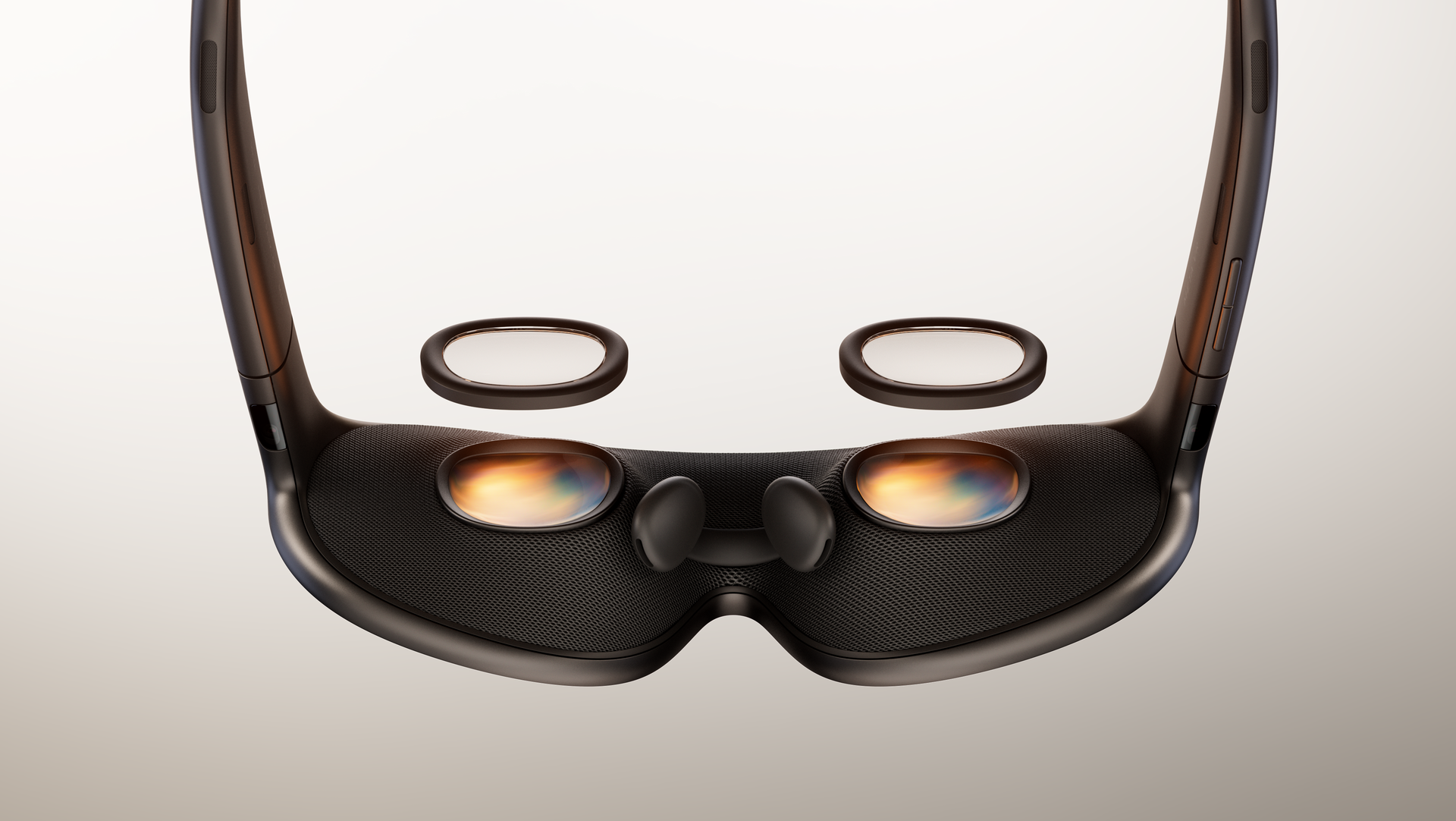
They do support pescription inserts too. They connect magnetically to the display lenses and don't disrupt the slimness of the headset at all based on my experience.
The device is just so supremely comfortable to wear. My demo was only around 30 minutes, but at one-fifth the weight of a Meta Quest 3 or Samsung Galaxy XR, the difference is immediately noticeable — this is a headset I don’t see myself needing to take off, even after multiple days of working with it on.
Plus, it’s so portable you can easily take this everywhere in whatever bag you have on hand. No dedicated carry case required. I can’t wait to travel with this thing.
An all-round powerhouse
While this can be used for all existing Meta Quest 3-compatible apps (though you will need controllers for those that don’t support hand tracking, either as a new paid add-on or by commandeering your Quest’s handsets), where this headset truly shines is static experiences: productivity and entertainment.
We know VR headsets are excellent for multitasking. You can arrange virtual project app windows around you, and even bring your PC screen into XR to create the perfect setup. Meta’s headset boasts two useful additional features.
(Image credit: Meta)
First, you aren’t limited to the number of displays your physical setup has when you connect it to your headset. Each laptop or PC can be extended to up to three virtual monitors, a tool that some previous iterations of virtual desktop apps haven’t been able to offer (You could open multiple VR app windows, but only as many connected device windows as you had physical monitors).
Secondly, Meta’s headset can turn any surface into a keyboard. It just scans the surface in front of you — be it a cafe table, a seat tray on a plane, or a bench at the park — and then virtually projects a keyboard and trackpad you can type and swipe on. It works seamlessly. In my demo, I was able to type as swiftly and accurately as I could on a physical accessory, and in terms of portability, this is yet another win for Meta’s VR Glasses.
(Image credit: Meta)
Moving on to entertainment, it seems Disney Plus’ Apple exclusivity has ended as the app and its library of 3D films are hitting Meta’s new headset. Because it’s an app, you can download content to watch on the go, which includes brand new immersive watching experiences.
While it was still just a demo, I got to experience watching a clip of Avengers: Endgame that extended beyond the screen in a souped-up version of Philips Ambilight.
It’s the scene where Thor is forging his new axe, I was sitting in that same forge. The room lit up and reacted as events unfolded in the film, ending with lightning flying out of the screen as Stormbreaker helped Thor return to full strength. It was a bit gimmicky, but also fun — not something I’d want for every movie, but an experience I’d want when returning to a big tentpole.
(Image credit: Meta)
All of this content, be it immersive movies, a VR game, or a work document, looks beautiful on the 5K micro-OLED screen. It boasts a 37 pixel-per-degree resolution, which is around the PPD that its rivals, the Apple Vision Pro and Samsung Galaxy XR, boast (Samsung and Apple haven’t revealed these figures, but they have been estimated during product teardowns).
This is significantly better than the Quest 3’s mere 25PPD, and it meets the standard of being able to deliver the IMAX Enhanced Format — with superb audio and visuals. I got a taste of this in my demo, and I’m keen to experience more.
I need this yesterday
I’m about to jet set to LA for a press trip, and I so desperately wish I could be taking the Meta VR Glasses with me for the flight — both for getting work done and for immersing myself in a movie on a big screen rather than the back of the chair in front of me.
Alas, the VR specs aren’t due to land until 2027, though we know how much they’ll cost: $1,299. Much less than a Vision Pro, or a Galaxy XR, and cheaper than the highest price Xreal has said its Aura glasses — the closest thing I’ve tried to the Meta VR Glasses — could be.
(Image credit: Meta)
At the time of writing, Meta hasn’t revealed too much in the way of specs (I’m writing this up based on a pre-Connect briefing). The Meta VR Glasses can run any Quest 3 app and can multitask across six windows at once, so it must be at least somewhat capable. I expect it boasts at least 12GB of RAM and the latest Snapdragon XR chipset.
I’m just impressed Meta can commit to such a relatively low price, especially months in advance. There are so many unknowns over trade and RAM demand that we’ve seen companies not reveal prices until as close to the last second as possible. Meta has bucked a trend here, but I expect it would only do so if 100% confident the cost won’t budge — if it doesn’t, I’ll be very, very happy.
At the time of writing Meta hasn’t revealed too much in the way of specs (I’m writing this up based on a pre-Connect briefing). The Meta VR Glasses can run any Quest 3 app, and can multitask across six windows at once so it must be at least somewhat capable — so I expect it boasts at least 12GB of RAM, and the latest Snapdragon XR chipset.
I’m just impressed Meta can commit to such a relatively low price, especially months in advance. There’s so many unknowns over trade and RAM demand that we’ve seen companies not reveal prices until as close to the last second as possible. Meta has bucked a trend here, but I expect it would only do so if 100% confident the cost won’t budge — if it doesn’t I’ll be very, very happy.
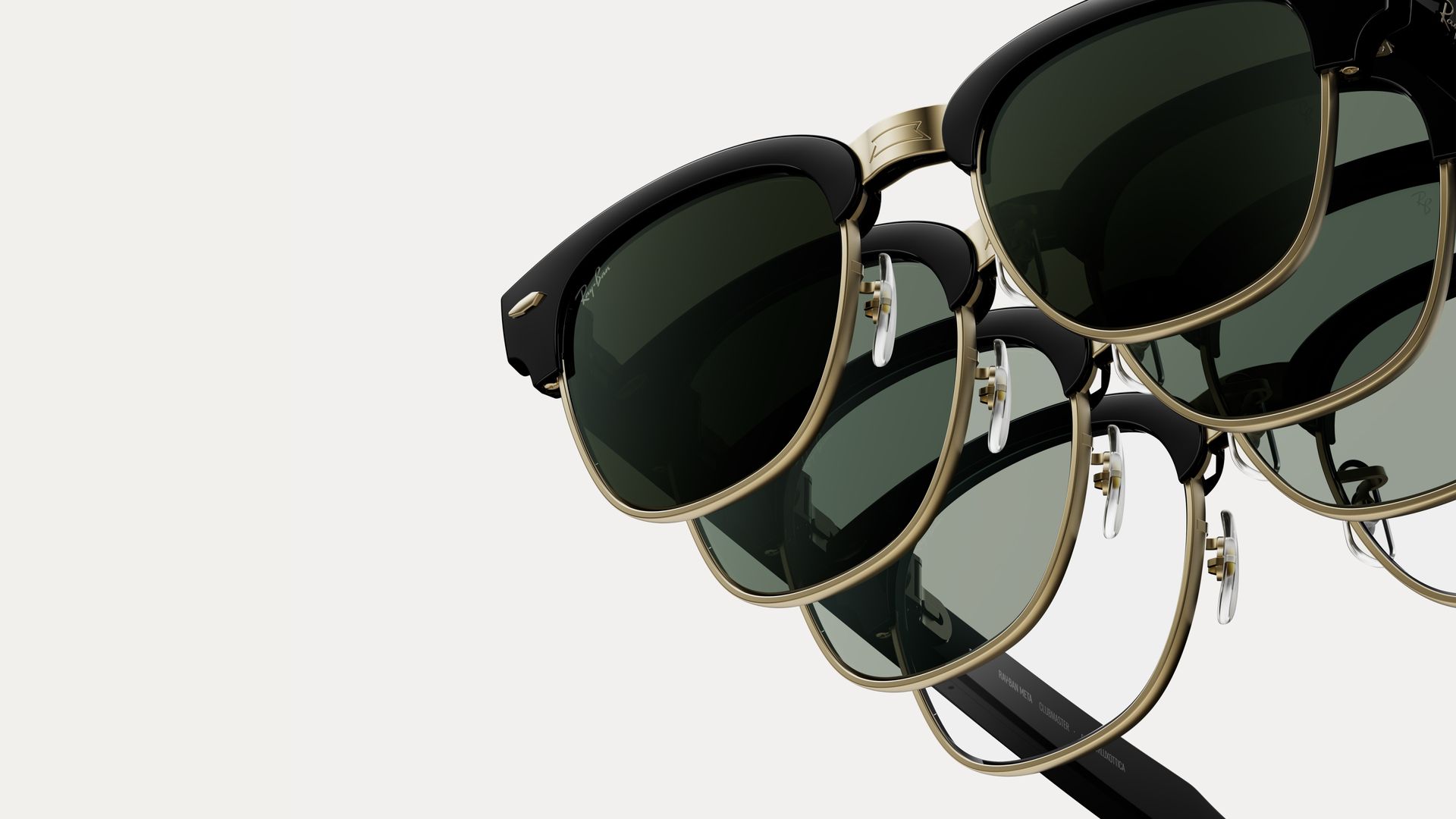
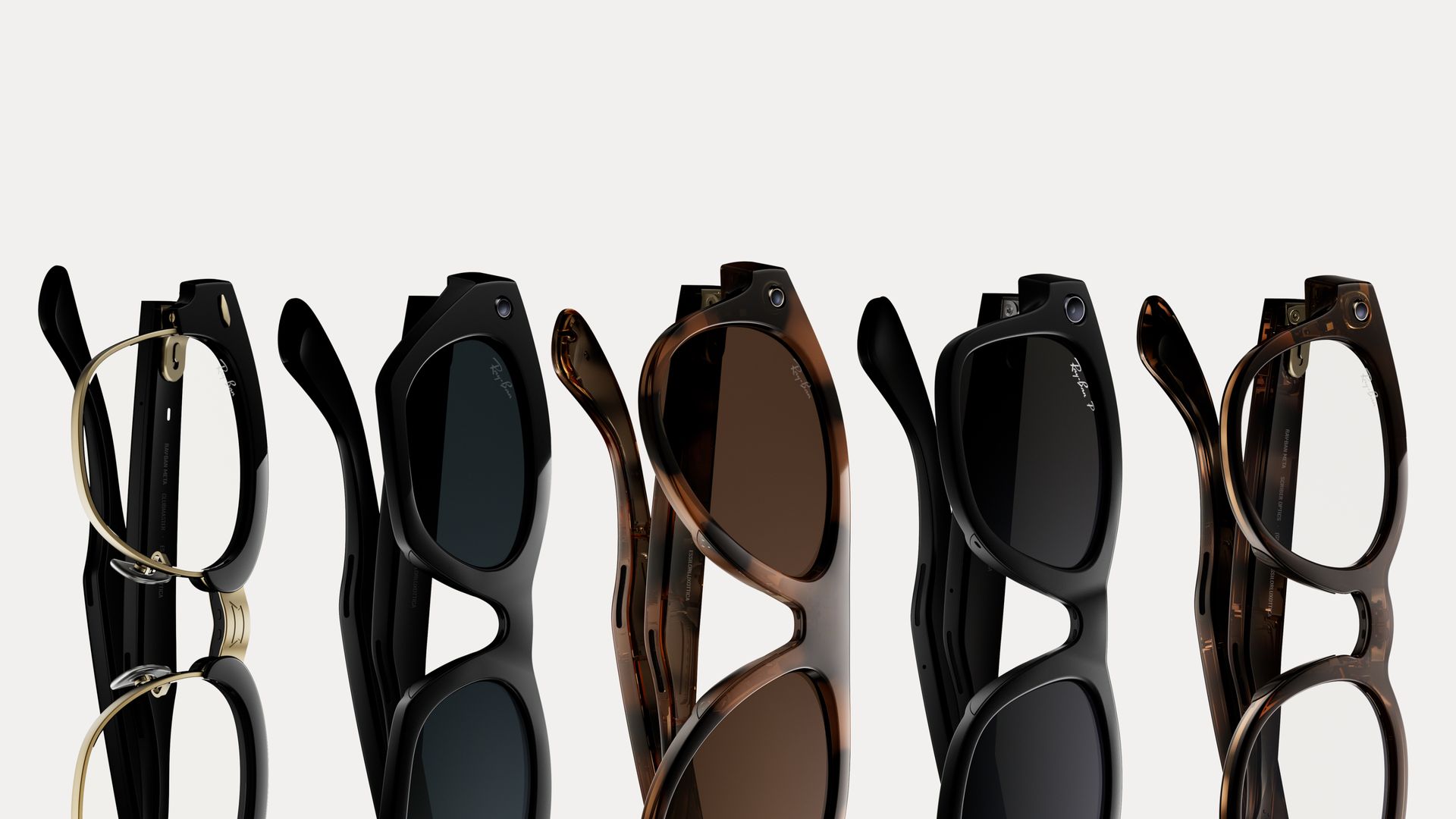
Even as public opinion turns against camera-equipped smart glasses, Meta is pushing forward with its generally well-received and quite popular Ray-Ban Meta line. Alongside the much-anticipated Meta Ray-Ban Audio glasses, which skip cameras entirely and come in two styles, Clubmaster and Burbank, there's also the next generation of the Ray-Ban Meta glasses.
Like the previous generation, the Ray-Ban Meta (Gen 3) still features onboard cameras with the all-important glowing LED ring that alerts you when a photo is being taken or a video is being recorded. It's an important safeguard, and Meta has added more protections against folks who try to disable or conceal it, but concerns remain.
Meta's pushing forward with the Gen 3, even if the audio-only models prove more popular. They're launching today in three styles: Ray-Ban Meta Aviator, Ray-Ban Meta Zena, and a new version of the Ray-Ban Meta Wayfarer. Pricing starts at $449 in the United States; we're working to confirm UK and Australia pricing.
(Image credit: Meta)
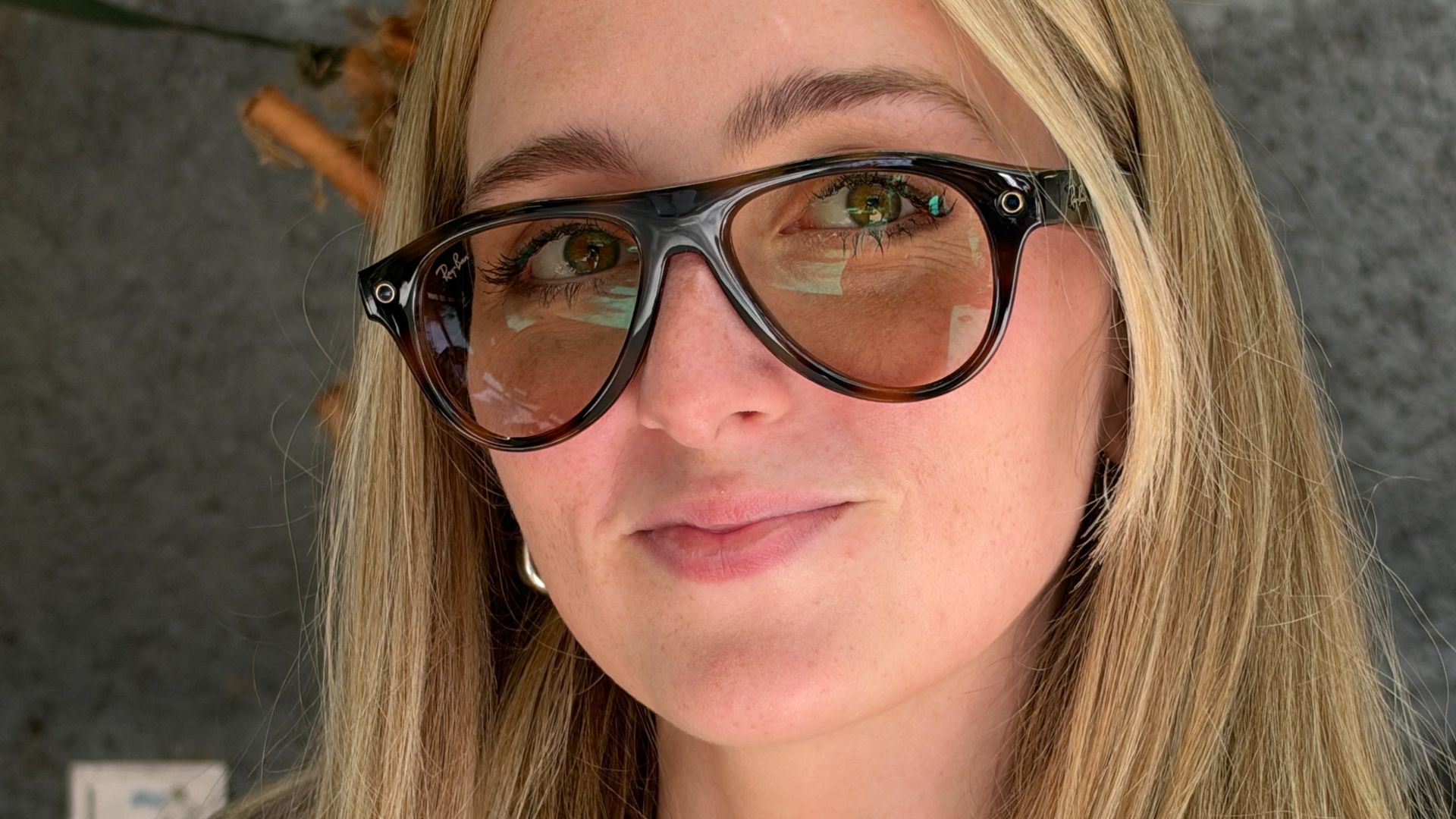
The story across the board is better hardware, all tucked into smart glasses that more closely resemble real glasses, with lighter and thinner builds where possible. The Aviators are particularly exciting to see adopted for the AI and smart era. The frames are thicker than the classic wire ones, but they still frame the face well. Zena is decidedly modern and sleek as a cat's eye, while Wayfarer is still the iconic, cool frame that Ray-Ban introduced years ago.
I'm testing the Ray-Ban Meta Aviator in a brown shade, and you can see my unboxing video embedded below. I like this color, especially compared with my speckled brown Gen 1 Ray-Ban Meta Wayfarers.
There are 27 total combinations when you account for colors and lens types, and if you're willing to pay for it, you can fit these with transition lenses and even prescription lenses.
Regardless of frame style or lens type, you benefit from improved tech onboard. For starters, the cameras — if you choose to use them, and as mentioned, the ring will glow when you do — can take 12-megapixel photos and record 3K Ultra HD video, with Dolby Atmos support for a more cinematic audio experience during playback. There's also a Dynamic Photo mode, similar to Live Photos on iOS, which snaps a few shots so you can pick the best one.
Battery life is also improved. It isn't quite at the 12 hours of the new Meta Ray-Ban Audio models, but the Gen 3s last up to nine hours on a full charge. That's an hour longer than the Gen 2s, and the included charging case lets you recharge on the go.
Finally, just like the Meta Glasses — including the Kylie edition — that launched earlier in 2026, the Gen 3s get more microphones. Six of them improve voice pickup, whether you're drafting a message, asking Meta AI a question, or on a call. Meta promises they cut over 90% of background noise, and we look forward to putting that to the test.
(Image credit: Future/Jacob Krol)
While it's not a night-and-day difference over the second generation, the Ray-Ban Meta (Gen 3) shows that Meta has settled on the core feature set it wants for its AI glasses. Now, in a move likely to broaden their appeal, it's focusing on offering more styles, and its partnership with Ray-Ban is clearly still evolving. The Gen 3s continue the quest for smart glasses that feel closer to the regular versions of these frames, while adding the latest tech for a compelling experience.
(Image credit: Future/Jacob Krol)
Just how compelling will be weighed against the added privacy concerns, but let's hope Meta keeps adding more privacy features and keeps cracking down on those who try to block out the LEDs.
We'll be back soon with our full thoughts — and if you ask us, the Aviators look pretty, pretty nice — but if you're already sold, the Ray-Ban Meta (Gen 3) are up for order right now, starting at $449 in the US, from Meta, Ray-Ban, and other authorized sellers.
Meta Connect 2026 is busy. Alongside the next-generation Meta Glasses, a camera-free version of the Ray-Ban Meta Glasses, and a new collaboration with Korean pop star Lisa, Meta is adding a significant new capability to its glasses: hearing enhancement.
The US Food and Drug Administration (FDA) has cleared the feature, which turns a pair of Meta Glasses into a hearing aid for people with mild to moderate hearing loss. It amplifies sound based on your hearing profile and uses machine learning to boost voices and suppress background noise.
It's not free, though. The feature launches with a free 30-day trial, after which it costs a one-time payment of $149.99, or comes as part of a Meta One subscription. In the US, it's also FSA/HSA eligible, with Meta saying it will share more details closer to the launch, which in the US is set for later in 2026. Even including the price of compatible glasses, Meta says it's significantly cheaper than traditional hearing aids.
The feature is launching in the US first, with Meta planning to expand to other countries as it works through each region's medical device regulations.
I spoke with Ravish Mehra, Director of Research Science at Meta, about why Meta thinks glasses are the right home for hearing enhancement. Mehra, who has spent nearly 12 years at the company, says the work started more than five years ago.
"We have a very unique audio platform that has microphone arrays, that has glasses, is socially acceptable in terms of people wearing glasses, and we have onboard compute," he says.
According to Mehra, one in six Americans have mild to moderate hearing loss, yet only around 15% of them do anything about it. He notes that hearing aids are expensive, uncomfortable to wear all day, and signal to others that you have a hearing impairment. So people "put the issue under the rug," Mehra says, telling themselves, "Okay, it's just people are mumbling, and that's why I'm not able to hear."
Glasses sidestep the stigma in his view: "Nobody else can tell just by looking at your glasses that you have hearing impairment.”
A hearing test at home
"Every person's hearing loss is slightly different," Mehra says. Instead of a clinic visit and multiple fittings, Meta's hearing test takes around one to two minutes with your phone, through the Meta AI app, and your glasses. You listen to sounds at different frequencies, indicate when you can barely hear them, and the system builds a hearing profile showing where you need amplification.
"You don't have to go anywhere to get these glasses fit for your hearing profile," Mehra says. "You just do a very simple test at home, and whenever your hearing needs change, you just redo the test."
That test was central to the FDA clearance. Meta tested the feature with a group of people with mild to moderate hearing loss, and its results showed the phone-based test was equivalent in performance to a professional fitting, within an acceptable margin.
"We are actually the first self-fitting hearing aid on glasses in the market," Mehra says.
How it works
The glasses' six microphones capture sound around you — currently being used on Meta Glasses — which is then amplified where your profile shows a deficit. That also amplifies noise, so a machine learning model trained to recognize voices brings the background down. It all runs on-device, and speed is critical. "All of this has to happen in a very short latency, because otherwise you start hearing echoes or start hearing distortions," Mehra says.
There are two modes: 360 mode amplifies sound all around you, while Focus mode suits environments like a restaurant, where you want to hear the person across the table.
"We actually use the microphones to first do beamforming, which is like focusing in the forward direction more," Mehra explains. "And then […] we train the system to enhance the voices while not enhancing or suppressing the noise."
The frame helps, too. "Because the glasses have a much wider baseline, you can put the microphones much farther away," says Mehra. This makes it easier to isolate speech from noise than with microphones placed millimeters apart in the ear.
I got a brief demo: Meta had us put in earplugs to simulate hearing loss, then wear the glasses. They did properly amplify the people directly around me, and even those a bit farther away. Focus mode noticeably singles out the person in front of you, but it wasn't perfect, and of course earplugs are no substitute for real hearing loss.
The feedback problem
Amplifying sound isn't the hardest part, though. "One of the issues that any kind of real-time amplification feature faces is called feedback," Mehra says. "When you amplify something through the speakers, they feed back into the microphones."
On glasses, with their open-ear design, nothing separates the speakers from the microphones. Meta's system has to detect feedback before it builds, suppress it, and still deliver enough amplification. "If you're not able to cancel that feedback, then you hear these very sharp noises," Mehra says.
Then there's processing, which is added on top of a broader feature set the glasses offer, so Meta had to squeeze the feature into what Mehra calls "a very small envelope" of onboard compute power.
Meta hasn't confirmed which glasses will support it, only that they must meet a minimum performance bar, or confirmed a rollout schedule other than late 2026. Given the processing involved, I'd be surprised to see it on older models like the first-gen Ray-Ban Meta glasses; all of the demos at Meta Connect have been on the more recently released Meta Glasses.
Meta isn't just trying to make its glasses hear for you; it's trying to help you hear, too. It's a new category for the company, but Mehra is in no doubt about the bet, telling me: "We strongly feel like glasses is the ideal form factor."
Meta's glasses can no longer record if the capture LED is covered at any time, says independent test
But the light is too hard to see if you're not very close, says German data protection agency
EU bodies recommend actively getting full consent from anyone recorded, not assuming it
Detailed testing confirms that the Meta Glasses firmware update, designed to stop a potential privacy problem with surreptitious recording, does what it's supposed to do — but Germany's privacy enforcement agent says it's not enough, because the light itself is insufficiently visible.
The update was designed to address a simple exploit that bypassed the "no recording when the recording light is covered" feature.
In theory, that feature meant that it was impossible to secretly record someone or something by hiding the camera capture LED. The glasses could detect if the light is covered, and wouldn't record if that was the case.
In reality, it was immediately defeated by the kind of people who've helped earn the 'pervert glasses' label for the smart glasses: they discovered that the glasses only checked the light at the very beginning of recording, so you could simply start capturing, cover up the light and keep recording with the light now hidden.
Why a little LED isn't enough to protect other people's privacy
In a detailed report by the Hamburg Commissioner for Data Protection and Freedom of Information, which involved a tear-down of the Ray-Ban Meta glasses and a detailed privacy analysis (via Notebookcheck.net), the Commissioner found that the LED light "is not easily visible in many environments, particularly outdoors and in direct sunlight". Meaning that even if you're using them as intended, that doesn't mean people can necessarily see (or recognize) the recording light
It's not just the lack of brightness. The beam angle is very narrow too, the report says, and that means you need to be pretty close and looking almost directly at the wearer to be able to see if the light is on.
The report also notes that the second-gen glasses behave differently to the first generation when the wearer asks about something or someone nearby. With the first generation, the LED "glows, very dimly". But in the second generation it doesn't glow at all.
The report argues that in most cases, if you're not recording friends or family only, then you can't assume informed consent. It recommends additional steps such as text notifications or signage, or actively speaking to the people you intend to film.
That ties in with a recent report by the French e-Enfance association, which reported this month that simply assuming someone saw the capture light does not necessarily mean they've consented to the storage, processing and distribution of their image.
A person needs to not only to have seen the light, but they must also understand what it indicates and be able to withhold their consent. And if minors are being filmed, e-Enfance says parents must provide permission.
It's wise to pay attention if you'll be filming in the country: French privacy laws are notably strict, with prison sentences and five-figure fines for deliberately invading someone's private life.
It's worth noting that these reports are based on European law, whereas US law is much more lenient: the US doesn't have the data protection and privacy protections members (and former members, such as the UK) of the European Union have, and its lawmakers are much more tech-friendly.
But no matter where you live, if you're a smart glasses wearer and could be recording others who aren't part of your close circle, it may be wise to ensure you can demonstrate that the people you're filming knew you were doing it, were able to opt out, and provided their consent.
Try our TV size and model finder! You tell it how far you sit from your TV, we'll tell you what size to buy based on viewing angle advice from image quality experts, and we'll recommend our three top TVs at that size for different prices.
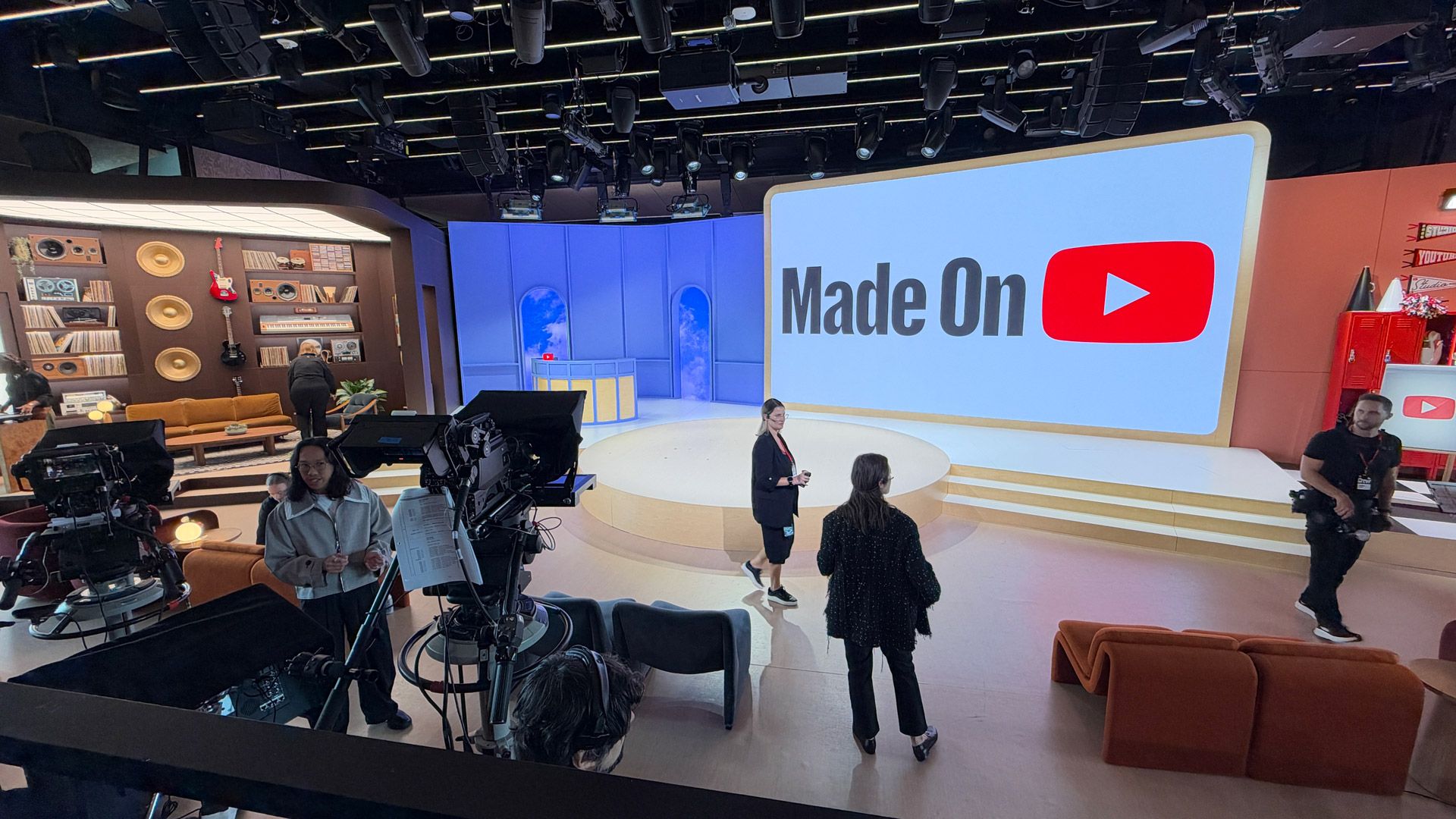
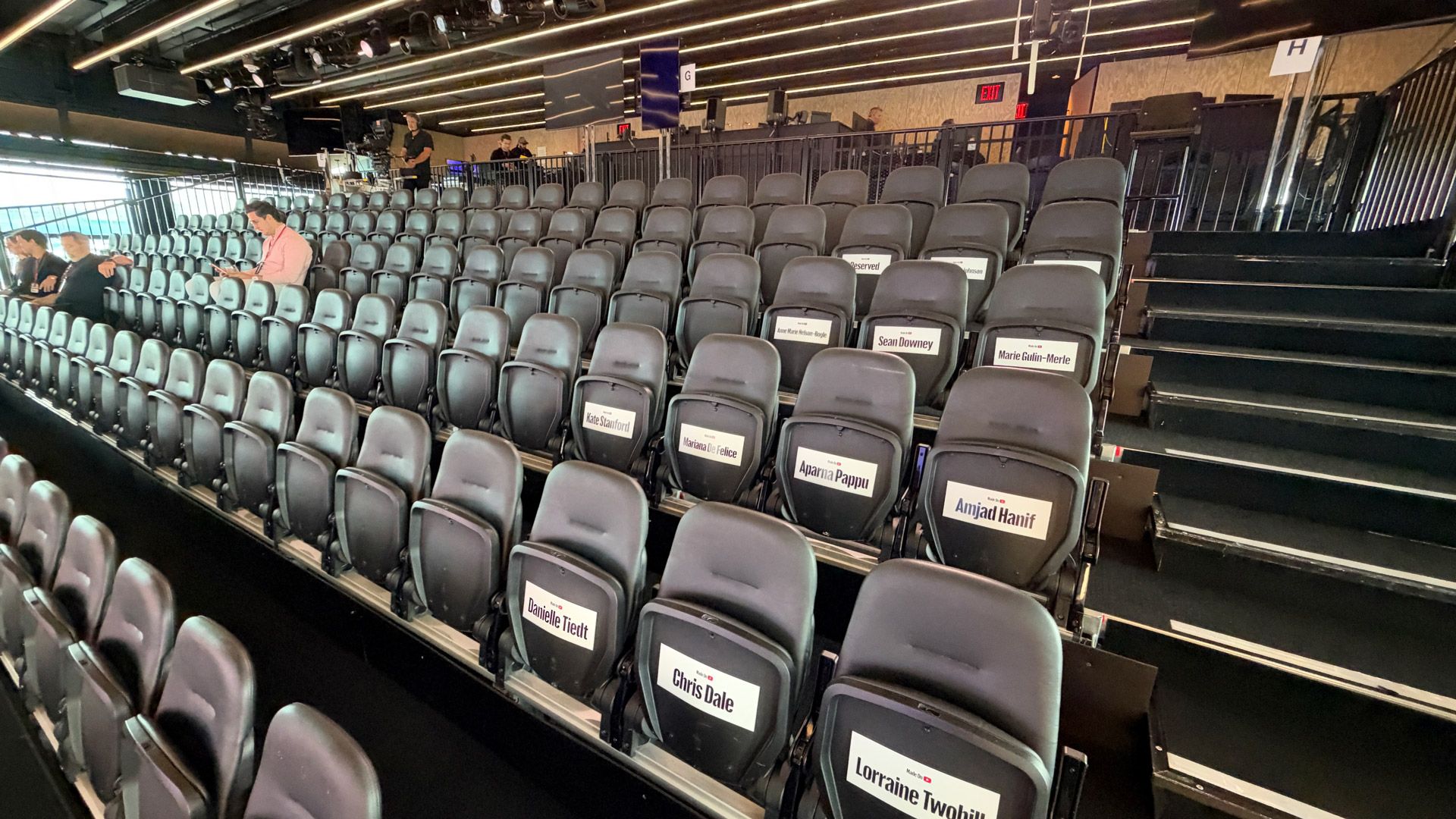
In a Pier 57 auditorium filled with YouTubers of all ages and stripes, I felt a bit out of place. I haven't posted a full-length YouTube video to my channel in years, but listening to YouTube CEO Neal Mohan, other execs, and especially YouTube creators enthuse about new AI-boosted viewer and creator tools, I felt inspired again to, if not create, get back to my regular YouTube viewing habit.
The yearly Made on YouTube event, a confab on all the latest notable YouTube platform updates from creators and video consumers, featured a cavalcade of young, energetic YouTubers like Happy Kelli (Kelli Erdmann), Gremlita (Mina Le), and Derrick Gee, each of them introducing some fairly significant updates to the video platform, which Mohan claims has supported over half a million full-time jobs and contributed $60B to the US GDP in 2025.
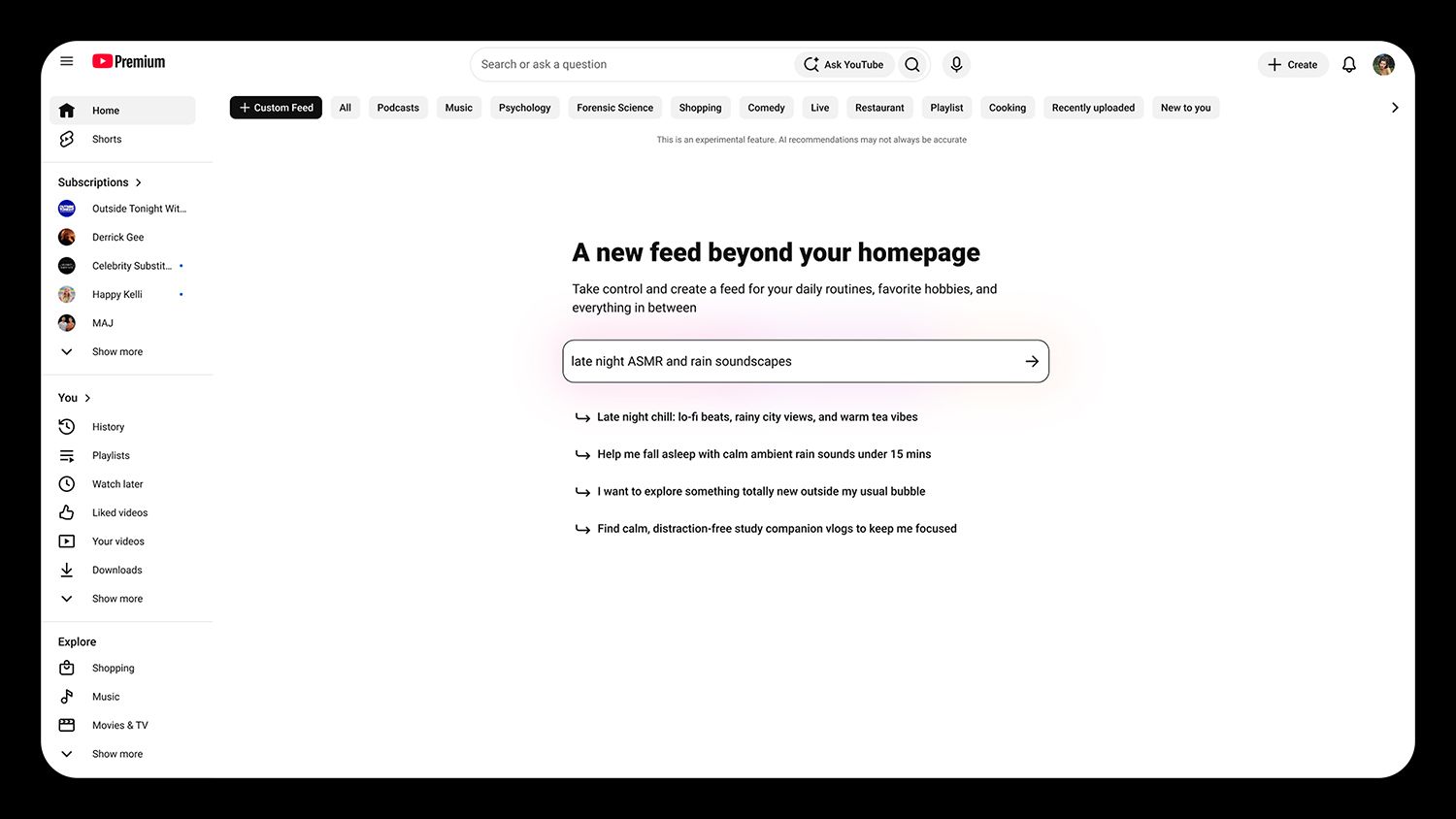
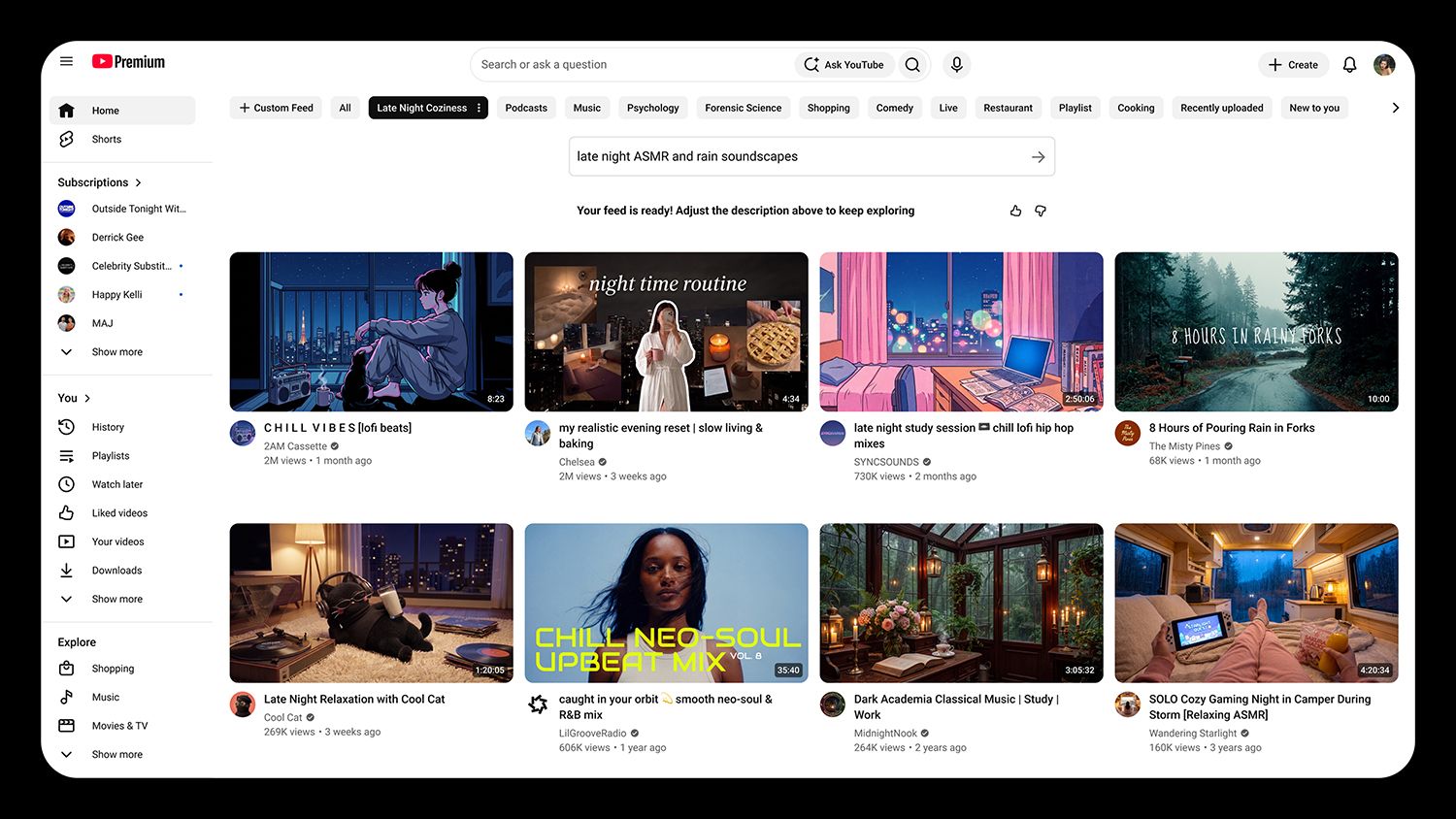
Most notable for those who can't get enough of the creator videos and shorts are the new AI-powered Custom Feeds. While your current YouTube homepage is probably filled with subscriptions and algorithmic recommendations for your next watch, custom feeds are built via a prompt ("I want to see videos of tuxedoed cats playing jazz on pianos") and then live in a tab at the top of your feed. According to YouTuber Mina Lee, who gave the demo, the feeds constantly update with the latest videos that fit your request. Custom Feeds is expected on desktop and mobile this Fall (before the end of this year).
YouTubeYouTube
Just months after Google CEO Sundar Pichai unveiled "Ask YouTube" at Google I/O, YouTube is enhancing the AI-powered chatbot with stronger conversational skills and the ability to see inside videos. As we saw in the demo, you can go on quite a conversational journey with Ask YouTube, which can dig into the video's content and return time-stamped, contextual results, even pulling information from the comments.
(Image credit: YouTube)
Naturally, this journey could continue all the way to results with product specs and even the ability to buy a product directly. For now, the video creator who first talked about the product might miss out on affiliate revenue unless someone clicks from the Ask YouTube result to the original video. YouTube execs later told us they want to ensure that the affiliate connection still works.
Putting the agentic in video editing
Even if some of the AI tools YouTube is unveiling might appear to temporarily undermine creators, the new agentic editing tools look like a game changer.
Mobile App users will soon find "Ask Studio", a conversational editing assistant that lets you use natural language for edits. In the demo Happy Kelli ran, we saw how a series of prompts, each one building on the next without restating the initial task, turned a collection of clips into a complete video. She called it an "infinitely patient helper." YouTube says the tool will help creators edit a first draft, add typography, find the right music, and even sync it to the video action. And yes, it'll help you decide on the perfect hook: the thing people first see after the Thumbnail that might drag them into your video.
(Image credit: YouTube)
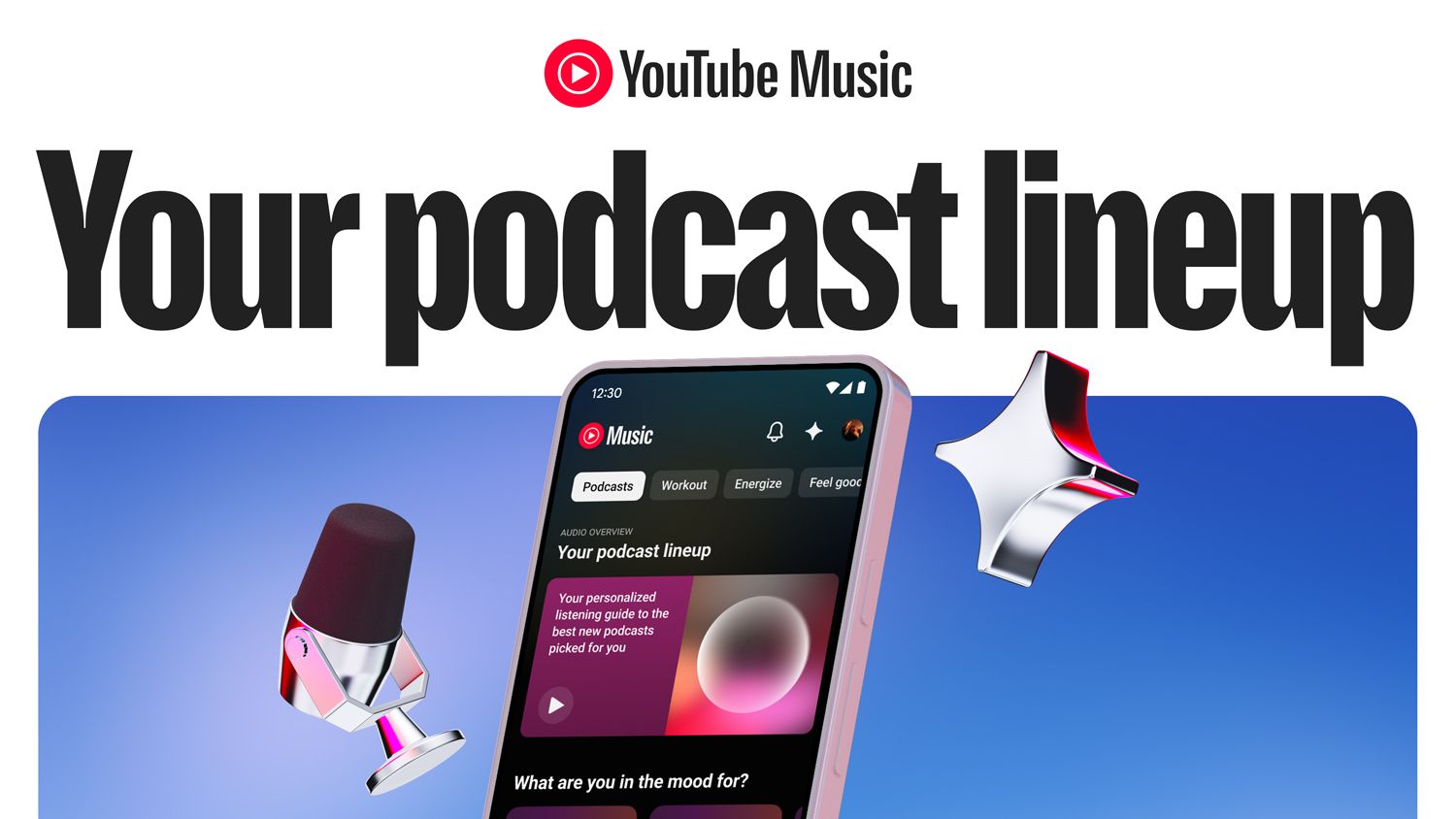
AI will also help build audio consumers a new "Your Podcast" lineup, which will basically be a short audio overview of podcasts you might like. YouTube creator Derrick Gee described it as "a personalized podcast about other podcasts, chosen for you — very meta."
(Image credit: YouTube)
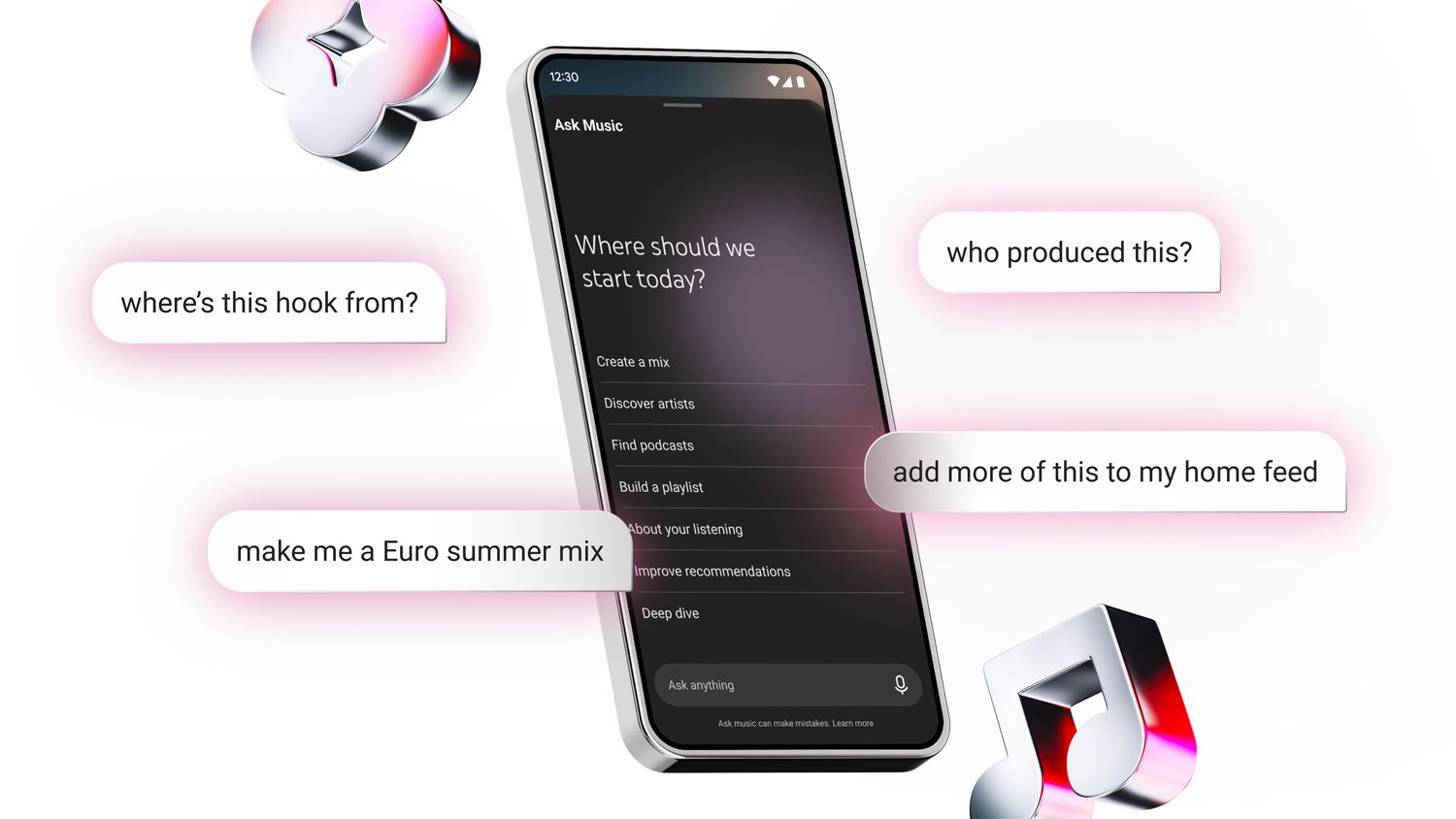
YouTube Music is also getting its own chatbot, naturally called "Ask Music. Gee showed us how it can dig deep into the minutiae of an artist or song. In his example, he asked about the musical influences on Troye Sivan's new single She's the Best. One of the songs turned out to be Lou Reed's Walk on the Wild Side. As with other demos, the contextual journey can continue. In this case, Gee quizzed Ask Music about the bassist on Reed's song I(Herbie Flowers). Later, Sivan, who got his start on YouTube in 2007, joined Gee on stage (he did not sing).
Other updates include:
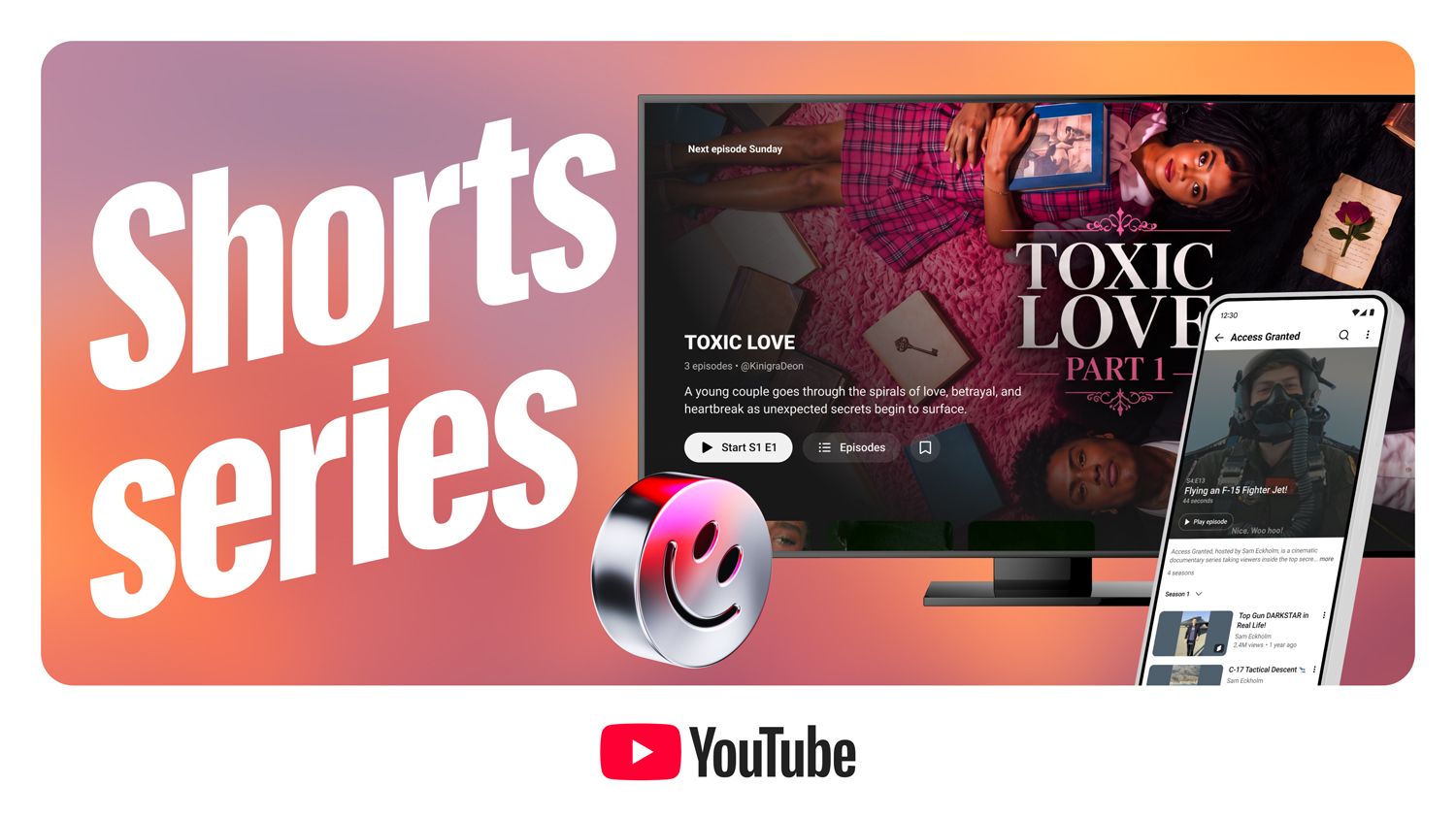
YouTube Shorts being turned into Shorts Series with dedicated seasons, episodes, and automatic sequential playback
GIFs in comments
Custom thumbnails for different audiences
Analytics adding rich insights and the ability to A/B test entire videos with live YouTube viewers
Auto-dubbing for Live video, which is essentially realtime translation
(Image credit: YouTube)
Google Gemini's fingerprints are all over many of these updates, and I wondered how YouTube is navigating the choppy waters of AI sentiment.
Aparna Pappu, who leads YouTube Shorts, told me they're building these new tools and capabilities based on what creators need. Video creation remains, she said, a co-creative and collaborative process where the creator is always in charge. As for AI, "One of the ways [AI] serves us well: we only succeed when creators succeed.”
Amjad Hanif, VP of Creator Products, said that there was a time when creators were apprehensive about how AI might help them. "Now," he said, "it's hard to meet anyone who isn’t using it in their workflow."
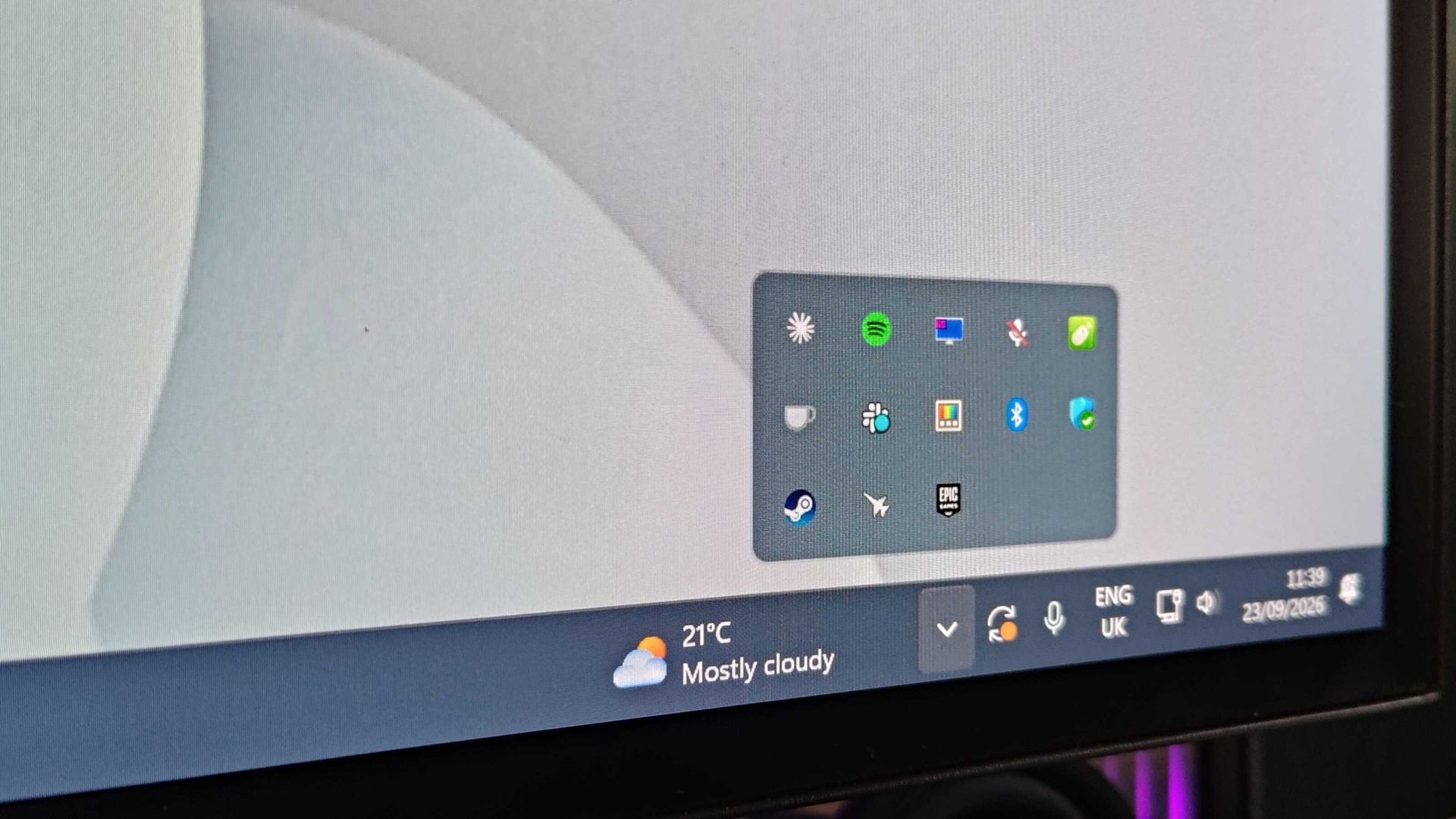
Epic Games Launcher has been identified as the culprit behind mysterious chimes on users' PCs
Epic has confirmed it's planning to update the launcher to reduce the frequency of its 'party chimes'
Users have requested a feature that turns off the chimes altogether
Multiple PC users have recently noticed mysterious sounds playing at random, and it appears the Epic Games Launcher is the culprit.
As reported by TweakTown, a Fortnite news page on X discovered the Epic Games Launcher randomly playing sounds on their PC, as several audio files matching them were found in the Epic Games 'social chimes' folder.
Each sound represents actions in a game party, such as a party user leaving, push-to-talk activation or deactivation, and message notifications, which sounds bizarre as this occurs even when users aren't in Epic Games parties.
Epic has since confirmed (via a FortniteStatus X page) that the 'party chimes' were playing more frequently than necessary, and it is now updating the Epic Games Launcher to 'narrow which events play a sound while the launcher is in the background'.
These party chimes are sounds I've noticed on my Windows 11 system, playing at very random intervals, and sometimes even when the launcher isn't visibly open. The sounds aren't accompanied by pop-up notifications either, which only added to the confusion for me and many other PC users previously trying to pinpoint the source.
Thanks for providing feedback about this, @FireMonkey!After taking a look, these party chimes are triggering more often than we intended. We're updating the Epic Games Launcher to narrow which events play a sound while the launcher is in the background, so you'll hear fewer of them when you're not actively using it.September 19, 2026
(Image credit: Future)
TweakTown states that Epic plans to introduce an option to toggle the chimes on or off in the future, but, surprisingly, a toggle option isn't a top priority as of now — especially since user replies berate Epic for not including an option to remove the sounds altogether.
For now, at least, a quick workaround is to delete the files from the directory as follows: Program Files (or Program Files x86)\Epic Games\Launcher\Portal\Extras\SocialChimes. It's worth noting that this is only a temporary fix, as Epic Games Launcher updates will likely overwrite this and place the files back into the directory.
Perhaps this entire case serves as yet another reason to use Steam for many users, where bugs are rare occurrences — but at the very least, PC users can rest knowing there isn't some unwanted or unknown application running on their system.
A Vladimir Putin press call showed the Russian president casting an online vote for the country’s parliamentary elections
The short clip has revealed that not only is Putin using a US-built Dell PC, it is running Windows 10 – and the license has not been activated
Putin’s example of voting online is intended to encourage voters to take part, but has instead raised eyebrows and launched memes
Parliamentary elections in Russia took place on Friday, September 18 2026, with online voting for positions in the State Duma open to the public for the first time. To demonstrate the ease of online voting, a press call highlighted Russian President Vladimir Putin casting his vote – but this hasn’t gone quite as planned.
While the president appeared to have difficulty reading the display, the real challenge seems to be that the Russian leader is using a version of Windows 10 that has not been activated. Furthermore, the PC is a Dell, rather than a Russian-built system.
The Putin publicity stunt has already launched memes, but the it also raises questions about his ability to use a computer, not to mention the suitability of the hardware for voting.
“You can’t go wrong”
With 73-year-old President Putin lined up for the cameras with the Dell PC set up on his desk, he goes through the motions of “voting online,” presumably to demonstrate how easy it is. (In person and mail voting options were also available.)
The press call has all the authenticity of an unlicensed copy of Windows 10. Ironically, this is exactly what is in use, as you can see toward the end of the video.
Watch to the end:
Although an initial reaction might be “Russian state IT is pretty weak,” it seems more likely that the state-controlled hardware overseeing infrastructure, networks, and military systems is far more up-to-date. What is more likely is that that PC was pulled out of a back room and an old copy of Windows quickly installed simply to provide President Putin with his short encouragement to vote.
Dell vs. Aquarius
The use of a Dell PC is curious, however. While Russia and the US have cordial relations, it seems strange for the Russian president to use a foreign PC. Sanctions aside, Russia has a policy of forcing the use of home-grown brands (such as Aquarius) over those from overseas.
After voting, the five-times elected Russian leader uttered the memorable line “you can’t go wrong,” in his native language, perhaps highlighting the futility of voting for any candidates not in his favoured party, United Russia.
While it is difficult to assess the legitimacy of the elections in Russia itself, the governments of Australia, Canada, New Zealand, Norway, and the United Kingdom have challenged the elections in occupied Ukraine territories. The nations have described the them as “sham elections” that violate “Ukraine’s sovereignty and independence, and the UN Charter.”
The free video editing app adds easy 4K video editing, AI, and more
I checked out how the app runs, what you get, and if it really does offer 'effortless editing' for creators
Quick verdict
What works: Easy edits, unlimited 4K exports, clean interface, loads of templates, quick generative AI
What doesn't: Limited free AI tokens
Adobe Premiere for Android has arrived - finally, since Apple users got this app almost exactly a year ago. The mobile editing app is promising to deliver 4K video for content creators, alongside a slew of other tools including templates and AI generation (did you ever doubt it?).
Like most of Adobe's mobile apps, Premiere is free to download from the Google Play Store, although you'll need a subscription for extra AI generations and storage.
The upshot is, I've been keen to try out this Android app for a long time now, so here's what you can expect after I spent an hour dabbling with it on my Fairphone.
What's new?
This new Adobe Premiere app is specifically designed for Android phones, including foldables. According to Adobe, you'll need a device running Android 13 or later, with a minimum of 5GB RAM.
The app serves up a host of useful tools for content creators, including 4K video, simple-to-use templates for speeding up production, multi-track timeline editing, music and audio effects, and generative AI for image and video.
One of the high-points, as far as I'm concerned, is that it has no ads and exported videos are watermark-free.
A lot of 'free' mobile video editors could learn from this. There are no added intros and outros promoting Adobe either. So you can basically start creating video for social channels immediately. You can read the full write-up in Adobe's blog here. But is it any good? Here are my thoughts...
First impressions
(Image credit: Future)
I spent the last hour toying with Adobe Premiere to see whether it lives up to the promise of creating "stand out edits to share on TikTok, YouTube, Instagram, and Facebook."
Spoiler alert: It's good stuff. A responsive app that's worth checking out if you need a free video editor that does everything I'd expect it to do. Especially if you have a paid Adobe account for those extra AI generations.
Layout
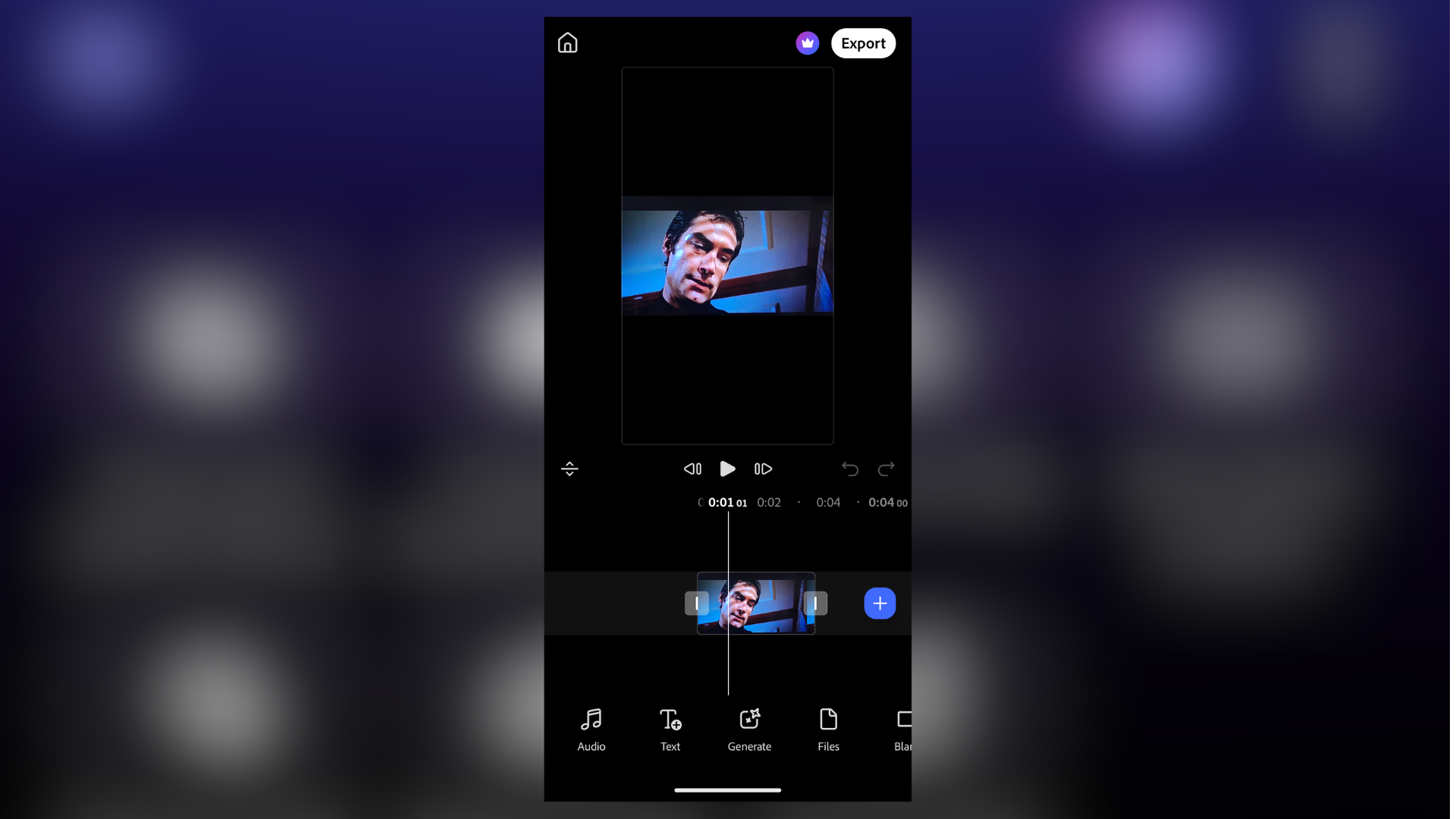
Adobe Premiere on Android feels very clean, very sensibly laid out. That's a relief, because often I find Adobe's user interface to be unintuitive as a result of too many features. A phone screen is the last place you want to combat that.
Along the top of the screen are shortcuts for the main functions. This includes 'New from files' and 'Create for YouTube Shorts', as well as AI generations tools 'Image to video' and 'Text to video'. Once you start editing, your most recent projects can be found below this.
Under those key tools are a ridiculous number of templates for quickly spinning up videos - notably, there are ones designed specifically for YouTube, with "exclusive music and effects."
All in all, it's very simple to jump into the timeline and start creating.
Editing process
Editing video is incredibly straightforward. It's not laggy or clunky like I've seen with some mobile apps.
In fact, I was impressed how responsive it was overall, even with relatively larger video files. Helpfully, there are undo and re-do buttons sitting beneath the large preview window. An absolute godsend when editing on a phone.
Once you have a clip loaded on to the timeline, double-tapping the video brings up the handles for trimming. There's a Plus sign for adding (or generating) more clips. And you can select from a range of transitions with the tap of a button.
Running along the bottom of the screen are options to add text and audio, modify aspect ratio. I particularly liked this, because inside the frame options are logos, letting you know which ratio is suitable for which platforms.
AI generation
(Image credit: Future)
You do get access to a limited number of free tokens for AI image and video generation.
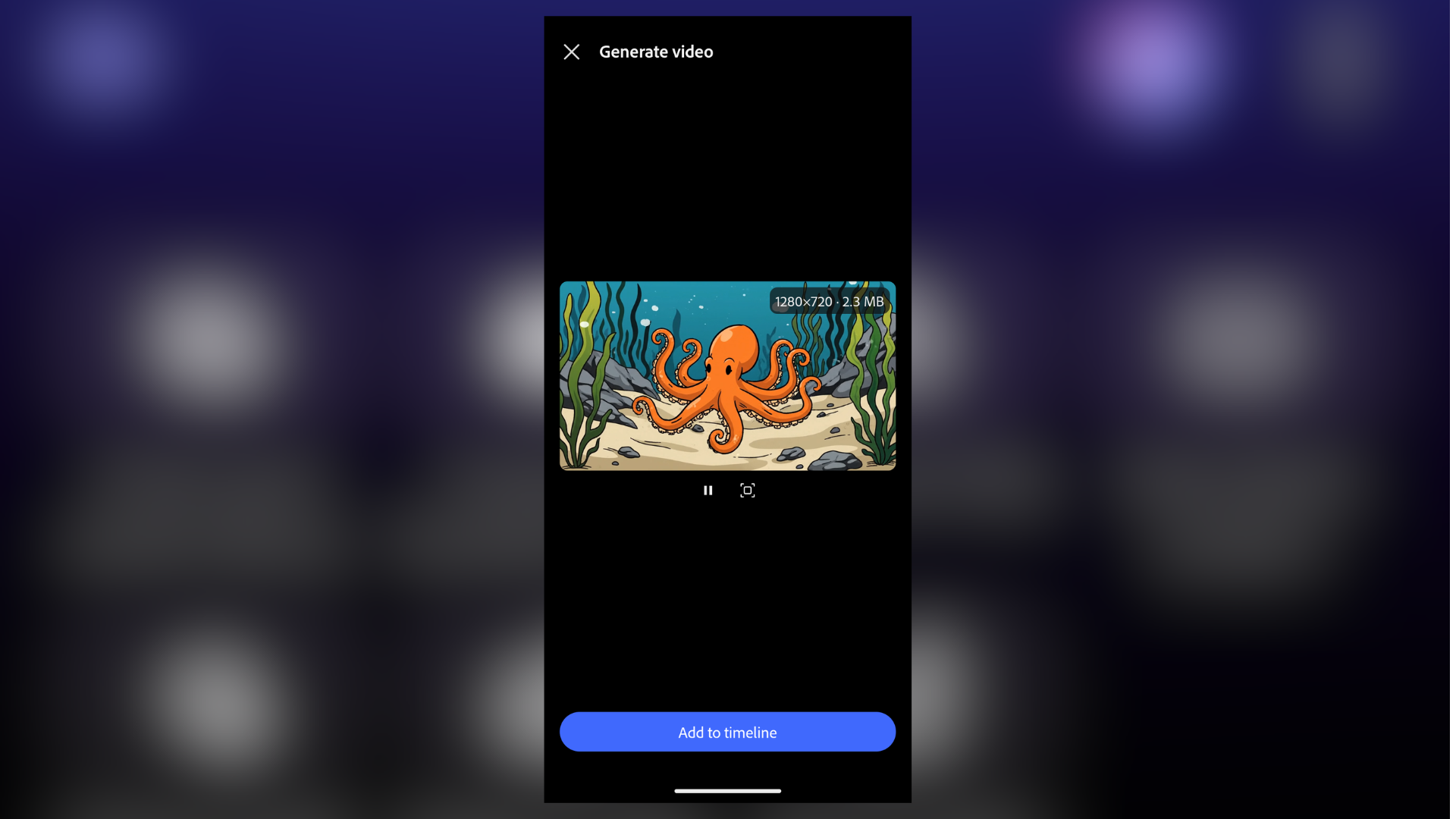
And when I say limited, I mean it. It's not very generous, and Firefly eats through them. I managed to squeeze out a single 4-second 720p clip before I needed to upgrade (or rather, sign into my main account).
Still, the generation itself works well, and it's relatively quick. Functionally, it's exactly what you'd get if you were using Adobe Firefly in your browser, or the Premiere desktop app.
I like that you can define the first and last frames of a video, generate in 720p and 1080p resolutions, change the duration, and opt to add audio. But to really make the most of this part of the app, a paid subscription is essential.
Video export
Super-simple, this one. When you're done editing, tap the ever-present Export button in the upper-right corner. You're then able to either export direct or tweak the settings.
Those settings include changing the resolution (720p, 1080p, 4K), the frame rate, between 24 and 60fps, and quality (low, medium, high).
Once you've got it set, Adobe Premiere offers an estimated file size, which is a nice touch. I exported a 17-second video at 4K in highest quality. The 106.5MB video took 34 seconds to complete. I then had the option to share via the usual channels.
My initial verdict
The Android spin on Adobe Premiere is actually very good - although I'll be keen to put it under the full review process. But it's very easy to use, and the 4K res video export without watermarks is excellent.
The real catch is the laughably small AI generation limit. Unless you're a paid subscriber, I'd swerve those and use it strictly as an editor for your own clips. On that score, it delivers everything I'd expect from a free video editor for your phone.
A recent update introduced a new bug affecting pasting in Excel
Excel 2016 just got a hotfix, but Microsoft admits issues can persist
Temporary workaround is available by selecting 'Paste Special'
Although a recent Microsoft Excel security update brought with it a highly annoying bug impacting copying and pasting functionalities across the spreadsheet software, it's already issued a partial fix.
Just days after the glitch was introduced with a September 8 2026 security update (KB5002914), the company has released a hot fix rather than forcing users to wait until the next cycle.
But this fix in particular only applies to Excel 2016, which is unlikely to have as much reach and global usage as Microsoft 365 versions of the app, therefore many users won't even have been aware of the issue.
Excel just got an important new fix
Other non-365 versions of Excel were also impacted. "In Microsoft Excel 2024, 2021, 2019, and 2016, as well as Excel Online in Office Online Server, the paste operation might fail silently," the company explained in a status update.
"Although users try to paste content, the source remains selected and the destination is unmodified," the update reads, confirming that users didn't receive an error message or sound to let them know of the failure.
Office LTSC 2021 and 2024 are officially fixed, Microsoft confirmed, but a only a mitigation is available for Office LTSC 2019 and Office 2016, so users may still experience some problems.
Thankfully, while a full fix is in the works, Microsoft offered up a pretty simple workaround. Pasting 'Special' from the Home tab is all it takes, with conditional formatting apparently causing headaches for now.
Canva ProSuite connects Affinity, Cavalry, Flourish, and Leonardo into one ecosystem
Affinity and Cavalry stay free as ProSuite gains over 100 additions
Scene Decomposition uses AI to split flattened pictures into separate editable components
Canva is giving Affinity a major set of upgrades as it tries to make its professional creative tools more useful against established competitors.
The free software now adds photography, design, automation and file compatibility features alongside deeper connections with Cavalry, Canva and other creative products.
The changes form part of Canva ProSuite, which brings Affinity, Cavalry, Flourish and Leonardo together while keeping Affinity and Cavalry available without payment.
Affinity gets a major photography and design update
The photography changes are particularly extensive, adding batch importing and an improved RAW processing system for users handling large collections.
Preset looks can now be applied across multiple images, while new correction tools address mixed illumination and camera movement during editing.
Scene Decomposition uses AI to separate flattened pictures into editable components, allowing photographers to modify individual elements without rebuilding images manually.
A dedicated Astrophotography Studio adds specialized controls for photographers working with night skies and astronomical subjects during detailed image processing.
Affinity is also expanding the range of files it can handle, including support for bringing InDesign documents directly into the application.
The company says this gives users access to major industry file formats while reducing obstacles when moving projects between different creative applications.
Integration with Canva Brand Kit and Canva Sheets also adds a route for connecting design work with brand assets and structured information.
Other additions cover vector editing, typography, brushes, noise reduction, high dynamic range processing and export controls, giving professional users more options.
Sony ARW6 support, OpenColorIO display emulation, and improved output matching also extend Affinity's capabilities for photography and color-managed production workflows.
The release includes more than 60 Affinity additions, while Canva says ProSuite brings over 100 additions and changes across its connected products this year.
Canva connects Affinity with motion and AI tools
Canva is also connecting Affinity with Cavalry, its software for creating motion graphics and animations, as part of the new ProSuite.
Cavalry receives more than 50 changes, including new shape controls, lighting effects, graph editing improvements, and expanded SVG handling for motion designers.
The integration lets selected elements within Cavalry projects become editable inside Canva, while keeping the underlying animation protected.
This arrangement could allow teams to make limited changes without repeatedly sending modification requests back to motion designers and animators across team workflows.
Affinity and Cavalry can also connect with AI assistants through ProSuite's AI Connectors, allowing repetitive operations to be handled from natural-language instructions.
“We're genuinely excited to be releasing such a huge swathe of new tools for professional designers, animators, photographers and other advanced users,” said Duncan Clark, CEO of Pro Design at Canva.
“We asked professionals what they actually needed to power their creative work…there’s a lot of noise right now about AI replacing human creatives, but we believe professional craft matters more than ever. We want the Canva ProSuite to be where that craft lives and thrives.”
Affinity's new features, the Cavalry improvements and tighter connections across Canva's products give the free software a significantly larger professional toolkit.
Some of those who've upgraded to macOS 27 aren't happy
They're complaining about bugs with the interface and sluggishness
The main problem is with Mission Control, but there's also flak being aimed at Apple due to other issues – and its testing department is under fire
Apple released macOS 27 Golden Gate last week, and some early adopters are flagging up bugs and regretting their upgrade – although others are finding the new version smooth sailing.
The Reddit 'megathread' on macOS 27 bugs and issues highlights some of the more common problems that those upgrading are running into, some of which appear to be more severe than others.
The biggest beef is with Mission Control which a number of macOS 27 users are describing as broken. It's in pretty bad shape by all accounts.
As one user put it in the above thread: "Been reading about this and finally tried it because I never use Mission Control and you're absolutely right. Most NON smooth experience I've ever seen on a Mac."
Someone replies to agree, and goes further: "It is, without a doubt, the most significant visual glitch I've encountered as a decades-long Mac user."
Another Redditor observes: "I'm a power user of multi-desktops and Mission Control and I can't believe they've broken such a fundamental feature. Yes, the animations are broken and sluggish, but the issue that breaks my workflow is when you drag a desktop to another monitor it leaves an unresponsive black screen behind.
"The only fix is to create a new desktop on the black screen, switch to this new desktop, then delete the new desktop."
In a separate thread complete with an illustrative video clip, another Redditor declared that Mission Control is "glitchier, laggier, and buggier," and that: "The animations judder, and sometimes when switching to a full screen app I'll get a completely black screen."
They added: "I've been using Macs for 20+ years, and remember [when] Exposé was released. Never have I ever experienced such a Windows-esque bug in macOS."
On top of this, there are complaints about sluggishness with some other areas of the interface in macOS 27 Golden Gate, including the menu bar and Control Center.
There are also frustrations being vented about Spotlight search not working properly, but this is apparently a symptom of the system reindexing after the installation of the new version of macOS.
Analysis: mission statement
(Image credit: Image by Pexels from Pixabay)
The biggest problem is clearly Mission Control, but stuttering, sluggishness and glitchy animations can reportedly extend to other areas of macOS 27.
That said, there are a notable amount of folks who are finding that macOS 27 runs nice and smoothly for them, and they're praising it as a vast improvement over macOS 26 (although that isn't difficult given that Tahoe was a messy release for many reasons).
You may experience some slowdown with Golden Gate due to search indexing, as mentioned above, but once that work is done, those performance hiccups should disappear, and macOS 27 will hopefully settle down.
If you use Mission Control, though – and granted, a lot of people don't, as it's designed for power-users, and those running apps across multiple virtual desktops or monitors – it seems that for now, macOS 27 is best avoided. Those in this boat might want to wait until the 27.1 release in the hope that it brings a resolution.
It is a bit baffling that a feature should be pushed out in a clearly wonky state – there's no arguing that something is wrong with Mission Control – and this has brought up a related issue with Apple's beta testing of the desktop operating system.
As one tester tells us: "Many years ago, I did actually get responses [from Apple] to bugs submitted and updates on where it was heading. I've submitted a lot of bugs and since Tahoe (maybe earlier) I haven't received any feedback on my submissions and the bugs that I submitted still exist in the official release of Golden Gate. I don't think that anyone is reviewing the bug reports anymore."
That's in reply to a post that says: "The very long list of serious bugs were reported extensively and often during the beta to Apple. Apple did what they always do with macOS beta feedback. Your video [of the glitchy Mission Control interface] is the result."
Others agree that the process of beta testing and feedback seems to have gone downhill in recent times, hence the comparison of macOS to Windows. Microsoft has long taken flak for its QA department which, as I've argued many times, needs some serious attention – but this subject just isn't talked about. I doubt Apple will be talking about these testing-related assertions, either, but hopefully Mission Control will get the attention it needs behind the scenes.
For now, a good number of macOS users who stuck on Sequoia because Tahoe was overly buggy and problematic are still holding off upgrading to Golden Gate, and I can see why some folks might think it's prudent to exercise caution here. Those macOS 25 holdouts will continue to watch and wait, no doubt, and that's a bad look for Apple.
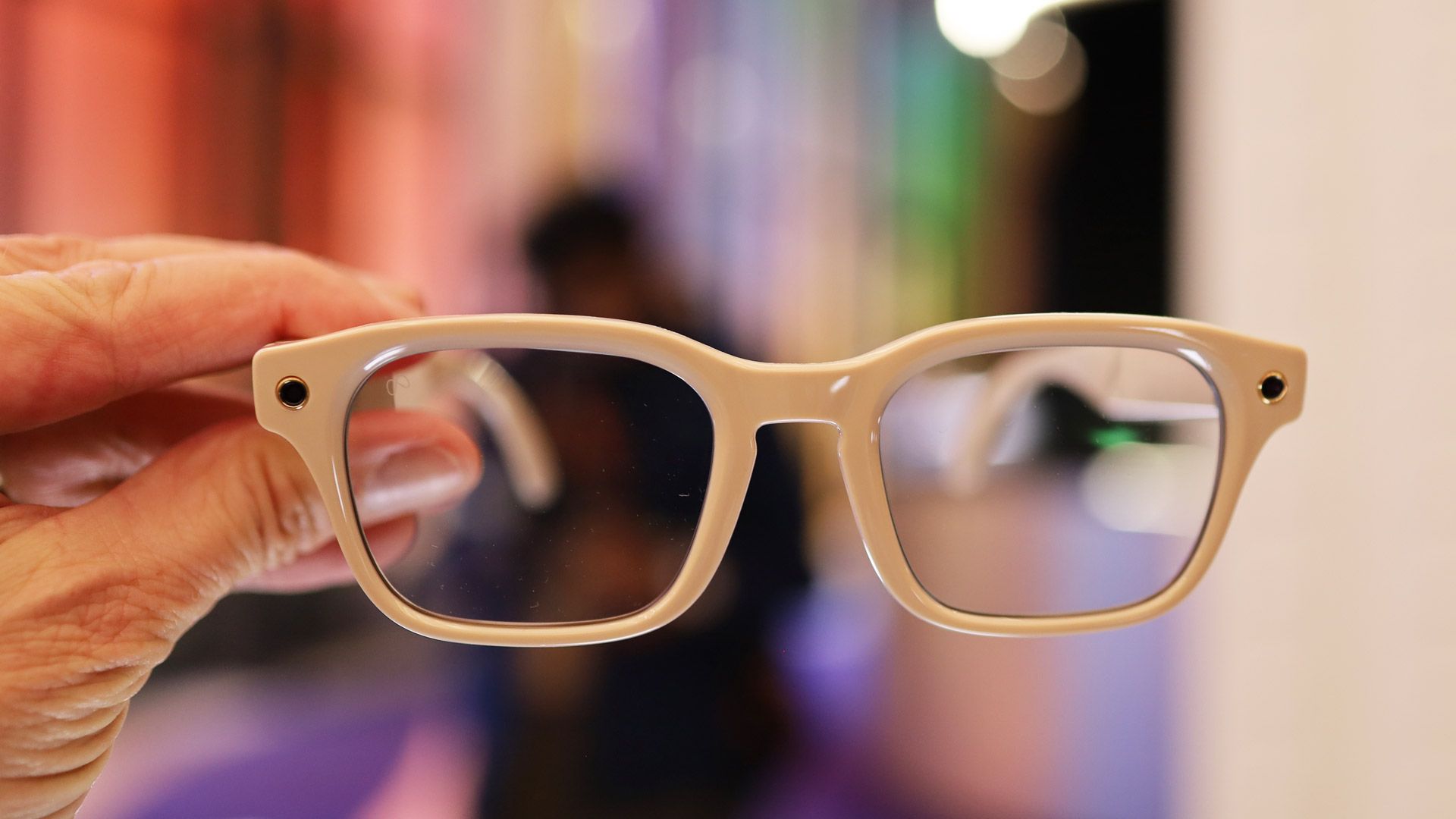
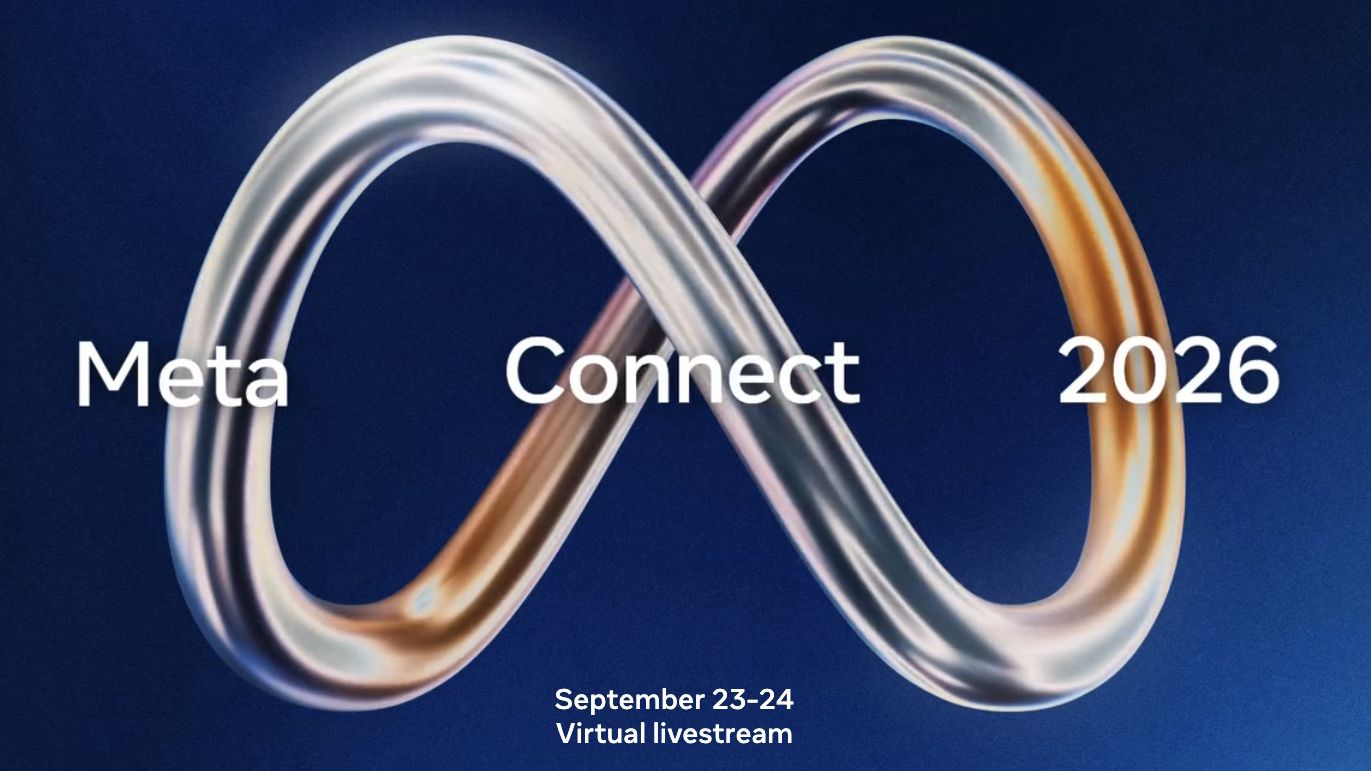
It’s almost time for Meta Connect, with the brand hosting its annual event on September 23 and 24. Here, we’re expecting to see several new devices, with a focus on smart glasses.
Software updates are also likely, including to Meta Muse, but between the RAM crisis and a privacy backlash against the company’s smart specs, this might not be an entirely rosy affair.
So below, we’ve detailed the seven major things to expect at Meta Connect 2026 — covering both the good and the bad.
1. Camera-free Meta smart glasses
The Meta Ray-Ban Gen 2 (Image credit: Meta)
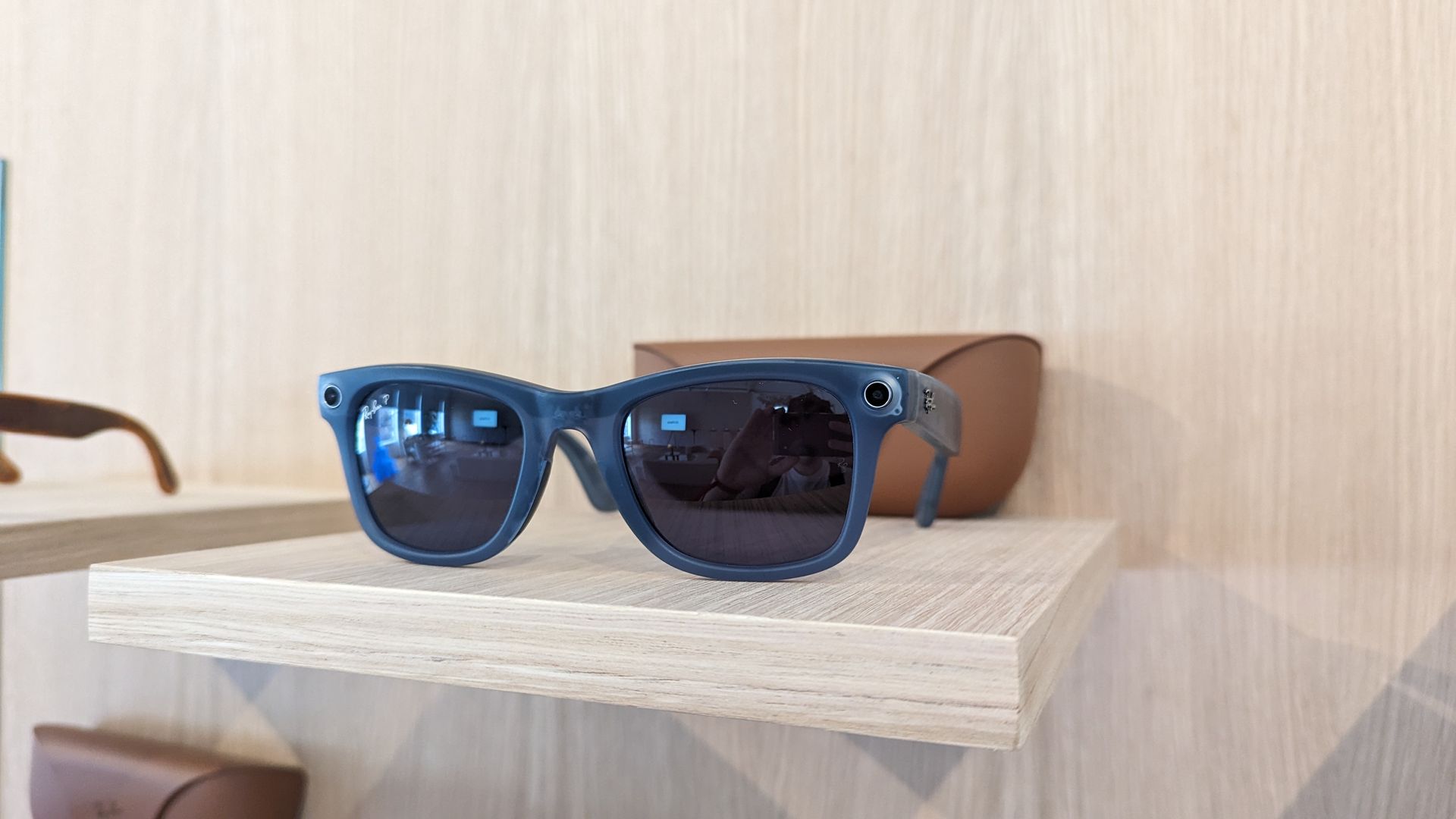
While smart glasses like the Ray-Ban Meta can be extremely useful, they’re also facing a major backlash right now, with many people worrying about them being used as spy glasses to photograph and video people without their knowledge or consent. As a result, Meta might respond by launching camera-free smart glasses.
These are rumored to land at Meta Connect, and would likely focus on conversational interactions with Meta’s AI chatbot. It makes sense for Meta to launch these, though how useful or appealing they will be when the AI can’t see what you’re looking at remains to be seen.
2. The Project Phoenix mixed reality headset
First official visuals of Meta's Project Phoenix, found in the HorizonOS Prescription Lens firmware package! pic.twitter.com/YmN0SCJNCDSeptember 10, 2026
We’ve been hearing for a while that Meta is working on a mixed reality headset codenamed Project Phoenix, and while this reportedly won’t launch until 2027, we might get an official look at it during Meta Connect.
From what we’ve seen so far, this might look more like smart glasses than the Meta Quest 3S headset, despite featuring both AR and VR functionality. However, Project Phoenix has been pictured with a cable running down from it, suggesting that perhaps the battery and/or processor are external, thereby allowing for a slim design.
We don’t know much else about this yet, but that might change at Meta Connect.
3. New Oakley and Ray-Ban glasses
The Oakley Meta HSTN smart glasses (Image credit: Oakley / Meta)
We’re probably due a second generation of the Oakley Meta glasses by now, and there’s also a chance we’ll see the Ray-Ban Meta Gen 3, though it might be too soon for them at this year's Connect.
The Oakley Meta specs are sportier than the Ray-Ban line, with things like wrap-around designs and better water resistance, so expect the second generation to continue with that focus.
As for the Ray-Ban Meta Gen 3, leaks suggest these could have better battery life, smarter AI, and improved audio.
4. A global launch for the Meta Ray-Ban Display Glasses
The Meta Ray-Ban Display Glasses (Image credit: Lance Ulanoff / Future)
The Meta Ray-Ban Display Glasses are currently only available in the US, but hopefully at Meta Connect we might see these display-packing specs go global.
It’s certainly about time — originally these were planned to get a wider launch in early 2026, but thanks to "unprecedented demand and limited inventory" this was delayed.
But if you’re hoping to get your hands on them you’ll also have to be prepared to pay a lot, as in the US they retail for $800, so you can expect similarly high pricing elsewhere.
5. Price hikes
(Image credit: Future)
Alongside new and improved products, we might also see new and not at all improved prices for some things, thanks to the ongoing RAM crisis.
In other words, don’t be surprised if prices for new generation models of the likes of Oakley Meta and Ray-Ban Meta glasses are higher than the current generation.
In the case of Ray-Ban Meta glasses we already saw a price hike for the second generation, so another for the third would be extremely undesirable, but may also be unavoidable.
6. A Meta Muse AI update
(Image credit: Shutterstock / jackpress)
Meta Muse — Meta’s AI agent that can send emails, fill out forms, shop, and do other tasks for you — only launched recently, but as a major new service it’s likely to be getting a lot of attention from Meta, so improvements are probably already in the works.
Meta Connect then would be a prime time to find out about any upcoming changes — and perhaps even for Meta to roll out a software update for it or a new model. Or perhaps Meta will announce availability in countries other than the US, so that more of us can try it.
7. Updates addressing the privacy backlash
Meta Essilor Luxottica AI Glasses (Image credit: Lance Ulanoff / Future)
As well as launching some camera-free smart glasses, Meta may use Connect to announce some software updates aimed at addressing privacy concerns in its existing specs.
Already, the company has rolled out an update that will stop the glasses recording if you cover the LED once a recording has started, but Meta may well be cooking up additional changes to further prevent surreptitious photography and video recording.
Indeed, Meta's VP of Wearables Alex Himel recently said "we’re going to keep rolling out updates like this to make sure the capture LED can reliably alert bystanders when photos or videos are being captured for someone’s gallery." So while it’s unclear what exactly those updates will be, we might learn about some of them at Meta Connect.
The Australian government might ban smart glasses at all of its agencies
Devices like Meta’s glasses have garnered controversy over user privacy
The move would follow Australia’s banning of social media for under-16s
The Ray-Ban Meta smart glasses have been in hot water ever since they launched amid concerns they could be used to record people without their consent. And the privacy backlash has grown so vocal that the Australian government is now considering a “world-leading” ban on the devices inside any workplace run by the state.
The ban would affect any government-run offices, services centers, laboratories and local councils. It goes a lot further than the state’s current position, which is to allow workplaces to set their own rules on the controversial wearable tech. While the ban would affect most municipal locations, schools and hospitals run by the government would be allowed to decide their own rules on the glasses.
Katy Gallagher, the Australian public service minister, said that the nation’s public has been asked for feedback on the next move, adding that “Smart glasses can raise legitimate privacy and security concerns, particularly because of their ability to record and capture information.”
“We need clear and consistent guidance for public servants,” Gallagher said. So far, no national government has banned smart glasses across its agencies, with the Australian Albanese administration saying it sought to create a “world-leading” standard.
A privacy storm
(Image credit: Future)
Meta’s smart glasses have attracted growing criticism for their potential to encourage harassing behavior and to record members of the public without their consent. They’ve been popularly branded “pervert glasses” in light of the controversy, while a University of Sydney study found that of 350 public Instagram videos shot with the glasses, around 60% could be classified as potentially containing harassment of a person or people.
If the Australian ban goes into place, it would only be the most sweeping of a similar set of moves made around the world. Courts in England, Wales and New York state have banned smart glasses, as has the US Immigration and Customs Enforcement (ICE) agency. Several cities and local councils in Australia have barred the glasses in playgrounds, childcare centers, gyms and public swimming pools.
And Australia also took the lead on restricting social media usage by children when it banned under-16s from using a range of platforms, including Facebook, Instagram, Snapchat, TikTok and more.
Considering the current hostile reaction to smart glasses, it wouldn’t be a surprise to see other governments follow Australia’s cue and outlaw the devices at their state facilities and workplaces. Until Meta can allay public concerns over the privacy-busting potential of its glasses, this storm isn’t likely to pass any time soon.

 Login
Login