❌

Reading view

There are new articles available, click to refresh the page.

Adobe Premiere comes to Android β€” here’s what 'free' gets you

  • Adobe Premiere on Android has officially launched
  • The free video editing app adds easy 4K video editing, AI, and more
  • I checked out how the app runs, what you get, and if it really does offer 'effortless editing' for creators
Quick verdict

What works: Easy edits, unlimited 4K exports, clean interface, loads of templates, quick generative AI

What doesn't: Limited free AI tokens

Adobe Premiere for Android has arrived - finally, since Apple users got this app almost exactly a year ago. The mobile editing app is promising to deliver 4K video for content creators, alongside a slew of other tools including templates and AI generation (did you ever doubt it?).

Like most of Adobe's mobile apps, Premiere is free to download from the Google Play Store, although you'll need a subscription for extra AI generations and storage.

The upshot is, I've been keen to try out this Android app for a long time now, so here's what you can expect after I spent an hour dabbling with it on my Fairphone.

What's new?

This new Adobe Premiere app is specifically designed for Android phones, including foldables. According to Adobe, you'll need a device running Android 13 or later, with a minimum of 5GB RAM.

The app serves up a host of useful tools for content creators, including 4K video, simple-to-use templates for speeding up production, multi-track timeline editing, music and audio effects, and generative AI for image and video.

One of the high-points, as far as I'm concerned, is that it has no ads and exported videos are watermark-free.

A lot of 'free' mobile video editors could learn from this. There are no added intros and outros promoting Adobe either. So you can basically start creating video for social channels immediately. You can read the full write-up in Adobe's blog here. But is it any good? Here are my thoughts...

First impressions
Using Adobe Premiere on Android to edit videos, with a blurred version of the app for background color

(Image credit: Future)

I spent the last hour toying with Adobe Premiere to see whether it lives up to the promise of creating "stand out edits to share on TikTok, YouTube, Instagram, and Facebook."

Spoiler alert: It's good stuff. A responsive app that's worth checking out if you need a free video editor that does everything I'd expect it to do. Especially if you have a paid Adobe account for those extra AI generations.

Layout

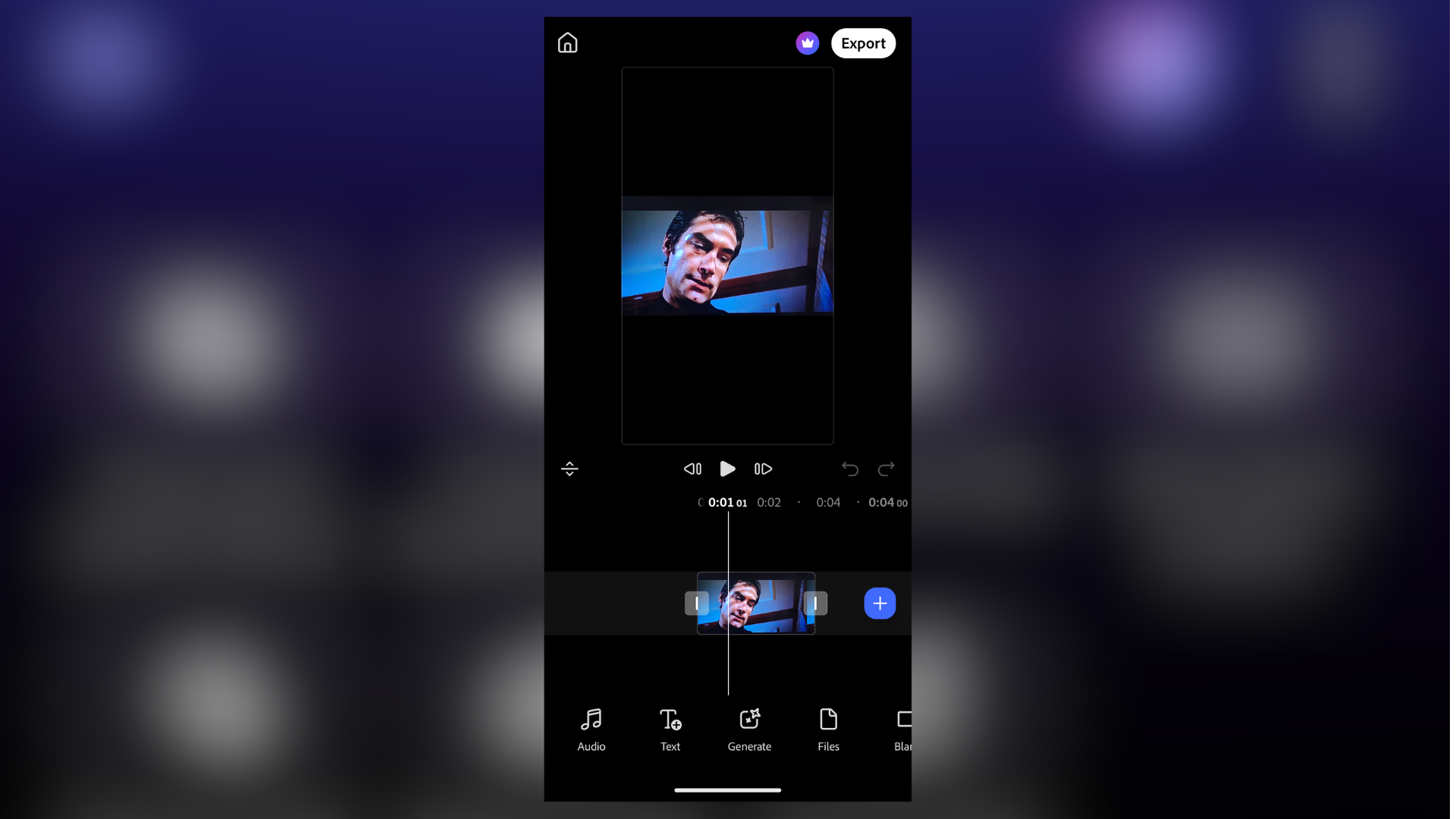
Adobe Premiere on Android feels very clean, very sensibly laid out. That's a relief, because often I find Adobe's user interface to be unintuitive as a result of too many features. A phone screen is the last place you want to combat that.

Along the top of the screen are shortcuts for the main functions. This includes 'New from files' and 'Create for YouTube Shorts', as well as AI generations tools 'Image to video' and 'Text to video'. Once you start editing, your most recent projects can be found below this.

Under those key tools are a ridiculous number of templates for quickly spinning up videos - notably, there are ones designed specifically for YouTube, with "exclusive music and effects."

All in all, it's very simple to jump into the timeline and start creating.

Editing process

Editing video is incredibly straightforward. It's not laggy or clunky like I've seen with some mobile apps.

In fact, I was impressed how responsive it was overall, even with relatively larger video files. Helpfully, there are undo and re-do buttons sitting beneath the large preview window. An absolute godsend when editing on a phone.

Once you have a clip loaded on to the timeline, double-tapping the video brings up the handles for trimming. There's a Plus sign for adding (or generating) more clips. And you can select from a range of transitions with the tap of a button.

Running along the bottom of the screen are options to add text and audio, modify aspect ratio. I particularly liked this, because inside the frame options are logos, letting you know which ratio is suitable for which platforms.

AI generation
Using Adobe Premiere on Android to edit videos, with a blurred version of the app for background color

(Image credit: Future)

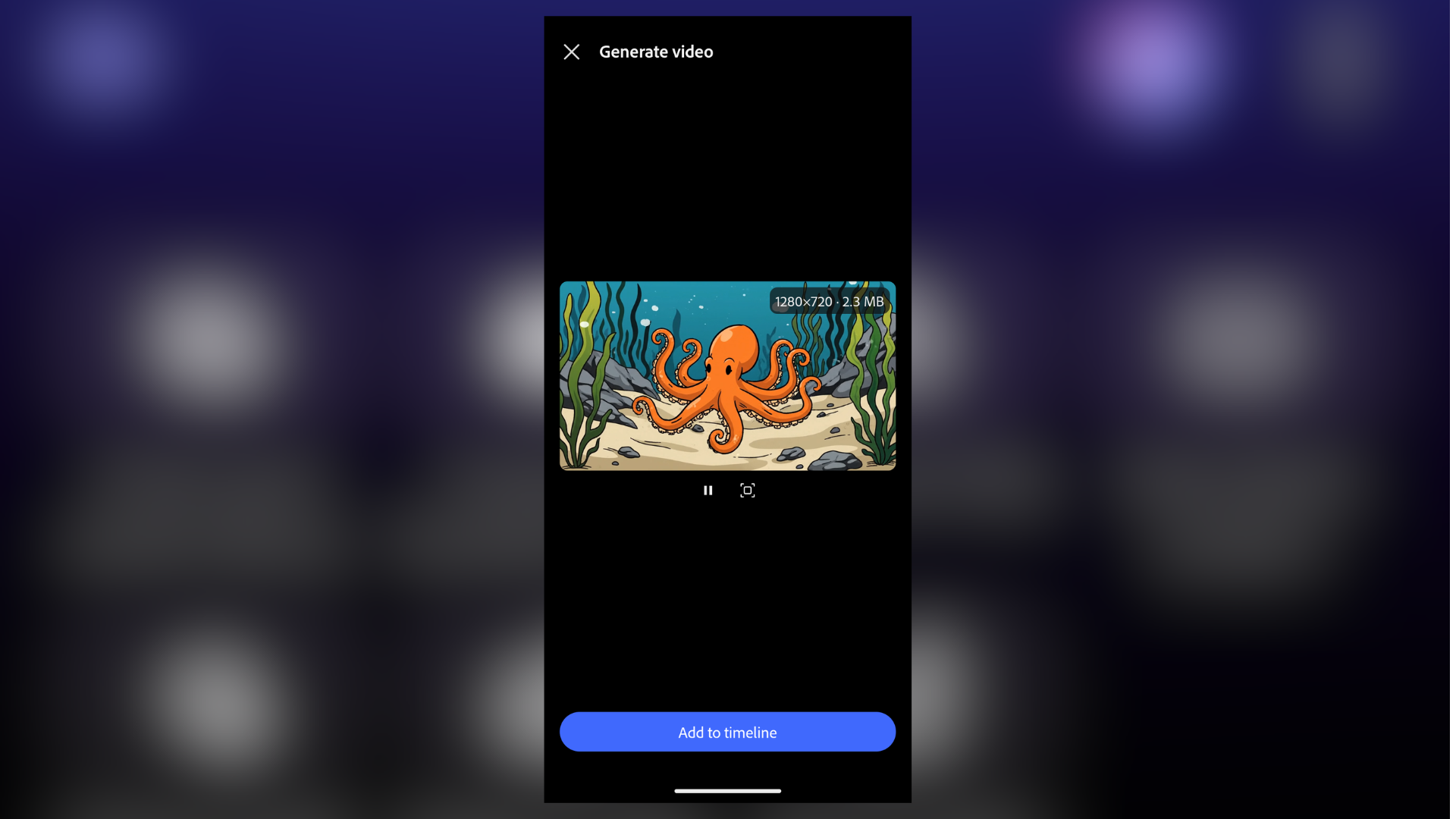
You do get access to a limited number of free tokens for AI image and video generation.

And when I say limited, I mean it. It's not very generous, and Firefly eats through them. I managed to squeeze out a single 4-second 720p clip before I needed to upgrade (or rather, sign into my main account).

Still, the generation itself works well, and it's relatively quick. Functionally, it's exactly what you'd get if you were using Adobe Firefly in your browser, or the Premiere desktop app.

I like that you can define the first and last frames of a video, generate in 720p and 1080p resolutions, change the duration, and opt to add audio. But to really make the most of this part of the app, a paid subscription is essential.

Video export

Super-simple, this one. When you're done editing, tap the ever-present Export button in the upper-right corner. You're then able to either export direct or tweak the settings.

Those settings include changing the resolution (720p, 1080p, 4K), the frame rate, between 24 and 60fps, and quality (low, medium, high).

Once you've got it set, Adobe Premiere offers an estimated file size, which is a nice touch. I exported a 17-second video at 4K in highest quality. The 106.5MB video took 34 seconds to complete. I then had the option to share via the usual channels.

My initial verdict

The Android spin on Adobe Premiere is actually very good - although I'll be keen to put it under the full review process. But it's very easy to use, and the 4K res video export without watermarks is excellent.

The real catch is the laughably small AI generation limit. Unless you're a paid subscriber, I'd swerve those and use it strictly as an editor for your own clips. On that score, it delivers everything I'd expect from a free video editor for your phone.

Google logo on a black background next to text reading 'Click to follow TechRadar'

12 clever home office upgrades you didn't know you needed in Amazon's early Prime Day sale

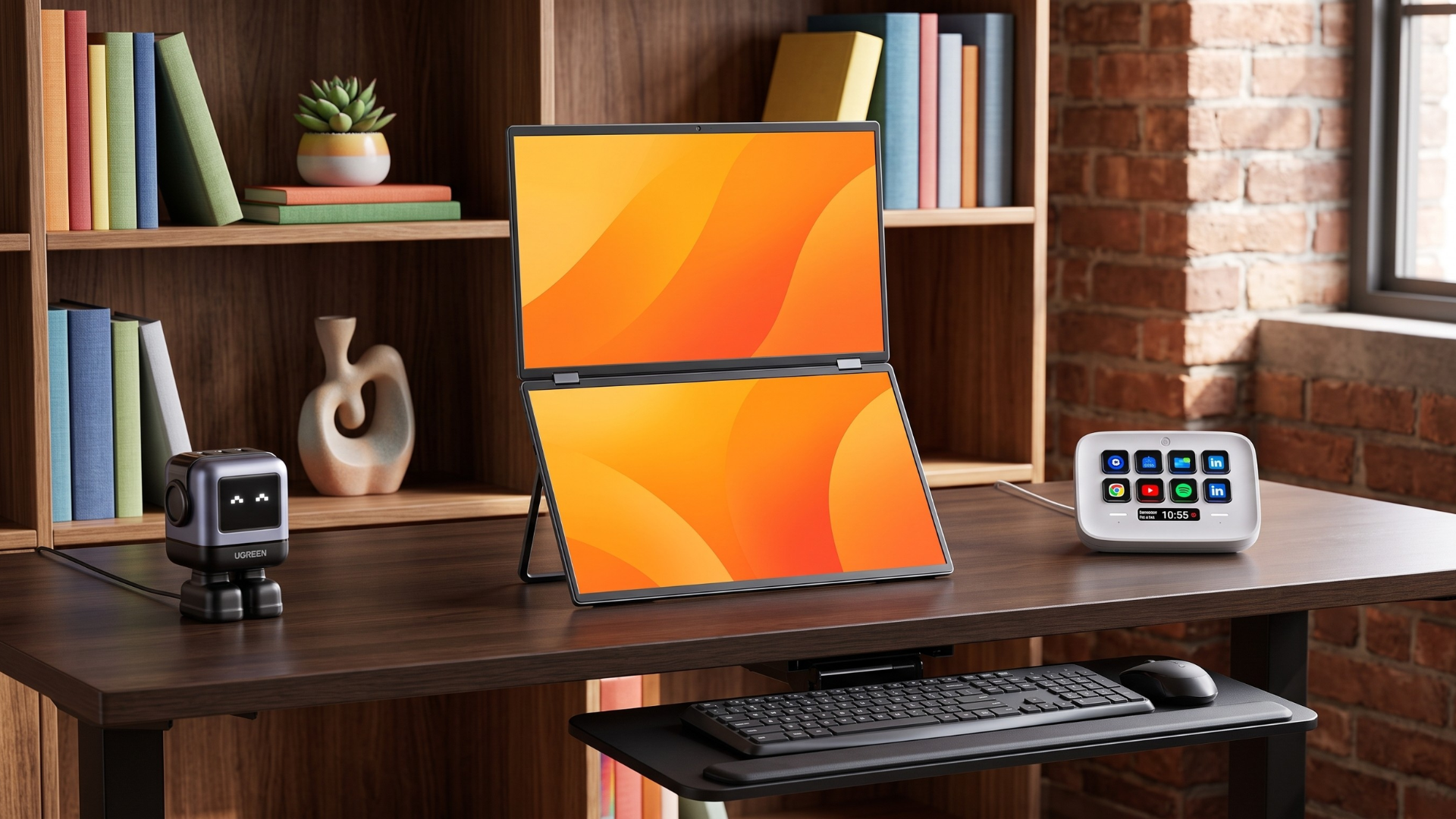
I'm always on the look-out for the best home office gear and desk gadgets. And with Amazon launching its Early Prime Deals ahead of Prime Day on October 6-7, I've been digging through the sale to find the more interesting upgrades for home and office workspaces. Sure, we all want a nice wireless mouse, a mechanical keyboard, and a comfortable office chair. But I wanted to find the hidden gems that go beyond the basics, to create an office setup that's more tailored, efficient, and, dare I say it, a lot cooler.

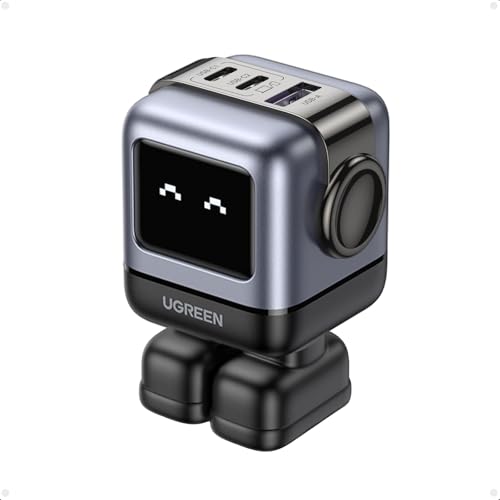
Ugreen Uno 65w 3-Port Usb C Charger Adapter, Gan Fast Charging Block, Black

Ugreen
Uno 65W 3-Port USB-C Charger

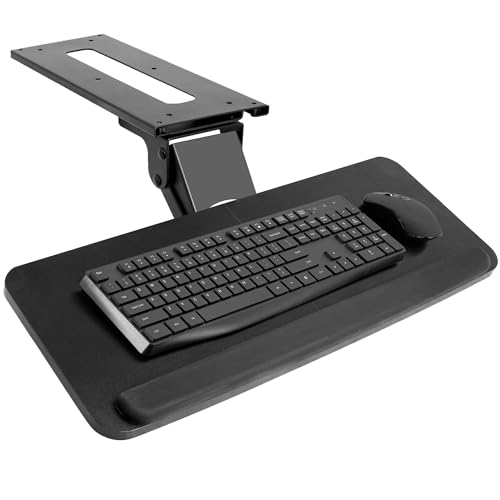
Vivo Black Under Desk 25 X 10 in Keyboard Tray, Mount-Kb03b

Vivo
Under Desk Keyboard Tray

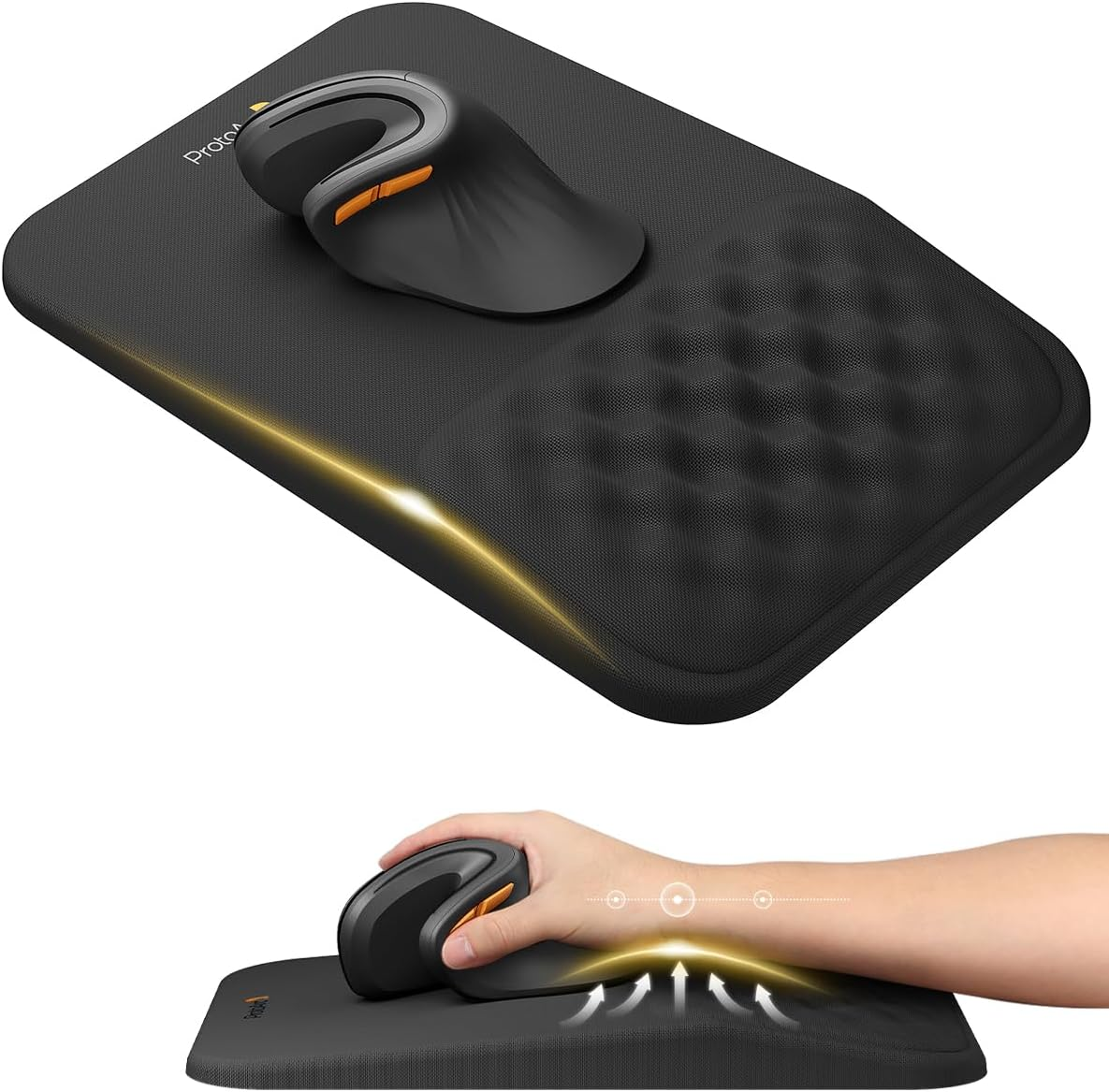
ProtoArc, Ergonomic Mouse Pad with Wrist Rest

ProtoArc
Ergonomic Mouse Pad with Wrist Rest

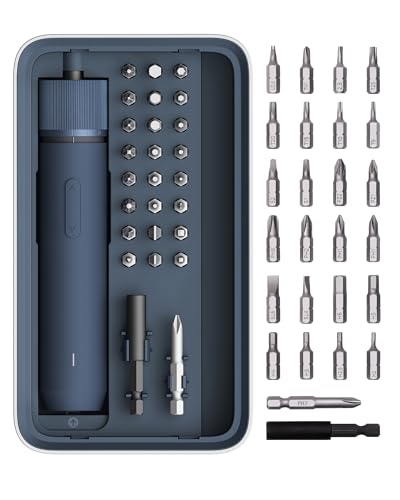
Hoto 25-Piece Upgraded Electric Screwdriver Kit, Cordless Screwdriver

Hoto
25-Piece Electric Screwdriver Kit

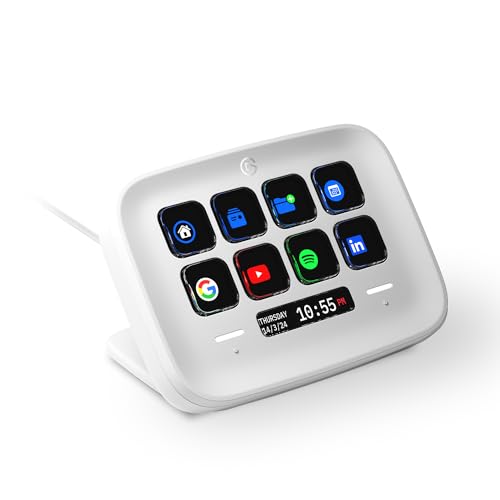
Elgato Stream Deck Neo, 8 Customizable Keys, 2 Touch Points

Elgato
Stream Deck Neo with 8 Custom Keys

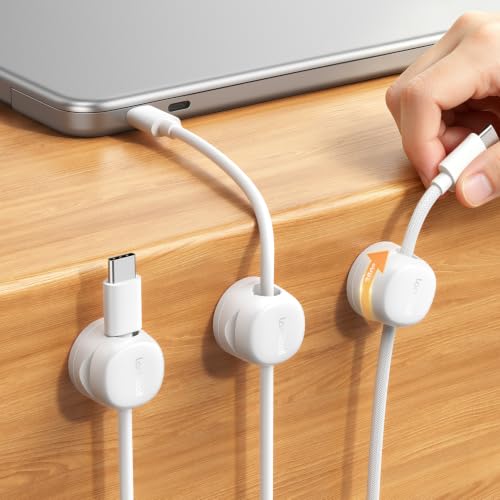
Lamicall 6 Pack Rotating Magnetic Cable Clips, Cord Organizer Holder

Lamicall
6 Pack Rotating Magnetic Cable Organizer

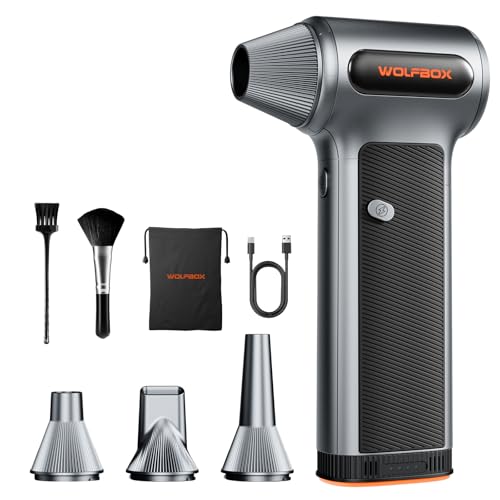
Wolfbox Mf200 Compressed Air Duster, Removable Battery, Car Cleaning, Home

Wolfbox
MF200 Compressed Air Duster

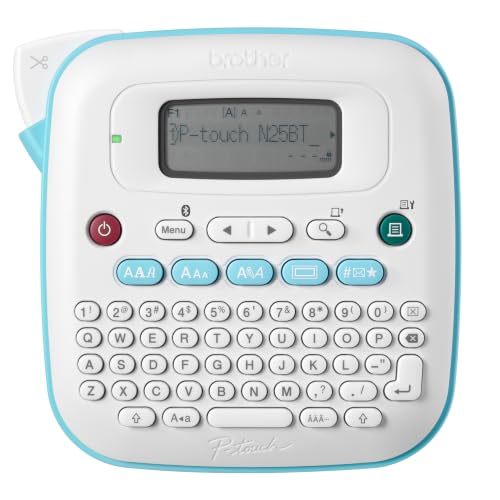
Brother P-Touch N25btv3 Label Maker, Bluetooth Portable Handheld Bundle

Brother
P-Touch Handheld Bluetooth Label Maker

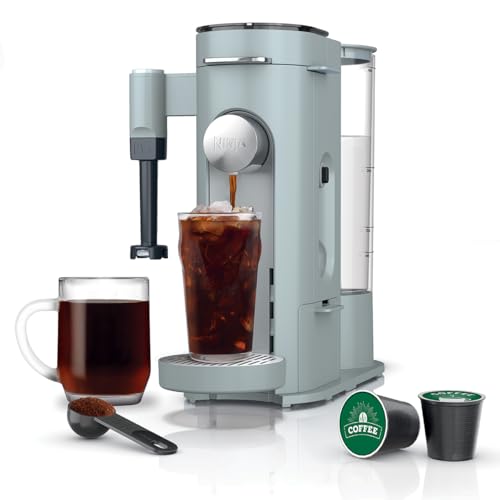
Ninja Pods & Grounds Coffee Maker, K-Cup Compatible, Glacier Blue, Pb051gb

Ninja
Single Serve Coffee Maker Combo Machine

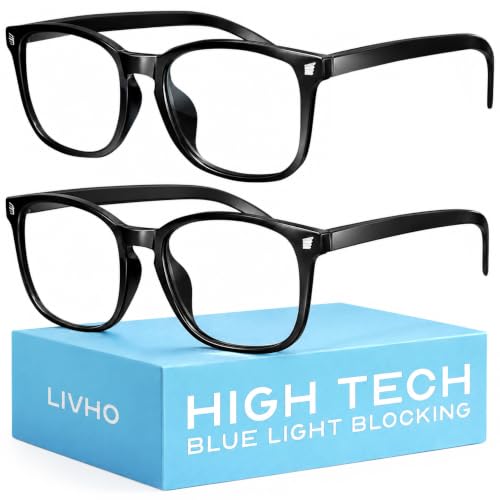
Livho High Tech Blue Light Blocking Computer Glasses

Livho
Blue Light Blocking Computer Glasses

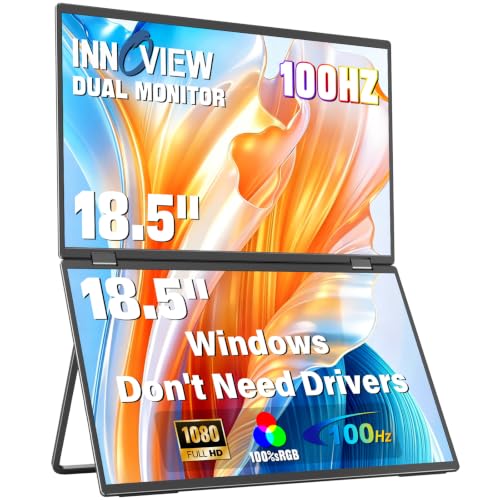
Innoview 18.5

InnoView
18.5in Dual Portable Monitor

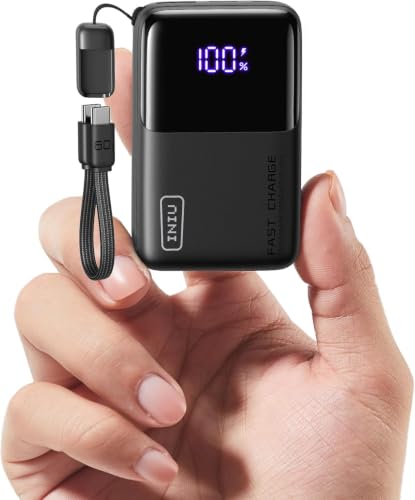
Iniu Mini Portable Charger, Small 10000mah 45w Fast Charging Power Bank

Iniu
Mini Portable Charger 10KmAH

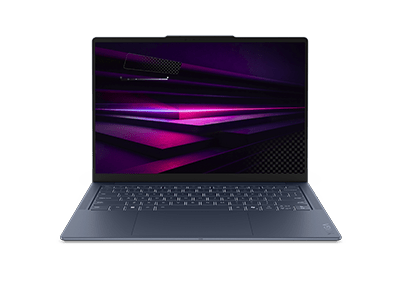
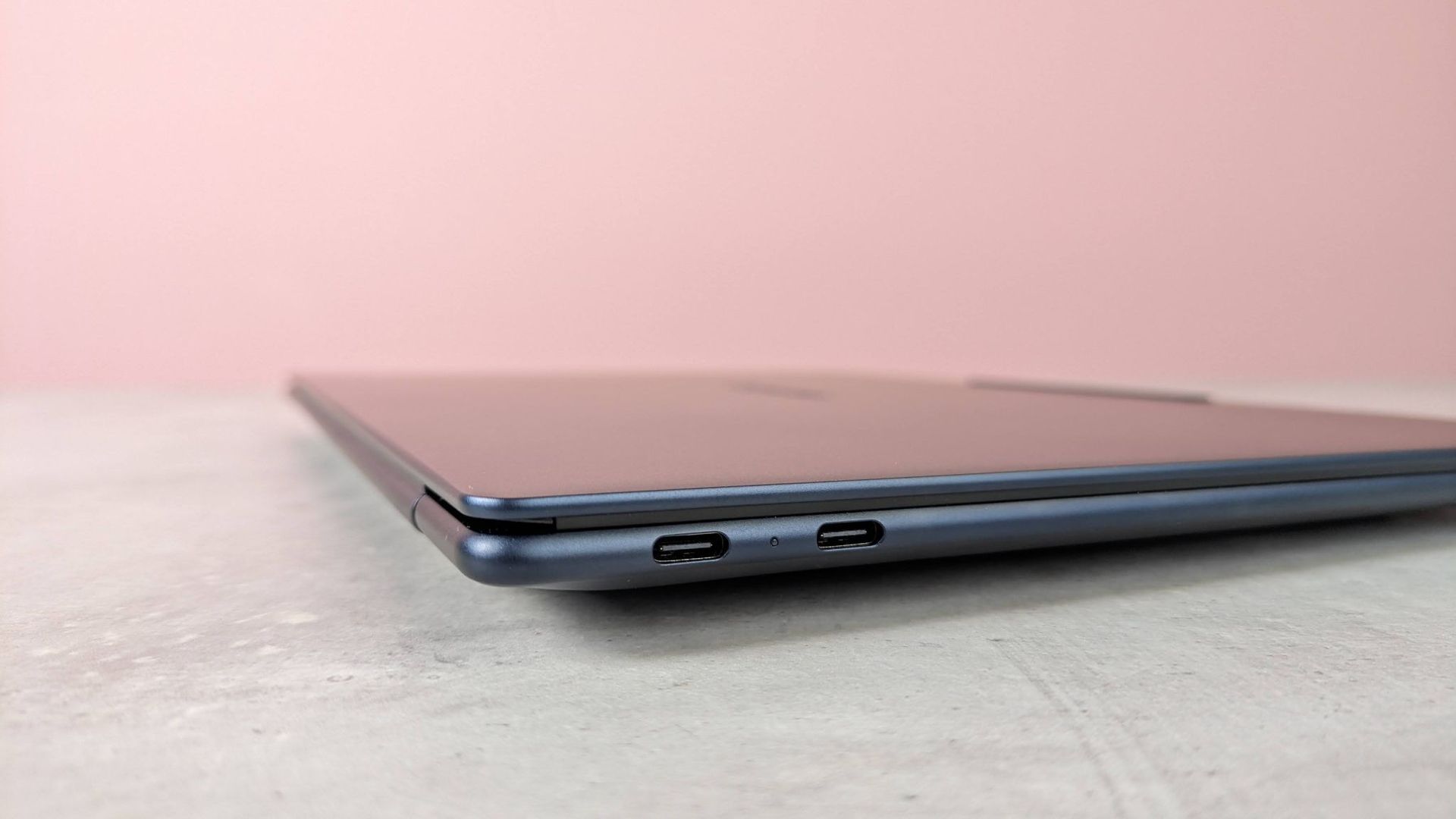
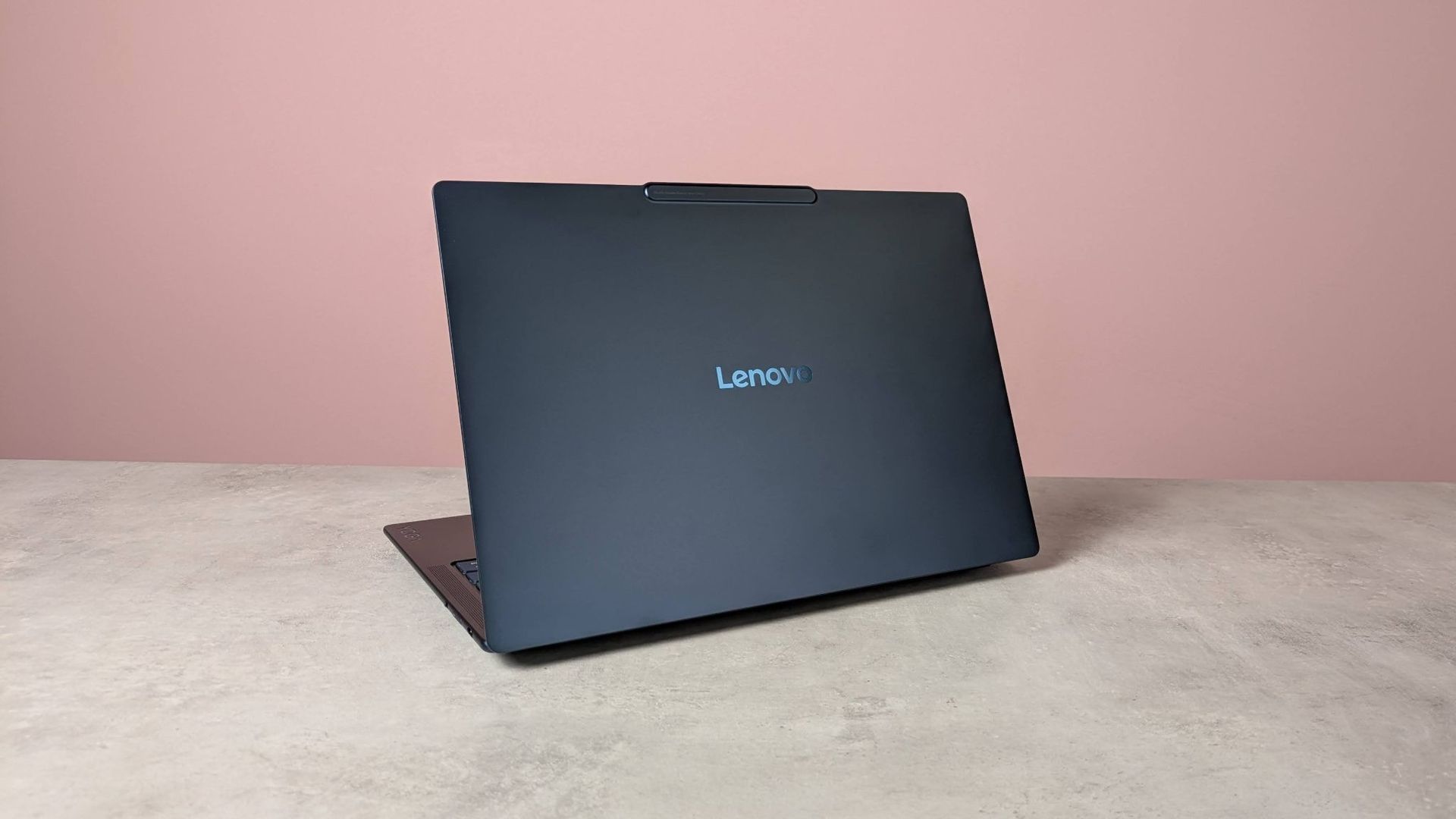
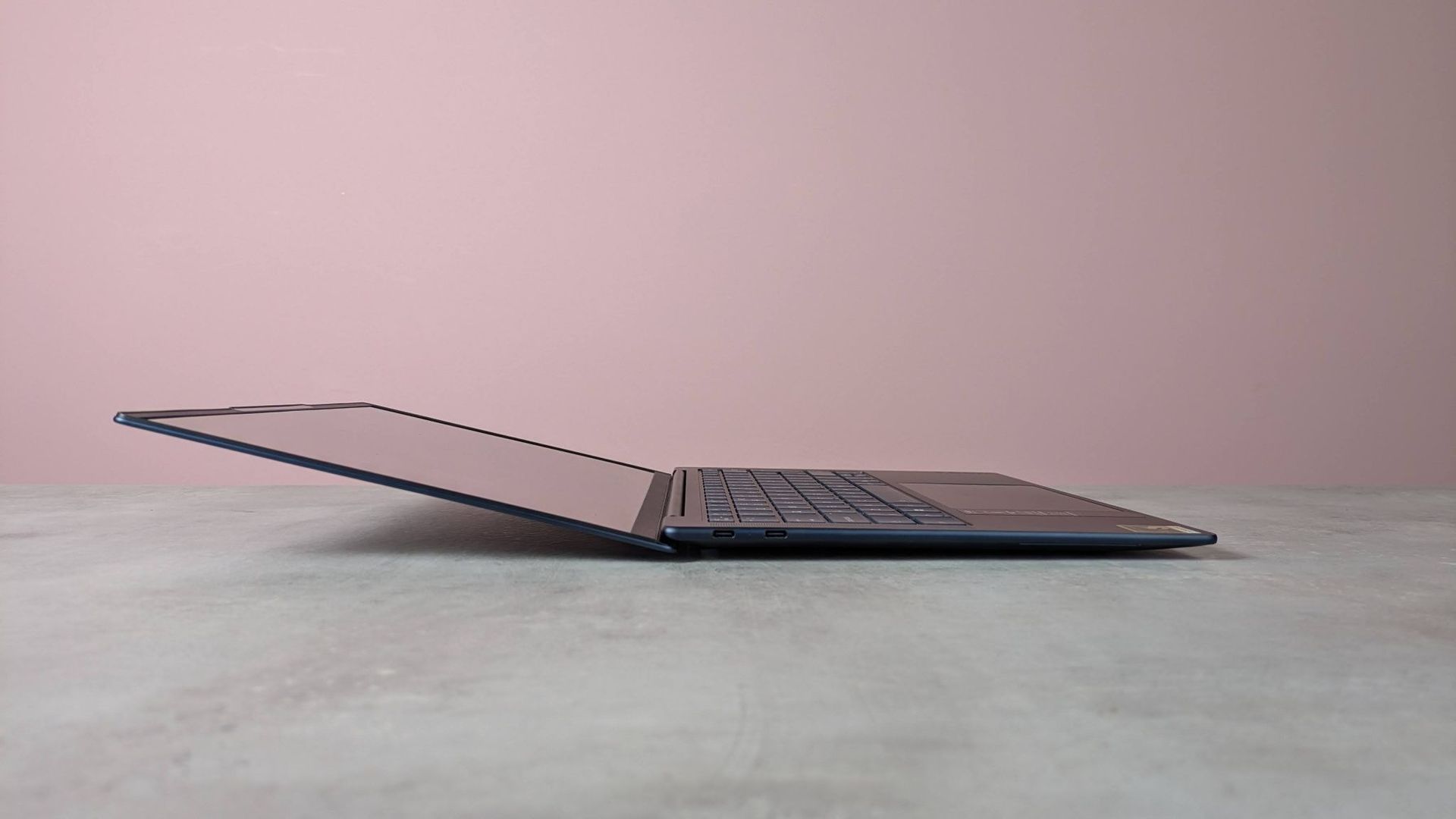
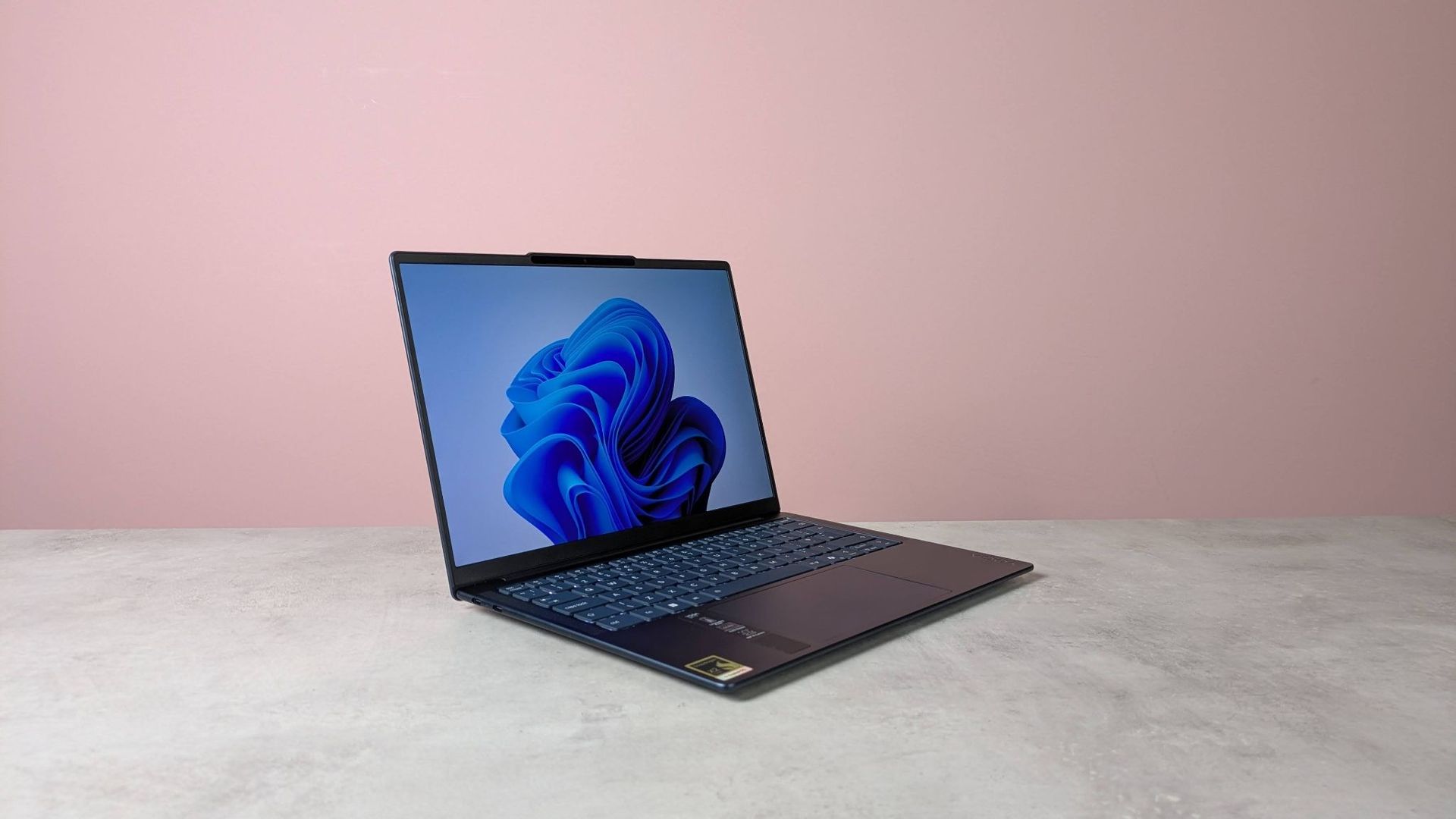
The Lenovo Yoga Slim 7x is possibly the thinnest laptop we've ever tested β€” and this deal drops the price by $550

We found the Lenovo Yoga Slim 7x a glorious ultra-portable, with this deal shaving $550 off a Snapdragon laptop equipped with 32GB of memory and literal all-day battery life.

β€’ Best for: Professionals and students who want a tablet-thin, lightweight laptop that doesn't sacrifice day-to-day performance.

β€’ The deal: The Lenovo Yoga Slim 7x is now $1550 (was $2100) at Lenovo.

β€’ Why we like it: We scored the Yoga Slim 7x 4 stars in our review, praising its impressively thin design, performance that easily handled everything from basic productivity to 4K streaming, and battery, which lasted just under 24 hours in our tests.

Snapdragon X2 Elite X2E-80-100 | 32GB RAM | 1TB SSD | 14-inch OLED

Loaded with Windows 11 Home, the Yoga Slim 7x is ideal for remote workers, commuting professionals and students who need a premium-quality laptop that's remarkably thin. View Deal

Why we recommend it

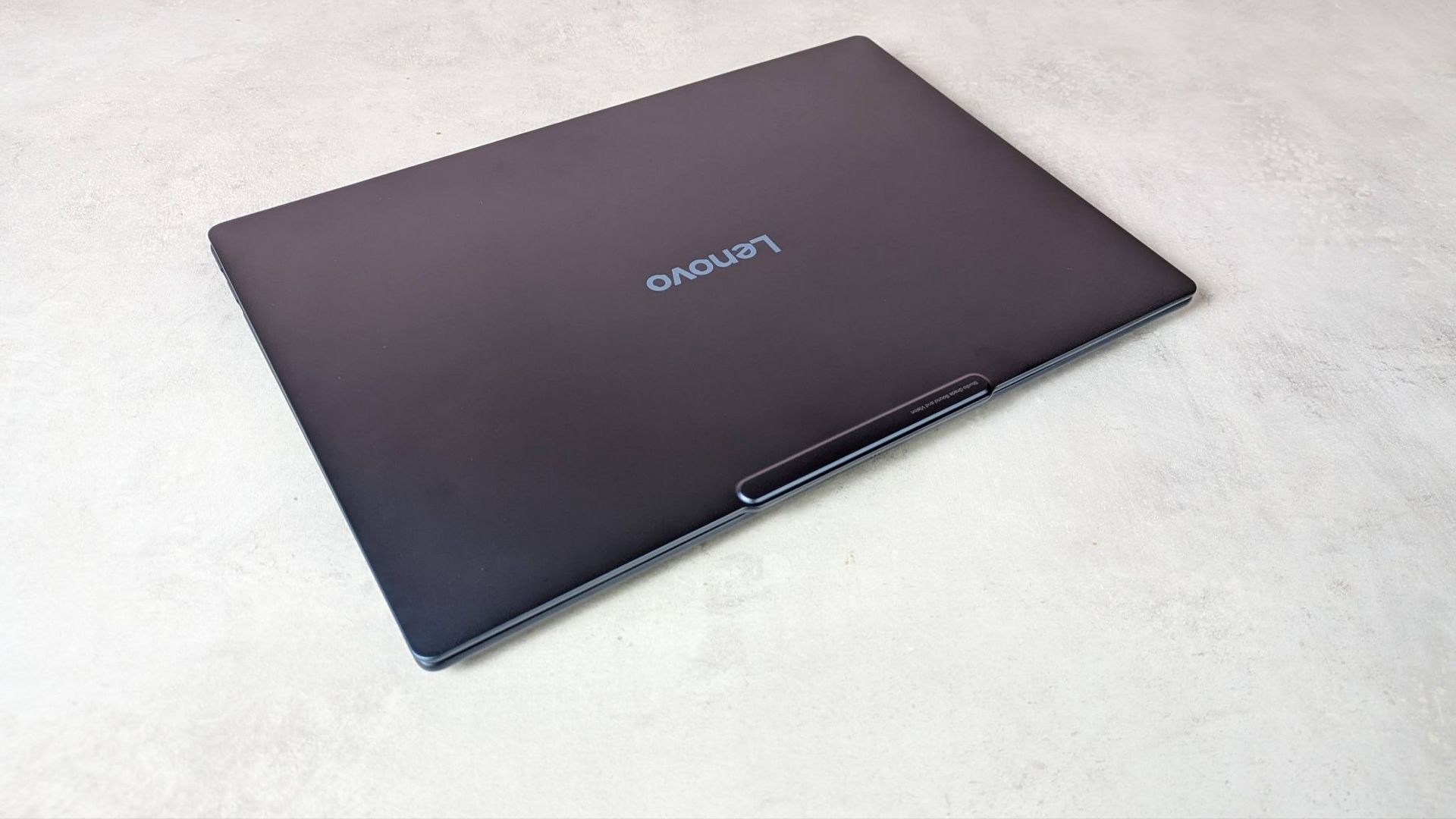
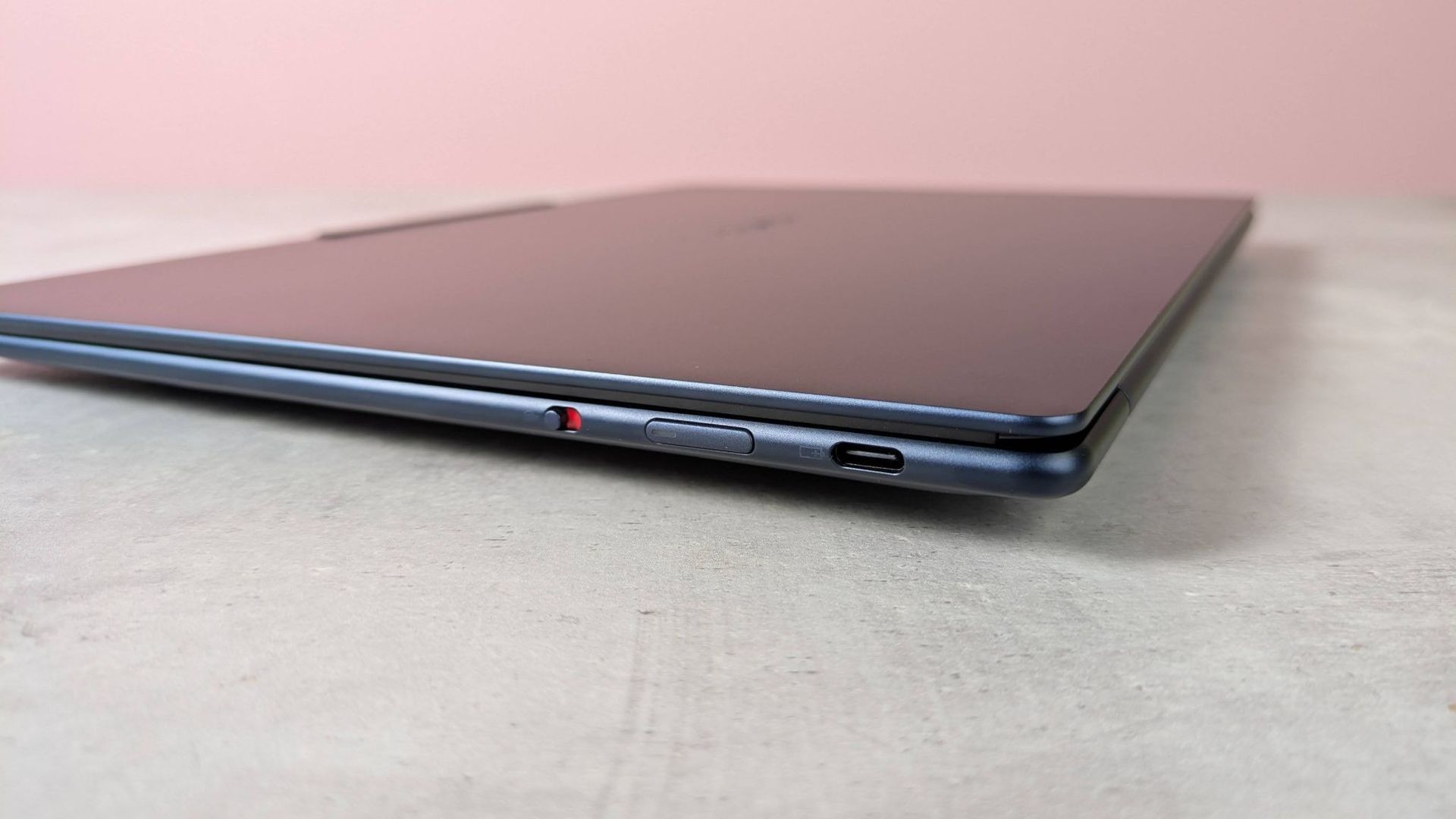
This might just be the thinnest laptop we've ever tested - and the build quality is, and I quote, "exquisite." We awarded the Yoga Slim 7x 4 stars in our review, and found Lenovo's ultra-portable excelled at day-to-day tasks like running office software, multi-tab browsing, and streaming movies. We even managed to play Cyberpunk 2077 on low settings, although it's best-suited to productivity with casual gaming on the side. For content creation, I'd stick to design and photo editing over full-scale video production, with the 14-inch Full HD OLED hitting 100% DCI-P3.

For more options, see my guide to the best business laptops.

Value verdict

Good. Most Snapdragon-powered laptops cost around $1100 to $1300, but those base configurations are usually capped at 16GB of memory and 512GB storage. Here, you're doubling both specs with 32GB LPDDR5 RAM and 1TB Gen4 SSD for smoother performance, justifying the $1550 price tag.

Should you buy it?

βœ… Buy the Lenovo Yoga Slim 7x if...

You want a backpack-friendly ultraportable for work and study. It measures 0.55 x 12.28 x 8.70 inches, and 2.58lbs in weight.

❌ Skip the Lenovo Yoga Slim 7x if...

You need a laptop for dedicated graphics workloads like video editing, 3D rendering, or gaming.

Lenovo Yoga Slim 7x Gen 11
Future
Lenovo Yoga Slim 7x Gen 11
Future
Lenovo Yoga Slim 7x Gen 11
Future
Lenovo Yoga Slim 7x Gen 11
Future
Lenovo Yoga Slim 7x Gen 11
Future

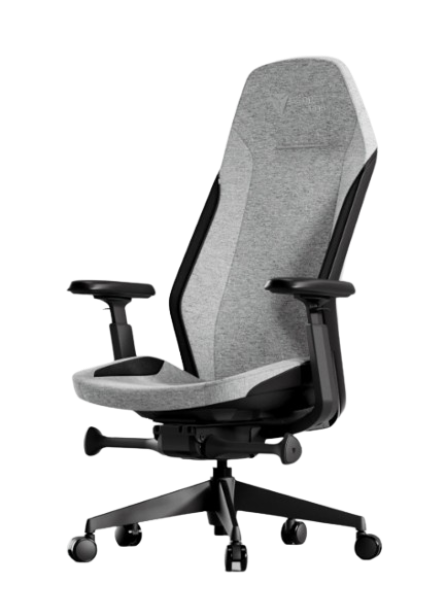
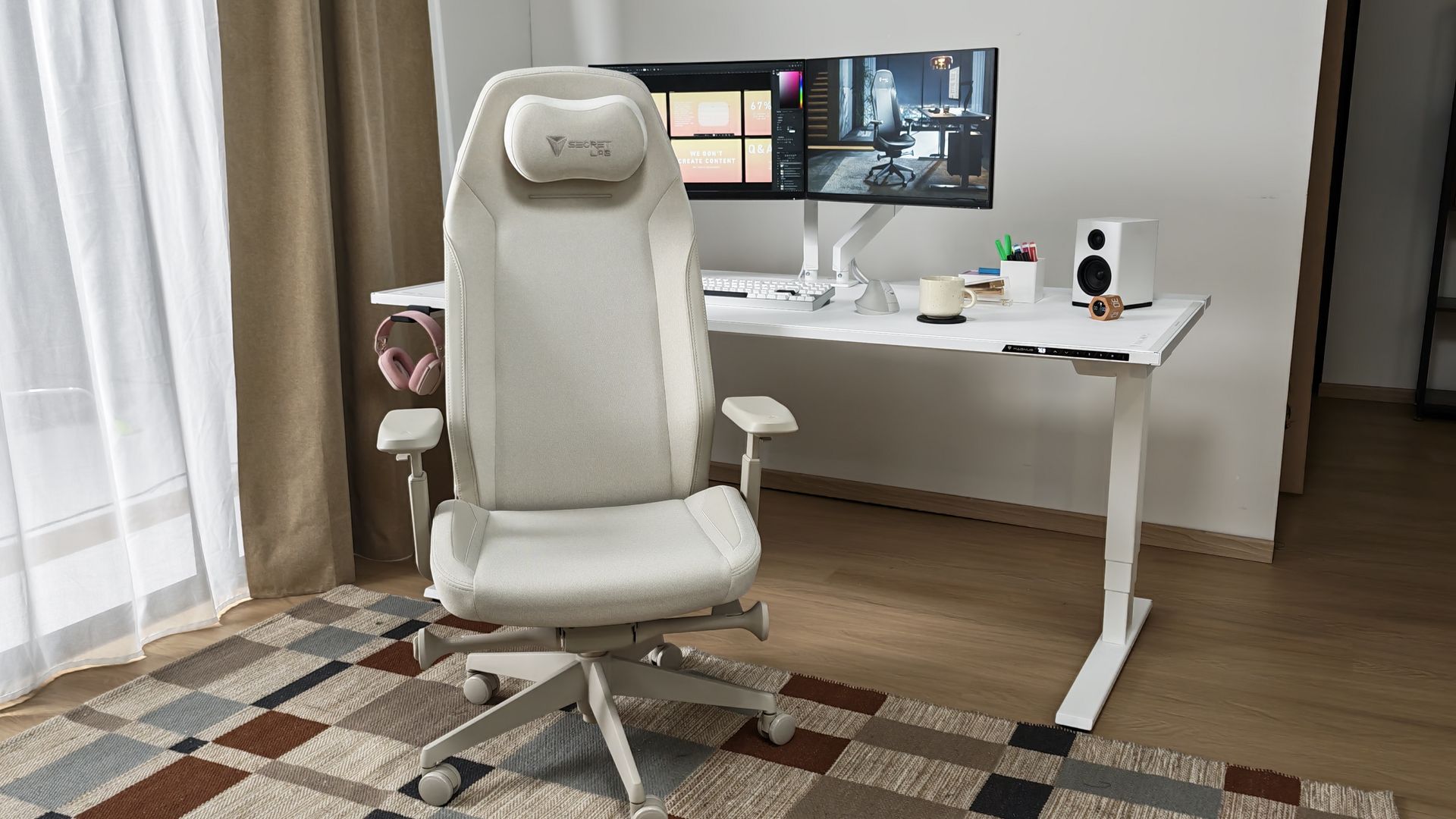
Secretlab's new Atlas office chair drops under $500 with its very first price cut

Secretlab has launched a big sale, promising - and I quote - "Black Friday prices, now", and it includes the recently launched Secretlab Atlas office chair.

β€’ Best for: Remote workers who want a firm, supportive office chair that's stylish enough to blend into the home.

β€’ The deal: The Secretlab Atlas Cookies-and-Cream fabric office chair is now $499 (was $519) at Secretlab. Other colorways are also discounted in the sale.

β€’ Why we like it: I own this exact Atlas model and it's one of the most comfortable office chairs I've ever used with firm support encouraging good posture during the eight-hour workday. The design is sleek, with a home office-friendly silhouette that doesn't dominate the way some gaming and office chairs do.

The Secretlab Atlas is one of those office chairs that genuinely impresses me every time I use it. I actually look forward to sitting in it. It's available in a range of colors and coverings, but whichever color you choose, I recommend the breathable fabric model over leatherette for office work.View Deal

Why we recommend it

In his 4-star review, our gaming editor Dash called the Secretlab Atlas "a capable Herman Miller competitor," highlighting the style, reasonable price, support, and premium build. I'd agree with all of that. Considering it's currently under $500, the build quality is incredible. The firm backrest is cleverly carved for support without needing to be adjusted (although it does tilt, recline, and swivel). I found it excels at relieving back pain and keeping you in a comfortable position at your desk. And the design is nicely understated for the home.

For more options, see my guide to the best office chairs my team and I have tested.

Price context & historical value

This is the first discount on the Atlas that I've seen since release, and Secretlab is framing this sale as offering Black Friday prices now, so I don't expect this one to drop lower any time soon.

Should you buy it?

βœ… Buy the Secretlab Atlas if...

You want a firm, posture-focused chair with a top-tier build quality and subtle design for the home office.

❌ Skip the Secretlab Atlas if...

You're over 5'10" - I'm 5'9" and the chair sits surprisingly low to the ground, so you may want to opt for the Large model - or you prefer a softer, ultra-padded chair.

❌