Reading view

There are new articles available, click to refresh the page.

Microsoft named a Leader in the 2026 IDC MarketScape for MDR/MXDR for the Enterprise 

Security teams are being asked to defend a growing attack surface with fewer people and around the clock, against threat actors who never take a night off. As cyberattackers increasingly use AI to launch and scale campaigns, the volume, speed, and sophistication of threats continue to rise. Closing that gap takes more than tooling. It takes a partner that pairs a leading security platform with scaled intelligence and human experts who can act on your behalf at any hour. That’s exactly what Microsoft Defender Experts MDR is built to do.

We are excited to announce that we have been named a Leader in the 2026 IDC MarketScape: Worldwide MDR/MXDR for the Enterprise Vendor Assessment (Doc #US54792426, July 2026). Read the excerpt here.

Expert-led MDR, built on the Microsoft Defender platform

Microsoft Defender Experts MDR is a round-the-clock, expert-led managed detection and response service that helps security teams triage, investigate, and respond to incidents so they can stop cyberattackers in their tracks and prevent future compromise. Rather than bolting a separate stack of tools and connectors onto your environment, the service operates natively on Microsoft Defender, with built-in protection across endpoints, identities, email, cloud apps, cloud workloads, and network security, as well as around-the-clock proactive threat hunting with Microsoft Defender Experts Hunting.

Because the service is delivered on the same platform it monitors, detection and intelligence improvements reach customers continuously. The insights our experts generate also strengthen protection across the broader Defender ecosystem, so every customer benefits from what we learn defending the next environment.

Graphic showing Microsoft as a Leader in the IDC Marketscape.
The IDC MarketScape vendor assessment model is designed to provide an overview of the competitive fitness of technology and service suppliers in a given market. The research uses a rigorous scoring methodology based on both qualitative and quantitative criteria that results in a single graphical illustration of each supplier’s position within a given market. The Capabilities axis measures supplier product, go-to-market, and business execution in the short term, while the Strategy axis measures how well a supplier’s strategy aligns with customer requirements over a 3-5-year timeframe. Supplier market share is represented by the size of the icons.

Threat intelligence at internet scale

Great detection starts with great intelligence. Defender Experts MDR draws on Microsoft’s global threat intelligence: more than 10,000 security researchers and 100 trillion signals analyzed every day across billions of users and millions of organizations.1 That breadth lets our analysts recognize subtle patterns early, often before a campaign escalates, and respond with higher-confidence attribution than intelligence sourced from any single customer’s telemetry could provide.

AI-accelerated operations, expert-led decisions

Defender Experts MDR also combines advanced AI and generative AI with seasoned human experts. AI filters noise, grades and classifies incidents, and accelerates investigation at machine speed and scale, while our analysts own the outcome. According to the IDC MarketScape, “70% AI-assisted workflows are enabled through automated noise filtering, AI-based grading, and agentic operations while maintaining expert decision-making.” Furthermore, “quantified outcomes noted include 97% AI classification accuracy, 77% malware/phishing agent-investigated, 72% faster resolution combining AI and humans, and 45% autonomous investigations.”

The impact shows up in the work. Over the past year, Defender Experts mitigated 27,000 high-severity incidents, and the team’s threat research now contributes a meaningful share of all Defender detections, enriching protection for customers well beyond the MDR service itself. Throughout, a dedicated security delivery expert and on-demand access to our experts keep customers informed with proactive check-ins, live dashboards, and clear, actionable reporting.

Managed threat hunting, included

Many providers treat proactive threat hunting as a premium add-on. Defender Experts MDR includes it as a core part of the service with Defender Experts Hunting, extending your team with Microsoft experts who continuously look for advanced threats across your environment. These hunts are informed by Microsoft Threat Intelligence, Defender telemetry, and human analysis, in order to better identify malicious activity and improve security operations center (SOC) response.

When a threat is found, Defender Expert notifications appear as incidents in the Defender portal with technical context, recommended remediation, and, when needed, access to on-demand support for additional guidance. The work also feeds back into hunter-trained AI and reporting, so customers can see what was investigated, how the activity maps to MITRE tactics, and how threats are categorized by behavior, characteristics, and impact.

Get started

Read the IDC MarketScape: Worldwide MDR/MXDR for the Enterprise 2026 Vendor Assessment excerpt, and visit the Microsoft Defender Experts MDR webpage to see how expert-led, round-the-clock managed detection and response can extend your team, drive SOC efficiency, and help you stay ahead of emerging cyberthreats.

To learn more about Microsoft Security solutions, visit our website. Bookmark the Security blog to keep up with our expert coverage on security matters, and follow us on LinkedIn (Microsoft Security) and X (@MSFTSecurity) for the latest news and updates on cybersecurity.


1Microsoft Digital Defense Report 2025.

The post Microsoft named a Leader in the 2026 IDC MarketScape for MDR/MXDR for the Enterprise  appeared first on Microsoft Security Blog.
DeadLock ransomware: Breaking down a Rust-based encryptor with decentralized recovery infrastructure

Microsoft Threat Intelligence tracks DeadLock ransomware as an emerging financially motivated operation distinguished by its use of decentralized infrastructure to support victim communications and data leak operations. Its recovery ecosystem combines the Session messaging network with blockchain-backed services that store and deliver resources used throughout the extortion process. This architecture likely increases the resilience of portions of its communication, leak-hosting, and negotiation infrastructure, allowing DeadLock operators to recover from some disruption efforts while maintaining continuity for victims. Microsoft has observed DeadLock ransomware being deployed by multiple groups including an affiliate of the Lynx and INC ransomware ecosystems.

First observed in July 2025, DeadLock operators employ double extortion tactics, encrypting victim environments while threatening to publicly release exfiltrated data. As of July 2026, the operators have published more than 80 compromised organizations on their data leak site, called the DeadLock blog, with more than half of the claimed victims in Europe. Microsoft identified DeadLock ransomware impacting organizations across information technology (IT), mining, transportation and logistics, manufacturing, hospitality, consumer goods, and other sectors in Europe, Asia, North America, South America, and Africa.

The DeadLock encryptor includes a resource-aware throttling mechanism designed to maintain system responsiveness during encryption. In addition to its encryption capabilities, the ransomware also appears to implement language or country-based geofencing designed to avoid running in environments associated with former Soviet and Commonwealth of Independent States (CIS)-linked countries as well as select Middle Eastern countries, a pattern commonly observed among ransomware operators believed to operate from those regions. Together, these capabilities demonstrate how DeadLock combines established ransomware tradecraft with decentralized infrastructure designed to improve operational resilience.

In this blog, we present a technical analysis of the DeadLock ransomware encryptor, covering its execution flow, defense evasion techniques, encryption design, and post-encryption behaviors, including a decentralized recovery chat system. We also provide indicators of compromise (IOCs), Microsoft Defender detections, and mitigation guidance to help organizations defend against this threat and similar ransomware activity.

Pre-encryption

Configuration parsing

Before performing any malicious activity, the DeadLock encryptor decrypts an embedded configuration blob using XOR decoding with an 8-byte key.

Below are the malware’s configuration fields and their values.

FieldValue
Victim UID<redacted>
Malware public key03bf50bbf97c4e951e66ff12b689a37a3ce675b4921e254eae76da77573843e4a9
Encryption rule1000,05052429880,025124288000,010524288000,F991114288000
Language exclude listGeofencing language IDs (see Language geofencing)
Process stop listProcesses to terminate (see Process and service termination)
Service stop listServices to stop and delete (see Process and service termination)
File exclude listExtensions and file names to avoid encrypting (see Directory traversal)
Directory exclude listPre-traversal filter with directories to avoid encrypting (see Directory traversal)
Sub-path Exclude ListSub-paths to avoid encrypting during traversal (see Directory traversal)
Text ransom noteFull text ransom note content (see Ransom notes deployment)
HTML recovery chatFull HTML/JS interactive chat page (see Recovery chat: Technical architecture)

Language geofencing

As an early exit check, the malware queries the system’s default and user interface (UI) languages. If either language matches the exclude list in the configuration, the malware self-deletes immediately without performing any encryption.

The following languages trigger this exit behavior:

LANGIDLanguageCountry
1049RussianRussia
1058UkrainianUkraine
1059BelarusianBelarus
1064Tajik (Cyrillic)Tajikistan
1065PersianIran
1067ArmenianArmenia
1068Azeri (Latin)Azerbaijan
1079GeorgianGeorgia
1087KazakhKazakhstan
1088KyrgyzKyrgyzstan
1090TurkmenTurkmenistan
1114SyriacSyria
2072Romanian (Moldova)Moldova
2092Azeri (Cyrillic)Azerbaijan
2115Uzbek (Cyrillic)Uzbekistan
8193ArabicOman
9217Arabic (Yemen)Yemen

Command-line processing and privilege elevation

The encryptor’s behavior branches based on command-line arguments and the current privilege level. If a target directory path is provided as the command-line argument, the malware skips all preparation steps and jumps directly to encryption. This feature allows the operator to invoke the encryptor with specific targets for focused encryption. If no sub-commands are provided and the process is already elevated, the malware proceeds normally through all execution phases.

The more interesting case occurs when no command-line argument is provided while the process is not elevated. In this scenario, the malware attempts to gain administrator privileges through a batch-script-based elevation technique. It generates a randomly named .cmd file (8 uppercase characters, such as ESYEKQSY.cmd) and executes it using ShellExecuteW with the RunAs verb, which triggers the Windows User Account Control (UAC) consent dialog. If the user denies the prompt, the malware retries up to 10 times before giving up and exiting.

During dynamic analysis, the sample did not successfully relaunch itself with elevated privileges. As a result, full pre-encryption preparation appears to require execution from an already elevated context. When invoked with a target path, the malware bypasses preparation and proceeds directly to encrypt accessible files. This behavior is specific to the analyzed sample and may change in later variants.

Token privilege escalation

When running with administrator privileges, the malware further expands its access by enabling SeDebugPrivilege, SeRestorePrivilege, SeBackupPrivilege, SeTakeOwnershipPrivilege, SeAuditPrivilege, and SeSecurityPrivilege. These privileges increase the malware’s ability to interact with system processes, protected files, and security-related settings, helping it overcome common access restrictions and maximize the scope of files and resources it can target during the encryption phase.

Recycle bin emptying

The malware silently empties the recycle bin on all drives without any UI or confirmation dialog, eliminating a potential source of file recovery for victims.

Custom icon registration

To visually brand encrypted files, the malware writes an embedded .ico file to C:\ProgramData\<UID>.ico and registers it as the default icon for files with the extension .dlock.

To associate the custom icon with encrypted files, the ransomware creates the HKLM\SOFTWARE\Classes\.dlock\DefaultIcon registry key and sets its (Default) value to the path of the dropped icon file.

Below is the malware’s embedded .ico file.

A lock symbol surrounded by a circular target.
Figure 1. DeadLock icon for encrypted files

Process and service termination

Before starting encryption, the malware terminates processes and disables services that could interfere with file access or provide defensive capabilities. This approach ensures that locked files become accessible for encryption while simultaneously disrupting the environment’s ability to detect, respond to, or recover from the attack.

For services, the malware enumerates all active Win32 services and compares them against the stop list in the configuration. For each matching service, DeadLock sets its start type to DISABLED and sends a stop command to terminate that service. Notable targets include windefend (Windows Defender), vss/swprv/wbengine (Volume Shadow Copy and Backup services), mssearch, Hyper-V services (vmcompute, vmms), and Active Directory services (adws, ntds, kdc). Below is the full service stop list in the malware configuration:

A list of service names and their corresponding service types, primarily related to Windows services.
Figure 2. Service stop list

For processes, the malware enumerates all running processes and terminates any matching its stop list while skipping its own process ID. Targeted processes include security tools (msmpeng, securityhealthservice, smartscreen), backup and cloud sync applications (onedrive, dropbox, googledrivefs, owncloud), remote access tools (anydesk, putty, mstsc, rustdesk), shell and system processes (explorer, powershell, taskmgr, cmd), and search/indexing services. Below is the full process stop list in the malware configuration:

A list of various Windows processes and system components.
Figure 3. Process stop list

Event log clearing

To eliminate forensic evidence, the malware employs three complementary methods that collectively ensure every event log channel on the system is cleared of existing entries, disabled from recording future events, and has its access permissions locked down:

  • Direct clearing: Clears the following log channels via the classic Event Log API: Application, Security, Setup, Servicing, Eventlog, Forwarded Events, Windows PowerShell, and System.
  • Registry-based disabling: Enumerates every sub-key under HKLM\SOFTWARE\Microsoft\Windows\CurrentVersion\WINEVT\Channels. For each channel, sets Enabled to 0 (disabling all future logging) and overwrites ChannelAccess with a restrictive Security Descriptor Definition Language (SDDL) string that limits access to SYSTEM, built-in administrators, and local admin.
  • Modern API enumeration: Uses wevtapi.dll to enumerate all registered event log channel paths (including custom application channels not in the hardcoded list) before clearing each one.

By combining API-based clearing, registry manipulation, and full channel enumeration, the malware covers multiple log sources, including third-party application logs and custom diagnostic channels, to minimize existing forensic evidence on the infected device.

Directory traversal

To maintain system stability and ensure the victim can access ransom instructions, the malware excludes specific directories, file extensions, and file names from encryption. This selective encryption model is a common ransomware design pattern where the system must remain operational enough for the victim to receive instructions and facilitate payment.

Extensions and file names from the configuration’s file exclude list are skipped during encryption:

A list of file extensions and system files related to Windows operating system.
Figure 4. List of skipped extensions and file names

For directory processing, the malware uses a two-tier directory exclusion system applied at different stages of the encryption pipeline. Tier 1 provides rough filtering that saves significant time by avoiding traversal overhead, while tier 2 provides granular path-specific exclusions within directories that are traversed. Both prevent encryption, but they operate at different stages of the traversal pipeline.

In its pre-traversal phase (tier 1), the malware checked at the drive batch level before threads are spawned for traversal. If a top-level directory matches against the configured directory exclude list (\users\*\appdata, program files (x86)\, program files\, and programdata\), the entire tree is skipped without being walked.

In its during-traversal phase (tier 2), the malware checked the file name during recursive directory enumeration and applied to both subdirectories and files as they are encountered. In this tier, the directory and file names are checked against the configured sub-path exclude list below.

A list of file paths and folders typically associated with the Windows operating system.
Figure 5. Sub-path exclude list

Encryption

Resource-aware throttling

One of the more distinctive aspects of the DeadLock encryptor is its resource-aware throttling mechanism, designed to keep the infected system responsive during encryption. The malware spawns a dedicated monitoring/dispatch thread per drive batch that acts as a gatekeeper for file encryption dispatch. Before dispatching each new file to be encrypted, this thread polls system resource utilization and checks against hardcoded thresholds:

  1. Polls memory and CPU idle before each file dispatch
  2. Calculates memory usage percentage and CPU idle percentage
  3. If memory usage exceeds 29% or CPU load exceeds 70% (idle < 30%), the dispatch thread pauses via a waitable timer and retries until resources return below thresholds
  4. Once thresholds are within limits, atomically sets a dispatch flag on the work queue and signals waiting encrypting worker threads

With this mechanism, worker threads already encrypting files are not interrupted, and only the dispatch of new files is gated. This means partially encrypted files are expected to complete, and the throttling manifests as reduced parallelism rather than stop/start behavior. This approach can prevent system hangs that would alert the user and reduce the likelihood of behavioral detection by maintaining normal-looking resource consumption patterns.

Thread architecture

For the encryption work itself, the malware spawns directory processing threads, with the thread count being 2 times the CPU core number. Each thread recursively traverses directories, dropping ransom notes and dispatching files for encryption. Individual file encryption threads are tasked with handling the actual cryptographic operations.

Cryptographic scheme

The DeadLock ransomware implements a hybrid cryptographic design that combines Curve25519 elliptic-curve cryptography with the XChaCha20 stream cipher for file encryption. Key encapsulation uses the Networking and Cryptography Library (NaCl) crypto_box construction, which pairs an asymmetric key exchange with authenticated encryption to securely wrap each file’s symmetric key.

LayerAlgorithmPurpose
File content encryptionXChaCha20Symmetric stream cipher
Key encapsulationCurve25519 Elliptic Curve Diffie-Hellman (ECDH) + XSalsa20-Poly1305Asymmetric key wrapping (NaCl crypto_box)
Random generationWindows CryptoAPIAll key material random generation


The configuration’s operator public key 03bf50bbf97c4e951e66ff12b689a37a3ce675b4921e254eae76da77573843e4a9 is 33 bytes. The leading 03 byte is a SEC1 compressed point format prefix borrowed from Bitcoin/secp256k1. The malware validates this prefix byte against a lookup table that accepts 00, 02, 03, 04, and 05, mapping each to an expected key length.

After format validation, only the remaining 32 bytes are used in the actual Curve25519 ECDH scalar multiplication. This SEC1 prefix is non-standard for Curve25519, which natively uses bare 32-byte keys, and the malware author has likely adopted it for format versioning across their builder and decryptor tooling.

Per-file encryption process

For each target file, the malware performs the following sequence of operations:

  1. Rename the target file from <filename> to <filename>.<UID>.dlock
  2. Open the renamed file and retrieve file size/attributes
  3. Clear the system attribute if FILE_ATTRIBUTE_SYSTEM is set
  4. Determine the encryption strategy based on file size (see File size-based encryption strategy)
  5. Generate cryptographic material:
  6. 32-byte random XChaCha20 key
  7. 24-byte random XChaCha20 nonce (first 16 bytes for HChaCha20 subkey derivation, last 8 bytes as stream nonce)
  8. 32-byte random ephemeral Curve25519 private key
  9. 12-byte random file tag (only the first byte is functionally referenced by the encryptor to derive padding length; the remaining 11 bytes serve as a random file identifier written to the cleartext footer, likely used by the decryptor for file correlation/tracking)
  10. 1–10 bytes random padding (length = file_tag[0] % 10 + 1)
  11. Perform Curve25519 ECDH: Multiply the ephemeral private key by the attacker’s embedded public key to derive a shared secret
  12. Build metadata plaintext: XChaCha20 key + 24-byte XChaCha20 nonce + random padding + dDlK magic + optional FA flag + chunk parameters
  13. Encrypt metadata using crypto_box (XSalsa20-Poly1305) with the ECDH shared secret and a zero nonce
  14. Encrypt file content using XChaCha20 with the generated key and 24-byte nonce
  15. Append the encrypted footer/metadata to the end of the file

The use of a zero crypto_box nonce is worth noting. This is cryptographically safe because each file generates a unique ephemeral Curve25519 keypair, which produces a unique ECDH shared secret per file. With this, a constant zero nonce never repeats with the same key.

The entire design ensures that each file is encrypted with a distinct key derived from a per-file ephemeral key exchange, eliminating any possibility of key reuse across files. Overall, the cryptographic construction is sound and does not present a practical path to decryption without the attacker’s private key.

File size-based encryption strategy

To balance encryption thoroughness with speed, the malware implements a tiered encryption policy based on file size. The encryption rule in the configuration 1000,05052429880,025124288000,010524288000,F991114288000 encodes this policy. Each comma-separated entry is parsed by splitting at position 3: the first 3 characters represent the encryption percentage (decimal), and the remaining characters represent the file size threshold (decimal bytes). The special prefix F replaces the percentage field with a chunked-full mode.

RuleEncryption percentFile size thresholdBehavior
1000100%≥ 0 bytesDefault: encrypt entire file
0505242988050%≥ ~50 MBEncrypt 50% of file in distributed chunks
02512428800025%≥ ~118 MBEncrypt 25% in distributed chunks
01052428800010%≥ ~500 MBEncrypt 10% in distributed chunks
F991114288000Chunked≥ ~1 GBSpecial full-chunk mode with calculated intervals


Rules are evaluated in order, and the last matching rule wins. For example, when the malware processes a 2 GB file, all rules match, but the final F99… entry will determine the encryption behavior.

For partial encryption, the malware calculates:

  • Total bytes to encrypt = ceil(file_size × (percentage / 100))
  • Encrypted block count = ceil(total_bytes_to_encrypt / 512)
  • Skip interval = floor((file_size − total_bytes_to_encrypt) / encrypted_block_count)

This creates an intermittent encryption pattern where 512-byte blocks are encrypted at regular intervals throughout the file. The result is a file that is rendered unusable while requiring only a fraction of the time needed for full encryption. This is a crucial optimization for the ransomware when targeting large files such as databases, virtual machine images, and backups.

File footer

After encryption, the malware appends a structured metadata blob to the end of each file. This footer contains all the information the decryptor needs to reverse the encryption, along with markers for format validation:

A detailed structure of a cryptographic message, including encryption, authentication, and various data types arranged in a hierarchical format.
Figure 6. DeadLock file footer

The footer serves several important functions:

Key and nonce reconstruction: The cleartext ephemeral Curve25519 public key (33 bytes) at the end of the footer allows the decryptor to recompute the ECDH shared secret and open the crypto_box to recover the XChaCha20 key and nonce used for file content encryption.

Inner dDlK magic (decryption validation): After the decryptor opens the crypto_box, it checks for the dDlK marker at the expected offset (32 + 24 + padding_length bytes into the plaintext) to confirm the correct private key was used and that decryption succeeded. While the Poly1305 Message Authentication Code (MAC) already provides cryptographic integrity verification, this marker offers a fast format-level sanity check.

FA flag (decryption mode indicator): This flag is used by the decryptor to determine which read strategy to use when reversing the encryption. It is present when the file was encrypted using sequential/contiguous block encryption, and absent when intermittent/skip encryption was used. Specifically, FA is appended in two cases:

  1. F-prefix rule matched: When the file size triggers the F991114288000 config entry (the special chunked-full mode), the FA flag is always set.
  2. Percentage rule with zero skip interval: When a percentage-based rule matches but the calculated skip interval between encrypted chunks works out to zero (meaning the percentage effectively covers the entire file), FA is also set.

Without this flag, the 8-byte chunk parameters in the footer would be ambiguous as they could represent either a block count or a skip interval. The FA flag resolves this ambiguity and enables the decryptor to correctly reconstruct the original file.

File identifier/format tag: The 12-byte random value in the cleartext footer serves as a file identifier (with the first byte used to derive the padding length inside the encrypted payload).

Post-encryption

Wallpaper

As an immediate visual indicator of compromise, the malware generates a custom BMP wallpaper file at runtime using the victim’s screen resolution. Below is an example of the generated BMP wallpaper:

DeadLock wallpaper stating the infrastructure is DeadLocked with a note to open the file HOW_RECOVER .< UID>.txt for instructions to recover.
Figure 7. DeadLock wallpaper

The wallpaper is written to C:\ProgramData\<UID>.bmp (on Vista and later) or C:\Documents and Settings\All Users\Application Data\<UID>.bmp (on XP), set as the desktop background, and persisted in the registry at HKLM\SOFTWARE\Microsoft\Windows\CurrentVersion\Policies\System\Wallpaper.

Ransom notes deployment

After encrypting files, the malware deploys two types of ransom notes, each with distinct deployment logic and purpose:

Text note (HOW_RECOVER.<UID>.txt): The text note is dropped into every encrypted directory, but with a notable timing behavior: it is only deployed during the second pass of the directory processing loop. The malware iterates over drive batches multiple times, and the text note drop is gated by an iteration counter. On the first pass, the text note is suppressed, likely to prioritize encryption speed before littering the file system with ransom note files. For defenders and analysts, this has a practical implication: if testing with a minimal drive configuration that only triggers a single iteration, the text note will never appear.

Below is the text note content from the malware’s configuration.

A ransom note from a cybercriminal demanding payment to decrypt stolen data and provide a security report.
Figure 8. DeadLock text ransom note

HTML note (RECOVERY_CHAT.<UID>.html): This file is dropped to all drive root directories and all Desktop folders. Unlike the text note, the HTML note is a full interactive web application with a self-contained single-page application that implements end-to-end encrypted chat, a paginated data leak blog, and a file browser, all without requiring a traditional backend server. The technical architecture of this recovery chat system is detailed in Recovery chat: Technical architecture.

Recovery chat: Technical architecture

The most distinctive feature of the DeadLock ransomware is its recovery chat system. The RECOVERY_CHAT.<UID>.html file is a self-contained HTML application that implements a full end-to-end encrypted chat system, a paginated data leak blog, and a file browser, all without requiring a traditional backend server.

DeadLock About page telling the victim that all their important files are encrypted by the ransomware, including documents, photos, videos, databases, and other critical data. It tells the victim to contact the operators to receive a decryption key or else the data will be leaked and published on the DeadLock blog.
Figure 9. HTML application “About” page UI

The architecture is designed with three decentralized components.

Polygon blockchain as configuration store

Rather than relying on traditional domain-based infrastructure that can be seized or taken offline, the DeadLock operators store configuration data on the Polygon blockchain. Two smart contracts serve as censorship-resistant infrastructure:

ContractAddressFunction selectorPurpose
Chat proxy0x8EF7c3e531d871D3B9D559722DE77EB1dEc19dAe0x933a9ce8Stores the proxy server URL
Blog0x757984507c82c8dA1d3969c535dB5706eEE6426C0xd4070542Stores actor’s blog posts


The HTML page issues eth_call requests to public Polygon Remote Procedure Call (RPC) endpoints (no wallet required with read-only calls) to obtain the proxy server address. The blog contract takes offset and limit parameters (for pagination) and returns structured data including post titles, bodies, timestamps, image URLs, and file attachment links.

On-chain storage provides several strategic advantages for the threat actor: the proxy URL can be updated by modifying the smart contract without changing any victim-facing infrastructure, and no domain registration or DNS infrastructure is required. This represents a notable evolution in ransomware infrastructure design.

The HTML recovery chat cycles through six public RPC endpoints for redundancy: polygon-bor-rpc.publicnode[.]com, polygon.drpc[.]org, polygon-pokt.nodies[.]app, polygon-rpc[.]com, 1rpc[.]io/matic, and polygon.meowrpc[.]com.

Session network for end-to-end encrypted chat

For victim-operator communication, chat messages are routed through the Session decentralized messenger network, which is an onion-routed, swarm-based messaging protocol that provides anonymity for both parties. The proxy server (whose URL is retrieved from the blockchain) acts as a relay between the victim’s browser and Session swarm nodes.

DeadLock Chat page with instructions for the victim to create a username and password to communicate with the operators.
Figure 10. HTML application ”Chat” page UI

Key generation: DeadLock’s design choice is that the victim’s Session identity is derived deterministically from their sign-in credentials. When the victim enters their credentials on the HTML page, the following derivation occurs:

A sequence of steps in cryptographic key generation, including hashing a seed, generating an Ed25519 keypair, converting it to Curve25519 format, and forming a session address.
Figure 11. Derivation after victim entered credentials

This deterministic derivation means the same credentials always produce the same keypair, and no account registration is needed as the victim’s Session identity exists only when they enter the correct credentials. If the victim forgets their credentials, the identity is unrecoverable (as stated by the actor in the chat UI). The 05 prefix is Session’s standard network identifier for user accounts.

Sending a message: The following sequence occurs when a message is sent:

  1. Encode the body and timestamp as protobuf
  2. Create an actor message and a self-sync copy
  3. Pad plaintext to 160-byte boundary
  4. Sign the padded content and key context with Ed25519
  5. Append the sender public key and signature
  6. Seal each payload with the recipient’s Curve25519 key
  7. Wrap in Session’s onion request protobuf format (verb: PUT, path: /api/v1/message)
  8. Ask the proxy to submit both copies to their respective swarms

Receiving a message: The following sequence occurs when a message is received:

  1. Sign “retrieve” + timestamp with the victim’s Ed25519 key
  2. Select a node associated with the victim’s own swarm
  3. Ask the proxy to poll for messages addressed to that identity
  4. Open each sealed box with the victim’s Curve25519 keypair
  5. Remove the appended public key and signature
  6. Strip padding, decode protobuf, and extract the message body

Data leak blog and Wasabi file hosting

The recovery chat page also provides access to a data leak blog whose content is stored on the Polygon blockchain.

DeadLock Blog page displaying redacted, leaked files published on the DeadLock blog.
Figure 12. Redacted HTML app “Blog” page UI

Blog posts retrieved from the smart contract support BBCode formatting, image galleries, and file attachments using either direct URLs or Wasabi protocol links that open an in-browser file explorer. The HTML application contains a full Amazon Web Services (AWS) S3-compatible file browser that parses the Wasabi credentials from the URI, generates AWS4-HMAC-SHA256 signed requests, lists bucket contents with folder navigation, and generates pre-signed download URLs for individual files. This allows the attacker to host stolen data on Wasabi and provide victims or the public with browsable access to the leaked files without running a web server.

Infrastructure resilience summary

HTML recovery chat infrastructure showing how the Polygon RPC communicates with Smart contracts, Proxy server communicates with Session network, and Wasabi S3 with file browser.
Figure 13. HTML recovery chat infrastructure summary

The architecture is significantly more resilient to takedown and censorship efforts, but it is not independent of off-chain infrastructure:

  • Proxy replacement: The actor can update the on-chain proxy URL without changing the HTML
  • On-chain persistence: Contract-stored blog data is resistant to conventional hosting takedowns
  • RPC dependency: The page still requires access to at least one public Polygon RPC endpoint
  • Proxy dependency: Chat access depends on the current custom proxy remaining reachable
  • Storage dependency: Images and leaked files can be removed from CDN or Wasabi hosting
  • Session resilience: Distributed swarm storage reduces reliance on a single messaging server

This infrastructure model represents a meaningful evolution from traditional ransomware communication channels and poses new challenges for takedown efforts.

Self-deletion

As a final cleanup step after encryption completes, the malware creates a batch to delete its own binary from disk. The cleanup batch loops until it successfully deletes the malware binary, then removes itself:

Self deleting batch loop script
Figure 14. Self-deleting batch loop

Defending against DeadLock ransomware

Microsoft recommends the following mitigations to reduce the impact of this threat.

  • Read the human-operated ransomware threat overview for advice on developing a holistic security posture to prevent ransomware, including credential hygiene and hardening recommendations. 
  • Turn on cloud-delivered protection in Microsoft Defender Antivirus or the equivalent for your antivirus product to cover rapidly evolving attacker tools and techniques. Cloud-based machine learning protections block a huge majority of new and unknown variants. 
  • Run endpoint detection and response (EDR) in block mode so that Microsoft Defender for Endpoint can block malicious artifacts, even when your non-Microsoft antivirus does not detect the threat or when Microsoft Defender Antivirus is running in passive mode. EDR in block mode works behind the scenes to remediate malicious artifacts that are detected post-breach. 
  • Turn on tamper protection features to prevent attackers from stopping security services. In addition to tamper protection, you can also enable and configure Microsoft Defender Antivirus always-on protection in Group Policy
  • Configure investigation and remediation in full automated mode to let Microsoft Defender for Endpoint take immediate action on alerts to resolve breaches, significantly reducing alert volume. 
  • Configure automatic attack disruption in Microsoft Defender XDR. Automatic attack disruption is designed to contain attacks in progress, limit the impact on an organization’s assets, and provide more time for security teams to remediate the attack fully. 
  • To help preserve existing systems in the event of a ransomware attack, configure a Controlled Folder Access (CFA) policy to be as strict as possible. CFA protects valuable data from threats like ransomware by preventing write access to common system folders; more folders can also be added. Establishing this policy ahead of a ransomware event can enable organizations to respond quickly to ransomware signals, deploying the CFA policy to limit the destructive impact of an active attack. In certain instances, a CFA policy can also be leveraged proactively on specific sensitive assets that will not be negatively impacted by restrictive protections. Use audit mode to evaluate the impact to your organization in these cases. 
  • Microsoft Defender XDR customers can turn on attack surface reduction rules to prevent several of the infection vectors of this threat. These rules, which can be configured by any user, offer significant hardening against targeted attacks. In observed attacks, Microsoft customers who had the following rules turned on could mitigate the attack in the initial stages and prevent hands-on-keyboard activity:  

You can assess how an attack surface reduction rule might impact your network by opening the security recommendation for that rule in Vulnerability management. In the Recommendation details pane, check the user impact to determine what percentage of your devices can accept a new policy enabling the rule in blocking mode without adverse impact to user productivity.   

Microsoft Defender detections

Microsoft Defender customers can refer to the list of applicable detections below. Microsoft Defender coordinates detection, prevention, investigation, and response across endpoints, identities, email, apps to provide integrated protection against attacks like the threat discussed in this blog.

Microsoft Defender Antivirus

Microsoft Defender Antivirus detects threat components as the following malware:

Microsoft Defender for Endpoint

The following alerts might indicate threat activity associated with this threat. These alerts, however, can be triggered by unrelated threat activity and are not monitored in the status cards provided with this report.

  • Ransomware-linked threat actor detected
  • Ransomware behavior detected in the file system
  • Possible ransomware activity
  • File backups were deleted
  • Potential human-operated malicious activity
  • Possible data exfiltration
  • Suspicious wallpaper change

The following alerts might indicate threat activity associated with DeadLock ransomware if Defender for Endpoint is set to block mode.

  • ‘DeadLock’ ransomware was detected
  • ‘DeadLock’ ransomware was prevented

Microsoft Defender for Cloud Apps

The following alert might indicate threat activity associated with this threat. This alert, however, can be triggered by unrelated threat activity and are not monitored in the status cards provided with this report.

  • Ransomware activity

Microsoft Security Copilot

Microsoft Security Copilot is embedded in Microsoft Defender and provides security teams with AI-powered capabilities to summarize incidents, analyze files and scripts, summarize identities, use guided responses, and generate device summaries, hunting queries, and incident reports.

Customers can also deploy AI agents, including the following Microsoft Security Copilot agents, to perform security tasks efficiently:

Security Copilot is also available as a standalone experience where customers can perform specific security-related tasks, such as incident investigation, user analysis, and vulnerability impact assessment. In addition, Security Copilot offers developer scenarios that allow customers to build, test, publish, and integrate AI agents and plugins to meet unique security needs.

Threat intelligence reports

Microsoft Defender XDR customers can use the following threat analytics reports in the Defender portal (requires license for at least one Defender XDR product) to get the most up-to-date information about the threat actor, malicious activity, and techniques discussed in this blog. These reports provide the intelligence, protection information, and recommended actions to prevent, mitigate, or respond to associated threats found in customer environments.

Microsoft Security Copilot customers can also use the Microsoft Security Copilot integration in Microsoft Defender Threat Intelligence, either in the Security Copilot standalone portal or in the embedded experience in the Microsoft Defender portal to get more information about this threat actor.

Indicators of compromise

IndicatorTypeDescription
a1fdf65020ce4a0f0940c793c6425baf8a0b994ec48b9baaf72788661a9d29f4SHA-256DeadLock ransomware encryptor
deadlock.liveblog365[.]comURLLeak site domain
dlock.liveblog365[.]comURLLeak site domain
deadblogdbdu5wprek7wa2o4ce7rnt6u6ntqeud3hzjjcveosgpsqqqd[.]onionURLLeak site domain
deadlockblog.great-site[.]netURLLeak site domain
deadlockblog.medianewsonline[.]comURLLeak site domain

Learn more

For the latest security research from the Microsoft Threat Intelligence community, check out the Microsoft Threat Intelligence Blog.

To get notified about new publications and to join discussions on social media, follow us on LinkedIn, X (formerly Twitter), and Bluesky.

To hear stories and insights from the Microsoft Threat Intelligence community about the ever-evolving threat landscape, listen to the Microsoft Threat Intelligence podcast.

The post DeadLock ransomware: Breaking down a Rust-based encryptor with decentralized recovery infrastructure appeared first on Microsoft Security Blog.
​​Microsoft named a Leader in the KuppingerCole Leadership Compass for Cloud Native Application Protection Platforms (CNAPP)

As organizations adopt AI, they must secure both cloud and AI environments through a unified security control plane as their attack surface expands. Because modern applications and AI workloads are built and run in the cloud, security teams must understand which exposures matter most, prioritize what can truly be exploited, and reduce risk across cloud infrastructure, applications, identities, data, and AI systems in one place. 

Modern IT estates now span multiple clouds and on-premises systems, with architectures built on containers, Kubernetes, serverless functions, microservices, APIs, and AI-powered workloads. This increases both the volume and the interconnectedness of security signals. The challenge is no longer identifying individual risks, but determining how misconfigurations, identities, and data exposures combine to create real attack paths, and which of these are most critical to fix at the source. 

KuppingerCole’s Leadership Compass: Cloud Native Application Protection Platforms (CNAPP) reflects this shift. The report describes how CNAPP is evolving from a consolidation of cloud security tools into the security foundation for AI-native enterprises, combining cloud security, AI security posture management, runtime protection, attack path analysis, cloud detection and response, and agentic AI operations into unified platforms.

Within this evolving market, KuppingerCole names Microsoft a Leader across all four of its Leadership categories: Overall, Product, Innovation, and Market. In the report’s words: 

“Microsoft earns its Overall Leadership with its Defender for Cloud that is redefining the CNAPP market by extending cloud security beyond infrastructure protection and into a unified security platform for cloud, data, identity, AI, and security operations, supported by one of the industry’s most advanced agentic AI ecosystems.” 

Graphic of the KuppingerCole Leadership Compass showing Microsoft in the under right quadrant to indicate it is an overall leader.

That recognition reflects where the category is heading: toward platforms that unify cloud and AI security into one operational view of risk. 

Why CNAPP is being redefined 

KuppingerCole makes a clear point: CNAPP is no longer about posture or visibility alone. It is becoming the operational foundation for securing AI-powered applications, services, and business processes, across the full software lifecycle from cloud infrastructure to the AI systems running on top of it.

Modern environments introduce complexity across: 

  • Multicloud and hybrid infrastructure. 
  • Rapid development and continuous deployment. 
  • Containers, serverless, microservices, and APIs. 
  • AI models, agents, pipelines, and machine identities. 

This complexity exposes the limits of traditional, siloed tools, where cloud posture, workload protection, AI security, and the security operations center (SOC) each live in their own console. Organizations now need platforms that can: 

  • Correlate posture, runtime, identity, data, application, and AI signals. 
  • Prioritize risk based on exploitability, not severity alone. 
  • Integrate security across development, cloud operations, and the SOC. 
  • Bring AI systems into the same risk model as the rest of the cloud. 

Runtime intelligence is now central to this shift. Across the platforms KuppingerCole evaluated, 94% detect active exploitation of the complex attack paths they surface, moving teams from long lists of findings to the exposures threat actors can actually use. 

What distinguishes leading platforms 

KuppingerCole evaluates providers on product strength, innovation, and market presence, and, more importantly, on how effectively they help organizations manage real risk across cloud and AI. Several themes define the next generation of platforms: 

  • AI security posture management that governs models, pipelines, and AI-specific attack paths. 
  • Agentic AI that investigates, validates exposures, and helps remediate, not just detect. 
  • Runtime-driven risk prioritization focused on what is exploitable in production. 
  • Security graphs and attack path analysis across identity, data, network, workload, and AI. 
  • Convergence of CNAPP with cloud detection and response, integrated with the SOC. 

Taken together, these capabilities represent a move from fragmented visibility to connected, contextual risk management that spans cloud and AI in a single fabric. 

How Microsoft helps organizations manage real risk 

1. Connect cross-domain signals to prioritize real attack paths 

Most security tools surface large volumes of findings, but isolated findings do not reflect how cyberattacks actually happen. Microsoft Defender for Cloud uses the Cloud Security Graph and risk-based, multicloud attack path analysis to correlate posture, identity (human and non-human), data, network, and workload signals and identify which risks are truly exploitable. A misconfigured storage resource may look low priority on its own. Exposed to the internet, combined with excessive permissions, and connected to sensitive data, it becomes part of a clear attack path.  

What this means: Security teams can prioritize real attack paths instead of individual findings, helping reduce alert fatigue and improve remediation speed and precision.  

2. Secure AI as part of cloud risk, and use AI to run security 

Defender for Cloud brings AI security posture management into the same model as the rest of the cloud, helping organizations validate AI deployment configurations, access controls, model provenance, approved model usage, and identify potential shadow AI risks within supported environments. Through Microsoft Security Copilot and a growing set of specialized security agents, the platform also helps teams investigate, prioritize, guide remediation, and automate workflows.  

What this means: Organizations can govern AI as part of cloud risk rather than in a separate silo, and shift AI from flagging risk to actively helping resolve it. 

3. Reduce complexity from code to cloud to SOC 

As environments scale, fragmented tools make it difficult to understand how risks connect and where to focus first. Defender for Cloud connects code and infrastructure definitions, assesses cloud configurations, protect workloads at runtime, monitor applications and APIs, govern identities, correlate threats across the broader digital estate, and use AI to accelerate investigation and remediation across multicloud and hybrid environments. 

What this means: Security teams can investigate faster, prioritize more consistently, and respond more quickly across fragmented cloud and application environments. 

What this signals for security leaders 

The Leadership Compass offers a signal for where cloud security is headed: toward platforms that connect context across cloud, application, and AI environments so teams can prioritize the risks most likely to be exploited and reduce exposure faster. Security leaders should now ask: 

  • Can the platform correlate signals across identity, endpoints, data, cloud, runtime, and applications? 
  • Does it see AI models, agents, and pipelines as part of cloud risk, or is AI a separate tool? 
  • Can it prioritize risk based on exploitability, not just severity? 
  • Does AI help the team investigate and remediate, or only detect? 
  • Can it scale across multicloud and AI environments and reach into the SOC? 

These are the capabilities that define the next generation of cloud-native application protection. 

Bottom line 

KuppingerCole’s 2026 CNAPP Leadership Compass reinforces a clear shift: CNAPP is becoming the control plane for managing risk across cloud, identity, data, applications, and AI. Microsoft’s recognition as a Leader across all four Leadership categories reflects this shift, bringing posture, runtime, identity, data, application, and AI signals into a connected platform that helps organizations prioritize and reduce risk continuously.  

Learn more 

To learn more about Microsoft Security solutions, visit our website. Bookmark the Security blog to keep up with our expert coverage on security matters. Also, follow us on LinkedIn (Microsoft Security) and X (@MSFTSecurity) for the latest news and updates on cybersecurity.

The post ​​Microsoft named a Leader in the KuppingerCole Leadership Compass for Cloud Native Application Protection Platforms (CNAPP) appeared first on Microsoft Security Blog.
From open lures to cloaked gates: How a macOS ClickFix campaign learned to hide

Microsoft Threat Intelligence observed a macOS ClickFix campaign distributing infostealers, including MacSync and Atomic Stealer (AMOS), through a large cluster of look-alike domains. The campaign evolved from broadly serving ClickFix lures to using a server-side browser-fingerprinting gate that shows the lure primarily to visitors whose environment appears consistent with a genuine macOS browser. This cloaking limits visibility for crawlers, sandboxes, and some automated analysis workflows. The blog details the domain pattern, fingerprinting checks, infection chain, detection coverage, and hunting pivots that defenders can use to identify related activity.

Activity overview

Microsoft Threat Intelligence has been tracking a macOS ClickFix operation that distributes information-stealing malware through a large family of algorithmically named domains. Over several weeks of monitoring, Microsoft observed a notable shift in tradecraft: the same infrastructure moved from openly serving the malicious command in the served page’s HTML source to concealing the lure behind a server-side fingerprinting gate that reveals the payload only to visitors the server assesses as a genuine macOS target. The chain ultimately delivers information stealers such as MacSync or Atomic Stealer (AMOS).

This activity is consistent with the broader shift in macOS ClickFix tradecraft that Microsoft Threat Intelligence previously documented, in which threat actors instruct users to run Terminal commands that retrieve remotely hosted content rather than the traditional approach of delivering a disk image for manual installation. The cluster described here is notable for two reasons: its domains are mass-produced by a recognizable name generator, and it adopted server-side cloaking on existing infrastructure, giving defenders a clear before-and-after view of the same operation.

In this blog, we describe the campaign’s domain-generation pattern, the two delivery phases we observed, the fingerprinting gate that now fronts the infrastructure, and the end-to-end infection chain. We also provide hunting guidance, mitigation recommendations, and defanged indicators of compromise.

How ClickFix works 

ClickFix is a social-engineering technique where attackers persuade users to copy and run a command in Terminal instead of downloading a traditional macOS application. The lure usually appears as a fake verification step, software update, download error, or CAPTCHA, with the command disguised as something required to complete the action. Because execution starts from a user-run Terminal command rather than a downloaded app bundle, the flow can avoid parts of the normal macOS application trust path, including quarantine handling, code-signing evaluation, and notarization checks typically applied to downloaded applications.

In this campaign, ClickFix remains the delivery mechanism, but the important change is that the lure is no longer shown to every visitor. The page first profiles the visitor through a browser-fingerprinting gate and primarily requests consistent with a genuine macOS browser environment receive the fake “Download for macOS” page and copied Terminal command.

Figure 1a – The counterfeit “Download for macOS” page served to a qualifying visitor by a cloaked gate (apricotfilepoint[.]com). The page displays a forged “Verified Publisher” badge and offers a one-click Copy of an obfuscated curl one-liner.

Delivery is conditional. During analysis, the same URLs returned different content to different requests. In some case the macOS ClickFix lure, and in others an apparently benign decoy page.

In our testing, a request presenting a Windows browser received a decoy page such as a fake browser-extension or VPN landing page (Figure 1b) or a page impersonating an unrelated business such as a logistics and freight-forwarding company rather than the ClickFix lure. Because this decision is made server-side on a per-request basis, a given scan or visit may receive benign or decoy content and still be interacting with malicious infrastructure, so an apparently benign or look-alike response does not mean the domain is safe. We examine how the gate evaluates each request later in this post.

Figure 1b – A decoy page (a fake “Urban VPN Proxy” browser extension landing page) returned to non qualifying requests on the same domain (apricotfilepoint[.]com).

Campaign overview

The key change in this campaign is not the ClickFix lure itself, but the new layer placed in front of it. Microsoft Threat Intelligence confirmed more than 250 ClickFix front-end domains during the tracking window, and many followed a repeated naming pattern using the token “file” with dictionary-style words, such as filecopperbasket, filevelvettractor, fileoceanhammer, and filemarblegarden.

Some related domains place “filetoken in the middle or at the end, such as applefilevault, bananafastfile, and orangesmartfile, while others omit it completely, such as cloudsendhub and syncdatavault. Defenders should treat the naming pattern as a hunting pivot, not a complete signature. The stronger signal is the combination of dictionary-style domains, shared infrastructure behaviour, and the fingerprinting gate that controls who sees the ClickFix lure. This naming pattern is useful for clustering and hunting, but it is not the main story. The more important behaviour is that these domains now serve a browser-fingerprinting gate before showing any malicious content.

ClickFix moved from open pages to fingerprinting gates

In its earlier phase, the campaign’s domains served the lure directly. Retrieving one returned a “complete your download in Terminal” page with the malicious command present in the HTML. A scanner that does not execute JavaScript could recover the entire attack from the page source, including: the macOS paste-to-Terminal instructions, clipboard-write logic, obfuscated shell command, and encoded staging URL. Because the command was embedded in the served page, the domains were readily identifiable from passive data and static content matching.

The same infrastructure that previously exposed its ClickFix lure directly to visitors has evolved to employ a server-side fingerprinting gate. Rather than immediately presenting the malicious content, affected domains now return a minimal page containing only a lightweight JavaScript profiling routine(~2.5 KB size). To both casual visitors and automated scanners, the site may appear blank, inactive, or apparently benign.  In reality, the page serves as an evaluation layer that determines whether a visitor should be shown the ClickFix lure.

Across Microsoft Threat Intelligence’s investigation of this domain cluster, the outcomes were consistent. Simple crawlers received an empty, parked-looking page. JS-capable crawlers and sandbox environments that failed fingerprinting checks were served apparently benign decoy page, and requests presenting a genuine macOS browser fingerprint were shown the ClickFix lure.

Figure 2 – Earlier open-lure delivery compared with the current fingerprinting-gated delivery flow.

The fingerprinting gate

The gate profiles each visitor using a combination of browser, hardware, and runtime attributes, which are submitted to the server for evaluation. The following sections break down the categories of signals collected.

Browser profiling and environment collection

The first stage builds a browser fingerprint by collecting browser and page details from six objects exposed to the page: navigator, screen, window, document, location, and console. From navigator, it captures values such as platform, for example, “MacIntel”, user agent, language, vendor, and plugins, which establish the visitor’s claimed device and browser identity.

Display values from screen and window, including screen size, color depth, window dimensions, and pixel ratio, provide consistency signals for whether that identity is consistent with a real, non‑virtualized Mac environment. Page context from document and location, including title, referrer, character set, URL, and host, helps tie the fingerprint to the delivery context. The console object is also enumerated as part of the runtime surface and later helps identify developer tools or automated log-capturing environments. These values are merged into a single fingerprint object tagged with mode: “php” and later submitted back to the server for evaluation.

Figure 3a – The gate collects browser, system, and environment characteristics from multiple browser objects to build a visitor fingerprint.

Hardware validation

The gate then performs additional validation to determine whether the visitor resembles a genuine macOS user. One notable check uses WebGL, a browser graphics API normally used to render 2D and 3D content, to retrieve graphics-processing details from the visitor’s device. In this campaign, those WebGL-derived GPU signals help distinguish real Apple hardware from virtualized, emulated, software-rendered, or sandboxed environments before the server decides whether to return the ClickFix lure.

Figure 3b – WebGL-derived GPU signals can help distinguish likely Apple hardware from virtualized, emulated, software-rendered, or sandboxed environments.

Environment and behavioral checks

Additional probes evaluate characteristics such as timezone configuration, touch-input support, and whether the page is running inside an embedded frame. These signals help identify uncommon execution contexts that may indicate automated analysis or monitoring infrastructure.

The script records three signals:

  • timezoneOffset reads the system’s local timezone offset. Unusual or inconsistent values can contribute to identifying hosted infrastructure, sandbox environments, or otherwise atypical execution context.
  • frame checks whether the page is running inside an iframe. While common in legitimate scenarios, embedded execution contexts can also be associated with crawlers, analysis tools, and other automated environments, making this a useful qualification signal.
  • touchEvent checks for touch-input support. On desktop macOS systems, touch support is generally uncommon; unexpected touch capabilities can contribute to identifying an emulated, spoofed, or otherwise atypical environment.

Together, these checks help the gate distinguish a normal macOS desktop browser session from framed, headless, mobile, sandboxed, or automated environments before the server decides what content to return.

Figure 3c – Additional checks evaluate environmental attributes that can help differentiate legitimate users from automated systems.

Anti-analysis techniques

The gate also incorporates checks designed to detect browser instrumentation, automation frameworks, and modified browser behavior. Rather than simply determining whether a visitor is a bot, these probes appear intended to identify environments commonly used by researchers, crawlers, and security-analysis platforms. The implementation details described here are intended to help defenders recognize and detect gate behavior in malicious traffic-distribution infrastructure.

Figure 3d – The gate performs checks intended to identify browser instrumentation and automated analysis environments.

Two checks stand out. The first is a toString() counter. The script creates a temporary function whose toString() method increases a counter, then writes that function to the console. In a normal browser, this counter usually remains unchanged. However, if the developer console is open, or if a headless or log-capturing tool serializes console output, the function may be converted to a string, causing the counter to increase.

The second is a prototype-tamper probe built around a normal browser capability check. The gate calls canPlayType(“video/mp4”), which normally checks whether the browser supports MP4 playback. Here, that check is repurposed as a tripwire. A genuine browser handles the codec check natively and silently, but some automated or stealth browsers fake codec support in JavaScript. If that JavaScript path calls the hooked Array.prototype.includes, the gate sets the proto:true signal and flags the environment as potentially instrumented or automated.

Fingerprint submission

Once profiling is complete, the collected attributes are packaged and silently submitted back to the same server for evaluation. This process occurs without any user interaction or visible page content.

Figure 3e – Collected fingerprint data is submitted to the server, which determines whether the visitor qualifies to receive the ClickFix lure.

The following is the sample fingerprint the client sends to the server (values are representative and defanged):

Server-side victim selection

With the fingerprinting logic in place, the malicious content is no longer present in the initial page shown to the visitor. Instead, the server withholds the ClickFix lure until it receives and evaluates the submitted fingerprint, then returns one of two responses:

  • A bot, crawler, sandbox, virtual machine, unexpected geography, or unexpected browser receives a blank page, a benign decoy, or no content.
  • A genuine Mac and browser in an expected context receive the ClickFix lure: the counterfeit “Verified Publisher / Download for macOS” page and its poisoned one-liner. The targeting is primarily environment-based: genuine macOS users in an expected browser and request context receive the ClickFix lure.

This is a Traffic Distribution System (TDS) gate. We call it a TDS because the payload is delivered by server-side, on demand, only to visitors the operator selects security crawlers, researchers, and sandboxes are served no malicious content. This gating can make automated detection and analysis more difficult because those tools may see only an apparently benign response even though the infrastructure can deliver the ClickFix lure to selected macOS visitors.

Figure 4 – Server-side fingerprint evaluation and possible responses for selected and non-selected visitors.

Inside the infection chain: from gated lure to AMOS

The individual techniques used by the gate are not inherently malicious or novel. Browser fingerprinting, hardware validation checks, and Traffic Distribution System (TDS)-style visitor filtering are common in anti-abuse systems and have previously appeared in exploit-kit and malvertising ecosystems. What distinguishes this activity is how these techniques are integrated into a ClickFix campaign. Rather than immediately presenting a malicious command, the actor performs server-side victim qualification before revealing the lure, reducing visibility to researchers and automated security systems while maintaining access to intended macOS targets.

Using a qualified macOS target, we analyzed the complete infection chain. The activity began on a file<word><word>[.]com domain hosting the fingerprinting gate, which returned the counterfeit Download for macOS page (Figure 1a). A non-qualifying request received little or no visible content. The page uses GitHub-themed branding to mimic a legitimate software download experience; the branding is spoofed and does not indicate any compromise of GitHub.

When the victim runs the Terminal command, the campaign retrieves and executes a remote script from a /curl/<id> URL. The chain then progresses through multiple script stages before ultimately downloading and launching Atomic Stealer (AMOS), an information stealer that harvests credentials, browser and cryptocurrency wallet data, authentication stores, and other sensitive files before exfiltrating them. We detailed AMOS delivery across multiple macOS ClickFix lures in earlier research.

Because delivery is restricted to qualified visitors, the fingerprinting gate is often a more reliable hunting target than the downstream malware. Systems that inspect page content without executing client-side JavaScript can observe the gate logic directly, while environments that fail qualification are redirected to apparently benign or no content. Because these characteristics also appear in legitimate anti-bot implementations, evaluate combinations rather than single indicators. Useful signals include self-submitting fingerprinting forms, hidden fingerprint data fields, artifacts such as the mode:”php” parameter, and domains following the observed file naming convention; correlating several of these improves confidence and reduces false positives.

Mitigation and protection guidance

Organizations can apply the following recommendations to reduce exposure to this and similar macOS ClickFix campaigns:

  • Educate users. Reinforce that no legitimate download, CAPTCHA, or verification step requires pasting a command into Terminal.
  • Monitor Terminal usage. Alert on Terminal or shell sessions that spawn curl, base64, gunzip, or osascript, particularly when initiated shortly after web browsing.
  • Detect native-tool abuse. Flag unusual sequences of macOS utilities such as curl piped to zsh, base64 -d, and xattr -c immediately preceding chmod +x.
  • Inspect outbound downloads. Monitor curl activity that retrieves encoded or compressed payloads from newly registered or low-reputation domains, including /curl/<hex-id> request paths.
  • Protect credential stores. Detect unauthorized access to keychain items, browser credential databases, SSH keys, and cryptocurrency wallet data.
  • Monitor data staging. Alert on the creation of archives of sensitive artifacts followed by HTTP POST exfiltration.
  • Block on infrastructure, not just front-end domains. Where validated, prioritize blocking known shared back end and staging hosts (for example, malware-c2 and the /curl/<id> staging hosts) over individual disposable front-end domains.
  • Hunt the generation pattern. Where feasible, alert the file<word><word> domain pattern rather than maintaining a list of individual domains.

On macOS 26.4 and later, Apple introduced a mitigation that displays a warning when a user attempts to paste a potentially malicious command into Terminal, directly addressing the ClickFix delivery mechanism.

When a user attempts to paste a potentially malicious command into Terminal, they will now see the following prompt:

Possible malware, Paste blocked

Your Mac has not been harmed. Scammers often encourage pasting text into Terminal to try and harm your Mac or compromise your privacy. These instructions are commonly offered via websites, chat agents, apps, files, or a phone call.

Microsoft Defender XDR detections

Tactic Observed activity Microsoft Defender coverage 
 Initial Access Malicious webpage Microsoft Defender for SmartScreen
SmartScreen Detection Blocks webpage (Figure 5)
 Execution   User copies, pastes, and runs encoded instructions. The instructions are decoded, executable files are created from remote attacker infrastructure, and the malware implant is executed.Microsoft Defender for Endpoint
– Behavior:MacOS/SuspAmosExecution
– Malicious file execution  
– Behavior:MacOS/SuspOsascriptExec
– Malicious osascript execution
– Behavior:MacOS/SuspDownloadFileExec
– Behavior:MacOS/SuspInfoExfil
– Behavior:MacOS/SuspiciousActiviyGen.AE
– Suspicious file download and execution
Credential access Keychain extraction Behavior:MacOS/SuspKeyChainCopy.AB
Collection & Exfiltration  Browser data, crypto wallets, keys etc.  – Behavior:MacOS/SuspInfostealExec
– Behavior:MacOS/SuspCredCopy
– Behavior:MacOS/SuspPassSteal

Microsoft Defender SmartScreen displays a warning message to Microsoft Edge users when they visit a ClickFix landing page:

Figure 5. Microsoft Defender SmartScreen flagging a ClickFix webpage.

Microsoft Security Copilot  

Security Copilot customers can use the standalone experience to create their own prompts or run the following prebuilt promptbooks to automate incident response or investigation tasks related to this threat: 

  • Incident investigation
  • Microsoft User analysis  
  • Threat actor profile  
  • Threat Intelligence 360 report based on MDTI article  
  • Vulnerability impact assessment

Note that some promptbooks require access to plugins for Microsoft products such as Microsoft Defender XDR or Microsoft Sentinel.

Advanced hunting

The following query is an illustrative starting point. Validate table/column names and adjust the time range and indicators for your environment before running.

Known-IOC network sweep (mirrors a standard IOC hunt; populate from the IOC table and refresh as domains rotate)

let lookback = 30d;
let SuspiciousDomains = 
dynamic(["lemonfilewave.com","limefilescope.com","mangocloudfile.com"]);
DeviceNetworkEvents   
| where Timestamp >ago(lookback) 
| where RemoteUrl has_any (SuspiciousDomains)

Indicators of compromise (IOC)

Indicator Type Description 
applefilevault[.]comDomainClickFix Webpage
apricotfilepoint[.]comDomainClickFix Webpage 
bananafastfile[.]comDomainClickFix Webpage
cloudfilebridge[.]comDomainClickFix Webpage
filecedarwallet[.]online.DomainClickFix Webpage
filecopperbasket[.]sbsDomainClickFix Webpage
filecrimsonsignal[.]onlineDomainClickFix Webpage
filemarblegarden[.]sbsDomainClickFix Webpage
fileoceanhammer[.]sbsDomainClickFix Webpage
filerubyfolder[.]sbsDomainClickFix Webpage
filevelvettractor[.]sbsDomainClickFix Webpage
lemonfilewave[.]comDomainClickFix Webpage
limefilescope[.]comDomainClickFix Webpage
mangocloudfile[.]comDomainClickFix Webpage
orangesmartfile[.]comDomainClickFix Webpage
syncdatavault[.]comDomainClickFix Webpage
cloudsendhub[.]comDomainClickFix Webpage

References

Learn more

For the latest security research from the Microsoft Threat Intelligence community, check out the Microsoft Threat Intelligence Blog.

To get notified about new publications and to join discussions on social media, follow us on LinkedInX (formerly Twitter), and Bluesky.

To hear stories and insights from the Microsoft Threat Intelligence community about the ever-evolving threat landscape, listen to the Microsoft Threat Intelligence podcast.

Review our documentation to learn more about our real-time protection capabilities and see how to enable them within your organization.   

The post From open lures to cloaked gates: How a macOS ClickFix campaign learned to hide appeared first on Microsoft Security Blog.

ChainDrop supply chain compromise: Anatomy of a self-propagating worm

Microsoft Threat Intelligence identified a large-scale npm supply chain attack affecting more than 400 packages across multiple unrelated publishers, including packages associated with major enterprise software ecosystems such as keyv, flat-cache, cache-manager, and others. The malicious releases contain a Mini Shai-Hulud variant, a self-propagating credential-stealing worm delivered through a large, heavily obfuscated Bun-based JavaScript payload. The malware typically executes automatically through an npm preinstall lifecycle hook before package installation completes.

Once executed, the malware searches developer workstations and continuous integration and continuous delivery (CI/CD) environments for npm, GitHub, cloud, and infrastructure credentials. It uses recovered identities to authenticate to npm, GitHub, Amazon Web Services (AWS), Kubernetes, and HashiCorp Vault, enabling it to enumerate packages, repositories, workflow secrets, cloud parameters, and secret-store values. Collected data is encrypted and transmitted through an attacker-controlled HTTPS endpoint, with GitHub repositories serving as a fallback exfiltration channel.

The payload’s most significant capability is automated propagation. After obtaining an npm publishing token, it enumerates packages available to the compromised identity, downloads their latest tarballs, inserts the malware and setup loader, adds a preinstall hook, increments the patch version, and republishes the modified packages. The malware can also use stolen GitHub credentials to inject Claude and Visual Studio Code configuration files into repositories, establishing persistence and creating an additional developer-to-developer infection path.

In this blog, we’re sharing our analysis of this supply chain attack, along with protection, detection, amd hunting guidance. Organizations that installed an affected package with lifecycle scripts enabled should treat the associated developer workstation or build runner as potentially compromised. Investigations should prioritize credentials accessible to the affected identity, unauthorized npm releases, unexpected repository or workflow modifications, suspicious cloud and secret-store access, and artifacts produced by affected build systems. Organizations should revoke and rotate exposed credentials from a known-clean environment and rebuild affected systems and downstream artifacts from trusted sources.

Attack chain overview

The campaign appeared as a rapid sequence of unauthorized patch releases across more than 400 npm packages maintained by otherwise unrelated publishers. Many malicious versions had no corresponding source-code commit, pull request, tag, or legitimate release, indicating that the attackers modified and published package tarballs directly rather than compromising each public source repository.

Affected releases typically added a preinstall lifecycle script that launched a malicious file, setup.mjs, contained within the package, which launched the large, obfuscated Bun JavaScript bundle included in the package. Because npm runs preinstall scripts before installation completes, the payload could execute on developer workstations and build runners before application tests or conventional security checks began.

After execution, the malware performs the following actions:

  1. Determines whether it is running on a developer workstation or in a CI/CD environment. On workstations, it detaches itself to continue after installation; on CI/CD systems, it remains in the active job to access workflow secrets, runner credentials, and OpenID Connect (OIDC) publishing permissions. Both paths could support further package or repository propagation when suitable credentials are found.
  2. Collects credentials from local files, environment variables, command-line tools, and GitHub Actions runner memory.
  3. Authenticates to npm, GitHub, AWS, Kubernetes, and HashiCorp Vault to enumerate additional accessible resources and secrets.
  4. Encrypts and exfiltrates collected data through an HTTPS channel, using GitHub repositories as a fallback.
  5. Uses recovered npm publishing access to modify and republish additional packages.
  6. Uses GitHub credentials to inject files into Claude and Visual Studio Code configurations across repository branches for persistence.

The payload’s  package-propagation routine downloads each publisher’s latest release, inserts itself, increments the patch version, and publishes the resulting archive. This mechanism can rapidly transform one compromised npm identity into many malicious package releases.

Figure 1. Attack chain.

0. Initial publisher access

Evidence points towards stolen maintainer credentials as the attack vector for initial compromise. Later propagation used stolen npm publishing tokens and, in targeted workflows, GitHub Actions OIDC publishing access.

1. Payload startup and background execution

 The malicious npm package uses a lifecycle hook to launch its bundle.

During preflight, the payload checks the environment, exits on Russian-language systems, avoids duplicate instances, and starts a detached copy in the background on developer systems.

Figure 2. Platform identification and execution.

In CI environments, the payload remains attached so it can access credentials available to the active build job.

2. Initial credential discovery

The payload first collects information that is immediately available from the local system, shell, and GitHub Actions runner.

Figure 3. Credential discovery.

The shell collector attempts to obtain the GitHub CLI token and captures the values of all process environment variables. The filesystem collector searches credential files, shell histories, cloud configuration, Secure Shell (SSH) keys, and other sensitive locations.

3. Cloud and secret store enumeration

The recovered code then creates dedicated collectors for cloud and infrastructure services.

Figure 4. Credential enumeration.

These modules do not merely scan files for token patterns; they use available credentials to call service APIs, verify access, and retrieve additional secrets permitted to those identities.

The following snippet shows the authentication attempt made using the found credentials:

Figure 5. Credential validation.

4. GitHub credential theft and enumeration

Discovered GitHub tokens are validated before being used for additional collection or repository access.

Figure 6. GitHub credential collector.

The payload checks token scopes, enumerates writable repositories, and identifies repositories where workflow execution could expose additional secrets.

6. GitHub Actions OIDC abuse

The payload also contains a targeted publishing path for GitHub Actions workflows configured as npm trusted publishers.

Figure 7. Re-publishing package using GitHub OIDC token.

Packages published through this route can carry valid provenance because the publication originates from a legitimate workflow identity.

7. Exfiltration and fallback

Collected results are serialized as JSON, gzip-compressed, and encrypted with a randomly generated AES-256-GCM using a randomly generated 32-byte key and 12-byte initialization vector (IV). The AES key is then encrypted with the attacker’s RSA public key using RSA-OAEP-SHA256.

The payload first attempts delivery through an attacker-controlled dynamic HTTPS endpoint. The active domain can change through on-chain contract (0xE1f2395ee43e45A1556EC6438a88c31B83493103, selector 0x53ed5143) or, as a fallback, from a cryptographically verified signed GitHub commit (Signed fallback marker: thebeautifulmarchoftime). If that channel is unavailable, it creates a public GitHub repository with the description Shai-Hulud: Here We Go Again.

Encrypted results are committed as files such as: results-<timestamp>-<counter>.json.

At the time of analysis, the live contract returns npm-cache[.]com. Earlier candidates include pypi-get[.]com and js-mirror[.]com.

Figure 8. Exfiltrating stolen information.

In one fallback path, a stolen GitHub token is added separately using double Base64 encoding. This token field is encoded, not encrypted.

8. Repository persistence and secondary spread

The payload can use stolen GitHub credentials to inject the malware and supporting setup files into eligible repository branches. The recovered code targets Claude and Visual Studio Code configuration paths, including .claude/settings.json, .claude/setup.mjs, .vscode/tasks.json, and .vscode/setup.mjs.

These changes create a secondary infection route: future Claude or Visual Studio Code activity can restart the payload even after the original npm installation has completed. In a conditional GitHub fallback path, the payload also attempts to install a token-monitor component that maintains credential access and contains a destructive handler if the monitored token is revoked.

Figure 9. Injecting the malicious code into development ecosystems.

9. Worm behavior: Package modification and publication

The npm tokens found in collected data are checked for package-write permission and two-factor authentication (2FA)-bypass capability.

Figure 10. Republishing the package using stolen NPM token.
Figure 11. Malicious update to existing package and republishing.

The propagation routine downloads a package’s latest tarball, copies the current malware bundle into it, adds a loader, and replaces its lifecycle scripts. This creates the worm-like propagation pattern: one stolen token can produce malicious patch releases across every package available to that publisher. This also explains why malicious releases frequently appeared as an otherwise ordinary patch-version increment without corresponding source commits or pull requests.

Mitigation and protection guidance

Microsoft recommends the following mitigations to reduce the impact of this threat.

  • Update npm CLI to npm CLI v 12 and use the npm CLI min-release-age feature.
  • Review dependency trees, lockfiles, artifact repositories, and CI caches for the five compromised versions, including transitive references.
  • Pin known-good package versions.
  • Purge npm and yarn caches on affected developer endpoints and build hosts, especially if the compromised tarballs were written into shared CI caches.
  • Rotate credentials and secrets from a clean host if a build system or workstation imported a compromised version, because second-stage execution can expose tokens and compromise build integrity.
  • Ensure that Microsoft Defender Antivirus cloud-delivered protection, Microsoft Defender for Endpoint telemetry, Microsoft Defender for Containers, and Microsoft Defender XDR investigation workflows are enabled across developer and CI assets.
  • Organizations that produce software artifacts should also review their own release hardening because this incident appears consistent with CI/CD pipeline abuse through GitHub Actions OIDC publishing. Defenders should review token scopes, workflow approvals, protected environments, release provenance, and anomaly detection around automated package publication. Supply chain response cannot stop at host triage; it must also include verification that the release process itself has not been subverted.
  • After remediation, validate recovery deliberately. Rebuild affected projects from a known-good dependency baseline, confirm that compromised hashes are absent from package caches and artifact stores, and review endpoint telemetry for any lingering NodeJS directory artifacts such as Math_Symbol.js, Math_init.js,  or names similar to math_<guid>.js, or suspicious node child processes. For development organizations that share base images or golden build runners, rebuild those images as well so future jobs do not silently inherit poisoned caches or post-compromise persistence.

Indicators of compromise (IOC)

IndicatorDescription
54dc7ea54a1317cca0e890a2770630cf7fa6c97813e0cb9d2caa93012b350668  setup.mjs (npm tarball preinstall loader)
fd3ca4007b225fdf8de7af4345a19179d5efa8c4bb9205f88cda806e5684b1eb  setup.mjs (.claude and .vscode repository loader)
9fc2570b7cef51c1b8df116d144d11ff4096357be7d2c4c6367cfc2509cf1bccMath_*.js
npm-cache[.]comC2 domain
pypi-get[.]comC2 domain
js-mirror[.]comC2 domain
hxxps[:]//npm-cache[.]com:443/routerC2 URL

Microsoft Defender XDR detections

Microsoft Defender XDR customers can refer to the list of applicable detections below. Microsoft Defender XDR coordinates detection, prevention, investigation, and response across endpoints, identities, email, and apps to provide integrated protection against attacks like the threat discussed in this blog.

TacticObserved activityMicrosoft Defender coverage
Initial access / ExecutionMalicious files embedded in compromised npm packages execute the embedded payload automatically through a malicious preinstall lifecycle hook.Microsoft Defender Antivirus
– Trojan:NPM/ShaiLoader.BY
– Trojan:NPM/MalBun.A
– Trojan:NPM/ShaiWorm.DAY!MTB

Microsoft Defender for Endpoint
– Suspicious Node.js process behavior
– Suspicious Node.js script execution
Execution / Defense evasionThe preinstall loader launches a heavily obfuscated Bun-based JavaScript payload designed to hinder analysis and evade Node.js-focused monitoring.Microsoft Defender Antivirus
– Behavior:Linux/SuspBunActivity.A
– Behavior:Win32/SuspBunActivity.A

Microsoft Defender for Endpoint 
– Suspicious usage of Bun runtime
– Suspicious installation of Bun runtime
– Suspicious Node.js process behavior
– Suspicious script execution via Bun
– Suspicious Node.js script execution  

Microsoft Defender for Cloud
– Suspicious npm supply-chain compromise activity detected
Credential access / CollectionThe malware searches developer workstations and CI/CD environments for npm, GitHub, cloud, Kubernetes, and secrets.Microsoft Defender for Endpoint
– Credential access attempt
– Suspicious cloud credential access
– Enumeration of files with sensitive data
– Suspicious access of sensitive files  

Microsoft Defender for Cloud
– Sha1-Hulud Campaign Detected: Possible command injection to exfiltrate credentials

Advanced hunting queries

Microsoft Defender XDR customers can run the following advanced hunting queries to find related activity in their networks:

Execution of the preinstall script

DeviceProcessEvents
    | where Timestamp > ago(3d)
    | where FileName in~ ("node", "node.exe")
    | where ProcessCommandLine in~ ("node setup.mjs", "node  setup.mjs")

CloudProcessEvents
    | where Timestamp > ago(3d)
    | where FileName in~ ("node", "node.exe")
    | where ProcessCommandLine in~ ("node setup.mjs", "node  setup.mjs")

Execution of second-stage JavaScript using Bun runtime

DeviceProcessEvents
    | where Timestamp > ago(3d)
    | where InitiatingProcessFileName in~ ("node", "node.exe")
    | where InitiatingProcessCommandLine in~ ("node setup.mjs", "node  setup.mjs")
    | where FileName in~ ("bun", "bun.exe")
    | where FolderPath contains "bun-dl-" or ProcessCommandLine has "node_modules"

Malicious JavaScript from malicious packages

DeviceFileEvents
| where Timestamp > ago(3d)
| where SHA256 in~ ("9fc2570b7cef51c1b8df116d144d11ff4096357be7d2c4c6367cfc2509cf1bcc", "fd3ca4007b225fdf8de7af4345a19179d5efa8c4bb9205f88cda806e5684b1eb", "54dc7ea54a1317cca0e890a2770630cf7fa6c97813e0cb9d2caa93012b350668")

Credential access by malicious JavaScript

DeviceProcessEvents
   | where Timestamp > ago(3d)
   | where ProcessCommandLine has_any ('gh auth token', 'gcloud config config-helper', 'az account get-access-token', "azd auth token")
   | where InitiatingProcessFileName in~ ("bun", "bun.exe")
   | where InitiatingProcessFolderPath contains "bun-dl-" or InitiatingProcessCommandLine has "node_modules"

Microsoft Security Copilot

Security Copilot customers can use the standalone experience to create their own prompts or run prebuilt promptbooks to automate investigation and response tasks related to this threat. Useful promptbooks for this activity include Incident investigation, Microsoft User analysis, Threat actor profile, Threat Intelligence 360 report based on MDTI intelligence, and Vulnerability impact assessment. Some promptbooks require access to Microsoft Defender XDR, Microsoft Sentinel, or related Microsoft security plugins.

For this campaign, Security Copilot can help analysts summarize affected devices, pivot from the package hashes to endpoint evidence, identify hosts that communicated with the IPFS path or C2 infrastructure, and build remediation actions such as cache purge, credential rotation, and containment sequencing for impacted developer systems and build runners.

Threat intelligence reports

Microsoft customers can use Microsoft Defender XDR Threat analytics and related Microsoft threat intelligence reporting to stay current on the malicious activity, indicators, detection coverage, and recommended response actions associated with this compromise. These reports provide investigation context, protection guidance, and updated intelligence that security teams can use to prevent, mitigate, or respond to related activity in customer environments.

As with other active supply-chain investigations, defenders should monitor for updated intelligence on package status, additional affected versions, infrastructure changes, and newly surfaced post-compromise tradecraft. Microsoft will continue to incorporate validated indicators and detections into Microsoft security products as the investigation evolves.

Learn more

For the latest security research from the Microsoft Threat Intelligence community, check out the Microsoft Threat Intelligence Blog.

To get notified about new publications and to join discussions on social media, follow us on LinkedInX (formerly Twitter), and Bluesky.

To hear stories and insights from the Microsoft Threat Intelligence community about the ever-evolving threat landscape, listen to the Microsoft Threat Intelligence podcast.

Review our documentation to learn more about our real-time protection capabilities and see how to enable them within your organization.   

The post ChainDrop supply chain compromise: Anatomy of a self-propagating worm appeared first on Microsoft Security Blog.

Advance Zero Trust for AI: New tools and guidance to secure AI agents and DevSecOps

The calculus of cybersecurity has changed. AI is reshaping how organizations build, deploy, operate, and defend digital systems. AI-powered development tools, agents, and autonomous workflows are accelerating innovation but they are also introducing new attack surfaces, new trust boundaries, and new security challenges.

Microsoft has long helped organizations secure their digital estates using Zero Trust principles. That leadership was recently recognized by KuppingerCole analysts, which named Microsoft as the Overall Leader in its Zero Trust Platform Leadership Compass, ranking Microsoft highest for both product and innovation leadership.

The diagram illustrates a network of companies categorized into different roles such as Overall Leaders, Innovation Leaders, and Product Leaders, with Microsoft, Analysts, and other tech firms like Cisco and Zeronet as prominent examples.

As organizations accelerate AI adoption, secure software development becomes more important than ever. That’s why we are expanding the Zero Trust for AI strategy with two major additions: a new AI-focused Zero Trust Assessment experience and a new DevSecOps pillar in the Zero Trust Workshop. Together, they help organizations get ready for AI by assessing exposure, risks, prioritizing remediation, and securing AI-enabled development from source code to deployment.

  • Zero Trust Assessment tool updates: New set of assessment checks for AI, Security Operations (SecOps), and Infrastructure.
  • Zero Trust Workshop updates: New dedicated pillar focused on Developer Security (DevSecOps) and additional guidance for AI Memory.
  • New guidance: New practical guidance for security practitioners and a new e-book titled Zero Trust for AI, rebuilding security controls for autonomous and agentic systems.

This builds directly on the Zero Trust for AI strategy announced at RSA Conference 2026 and moves the conversation from architecture to implementation. If that announcement was about establishing Zero Trust for AI, this one is about operationalizing it: giving security, engineering, and platform teams the specific controls they need to act.

To learn more about our work in applying Zero Trust for AI and agents watch this Microsoft Mechanics video:

New AI pillar in Zero Trust Assessment tool

The Zero Trust Assessment provides an automated view of security posture by evaluating tenant configuration and activity signals across the environment and translating those findings into prioritized recommendations. As organizations adopt AI agents, Copilots, developer tools, and autonomous workflows, the Assessment helps security and platform teams establish a baseline, measure progress, and identify gaps across both traditional and AI-powered environments. It now includes expanded coverage with new pillars for AI, Security Operations, and Infrastructure (in addition to existing Identity, Devices, Network, and Data pillars), with Zero Trust for AI-focused checks that help organizations evaluate the controls required for secure AI adoption.

Additionally, enhanced reporting delivers both practitioner-level guidance and executive-ready summaries that communicate risk, progress, and next steps. Results map directly into the Zero Trust Workshop’s First, Then, Next framework, transforming assessment findings into a prioritized roadmap for remediation and implementation. Together, the Assessment and Workshop help organizations move from understanding risk to executing a structured plan for continuous improvement across their Zero Trust and AI security journey.

Dashboard screenshot displaying a Zero Trust Assessment overview with tenant info, assessment scores, and authentication methods. Key elements include user and device counts, compliance status with a red circular chart showing 2.0K non-compliant devices, and bar charts illustrating privileged and all users' strongest authentication methods.

What’s New in the Zero Trust Workshop

AI is fundamentally changing software development. Developers increasingly rely on AI assistants to generate code, recommend packages, create infrastructure configurations, and automate testing. While these capabilities accelerate delivery, they also amplify the consequences of governance gaps, excessive permissions, insecure dependencies, and compromised supply chains.

That is why Microsoft is introducing a new DevSecOps pillar (with 15 control groups and 91 tasks that help teams apply Zero Trust from source code to cloud deployment) in the Zero Trust Workshop. The pillar translates the three Zero Trust principles—verify explicitly, use least privilege, and assume breach—into practical guidance and controls for developer platforms, continuous integration and continuous delivery (CI/CD) pipelines, source repositories, dependencies, artifacts, and infrastructure-as-code.

The image is a diagram from a Zero Trust Workshop, illustrating a structured approach to cybersecurity, featuring various components like Identity, Devices, Data, Network, Infrastructure, Security, Operations, and Controls, with numbered values indicating different aspects such as lanes and controls, and emphasizing the importance of customized, integrated solutions for enhancing security.

The Zero Trust Workshop also improves the AI pillar to include guidance based on the Microsoft AI Memory framework, helping teams treat memory as a governed security boundary with clear intent, provenance, lifecycle visibility, and user control.

How to run Zero Trust Workshop

The Zero Trust Workshop follows a simple three-step motion: plan the right pillars and stakeholders, run the Zero Trust Assessment to establish a baseline, and use the facilitated workshop to turn findings into a 12- to 24-month roadmap.

Tasks are organized into First, Then, Next phases so teams can start with foundational controls and build momentum. The new DevSecOps pillar also highlights cross-pillar work that strengthens Identity, Infrastructure, and Security Operations, plus four tasks focused directly on AI-assisted development: code governance, tool allowlisting, data protection, and AI and machine learning pipeline supply-chain security.

Get practical guidance in the new Zero Trust for AI e-book

To help organizations navigate this shift, Microsoft recently published Zero Trust for AI: Rebuilding security controls for autonomous and agentic systems, a practical guide that applies Zero Trust principles to AI agents, tools, memory, data, and runtime operations. The e-book provides security leaders, architects, and practitioners with a framework for evaluating AI risks and implementing controls that scale with AI adoption.

Zero Trust for AI e-book

Practical guidance for securing AI systems.

The image is a diagram from a Zero Trust Workshop, illustrating a structured approach to cybersecurity, featuring various components like Identity, Devices, Data, Network, Infrastructure, Security, Operations, and Controls, with numbered values indicating different aspects such as lanes and controls, and emphasizing the importance of customized, integrated solutions for enhancing security.

Knowing what to do is one thing. Knowing how to operationalize it at scale is another. Our patterns and practices provide repeatable, proven approaches to the most complex AI security challenges, much like software design patterns offer reusable solutions to common engineering problems.

The table below highlights our practical recommendations aligned with Zero Trust principles to help practitioners translate strategy into concrete implementation.

Pattern and Practice GuidanceWhat it covers
Least privilege for AI agentsGuidance on applying Zero Trust to AI agents.
Zero Trust for source code accessGuidance on building Zero Trust protections for source code security.
Manage memory safety in agentic systemsGuidance for treating AI memory as a governed security boundary.
Protect the software supply chainGuidance for applying Zero Trust across the software development lifecycle.
Security adoption guidance for developmentGuidance on building secure development programs and governance.

How can partners help?

Partners can use the Zero Trust Assessment tool and Workshop to turn broad security interest into a focused, outcome-driven customer engagement. The Assessment tool helps establish a baseline across one or more Zero Trust pillars, including AI and DevSecOps scenarios, so customers can see where they are today and where to prioritize first. The Workshop then translates those findings into an executive summary, prioritized recommendations, and a phased roadmap. For customers, this creates a clear path from risk visibility to practical action plans that partners—as trusted advisors—can help prioritize and execute.

Learn how Microsoft partners deliver the Zero Trust Workshop through Frontier Accelerate for Security: Envisioning and POC.

Customer success stories

Ford Motor Company: Microsoft Security solutions offered Ford a unified, AI-powered platform to detect, address, and prevent cyberthreats across its hybrid environment. Grounded in a Zero Trust architecture, every access request—whether from users, devices, or applications—is continuously verified. This principle guided Ford’s approach to securing its hybrid environment, reinforcing protection before expanding visibility. Read more about how Ford builds trust across global operations.

The Microsoft security stack is more than technology. It contributes to Ford’s business in moving faster against cyberthreats and building a more secure future.”

—Weston Maggetti, Platform Manager, Ford Motor Company

SEB Group: SEB based its Zero Trust journey on identity, deploying Microsoft Entra ID and Microsoft Defender for Identity. It removed online identity exposure with Windows Hello for passwordless access, and extended protection with Microsoft Defender for Endpoint. Read more about how SEB implements Zero Trust.

Our Microsoft Security solutions are vital to our Zero Trust journey. That enhanced visibility helps to keep our SaaS (software as a service) landscape as simple as possible so that it’s easier to defend.”

—Ulf Larsson, Security Chief Technology Officer (CTO), SEB Group

Get started

To get started, use the Assessment and Workshop together to turn Zero Trust for AI into a practical implementation plan:

  • Use the Zero Trust Assessment tool to establish a baseline and prioritize the Workshop roadmap across Identity, Devices, Data, Infrastructure, and Network.
  • Run the Zero Trust Workshop with the new DevSecOps pillar to secure developer platforms, pipelines, code, and artifacts.
  • Complement your Zero Trust journey by assessing your posture and acting where attackers strike most. SecureNow, in Microsoft Security Exposure Management, helps you improve security across patching, open-source software, source code, internet-facing assets, and hygiene.

Learn more about Microsoft Security solutions on our website and bookmark the Microsoft Security blog for expert insights on security matters. Follow us on LinkedIn (Microsoft Security) and X (@MSFTSecurity) for the latest cybersecurity news and updates.

The post Advance Zero Trust for AI: New tools and guidance to secure AI agents and DevSecOps appeared first on Microsoft Security Blog.
128 Seconds to disruption: Microsoft Defender stops ransomware at QNET 

Microsoft Defender’s attack disruption now includes device isolation, a new response action that extends autonomous protection directly to compromised endpoints.

At QNET, an attacker initiated a multi-stage attack using a legitimate Windows tool on a compromised endpoint to retrieve a malicious remote payload–a classic living-off-the-land (LOL) technique that often evades traditional containment. By automatically enforcing the new device isolation action on the compromised endpoint, Defender attack disruption stopped the attack dead in its tracks. From the first high-severity alert to completed isolation, after only 128 seconds, Defender cut off the attack chain before the second-stage payload could establish persistence or move beyond the host.

The growing threat: when the endpoint is the blast radius

Attack disruption has proven highly effective at stopping multistage, cross-domain attacks by disrupting the attacker’s ability to move across the environment. In many identity-driven attack scenarios, containing the compromised user is enough to shut down the attack chain, preventing lateral movement and limiting the attacker’s ability to access additional systems, identities, and resources.

However, we are increasingly seeing a different class of high-severity incidents that begin with initial access directly on the device. Once adversaries establish a foothold on an endpoint, they can plant multiple persistence mechanisms and continue operating locally on the machine. This means that acting against the user’s identity alone is no longer enough to dismantle the threat.

In these scenarios, the attacker has multiple ways to communicate and operate on the device beyond the user entity; the malicious code is already executing locally on the machine. The attacker doesn’t have to move laterally immediately; they can establish persistence, steal credentials, inject into processes, and prepare follow-on stages directly from the compromised endpoint itself.

Previously, stopping these attacks required manual triage and response, giving attackers time to advance. Device isolation closes this gap by automatically correlating signals, assessing the threat, and isolating the compromised device within seconds.

Traditional response approaches often depend on static playbooks triggered by individual alerts and maintained through manual tuning. Attack disruption instead uses AI-driven correlation and real-time analysis to identify multi-stage attacks by connecting signals across the environment before taking action. Device isolation is enforced only when the disruption pipeline reaches a high-confidence verdict—a threshold maintained at 99% precision.

What is device isolation?

When Microsoft Defender determines with high confidence that an endpoint is compromised, it isolates the device to immediately stop attacker activity and reduce the risk of further impact, such as data exfiltration and lateral movement.

What happens during device Isolation

When a device is isolated, all external network connectivity is blocked while maintaining access to required security services like Microsoft Defender for Endpoint. Selective isolation is supported, allowing customer-defined services or exclusions to continue functioning.

Automatic device isolation is scoped to the affected device (supported today on onboarded MDE workstations), time-limited, and operator-controlled. Security teams can review context, take follow-up actions, and manually release isolation when it’s safe to do so.

Why it matters

Device isolation is a powerful containment control because it disrupts the attack regardless of how the device was compromised or what the attacker planned to do next. A single action cuts off network access, breaking lateral movement, command and control, credential theft, and rapid encryption–effectively stopping hands-on activity and preventing spread to other systems. It is designed to work hand in hand with user containment. Isolating only the device or only the user leaves gaps; together, each one makes up for the weaknesses of the other, thereby mitigating these gaps to more effectively contain the attack.

Case study: QNET

QNET is a global direct-selling company with a distributed workforce and a lean security operations center (SOC). Like most teams of its size, QNET runs Defender with attack disruption enabled and relies on it to handle the first five minutes of a high-severity incident so analysts can focus on finding the root cause.

In the incident detailed here, attack disruption proved decisive: it stopped a multi-stage attack on a single endpoint within 128 seconds by automatically enforcing device isolation, its newest disruption action. Without this autonomous disruption, the human-in-the-loop delay could have been the difference between a contained initial living-off-the-land binary (LOLBin) execution and a fully detonated second-stage payload that had achieved credential theft and persistence.

In the customer’s words

“At QNET, we’ve seen a real impact from Microsoft’s attack disruption capability. During a recent incident, the device isolation was triggered almost immediately, which gave us confidence that the threat was contained early before it had any chance to spread.

What stood out for us is how this changes the way the team operates. Instead of racing against time to investigate and contain an active threat, my team can step in knowing the situation is already under control. That shift allows us to focus more on root cause analysis and remediation, rather than spending critical time trying to piece together what’s happening while the risk is still ongoing.

From a day-to-day SOC perspective, it makes our response more efficient and far less reactive. The alerts are clear, the actions are meaningful, and the disruption happens early enough to actually make a difference, not after the damage is done.

Overall, it’s helped us streamline our incident response and reduce exposure, while giving the team more breathing room to focus on what really matters.”

—  Ben Bredenkamp, Group CIO, QI Group

Attack chain overview

08:30 – 09:22BaselineA user opened a malicious file, likely delivered through email or browser download. The file executed mshta.exe, a legitimate Windows utility commonly abused by attackers. The mshta.exe process contacted an attacker-controlled URL and retrieved a second-stage payload. Persistence artifacts were then prepared (RunMRU activity was observed shortly afterward).
09:23:20Initial Access / ExecutionThe malicious second stage executed through mshta.exe, establishing code execution on the device. Observed activity included suspicious command execution and user-level persistence behavior (RunMRU registry interaction).  
09:23:20DetectionTwo independent Defender detection engines triggered within the same second:

– Behavioral/execution-based detection flagged suspicious command activity (RunMRU abuse).

– The correlation engine identified the activity pattern as malicious and consistent with real attack behavior (not benign tooling usage).  
09:25:02Disruption decisionThe disruption pipeline correlated the alerts, evaluated the threat model (single endpoint, no lateral movement signs, malicious code already executing under user context), and selected device isolation as the action most likely to immediately contain the attack.  
09:25:16Playbook startDefender autonomously initiated the IsolateDevice response playbook – the same containment action a SOC analyst would trigger manually – with full audit logging and a built-in auto-release mechanism to prevent prolonged business impact.  
09:25:28Device isolatedThe IsolateDevice action completed successfully. The endpoint was cut off from all external and internal network communication, allowing only Defender management traffic. Communication with attacker-controlled infrastructure was immediately terminated.  
09:25 – onwardPost-isolationNo additional malicious activity was observed. The mshta-launched payload was unable to continue execution, retrieve additional stages, or establish persistence. With no lateral movement or follow-on activity, the incident remained fully contained to a single endpoint. The SOC inherits a contained incident.  

Total time from first detection to enforced isolation: 128 seconds.

The results

To summarize the results of the new device isolation response action:

  • From first detection, Defender isolated the device in just 128 seconds.
  • No second-stage payloads were observed after isolation. The mshta process was orphaned at the network layer; there was no outbound C2, and no follow-on download.
  • No lateral movement attempts were observed before or after isolation.
  • No SOC actions were required during the disruption window. The QNET SOC analyst who picked up the incident inherited an already-contained host and a complete action timeline.

MITRE ATT&CK techniques observed

TacticTechnique IDTechnique nameObserved details
Initial Access / ExecutionT1204.002User Execution: Malicious FileUser opened a malicious file delivered via browser download or email, resulting in execution of mshta.exe at approximately 09:23:20 UTC on device a3198469…b13.
Defense EvasionT1218.005System Binary Proxy Execution: MshtaSigned Microsoft binary mshta.exe was abused to proxy execution of attacker-controlled HTA/script content and evade application trust controls.
Command and ControlT1071.001Application Layer Protocol: Web Protocolsmshta.exe initiated outbound HTTP/HTTPS communication to attacker-controlled infrastructure to retrieve a second-stage payload.
ExecutionT1059Command and Scripting InterpreterHTA-delivered script content executed through the mshta.exe host process, enabling attacker-controlled command execution in user context.
PersistenceT1112Modify RegistrySuspicious RunMRU-related registry interaction indicated attempted user-level persistence preparation.
Discovery / ExecutionT1057Process DiscoveryDefender behavioral detections observed suspicious command activity consistent with attacker reconnaissance and execution staging immediately after payload launch.
Impact Mitigation (Defender response)Device Isolation (Defender Automatic Attack Disruption)Defender correlated multiple high-confidence detections and autonomously executed the IsolateDevice response action at 09:25:16 UTC, completing isolation by 09:25:28 UTC.
Command and Control (Prevented)T1105Ingress Tool TransferIsolation interrupted outbound connectivity before additional payload stages or tooling could be retrieved from attacker infrastructure.
Lateral Movement (Prevented)TA0008Lateral MovementNo evidence of lateral movement activity was observed before containment; device isolation prevented any subsequent propagation opportunities.
Persistence (Prevented)TA0003PersistenceAfter isolation, no additional persistence artifacts or follow-on malicious processes were observed on the endpoint.

References

Learn more

For the latest security research from the Microsoft Threat Intelligence community, check out the Microsoft Threat Intelligence Blog.

To get notified about new publications and to join discussions on social media, follow us on LinkedInX (formerly Twitter), and Bluesky.

To hear stories and insights from the Microsoft Threat Intelligence community about the ever-evolving threat landscape, listen to the Microsoft Threat Intelligence podcast.

Review our documentation to learn more about our real-time protection capabilities and see how to enable them within your organization.   

The post 128 Seconds to disruption: Microsoft Defender stops ransomware at QNET  appeared first on Microsoft Security Blog.

​​Microsoft named a Leader in the KuppingerCole Leadership Compass for Cloud Native Application Protection Platforms (CNAPP)

As organizations adopt AI, they must secure both cloud and AI environments through a unified security control plane as their attack surface expands. Because modern applications and AI workloads are built and run in the cloud, security teams must understand which exposures matter most, prioritize what can truly be exploited, and reduce risk across cloud infrastructure, applications, identities, data, and AI systems in one place. 

Modern IT estates now span multiple clouds and on-premises systems, with architectures built on containers, Kubernetes, serverless functions, microservices, APIs, and AI-powered workloads. This increases both the volume and the interconnectedness of security signals. The challenge is no longer identifying individual risks, but determining how misconfigurations, identities, and data exposures combine to create real attack paths, and which of these are most critical to fix at the source. 

KuppingerCole’s Leadership Compass: Cloud Native Application Protection Platforms (CNAPP) reflects this shift. The report describes how CNAPP is evolving from a consolidation of cloud security tools into the security foundation for AI-native enterprises, combining cloud security, AI security posture management, runtime protection, attack path analysis, cloud detection and response, and agentic AI operations into unified platforms.

Within this evolving market, KuppingerCole names Microsoft a Leader across all four of its Leadership categories: Overall, Product, Innovation, and Market. In the report’s words: 

“Microsoft earns its Overall Leadership with its Defender for Cloud that is redefining the CNAPP market by extending cloud security beyond infrastructure protection and into a unified security platform for cloud, data, identity, AI, and security operations, supported by one of the industry’s most advanced agentic AI ecosystems.” 

Graphic of the KuppingerCole Leadership Compass showing Microsoft in the under right quadrant to indicate it is an overall leader.

That recognition reflects where the category is heading: toward platforms that unify cloud and AI security into one operational view of risk. 

Why CNAPP is being redefined 

KuppingerCole makes a clear point: CNAPP is no longer about posture or visibility alone. It is becoming the operational foundation for securing AI-powered applications, services, and business processes, across the full software lifecycle from cloud infrastructure to the AI systems running on top of it.

Modern environments introduce complexity across: 

  • Multicloud and hybrid infrastructure. 
  • Rapid development and continuous deployment. 
  • Containers, serverless, microservices, and APIs. 
  • AI models, agents, pipelines, and machine identities. 

This complexity exposes the limits of traditional, siloed tools, where cloud posture, workload protection, AI security, and the security operations center (SOC) each live in their own console. Organizations now need platforms that can: 

  • Correlate posture, runtime, identity, data, application, and AI signals. 
  • Prioritize risk based on exploitability, not severity alone. 
  • Integrate security across development, cloud operations, and the SOC. 
  • Bring AI systems into the same risk model as the rest of the cloud. 

Runtime intelligence is now central to this shift. Across the platforms KuppingerCole evaluated, 94% detect active exploitation of the complex attack paths they surface, moving teams from long lists of findings to the exposures threat actors can actually use. 

What distinguishes leading platforms 

KuppingerCole evaluates providers on product strength, innovation, and market presence, and, more importantly, on how effectively they help organizations manage real risk across cloud and AI. Several themes define the next generation of platforms: 

  • AI security posture management that governs models, pipelines, and AI-specific attack paths. 
  • Agentic AI that investigates, validates exposures, and helps remediate, not just detect. 
  • Runtime-driven risk prioritization focused on what is exploitable in production. 
  • Security graphs and attack path analysis across identity, data, network, workload, and AI. 
  • Convergence of CNAPP with cloud detection and response, integrated with the SOC. 

Taken together, these capabilities represent a move from fragmented visibility to connected, contextual risk management that spans cloud and AI in a single fabric. 

How Microsoft helps organizations manage real risk 

1. Connect cross-domain signals to prioritize real attack paths 

Most security tools surface large volumes of findings, but isolated findings do not reflect how cyberattacks actually happen. Microsoft Defender for Cloud uses the Cloud Security Graph and risk-based, multicloud attack path analysis to correlate posture, identity (human and non-human), data, network, and workload signals and identify which risks are truly exploitable. A misconfigured storage resource may look low priority on its own. Exposed to the internet, combined with excessive permissions, and connected to sensitive data, it becomes part of a clear attack path.  

What this means: Security teams can prioritize real attack paths instead of individual findings, helping reduce alert fatigue and improve remediation speed and precision.  

2. Secure AI as part of cloud risk, and use AI to run security 

Defender for Cloud brings AI security posture management into the same model as the rest of the cloud, helping organizations validate AI deployment configurations, access controls, model provenance, approved model usage, and identify potential shadow AI risks within supported environments. Through Microsoft Security Copilot and a growing set of specialized security agents, the platform also helps teams investigate, prioritize, guide remediation, and automate workflows.  

What this means: Organizations can govern AI as part of cloud risk rather than in a separate silo, and shift AI from flagging risk to actively helping resolve it. 

3. Reduce complexity from code to cloud to SOC 

As environments scale, fragmented tools make it difficult to understand how risks connect and where to focus first. Defender for Cloud connects code and infrastructure definitions, assesses cloud configurations, protect workloads at runtime, monitor applications and APIs, govern identities, correlate threats across the broader digital estate, and use AI to accelerate investigation and remediation across multicloud and hybrid environments. 

What this means: Security teams can investigate faster, prioritize more consistently, and respond more quickly across fragmented cloud and application environments. 

What this signals for security leaders 

The Leadership Compass offers a signal for where cloud security is headed: toward platforms that connect context across cloud, application, and AI environments so teams can prioritize the risks most likely to be exploited and reduce exposure faster. Security leaders should now ask: 

  • Can the platform correlate signals across identity, endpoints, data, cloud, runtime, and applications? 
  • Does it see AI models, agents, and pipelines as part of cloud risk, or is AI a separate tool? 
  • Can it prioritize risk based on exploitability, not just severity? 
  • Does AI help the team investigate and remediate, or only detect? 
  • Can it scale across multicloud and AI environments and reach into the SOC? 

These are the capabilities that define the next generation of cloud-native application protection. 

Bottom line 

KuppingerCole’s 2026 CNAPP Leadership Compass reinforces a clear shift: CNAPP is becoming the control plane for managing risk across cloud, identity, data, applications, and AI. Microsoft’s recognition as a Leader across all four Leadership categories reflects this shift, bringing posture, runtime, identity, data, application, and AI signals into a connected platform that helps organizations prioritize and reduce risk continuously.  

Learn more 

To learn more about Microsoft Security solutions, visit our website. Bookmark the Security blog to keep up with our expert coverage on security matters. Also, follow us on LinkedIn (Microsoft Security) and X (@MSFTSecurity) for the latest news and updates on cybersecurity.

The post ​​Microsoft named a Leader in the KuppingerCole Leadership Compass for Cloud Native Application Protection Platforms (CNAPP) appeared first on Microsoft Security Blog.

From open lures to cloaked gates: How a macOS ClickFix campaign learned to hide

Microsoft Threat Intelligence observed a macOS ClickFix campaign distributing infostealers, including MacSync and Atomic Stealer (AMOS), through a large cluster of look-alike domains. The campaign evolved from broadly serving ClickFix lures to using a server-side browser-fingerprinting gate that shows the lure primarily to visitors whose environment appears consistent with a genuine macOS browser. This cloaking limits visibility for crawlers, sandboxes, and some automated analysis workflows. The blog details the domain pattern, fingerprinting checks, infection chain, detection coverage, and hunting pivots that defenders can use to identify related activity.

Activity overview

Microsoft Threat Intelligence has been tracking a macOS ClickFix operation that distributes information-stealing malware through a large family of algorithmically named domains. Over several weeks of monitoring, Microsoft observed a notable shift in tradecraft: the same infrastructure moved from openly serving the malicious command in the served page’s HTML source to concealing the lure behind a server-side fingerprinting gate that reveals the payload only to visitors the server assesses as a genuine macOS target. The chain ultimately delivers information stealers such as MacSync or Atomic Stealer (AMOS).

This activity is consistent with the broader shift in macOS ClickFix tradecraft that Microsoft Threat Intelligence previously documented, in which threat actors instruct users to run Terminal commands that retrieve remotely hosted content rather than the traditional approach of delivering a disk image for manual installation. The cluster described here is notable for two reasons: its domains are mass-produced by a recognizable name generator, and it adopted server-side cloaking on existing infrastructure, giving defenders a clear before-and-after view of the same operation.

In this blog, we describe the campaign’s domain-generation pattern, the two delivery phases we observed, the fingerprinting gate that now fronts the infrastructure, and the end-to-end infection chain. We also provide hunting guidance, mitigation recommendations, and defanged indicators of compromise.

How ClickFix works 

ClickFix is a social-engineering technique where attackers persuade users to copy and run a command in Terminal instead of downloading a traditional macOS application. The lure usually appears as a fake verification step, software update, download error, or CAPTCHA, with the command disguised as something required to complete the action. Because execution starts from a user-run Terminal command rather than a downloaded app bundle, the flow can avoid parts of the normal macOS application trust path, including quarantine handling, code-signing evaluation, and notarization checks typically applied to downloaded applications.

In this campaign, ClickFix remains the delivery mechanism, but the important change is that the lure is no longer shown to every visitor. The page first profiles the visitor through a browser-fingerprinting gate and primarily requests consistent with a genuine macOS browser environment receive the fake “Download for macOS” page and copied Terminal command.

Figure 1a – The counterfeit “Download for macOS” page served to a qualifying visitor by a cloaked gate (apricotfilepoint[.]com). The page displays a forged “Verified Publisher” badge and offers a one-click Copy of an obfuscated curl one-liner.

Delivery is conditional. During analysis, the same URLs returned different content to different requests. In some case the macOS ClickFix lure, and in others an apparently benign decoy page.

In our testing, a request presenting a Windows browser received a decoy page such as a fake browser-extension or VPN landing page (Figure 1b) or a page impersonating an unrelated business such as a logistics and freight-forwarding company rather than the ClickFix lure. Because this decision is made server-side on a per-request basis, a given scan or visit may receive benign or decoy content and still be interacting with malicious infrastructure, so an apparently benign or look-alike response does not mean the domain is safe. We examine how the gate evaluates each request later in this post.

Figure 1b – A decoy page (a fake “Urban VPN Proxy” browser extension landing page) returned to non qualifying requests on the same domain (apricotfilepoint[.]com).

Campaign overview

The key change in this campaign is not the ClickFix lure itself, but the new layer placed in front of it. Microsoft Threat Intelligence confirmed more than 250 ClickFix front-end domains during the tracking window, and many followed a repeated naming pattern using the token “file” with dictionary-style words, such as filecopperbasket, filevelvettractor, fileoceanhammer, and filemarblegarden.

Some related domains place “filetoken in the middle or at the end, such as applefilevault, bananafastfile, and orangesmartfile, while others omit it completely, such as cloudsendhub and syncdatavault. Defenders should treat the naming pattern as a hunting pivot, not a complete signature. The stronger signal is the combination of dictionary-style domains, shared infrastructure behaviour, and the fingerprinting gate that controls who sees the ClickFix lure. This naming pattern is useful for clustering and hunting, but it is not the main story. The more important behaviour is that these domains now serve a browser-fingerprinting gate before showing any malicious content.

ClickFix moved from open pages to fingerprinting gates

In its earlier phase, the campaign’s domains served the lure directly. Retrieving one returned a “complete your download in Terminal” page with the malicious command present in the HTML. A scanner that does not execute JavaScript could recover the entire attack from the page source, including: the macOS paste-to-Terminal instructions, clipboard-write logic, obfuscated shell command, and encoded staging URL. Because the command was embedded in the served page, the domains were readily identifiable from passive data and static content matching.

The same infrastructure that previously exposed its ClickFix lure directly to visitors has evolved to employ a server-side fingerprinting gate. Rather than immediately presenting the malicious content, affected domains now return a minimal page containing only a lightweight JavaScript profiling routine(~2.5 KB size). To both casual visitors and automated scanners, the site may appear blank, inactive, or apparently benign.  In reality, the page serves as an evaluation layer that determines whether a visitor should be shown the ClickFix lure.

Across Microsoft Threat Intelligence’s investigation of this domain cluster, the outcomes were consistent. Simple crawlers received an empty, parked-looking page. JS-capable crawlers and sandbox environments that failed fingerprinting checks were served apparently benign decoy page, and requests presenting a genuine macOS browser fingerprint were shown the ClickFix lure.

Figure 2 – Earlier open-lure delivery compared with the current fingerprinting-gated delivery flow.

The fingerprinting gate

The gate profiles each visitor using a combination of browser, hardware, and runtime attributes, which are submitted to the server for evaluation. The following sections break down the categories of signals collected.

Browser profiling and environment collection

The first stage builds a browser fingerprint by collecting browser and page details from six objects exposed to the page: navigator, screen, window, document, location, and console. From navigator, it captures values such as platform, for example, “MacIntel”, user agent, language, vendor, and plugins, which establish the visitor’s claimed device and browser identity.

Display values from screen and window, including screen size, color depth, window dimensions, and pixel ratio, provide consistency signals for whether that identity is consistent with a real, non‑virtualized Mac environment. Page context from document and location, including title, referrer, character set, URL, and host, helps tie the fingerprint to the delivery context. The console object is also enumerated as part of the runtime surface and later helps identify developer tools or automated log-capturing environments. These values are merged into a single fingerprint object tagged with mode: “php” and later submitted back to the server for evaluation.

Figure 3a – The gate collects browser, system, and environment characteristics from multiple browser objects to build a visitor fingerprint.

Hardware validation

The gate then performs additional validation to determine whether the visitor resembles a genuine macOS user. One notable check uses WebGL, a browser graphics API normally used to render 2D and 3D content, to retrieve graphics-processing details from the visitor’s device. In this campaign, those WebGL-derived GPU signals help distinguish real Apple hardware from virtualized, emulated, software-rendered, or sandboxed environments before the server decides whether to return the ClickFix lure.

Figure 3b – WebGL-derived GPU signals can help distinguish likely Apple hardware from virtualized, emulated, software-rendered, or sandboxed environments.

Environment and behavioral checks

Additional probes evaluate characteristics such as timezone configuration, touch-input support, and whether the page is running inside an embedded frame. These signals help identify uncommon execution contexts that may indicate automated analysis or monitoring infrastructure.

The script records three signals:

  • timezoneOffset reads the system’s local timezone offset. Unusual or inconsistent values can contribute to identifying hosted infrastructure, sandbox environments, or otherwise atypical execution context.
  • frame checks whether the page is running inside an iframe. While common in legitimate scenarios, embedded execution contexts can also be associated with crawlers, analysis tools, and other automated environments, making this a useful qualification signal.
  • touchEvent checks for touch-input support. On desktop macOS systems, touch support is generally uncommon; unexpected touch capabilities can contribute to identifying an emulated, spoofed, or otherwise atypical environment.

Together, these checks help the gate distinguish a normal macOS desktop browser session from framed, headless, mobile, sandboxed, or automated environments before the server decides what content to return.

Figure 3c – Additional checks evaluate environmental attributes that can help differentiate legitimate users from automated systems.

Anti-analysis techniques

The gate also incorporates checks designed to detect browser instrumentation, automation frameworks, and modified browser behavior. Rather than simply determining whether a visitor is a bot, these probes appear intended to identify environments commonly used by researchers, crawlers, and security-analysis platforms. The implementation details described here are intended to help defenders recognize and detect gate behavior in malicious traffic-distribution infrastructure.

Figure 3d – The gate performs checks intended to identify browser instrumentation and automated analysis environments.

Two checks stand out. The first is a toString() counter. The script creates a temporary function whose toString() method increases a counter, then writes that function to the console. In a normal browser, this counter usually remains unchanged. However, if the developer console is open, or if a headless or log-capturing tool serializes console output, the function may be converted to a string, causing the counter to increase.

The second is a prototype-tamper probe built around a normal browser capability check. The gate calls canPlayType(“video/mp4”), which normally checks whether the browser supports MP4 playback. Here, that check is repurposed as a tripwire. A genuine browser handles the codec check natively and silently, but some automated or stealth browsers fake codec support in JavaScript. If that JavaScript path calls the hooked Array.prototype.includes, the gate sets the proto:true signal and flags the environment as potentially instrumented or automated.

Fingerprint submission

Once profiling is complete, the collected attributes are packaged and silently submitted back to the same server for evaluation. This process occurs without any user interaction or visible page content.

Figure 3e – Collected fingerprint data is submitted to the server, which determines whether the visitor qualifies to receive the ClickFix lure.

The following is the sample fingerprint the client sends to the server (values are representative and defanged):

Server-side victim selection

With the fingerprinting logic in place, the malicious content is no longer present in the initial page shown to the visitor. Instead, the server withholds the ClickFix lure until it receives and evaluates the submitted fingerprint, then returns one of two responses:

  • A bot, crawler, sandbox, virtual machine, unexpected geography, or unexpected browser receives a blank page, a benign decoy, or no content.
  • A genuine Mac and browser in an expected context receive the ClickFix lure: the counterfeit “Verified Publisher / Download for macOS” page and its poisoned one-liner. The targeting is primarily environment-based: genuine macOS users in an expected browser and request context receive the ClickFix lure.

This is a Traffic Distribution System (TDS) gate. We call it a TDS because the payload is delivered by server-side, on demand, only to visitors the operator selects security crawlers, researchers, and sandboxes are served no malicious content. This gating can make automated detection and analysis more difficult because those tools may see only an apparently benign response even though the infrastructure can deliver the ClickFix lure to selected macOS visitors.

Figure 4 – Server-side fingerprint evaluation and possible responses for selected and non-selected visitors.

Inside the infection chain: from gated lure to AMOS

The individual techniques used by the gate are not inherently malicious or novel. Browser fingerprinting, hardware validation checks, and Traffic Distribution System (TDS)-style visitor filtering are common in anti-abuse systems and have previously appeared in exploit-kit and malvertising ecosystems. What distinguishes this activity is how these techniques are integrated into a ClickFix campaign. Rather than immediately presenting a malicious command, the actor performs server-side victim qualification before revealing the lure, reducing visibility to researchers and automated security systems while maintaining access to intended macOS targets.

Using a qualified macOS target, we analyzed the complete infection chain. The activity began on a file<word><word>[.]com domain hosting the fingerprinting gate, which returned the counterfeit Download for macOS page (Figure 1a). A non-qualifying request received little or no visible content. The page uses GitHub-themed branding to mimic a legitimate software download experience; the branding is spoofed and does not indicate any compromise of GitHub.

When the victim runs the Terminal command, the campaign retrieves and executes a remote script from a /curl/<id> URL. The chain then progresses through multiple script stages before ultimately downloading and launching Atomic Stealer (AMOS), an information stealer that harvests credentials, browser and cryptocurrency wallet data, authentication stores, and other sensitive files before exfiltrating them. We detailed AMOS delivery across multiple macOS ClickFix lures in earlier research.

Because delivery is restricted to qualified visitors, the fingerprinting gate is often a more reliable hunting target than the downstream malware. Systems that inspect page content without executing client-side JavaScript can observe the gate logic directly, while environments that fail qualification are redirected to apparently benign or no content. Because these characteristics also appear in legitimate anti-bot implementations, evaluate combinations rather than single indicators. Useful signals include self-submitting fingerprinting forms, hidden fingerprint data fields, artifacts such as the mode:”php” parameter, and domains following the observed file naming convention; correlating several of these improves confidence and reduces false positives.

Mitigation and protection guidance

Organizations can apply the following recommendations to reduce exposure to this and similar macOS ClickFix campaigns:

  • Educate users. Reinforce that no legitimate download, CAPTCHA, or verification step requires pasting a command into Terminal.
  • Monitor Terminal usage. Alert on Terminal or shell sessions that spawn curl, base64, gunzip, or osascript, particularly when initiated shortly after web browsing.
  • Detect native-tool abuse. Flag unusual sequences of macOS utilities such as curl piped to zsh, base64 -d, and xattr -c immediately preceding chmod +x.
  • Inspect outbound downloads. Monitor curl activity that retrieves encoded or compressed payloads from newly registered or low-reputation domains, including /curl/<hex-id> request paths.
  • Protect credential stores. Detect unauthorized access to keychain items, browser credential databases, SSH keys, and cryptocurrency wallet data.
  • Monitor data staging. Alert on the creation of archives of sensitive artifacts followed by HTTP POST exfiltration.
  • Block on infrastructure, not just front-end domains. Where validated, prioritize blocking known shared back end and staging hosts (for example, malware-c2 and the /curl/<id> staging hosts) over individual disposable front-end domains.
  • Hunt the generation pattern. Where feasible, alert the file<word><word> domain pattern rather than maintaining a list of individual domains.

On macOS 26.4 and later, Apple introduced a mitigation that displays a warning when a user attempts to paste a potentially malicious command into Terminal, directly addressing the ClickFix delivery mechanism.

When a user attempts to paste a potentially malicious command into Terminal, they will now see the following prompt:

Possible malware, Paste blocked

Your Mac has not been harmed. Scammers often encourage pasting text into Terminal to try and harm your Mac or compromise your privacy. These instructions are commonly offered via websites, chat agents, apps, files, or a phone call.

Microsoft Defender XDR detections

Tactic Observed activity Microsoft Defender coverage 
 Initial Access Malicious webpage Microsoft Defender for SmartScreen
SmartScreen Detection Blocks webpage (Figure 5)
 Execution   User copies, pastes, and runs encoded instructions. The instructions are decoded, executable files are created from remote attacker infrastructure, and the malware implant is executed.Microsoft Defender for Endpoint
– Behavior:MacOS/SuspAmosExecution
– Malicious file execution  
– Behavior:MacOS/SuspOsascriptExec
– Malicious osascript execution
– Behavior:MacOS/SuspDownloadFileExec
– Behavior:MacOS/SuspInfoExfil
– Behavior:MacOS/SuspiciousActiviyGen.AE
– Suspicious file download and execution
Credential access Keychain extraction Behavior:MacOS/SuspKeyChainCopy.AB
Collection & Exfiltration  Browser data, crypto wallets, keys etc.  – Behavior:MacOS/SuspInfostealExec
– Behavior:MacOS/SuspCredCopy
– Behavior:MacOS/SuspPassSteal

Microsoft Defender SmartScreen displays a warning message to Microsoft Edge users when they visit a ClickFix landing page:

Figure 5. Microsoft Defender SmartScreen flagging a ClickFix webpage.

Microsoft Security Copilot  

Security Copilot customers can use the standalone experience to create their own prompts or run the following prebuilt promptbooks to automate incident response or investigation tasks related to this threat: 

  • Incident investigation
  • Microsoft User analysis  
  • Threat actor profile  
  • Threat Intelligence 360 report based on MDTI article  
  • Vulnerability impact assessment

Note that some promptbooks require access to plugins for Microsoft products such as Microsoft Defender XDR or Microsoft Sentinel.

Advanced hunting

The following query is an illustrative starting point. Validate table/column names and adjust the time range and indicators for your environment before running.

Known-IOC network sweep (mirrors a standard IOC hunt; populate from the IOC table and refresh as domains rotate)

let lookback = 30d;
let SuspiciousDomains = 
dynamic(["lemonfilewave.com","limefilescope.com","mangocloudfile.com"]);
DeviceNetworkEvents   
| where Timestamp >ago(lookback) 
| where RemoteUrl has_any (SuspiciousDomains)

Indicators of compromise (IOC)

Indicator Type Description 
applefilevault[.]comDomainClickFix Webpage
apricotfilepoint[.]comDomainClickFix Webpage 
bananafastfile[.]comDomainClickFix Webpage
cloudfilebridge[.]comDomainClickFix Webpage
filecedarwallet[.]online.DomainClickFix Webpage
filecopperbasket[.]sbsDomainClickFix Webpage
filecrimsonsignal[.]onlineDomainClickFix Webpage
filemarblegarden[.]sbsDomainClickFix Webpage
fileoceanhammer[.]sbsDomainClickFix Webpage
filerubyfolder[.]sbsDomainClickFix Webpage
filevelvettractor[.]sbsDomainClickFix Webpage
lemonfilewave[.]comDomainClickFix Webpage
limefilescope[.]comDomainClickFix Webpage
mangocloudfile[.]comDomainClickFix Webpage
orangesmartfile[.]comDomainClickFix Webpage
syncdatavault[.]comDomainClickFix Webpage
cloudsendhub[.]comDomainClickFix Webpage

References

Learn more

For the latest security research from the Microsoft Threat Intelligence community, check out the Microsoft Threat Intelligence Blog.

To get notified about new publications and to join discussions on social media, follow us on LinkedInX (formerly Twitter), and Bluesky.

To hear stories and insights from the Microsoft Threat Intelligence community about the ever-evolving threat landscape, listen to the Microsoft Threat Intelligence podcast.

Review our documentation to learn more about our real-time protection capabilities and see how to enable them within your organization.   

The post From open lures to cloaked gates: How a macOS ClickFix campaign learned to hide appeared first on Microsoft Security Blog.

ChainDrop supply chain compromise: Anatomy of a self-propagating worm

Microsoft Threat Intelligence identified a large-scale npm supply chain attack affecting more than 400 packages across multiple unrelated publishers, including packages associated with major enterprise software ecosystems such as keyv, flat-cache, cache-manager, and others. The malicious releases contain a Mini Shai-Hulud variant, a self-propagating credential-stealing worm delivered through a large, heavily obfuscated Bun-based JavaScript payload. The malware typically executes automatically through an npm preinstall lifecycle hook before package installation completes.

Once executed, the malware searches developer workstations and continuous integration and continuous delivery (CI/CD) environments for npm, GitHub, cloud, and infrastructure credentials. It uses recovered identities to authenticate to npm, GitHub, Amazon Web Services (AWS), Kubernetes, and HashiCorp Vault, enabling it to enumerate packages, repositories, workflow secrets, cloud parameters, and secret-store values. Collected data is encrypted and transmitted through an attacker-controlled HTTPS endpoint, with GitHub repositories serving as a fallback exfiltration channel.

The payload’s most significant capability is automated propagation. After obtaining an npm publishing token, it enumerates packages available to the compromised identity, downloads their latest tarballs, inserts the malware and setup loader, adds a preinstall hook, increments the patch version, and republishes the modified packages. The malware can also use stolen GitHub credentials to inject Claude and Visual Studio Code configuration files into repositories, establishing persistence and creating an additional developer-to-developer infection path.

In this blog, we’re sharing our analysis of this supply chain attack, along with protection, detection, amd hunting guidance. Organizations that installed an affected package with lifecycle scripts enabled should treat the associated developer workstation or build runner as potentially compromised. Investigations should prioritize credentials accessible to the affected identity, unauthorized npm releases, unexpected repository or workflow modifications, suspicious cloud and secret-store access, and artifacts produced by affected build systems. Organizations should revoke and rotate exposed credentials from a known-clean environment and rebuild affected systems and downstream artifacts from trusted sources.

Attack chain overview

The campaign appeared as a rapid sequence of unauthorized patch releases across more than 400 npm packages maintained by otherwise unrelated publishers. Many malicious versions had no corresponding source-code commit, pull request, tag, or legitimate release, indicating that the attackers modified and published package tarballs directly rather than compromising each public source repository.

Affected releases typically added a preinstall lifecycle script that launched a malicious file, setup.mjs, contained within the package, which launched the large, obfuscated Bun JavaScript bundle included in the package. Because npm runs preinstall scripts before installation completes, the payload could execute on developer workstations and build runners before application tests or conventional security checks began.

After execution, the malware performs the following actions:

  1. Determines whether it is running on a developer workstation or in a CI/CD environment. On workstations, it detaches itself to continue after installation; on CI/CD systems, it remains in the active job to access workflow secrets, runner credentials, and OpenID Connect (OIDC) publishing permissions. Both paths could support further package or repository propagation when suitable credentials are found.
  2. Collects credentials from local files, environment variables, command-line tools, and GitHub Actions runner memory.
  3. Authenticates to npm, GitHub, AWS, Kubernetes, and HashiCorp Vault to enumerate additional accessible resources and secrets.
  4. Encrypts and exfiltrates collected data through an HTTPS channel, using GitHub repositories as a fallback.
  5. Uses recovered npm publishing access to modify and republish additional packages.
  6. Uses GitHub credentials to inject files into Claude and Visual Studio Code configurations across repository branches for persistence.

The payload’s  package-propagation routine downloads each publisher’s latest release, inserts itself, increments the patch version, and publishes the resulting archive. This mechanism can rapidly transform one compromised npm identity into many malicious package releases.

Figure 1. Attack chain.

0. Initial publisher access

Evidence points towards stolen maintainer credentials as the attack vector for initial compromise. Later propagation used stolen npm publishing tokens and, in targeted workflows, GitHub Actions OIDC publishing access.

1. Payload startup and background execution

 The malicious npm package uses a lifecycle hook to launch its bundle.

During preflight, the payload checks the environment, exits on Russian-language systems, avoids duplicate instances, and starts a detached copy in the background on developer systems.

Figure 2. Platform identification and execution.

In CI environments, the payload remains attached so it can access credentials available to the active build job.

2. Initial credential discovery

The payload first collects information that is immediately available from the local system, shell, and GitHub Actions runner.

Figure 3. Credential discovery.

The shell collector attempts to obtain the GitHub CLI token and captures the values of all process environment variables. The filesystem collector searches credential files, shell histories, cloud configuration, Secure Shell (SSH) keys, and other sensitive locations.

3. Cloud and secret store enumeration

The recovered code then creates dedicated collectors for cloud and infrastructure services.

Figure 4. Credential enumeration.

These modules do not merely scan files for token patterns; they use available credentials to call service APIs, verify access, and retrieve additional secrets permitted to those identities.

The following snippet shows the authentication attempt made using the found credentials:

Figure 5. Credential validation.

4. GitHub credential theft and enumeration

Discovered GitHub tokens are validated before being used for additional collection or repository access.

Figure 6. GitHub credential collector.

The payload checks token scopes, enumerates writable repositories, and identifies repositories where workflow execution could expose additional secrets.

6. GitHub Actions OIDC abuse

The payload also contains a targeted publishing path for GitHub Actions workflows configured as npm trusted publishers.

Figure 7. Re-publishing package using GitHub OIDC token.

Packages published through this route can carry valid provenance because the publication originates from a legitimate workflow identity.

7. Exfiltration and fallback

Collected results are serialized as JSON, gzip-compressed, and encrypted with a randomly generated AES-256-GCM using a randomly generated 32-byte key and 12-byte initialization vector (IV). The AES key is then encrypted with the attacker’s RSA public key using RSA-OAEP-SHA256.

The payload first attempts delivery through an attacker-controlled dynamic HTTPS endpoint. The active domain can change through on-chain contract (0xE1f2395ee43e45A1556EC6438a88c31B83493103, selector 0x53ed5143) or, as a fallback, from a cryptographically verified signed GitHub commit (Signed fallback marker: thebeautifulmarchoftime). If that channel is unavailable, it creates a public GitHub repository with the description Shai-Hulud: Here We Go Again.

Encrypted results are committed as files such as: results-<timestamp>-<counter>.json.

At the time of analysis, the live contract returns npm-cache[.]com. Earlier candidates include pypi-get[.]com and js-mirror[.]com.

Figure 8. Exfiltrating stolen information.

In one fallback path, a stolen GitHub token is added separately using double Base64 encoding. This token field is encoded, not encrypted.

8. Repository persistence and secondary spread

The payload can use stolen GitHub credentials to inject the malware and supporting setup files into eligible repository branches. The recovered code targets Claude and Visual Studio Code configuration paths, including .claude/settings.json, .claude/setup.mjs, .vscode/tasks.json, and .vscode/setup.mjs.

These changes create a secondary infection route: future Claude or Visual Studio Code activity can restart the payload even after the original npm installation has completed. In a conditional GitHub fallback path, the payload also attempts to install a token-monitor component that maintains credential access and contains a destructive handler if the monitored token is revoked.

Figure 9. Injecting the malicious code into development ecosystems.

9. Worm behavior: Package modification and publication

The npm tokens found in collected data are checked for package-write permission and two-factor authentication (2FA)-bypass capability.

Figure 10. Republishing the package using stolen NPM token.
Figure 11. Malicious update to existing package and republishing.

The propagation routine downloads a package’s latest tarball, copies the current malware bundle into it, adds a loader, and replaces its lifecycle scripts. This creates the worm-like propagation pattern: one stolen token can produce malicious patch releases across every package available to that publisher. This also explains why malicious releases frequently appeared as an otherwise ordinary patch-version increment without corresponding source commits or pull requests.

Mitigation and protection guidance

Microsoft recommends the following mitigations to reduce the impact of this threat.

  • Update npm CLI to npm CLI v 12 and use the npm CLI min-release-age feature.
  • Review dependency trees, lockfiles, artifact repositories, and CI caches for the five compromised versions, including transitive references.
  • Pin known-good package versions.
  • Purge npm and yarn caches on affected developer endpoints and build hosts, especially if the compromised tarballs were written into shared CI caches.
  • Rotate credentials and secrets from a clean host if a build system or workstation imported a compromised version, because second-stage execution can expose tokens and compromise build integrity.
  • Ensure that Microsoft Defender Antivirus cloud-delivered protection, Microsoft Defender for Endpoint telemetry, Microsoft Defender for Containers, and Microsoft Defender XDR investigation workflows are enabled across developer and CI assets.
  • Organizations that produce software artifacts should also review their own release hardening because this incident appears consistent with CI/CD pipeline abuse through GitHub Actions OIDC publishing. Defenders should review token scopes, workflow approvals, protected environments, release provenance, and anomaly detection around automated package publication. Supply chain response cannot stop at host triage; it must also include verification that the release process itself has not been subverted.
  • After remediation, validate recovery deliberately. Rebuild affected projects from a known-good dependency baseline, confirm that compromised hashes are absent from package caches and artifact stores, and review endpoint telemetry for any lingering NodeJS directory artifacts such as Math_Symbol.js, Math_init.js,  or names similar to math_<guid>.js, or suspicious node child processes. For development organizations that share base images or golden build runners, rebuild those images as well so future jobs do not silently inherit poisoned caches or post-compromise persistence.

Indicators of compromise (IOC)

IndicatorDescription
54dc7ea54a1317cca0e890a2770630cf7fa6c97813e0cb9d2caa93012b350668  setup.mjs (npm tarball preinstall loader)
fd3ca4007b225fdf8de7af4345a19179d5efa8c4bb9205f88cda806e5684b1eb  setup.mjs (.claude and .vscode repository loader)
9fc2570b7cef51c1b8df116d144d11ff4096357be7d2c4c6367cfc2509cf1bccMath_*.js
npm-cache[.]comC2 domain
pypi-get[.]comC2 domain
js-mirror[.]comC2 domain
hxxps[:]//npm-cache[.]com:443/routerC2 URL

Microsoft Defender XDR detections

Microsoft Defender XDR customers can refer to the list of applicable detections below. Microsoft Defender XDR coordinates detection, prevention, investigation, and response across endpoints, identities, email, and apps to provide integrated protection against attacks like the threat discussed in this blog.

TacticObserved activityMicrosoft Defender coverage
Initial access / ExecutionMalicious files embedded in compromised npm packages execute the embedded payload automatically through a malicious preinstall lifecycle hook.Microsoft Defender Antivirus
– Trojan:NPM/ShaiLoader.BY
– Trojan:NPM/MalBun.A
– Trojan:NPM/ShaiWorm.DAY!MTB

Microsoft Defender for Endpoint
– Suspicious Node.js process behavior
– Suspicious Node.js script execution
Execution / Defense evasionThe preinstall loader launches a heavily obfuscated Bun-based JavaScript payload designed to hinder analysis and evade Node.js-focused monitoring.Microsoft Defender Antivirus
– Behavior:Linux/SuspBunActivity.A
– Behavior:Win32/SuspBunActivity.A

Microsoft Defender for Endpoint 
– Suspicious usage of Bun runtime
– Suspicious installation of Bun runtime
– Suspicious Node.js process behavior
– Suspicious script execution via Bun
– Suspicious Node.js script execution  

Microsoft Defender for Cloud
– Suspicious npm supply-chain compromise activity detected
Credential access / CollectionThe malware searches developer workstations and CI/CD environments for npm, GitHub, cloud, Kubernetes, and secrets.Microsoft Defender for Endpoint
– Credential access attempt
– Suspicious cloud credential access
– Enumeration of files with sensitive data
– Suspicious access of sensitive files  

Microsoft Defender for Cloud
– Sha1-Hulud Campaign Detected: Possible command injection to exfiltrate credentials

Advanced hunting queries

Microsoft Defender XDR customers can run the following advanced hunting queries to find related activity in their networks:

Execution of the preinstall script

DeviceProcessEvents
    | where Timestamp > ago(3d)
    | where FileName in~ ("node", "node.exe")
    | where ProcessCommandLine in~ ("node setup.mjs", "node  setup.mjs")

CloudProcessEvents
    | where Timestamp > ago(3d)
    | where FileName in~ ("node", "node.exe")
    | where ProcessCommandLine in~ ("node setup.mjs", "node  setup.mjs")

Execution of second-stage JavaScript using Bun runtime

DeviceProcessEvents
    | where Timestamp > ago(3d)
    | where InitiatingProcessFileName in~ ("node", "node.exe")
    | where InitiatingProcessCommandLine in~ ("node setup.mjs", "node  setup.mjs")
    | where FileName in~ ("bun", "bun.exe")
    | where FolderPath contains "bun-dl-" or ProcessCommandLine has "node_modules"

Malicious JavaScript from malicious packages

DeviceFileEvents
| where Timestamp > ago(3d)
| where SHA256 in~ ("9fc2570b7cef51c1b8df116d144d11ff4096357be7d2c4c6367cfc2509cf1bcc", "fd3ca4007b225fdf8de7af4345a19179d5efa8c4bb9205f88cda806e5684b1eb", "54dc7ea54a1317cca0e890a2770630cf7fa6c97813e0cb9d2caa93012b350668")

Credential access by malicious JavaScript

DeviceProcessEvents
   | where Timestamp > ago(3d)
   | where ProcessCommandLine has_any ('gh auth token', 'gcloud config config-helper', 'az account get-access-token', "azd auth token")
   | where InitiatingProcessFileName in~ ("bun", "bun.exe")
   | where InitiatingProcessFolderPath contains "bun-dl-" or InitiatingProcessCommandLine has "node_modules"

Microsoft Security Copilot

Security Copilot customers can use the standalone experience to create their own prompts or run prebuilt promptbooks to automate investigation and response tasks related to this threat. Useful promptbooks for this activity include Incident investigation, Microsoft User analysis, Threat actor profile, Threat Intelligence 360 report based on MDTI intelligence, and Vulnerability impact assessment. Some promptbooks require access to Microsoft Defender XDR, Microsoft Sentinel, or related Microsoft security plugins.

For this campaign, Security Copilot can help analysts summarize affected devices, pivot from the package hashes to endpoint evidence, identify hosts that communicated with the IPFS path or C2 infrastructure, and build remediation actions such as cache purge, credential rotation, and containment sequencing for impacted developer systems and build runners.

Threat intelligence reports

Microsoft customers can use Microsoft Defender XDR Threat analytics and related Microsoft threat intelligence reporting to stay current on the malicious activity, indicators, detection coverage, and recommended response actions associated with this compromise. These reports provide investigation context, protection guidance, and updated intelligence that security teams can use to prevent, mitigate, or respond to related activity in customer environments.

As with other active supply-chain investigations, defenders should monitor for updated intelligence on package status, additional affected versions, infrastructure changes, and newly surfaced post-compromise tradecraft. Microsoft will continue to incorporate validated indicators and detections into Microsoft security products as the investigation evolves.

Learn more

For the latest security research from the Microsoft Threat Intelligence community, check out the Microsoft Threat Intelligence Blog.

To get notified about new publications and to join discussions on social media, follow us on LinkedInX (formerly Twitter), and Bluesky.

To hear stories and insights from the Microsoft Threat Intelligence community about the ever-evolving threat landscape, listen to the Microsoft Threat Intelligence podcast.

Review our documentation to learn more about our real-time protection capabilities and see how to enable them within your organization.   

The post ChainDrop supply chain compromise: Anatomy of a self-propagating worm appeared first on Microsoft Security Blog.

Advance Zero Trust for AI: New tools and guidance to secure AI agents and DevSecOps

The calculus of cybersecurity has changed. AI is reshaping how organizations build, deploy, operate, and defend digital systems. AI-powered development tools, agents, and autonomous workflows are accelerating innovation but they are also introducing new attack surfaces, new trust boundaries, and new security challenges.

Microsoft has long helped organizations secure their digital estates using Zero Trust principles. That leadership was recently recognized by KuppingerCole analysts, which named Microsoft as the Overall Leader in its Zero Trust Platform Leadership Compass, ranking Microsoft highest for both product and innovation leadership.

The diagram illustrates a network of companies categorized into different roles such as Overall Leaders, Innovation Leaders, and Product Leaders, with Microsoft, Analysts, and other tech firms like Cisco and Zeronet as prominent examples.

As organizations accelerate AI adoption, secure software development becomes more important than ever. That’s why we are expanding the Zero Trust for AI strategy with two major additions: a new AI-focused Zero Trust Assessment experience and a new DevSecOps pillar in the Zero Trust Workshop. Together, they help organizations get ready for AI by assessing exposure, risks, prioritizing remediation, and securing AI-enabled development from source code to deployment.

  • Zero Trust Assessment tool updates: New set of assessment checks for AI, Security Operations (SecOps), and Infrastructure.
  • Zero Trust Workshop updates: New dedicated pillar focused on Developer Security (DevSecOps) and additional guidance for AI Memory.
  • New guidance: New practical guidance for security practitioners and a new e-book titled Zero Trust for AI, rebuilding security controls for autonomous and agentic systems.

This builds directly on the Zero Trust for AI strategy announced at RSA Conference 2026 and moves the conversation from architecture to implementation. If that announcement was about establishing Zero Trust for AI, this one is about operationalizing it: giving security, engineering, and platform teams the specific controls they need to act.

To learn more about our work in applying Zero Trust for AI and agents watch this Microsoft Mechanics video:

New AI pillar in Zero Trust Assessment tool

The Zero Trust Assessment provides an automated view of security posture by evaluating tenant configuration and activity signals across the environment and translating those findings into prioritized recommendations. As organizations adopt AI agents, Copilots, developer tools, and autonomous workflows, the Assessment helps security and platform teams establish a baseline, measure progress, and identify gaps across both traditional and AI-powered environments. It now includes expanded coverage with new pillars for AI, Security Operations, and Infrastructure (in addition to existing Identity, Devices, Network, and Data pillars), with Zero Trust for AI-focused checks that help organizations evaluate the controls required for secure AI adoption.

Additionally, enhanced reporting delivers both practitioner-level guidance and executive-ready summaries that communicate risk, progress, and next steps. Results map directly into the Zero Trust Workshop’s First, Then, Next framework, transforming assessment findings into a prioritized roadmap for remediation and implementation. Together, the Assessment and Workshop help organizations move from understanding risk to executing a structured plan for continuous improvement across their Zero Trust and AI security journey.

Dashboard screenshot displaying a Zero Trust Assessment overview with tenant info, assessment scores, and authentication methods. Key elements include user and device counts, compliance status with a red circular chart showing 2.0K non-compliant devices, and bar charts illustrating privileged and all users' strongest authentication methods.

What’s New in the Zero Trust Workshop

AI is fundamentally changing software development. Developers increasingly rely on AI assistants to generate code, recommend packages, create infrastructure configurations, and automate testing. While these capabilities accelerate delivery, they also amplify the consequences of governance gaps, excessive permissions, insecure dependencies, and compromised supply chains.

That is why Microsoft is introducing a new DevSecOps pillar (with 15 control groups and 91 tasks that help teams apply Zero Trust from source code to cloud deployment) in the Zero Trust Workshop. The pillar translates the three Zero Trust principles—verify explicitly, use least privilege, and assume breach—into practical guidance and controls for developer platforms, continuous integration and continuous delivery (CI/CD) pipelines, source repositories, dependencies, artifacts, and infrastructure-as-code.

The image is a diagram from a Zero Trust Workshop, illustrating a structured approach to cybersecurity, featuring various components like Identity, Devices, Data, Network, Infrastructure, Security, Operations, and Controls, with numbered values indicating different aspects such as lanes and controls, and emphasizing the importance of customized, integrated solutions for enhancing security.

The Zero Trust Workshop also improves the AI pillar to include guidance based on the Microsoft AI Memory framework, helping teams treat memory as a governed security boundary with clear intent, provenance, lifecycle visibility, and user control.

How to run Zero Trust Workshop

The Zero Trust Workshop follows a simple three-step motion: plan the right pillars and stakeholders, run the Zero Trust Assessment to establish a baseline, and use the facilitated workshop to turn findings into a 12- to 24-month roadmap.

Tasks are organized into First, Then, Next phases so teams can start with foundational controls and build momentum. The new DevSecOps pillar also highlights cross-pillar work that strengthens Identity, Infrastructure, and Security Operations, plus four tasks focused directly on AI-assisted development: code governance, tool allowlisting, data protection, and AI and machine learning pipeline supply-chain security.

Get practical guidance in the new Zero Trust for AI e-book

To help organizations navigate this shift, Microsoft recently published Zero Trust for AI: Rebuilding security controls for autonomous and agentic systems, a practical guide that applies Zero Trust principles to AI agents, tools, memory, data, and runtime operations. The e-book provides security leaders, architects, and practitioners with a framework for evaluating AI risks and implementing controls that scale with AI adoption.

Zero Trust for AI e-book

Practical guidance for securing AI systems.

The image is a diagram from a Zero Trust Workshop, illustrating a structured approach to cybersecurity, featuring various components like Identity, Devices, Data, Network, Infrastructure, Security, Operations, and Controls, with numbered values indicating different aspects such as lanes and controls, and emphasizing the importance of customized, integrated solutions for enhancing security.

Knowing what to do is one thing. Knowing how to operationalize it at scale is another. Our patterns and practices provide repeatable, proven approaches to the most complex AI security challenges, much like software design patterns offer reusable solutions to common engineering problems.

The table below highlights our practical recommendations aligned with Zero Trust principles to help practitioners translate strategy into concrete implementation.

Pattern and Practice GuidanceWhat it covers
Least privilege for AI agentsGuidance on applying Zero Trust to AI agents.
Zero Trust for source code accessGuidance on building Zero Trust protections for source code security.
Manage memory safety in agentic systemsGuidance for treating AI memory as a governed security boundary.
Protect the software supply chainGuidance for applying Zero Trust across the software development lifecycle.
Security adoption guidance for developmentGuidance on building secure development programs and governance.

How can partners help?

Partners can use the Zero Trust Assessment tool and Workshop to turn broad security interest into a focused, outcome-driven customer engagement. The Assessment tool helps establish a baseline across one or more Zero Trust pillars, including AI and DevSecOps scenarios, so customers can see where they are today and where to prioritize first. The Workshop then translates those findings into an executive summary, prioritized recommendations, and a phased roadmap. For customers, this creates a clear path from risk visibility to practical action plans that partners—as trusted advisors—can help prioritize and execute.

Learn how Microsoft partners deliver the Zero Trust Workshop through Frontier Accelerate for Security: Envisioning and POC.

Customer success stories

Ford Motor Company: Microsoft Security solutions offered Ford a unified, AI-powered platform to detect, address, and prevent cyberthreats across its hybrid environment. Grounded in a Zero Trust architecture, every access request—whether from users, devices, or applications—is continuously verified. This principle guided Ford’s approach to securing its hybrid environment, reinforcing protection before expanding visibility. Read more about how Ford builds trust across global operations.

The Microsoft security stack is more than technology. It contributes to Ford’s business in moving faster against cyberthreats and building a more secure future.”

—Weston Maggetti, Platform Manager, Ford Motor Company

SEB Group: SEB based its Zero Trust journey on identity, deploying Microsoft Entra ID and Microsoft Defender for Identity. It removed online identity exposure with Windows Hello for passwordless access, and extended protection with Microsoft Defender for Endpoint. Read more about how SEB implements Zero Trust.

Our Microsoft Security solutions are vital to our Zero Trust journey. That enhanced visibility helps to keep our SaaS (software as a service) landscape as simple as possible so that it’s easier to defend.”

—Ulf Larsson, Security Chief Technology Officer (CTO), SEB Group

Get started

To get started, use the Assessment and Workshop together to turn Zero Trust for AI into a practical implementation plan:

  • Use the Zero Trust Assessment tool to establish a baseline and prioritize the Workshop roadmap across Identity, Devices, Data, Infrastructure, and Network.
  • Run the Zero Trust Workshop with the new DevSecOps pillar to secure developer platforms, pipelines, code, and artifacts.
  • Complement your Zero Trust journey by assessing your posture and acting where attackers strike most. SecureNow, in Microsoft Security Exposure Management, helps you improve security across patching, open-source software, source code, internet-facing assets, and hygiene.

Learn more about Microsoft Security solutions on our website and bookmark the Microsoft Security blog for expert insights on security matters. Follow us on LinkedIn (Microsoft Security) and X (@MSFTSecurity) for the latest cybersecurity news and updates.

The post Advance Zero Trust for AI: New tools and guidance to secure AI agents and DevSecOps appeared first on Microsoft Security Blog.

128 Seconds to disruption: Microsoft Defender stops ransomware at QNET 

Microsoft Defender’s attack disruption now includes device isolation, a new response action that extends autonomous protection directly to compromised endpoints.

At QNET, an attacker initiated a multi-stage attack using a legitimate Windows tool on a compromised endpoint to retrieve a malicious remote payload–a classic living-off-the-land (LOL) technique that often evades traditional containment. By automatically enforcing the new device isolation action on the compromised endpoint, Defender attack disruption stopped the attack dead in its tracks. From the first high-severity alert to completed isolation, after only 128 seconds, Defender cut off the attack chain before the second-stage payload could establish persistence or move beyond the host.

The growing threat: when the endpoint is the blast radius

Attack disruption has proven highly effective at stopping multistage, cross-domain attacks by disrupting the attacker’s ability to move across the environment. In many identity-driven attack scenarios, containing the compromised user is enough to shut down the attack chain, preventing lateral movement and limiting the attacker’s ability to access additional systems, identities, and resources.

However, we are increasingly seeing a different class of high-severity incidents that begin with initial access directly on the device. Once adversaries establish a foothold on an endpoint, they can plant multiple persistence mechanisms and continue operating locally on the machine. This means that acting against the user’s identity alone is no longer enough to dismantle the threat.

In these scenarios, the attacker has multiple ways to communicate and operate on the device beyond the user entity; the malicious code is already executing locally on the machine. The attacker doesn’t have to move laterally immediately; they can establish persistence, steal credentials, inject into processes, and prepare follow-on stages directly from the compromised endpoint itself.

Previously, stopping these attacks required manual triage and response, giving attackers time to advance. Device isolation closes this gap by automatically correlating signals, assessing the threat, and isolating the compromised device within seconds.

Traditional response approaches often depend on static playbooks triggered by individual alerts and maintained through manual tuning. Attack disruption instead uses AI-driven correlation and real-time analysis to identify multi-stage attacks by connecting signals across the environment before taking action. Device isolation is enforced only when the disruption pipeline reaches a high-confidence verdict—a threshold maintained at 99% precision.

What is device isolation?

When Microsoft Defender determines with high confidence that an endpoint is compromised, it isolates the device to immediately stop attacker activity and reduce the risk of further impact, such as data exfiltration and lateral movement.

What happens during device Isolation

When a device is isolated, all external network connectivity is blocked while maintaining access to required security services like Microsoft Defender for Endpoint. Selective isolation is supported, allowing customer-defined services or exclusions to continue functioning.

Automatic device isolation is scoped to the affected device (supported today on onboarded MDE workstations), time-limited, and operator-controlled. Security teams can review context, take follow-up actions, and manually release isolation when it’s safe to do so.

Why it matters

Device isolation is a powerful containment control because it disrupts the attack regardless of how the device was compromised or what the attacker planned to do next. A single action cuts off network access, breaking lateral movement, command and control, credential theft, and rapid encryption–effectively stopping hands-on activity and preventing spread to other systems. It is designed to work hand in hand with user containment. Isolating only the device or only the user leaves gaps; together, each one makes up for the weaknesses of the other, thereby mitigating these gaps to more effectively contain the attack.

Case study: QNET

QNET is a global direct-selling company with a distributed workforce and a lean security operations center (SOC). Like most teams of its size, QNET runs Defender with attack disruption enabled and relies on it to handle the first five minutes of a high-severity incident so analysts can focus on finding the root cause.

In the incident detailed here, attack disruption proved decisive: it stopped a multi-stage attack on a single endpoint within 128 seconds by automatically enforcing device isolation, its newest disruption action. Without this autonomous disruption, the human-in-the-loop delay could have been the difference between a contained initial living-off-the-land binary (LOLBin) execution and a fully detonated second-stage payload that had achieved credential theft and persistence.

In the customer’s words

“At QNET, we’ve seen a real impact from Microsoft’s attack disruption capability. During a recent incident, the device isolation was triggered almost immediately, which gave us confidence that the threat was contained early before it had any chance to spread.

What stood out for us is how this changes the way the team operates. Instead of racing against time to investigate and contain an active threat, my team can step in knowing the situation is already under control. That shift allows us to focus more on root cause analysis and remediation, rather than spending critical time trying to piece together what’s happening while the risk is still ongoing.

From a day-to-day SOC perspective, it makes our response more efficient and far less reactive. The alerts are clear, the actions are meaningful, and the disruption happens early enough to actually make a difference, not after the damage is done.

Overall, it’s helped us streamline our incident response and reduce exposure, while giving the team more breathing room to focus on what really matters.”

—  Ben Bredenkamp, Group CIO, QI Group

Attack chain overview

08:30 – 09:22BaselineA user opened a malicious file, likely delivered through email or browser download. The file executed mshta.exe, a legitimate Windows utility commonly abused by attackers. The mshta.exe process contacted an attacker-controlled URL and retrieved a second-stage payload. Persistence artifacts were then prepared (RunMRU activity was observed shortly afterward).
09:23:20Initial Access / ExecutionThe malicious second stage executed through mshta.exe, establishing code execution on the device. Observed activity included suspicious command execution and user-level persistence behavior (RunMRU registry interaction).  
09:23:20DetectionTwo independent Defender detection engines triggered within the same second:

– Behavioral/execution-based detection flagged suspicious command activity (RunMRU abuse).

– The correlation engine identified the activity pattern as malicious and consistent with real attack behavior (not benign tooling usage).  
09:25:02Disruption decisionThe disruption pipeline correlated the alerts, evaluated the threat model (single endpoint, no lateral movement signs, malicious code already executing under user context), and selected device isolation as the action most likely to immediately contain the attack.  
09:25:16Playbook startDefender autonomously initiated the IsolateDevice response playbook – the same containment action a SOC analyst would trigger manually – with full audit logging and a built-in auto-release mechanism to prevent prolonged business impact.  
09:25:28Device isolatedThe IsolateDevice action completed successfully. The endpoint was cut off from all external and internal network communication, allowing only Defender management traffic. Communication with attacker-controlled infrastructure was immediately terminated.  
09:25 – onwardPost-isolationNo additional malicious activity was observed. The mshta-launched payload was unable to continue execution, retrieve additional stages, or establish persistence. With no lateral movement or follow-on activity, the incident remained fully contained to a single endpoint. The SOC inherits a contained incident.  

Total time from first detection to enforced isolation: 128 seconds.

The results

To summarize the results of the new device isolation response action:

  • From first detection, Defender isolated the device in just 128 seconds.
  • No second-stage payloads were observed after isolation. The mshta process was orphaned at the network layer; there was no outbound C2, and no follow-on download.
  • No lateral movement attempts were observed before or after isolation.
  • No SOC actions were required during the disruption window. The QNET SOC analyst who picked up the incident inherited an already-contained host and a complete action timeline.

MITRE ATT&CK techniques observed

TacticTechnique IDTechnique nameObserved details
Initial Access / ExecutionT1204.002User Execution: Malicious FileUser opened a malicious file delivered via browser download or email, resulting in execution of mshta.exe at approximately 09:23:20 UTC on device a3198469…b13.
Defense EvasionT1218.005System Binary Proxy Execution: MshtaSigned Microsoft binary mshta.exe was abused to proxy execution of attacker-controlled HTA/script content and evade application trust controls.
Command and ControlT1071.001Application Layer Protocol: Web Protocolsmshta.exe initiated outbound HTTP/HTTPS communication to attacker-controlled infrastructure to retrieve a second-stage payload.
ExecutionT1059Command and Scripting InterpreterHTA-delivered script content executed through the mshta.exe host process, enabling attacker-controlled command execution in user context.
PersistenceT1112Modify RegistrySuspicious RunMRU-related registry interaction indicated attempted user-level persistence preparation.
Discovery / ExecutionT1057Process DiscoveryDefender behavioral detections observed suspicious command activity consistent with attacker reconnaissance and execution staging immediately after payload launch.
Impact Mitigation (Defender response)Device Isolation (Defender Automatic Attack Disruption)Defender correlated multiple high-confidence detections and autonomously executed the IsolateDevice response action at 09:25:16 UTC, completing isolation by 09:25:28 UTC.
Command and Control (Prevented)T1105Ingress Tool TransferIsolation interrupted outbound connectivity before additional payload stages or tooling could be retrieved from attacker infrastructure.
Lateral Movement (Prevented)TA0008Lateral MovementNo evidence of lateral movement activity was observed before containment; device isolation prevented any subsequent propagation opportunities.
Persistence (Prevented)TA0003PersistenceAfter isolation, no additional persistence artifacts or follow-on malicious processes were observed on the endpoint.

References

Learn more

For the latest security research from the Microsoft Threat Intelligence community, check out the Microsoft Threat Intelligence Blog.

To get notified about new publications and to join discussions on social media, follow us on LinkedInX (formerly Twitter), and Bluesky.

To hear stories and insights from the Microsoft Threat Intelligence community about the ever-evolving threat landscape, listen to the Microsoft Threat Intelligence podcast.

Review our documentation to learn more about our real-time protection capabilities and see how to enable them within your organization.   

The post 128 Seconds to disruption: Microsoft Defender stops ransomware at QNET  appeared first on Microsoft Security Blog.
CaptiveCrunch: Midnight Blizzard targets travelers worldwide for malware delivery and credential theft

Since early May 2026, Microsoft Threat Intelligence has observed Storm-2945, a sub-cluster of Midnight Blizzard, conducting widespread but targeted traffic manipulation attacks involving hospitality sector networks served by captive portals worldwide. Despite some tactic, technique, and procedure (TTP) similarities to the Forest Blizzard DNS hijacking operation that we publicly disclosed in April 2026, we attribute this campaign, which we call CaptiveCrunch, to Storm-2945. As reported by ReliaQuest on July 23, a portion of this activity leverages doppelganger domains mimicking Microsoft online services to conduct follow-on adversary-in-the-middle (AitM) phishing operations that abuse the device code authentication flow in Microsoft Entra ID. Microsoft Threat Intelligence has also identified active traffic manipulation attacks leading to the delivery of malware on impacted systems. Microsoft has observed Storm-2945 leveraging AI to support a significant portion of these operations.

Today, we are sharing our findings on these ongoing intrusions to raise awareness of this threat and enable customers to protect their devices, especially while traveling. We provide our assessment of Storm-2945’s relationship to Midnight Blizzard and analysis of the CaptiveCrunch campaign, detailing the malware and tradecraft used in these operations. We also provide mitigation, detection, and hunting guidance to help organizations identify and defend against Storm-2945 and related activity.

Microsoft Threat Intelligence would like to thank our partners at Anthropic and OpenAI for their collaboration and support during this investigation.

The CaptiveCrunch campaign

Since February 2026, Storm-2945 has conducted AI-augmented operations including targeted device code and OAuth code phishing campaigns leading to Entra device registration and subsequent data collection from Microsoft 365. Since early May 2026, Microsoft Threat Intelligence has observed Storm-2945 manipulating DNS and HTTP traffic from networks served by captive portals to redirect user traffic through actor-controlled infrastructure. Although our investigation into the initial compromise vector for the captive portal networks is ongoing, we have observed notable commonalities in the equipment and management systems used across multiple affected networks. These similarities suggest that the activity might not be limited to isolated compromises of individual venues and could reflect access to shared services within portions of the captive portal ecosystem.

Diagram depicting an overview of the CaptiveCrunch campaign attack flow
Figure 1. Overview of the CaptiveCrunch attack flow

As part of the CaptiveCrunch campaign, Storm-2945 has leveraged their AitM position to redirect users through actor-controlled phishing infrastructure and has also delivered malware purporting to be browser or operating system updates in response to automated connectivity checks issued by users’ browsers. Multiple variants have been delivered, including fully-featured Windows remote access trojans (RAT) in compiled Golang, with functionality to conduct system enumeration, collect files and keystrokes, steal credentials and session tokens, conduct audio and video surveillance, monitor for removable media, and provide the threat actor a remote shell on infected systems.  

The threat actor infrastructure leverages a variety of ClickFix techniques to elicit the user into downloading and executing the malware:

A Windows Driver Repair Utility interface, with instructions for manually repairing a failed automated driver repair, including steps to run a verification script via Windows Terminal.
Figure 2. ClickFix prompt with manual user instructions
A Google web page claiming the verification check failed with additional manual instructions for the user to follow.
Figure 3. ClickFix prompt with additional user instructions after verification failure

In addition to variants of malware targeting Windows systems, Microsoft Threat Intelligence is also aware of indications that the threat actor might be targeting Android devices with similar techniques as the ClickFix landings also include instructions for Android devices to download and install an APK file.

To date, Microsoft has identified widespread compromise of Wi-Fi networks at hospitality-related organizations and other networks serviced by captive portal equipment in several countries. ReliaQuest has identified this activity not only at hotels, but also conference centers and other shared venues, and assesses that the goal of this activity is to access the accounts of corporate travelers.

Storm-2945 and Midnight Blizzard

Microsoft Threat Intelligence assesses that Storm-2945 is an operational sub-cluster of Midnight Blizzard based on distinctive technical and operational overlaps. These include technical similarities to Storm-2372, a Midnight Blizzard initial access operations sub-cluster, also notable for their device code and OAuth code phishing operations tracked throughout 2025, Microsoft Graph-based email exfiltration, social engineering delivered via commercial messaging apps, and significant similarities in victimology.

Midnight Blizzard is a Russia-based threat actor attributed by the US and UK governments to the Foreign Intelligence Service of the Russian Federation, also known as the SVR. This threat actor is known to primarily target governments, diplomatic entities, non-governmental organizations (NGOs), and information technology (IT) service providers, primarily in the US and Europe. Midnight Blizzard is consistent and persistent in their operational targeting, and their objectives rarely change. Their focus is to collect intelligence through longstanding and dedicated espionage in support of Russian foreign policy interests.

Midnight Blizzard operations often involve compromise of valid accounts and, in some highly targeted cases, advanced techniques to compromise authentication mechanisms within an organization to expand access and evade detection. They utilize diverse initial access methods, and Midnight Blizzard is also adept at identifying and abusing OAuth applications to move laterally across cloud environments and for post-compromise activity, such as email collection.

CaptiveCrunch tradecraft and tooling

CornFlake: Remote access and infostealer implant

CornFlake is a full-featured Windows RAT written in Go that serves as Storm-2945’s primary persistent implant. Microsoft has observed the threat actor rapidly iterating on this malware layer, which features customizable capabilities from the social engineering user interface and data collection capabilities to anti-detection and evasion techniques.

On initial execution, CornFlake operates in dropper mode: it displays a convincing fake progress window designed to occupy the victim’s attention while the binary copies itself to %APPDATA%\svchost32\svchost32.exe and establishes persistence.

Fake window options configurable by the threat actor at build time:

  • winupdate — A Windows Update screen displaying “Working on updates… Don’t turn off your computer”
  • defender — A Windows Security virus scan
  • directx — A DirectX End-User Runtime Web Installer
  • vcredist — A Microsoft Visual C++ 2015-2022 Redistributable installer
  • sysopt — A disk optimization utility
  • netfix — A Windows Network Diagnostics tool
  • browser — A browser update prompt
  • pdfview — A document viewer installer
A false update window claiming the updates are 3 percent downloaded.
Figure 4. False update window

CornFlake registers as a Windows service named svchost32 with the display name “Cloud Sync Service and description “Synchronizes files with the cloud storage provider”, deliberately mimicking the legitimate svchost.exe process. It establishes redundant persistence mechanisms: Windows service registrations, Registry Run keys, named scheduled tasks, and a persistence watchdog routine that runs continuously to restore any persistence mechanism that is removed by defenders or endpoint protection.

For command and control (C2), CornFlake performs an Elliptic Curve Diffie-Hellman (ECDH) P-256 ephemeral key exchange with the C2 server, derives a session key via SHA-256, and communicates over a custom JSON protocol framed within the encrypted channel. This provides an encrypted channel to the C2 server, with each C2 session using a unique ephemeral key, making decryption of captured traffic impossible without the session-specific private key. The runtime configuration file sync.dat supports hot reconfiguration of C2 servers, watched directories, file targeting patterns, and Transport Layer Security (TLS) settings without requiring redeployment.

Once established on a victim system, CornFlake provides the operator with a comprehensive collection toolkit, gated by configuration flags that allow selective activation post-deployment:

CapabilityDescription
KeyloggingRaw input API-based keylogger capturing all keystrokes, including password fields
Clipboard monitoringCaptures clipboard changes with SHA-256 deduplication and records the active window title at time of capture
Screenshot captureIdle-triggered and on-demand screenshots with configurable idle threshold
Audio surveillanceWindows Audio Session API (WASAPI)-based microphone capture, encoded as WAV files
Video surveillanceMedia Foundation-based webcam capture, encoded as JPEG
Browser credential theftChromeKatz-derived module supporting live cookie extraction from process memory (Chromium browsers) and stored password extraction from on-disk databases, including Chrome App-Bound Encryption (ABE) bypass and Firefox NSS/SDR decryption
File exfiltrationTargets files based on file extensions with real-time file system monitoring and an upload throttle (1,000 files or 500 MB per cycle). File extensions are categorized as Documents, Archives, Images, Code, Data, Emails, and Keys
USB drive monitoringDetects and scans removable media when inserted
Security posture sweepCollects 18 categories of host intelligence including installed software, antivirus (AV)/endpoint detection and response (EDR) products, Defender exclusions, User Account Control (UAC) level, Remote Desktop Protocol (RDP) history, Office most recently used (MRU) files, and credential hints
Remote shellArbitrary command execution via cmd.exe or PowerShell (with -NoP flag to suppress profile-based detection)

CornFlake also exposes a localhost HTTP API server (/upload, /reload, /status) that transforms the RAT into a modular platform: companion or next-stage payloads such as ChocoShell could task file exfiltration, trigger configuration hot reloads or check C2 connectivity using the pre-established secure C2 channel for communication.

ChocoShell: PowerShell infostealer

ChocoShell is the campaign’s Powershell-based infostealer, delivered and executed entirely in-memory. Its primary objective is the high-volume theft of browser session cookies, saved passwords, Microsoft 365 Single Sign-On (SSO) tokens, and Wi-Fi credentials from compromised systems. Where CornFlake provides the operator with a persistent, long-running foothold on the device, ChocoShell is designed to extract the most operationally valuable credentials, giving the operator access to victim cloud environments.

The ChocoShell script was authored with full developer comments that reveal the operator’s intent behind each code decision, including explicit references to Microsoft detection signatures and the reasoning behind specific evasion choices. The consistent coding standard and descriptive commentary suggest the author might have leveraged AI-assisted code generation.

Defense evasion. Upon execution, ChocoShell beacons to a hardcoded C2 server at 213.145.86[.]112 and implements several evasion techniques in sequence. It disables the Antimalware Scan Interface (AMSI) via .NET reflection to prevent ScriptBlock scanning and evades Microsoft behavioral detection that triggers on suspicious PowerShell web request cmdlets. A timing-based sandbox detection check is also employed as a virtual machine (VM) detection mechanism, silently exiting without performing any collection if detected.

C2 communication. ChocoShell communicates with its C2 server using HTTPS with URI paths designed to blend in with legitimate web traffic. Beacons use /t/pixel.gif?m=<status>, mimicking an image tracking pixel. Additional tooling is fetched from /cdn/chunks/polyfill-7e2b.min.js, disguised as a JavaScript polyfill file. This downloaded module is Base64-decoded and executed in memory via [ScriptBlock]::Create(), providing browser encryption key extraction capabilities, SYSTEM token impersonation, and Defender signature locking. Exfiltrated data is sent by POST to /t/event as GZip-compressed, Base64-wrapped JSON.

Privilege escalation. ChocoShell requires administrative privileges for its most impactful capabilities: SYSTEM token impersonation for Chrome ABE decryption, Volume Shadow Copy Service (VSS) shadow copy creation, Defender signature locking. It implements three silent UAC bypass techniques with ordered fallback:

  1. SilentCleanup task hijack: Writes a malicious command to HKCU\Environment\windir, then triggers the built-in SilentCleanup scheduled task, which resolves %windir% from the user’s environment, executing the threat actor’s command at elevated privilege. The registry value is cleaned up after two seconds to avoid cloud detection.
  2. wsreset.exe COM hijack: Creates a COM handler key in HKCU\Software\Classes and launches the auto-elevating Windows Store reset tool.
  3. sdclt.exe folder hijack: Hijacks HKCU\Software\Classes\Folder\shell\open\command and launches the Windows Backup utility with the /KickOffElev flag.

If none of the silent bypasses succeed (for example, the user is not a local administrator), ChocoShell falls back to a visible UAC prompt via Start-Process -Verb RunAs. Notably, the script also contains a variant designed to execute within the WinGet Desired State Configuration (DSC) host process (ConfigurationRemotingServer), suggesting an attack vector through malicious WinGet DSC configuration used in Windows machine provisioning.

Credential and session theft. Once running with elevated permissions, ChocoShell locks Defender signature updates and systematically harvests data from multiple sources. For Chromium-based browsers (Chrome, Edge, Brave, Opera, Opera GX, Vivaldi), it extracts the master encryption key from the browser’s Local State file, handling both the modern ABE scheme (Chrome v127+) and the legacy data protection API (DPAPI)-only scheme. ABE decryption requires SYSTEM-level DPAPI access, which the malware obtains by impersonating a SYSTEM process token borrowed from winlogon.exe, wininit.exe, or services.exe. Locked browser SQLite databases are accessed through three strategies: shared file access, Volume Shadow Service snapshots, and direct copy as a fallback.

As a parallel collection path, ChocoShell launches Chrome, Edge, and Brave with the –remote-debugging-port flag and issues Network.getAllCookies through the Chrome DevTools Protocol (CDP). This completely bypasses ABE, enabling the browser to perform its own internal decryption and returns plaintext cookie values. To handle privilege issues (SYSTEM-launched browsers inherit the wrong token), the malware creates transient scheduled tasks with TASK_LOGON_INTERACTIVE_TOKEN to launch the browser under the signed-in user’s session. After extraction, the browser is stopped and relaunched with –restore-last-session to avoid alerting the user.

For Firefox family browsers (Firefox, Waterfox, LibreWolf, Floorp, Zen), the malware copies unencrypted cookies.sqlite databases from each profile. Additionally, ChocoShell collects Microsoft 365 and Azure Active Directory (AD) access tokens, refresh tokens, and Web Account Manager (WAM) tokens from .tbres files in the Token Broker cache. Collection of these tokens represents a significant threat to enterprise environments, as threat actors could replay SSO sessions without browser cookies. Additionally, Wi-Fi credentials are harvested via netsh wlan show profile with key=clear.

Exfiltration and cleanup. All collected data is aggregated into a JSON structure, GZip-compressed, Base64-encoded, and sent by POST to the C2’s /t/event endpoint. After exfiltration, all collected data variables are nulled, garbage collection is forced, VSS shadow copies are deleted via Windows Management Instrumentation (WMI), temporary elevation scripts are removed, and all UAC bypass registry keys (already cleaned during escalation) are verified removed.

FruitStone: Operator C2 panel

FruitStone is the web-based C2 panel that Storm-2945 operators use to manage the entire CaptiveCrunch campaign infrastructure. Implemented as a single-page application (HTML and JavaScript) serving as the front-end of the C2 server with all functionality exposed without authentication, FruitStone provides a centralized dashboard for managing compromised endpoints, building and deploying new campaign payloads, and reviewing all collected data (such as screenshots, keystrokes, browser credentials).

Operational cover. The panel is branded as “CloudSync Console” with a footer reading “Acuity Systems, Inc. — Cloud Infrastructure Portal v3.2.1,” designed to appear as legitimate enterprise cloud management software if the panel URL is discovered by defenders or hosting providers. This masquerading extends to the CornFlake agent’s service name (Cloud Sync Service) and description (“Synchronizes files with the cloud storage provider”), creating a consistent cover story across the toolchain.

The CloudSync Console masquerading as Acuity Systems, Inc. sign-in panel.
Figure 5. CloudSync Console panel masquerade

Session management and multi-operator support. FruitStone uses JSON Web Token (JWT)-based authentication, session revocation, and rate limiting with IP blocking to prevent brute force attacks against the panel sign in. Multiple operators could be provisioned with individual accounts, and all active sessions are visible with IP address, user-agent, and creation time to enable operational security awareness across the operators.

Agent management. The panel displays all registered CornFlake agents in a dashboard with real-time status updates via Server-Sent Events (SSE). Each agent card shows comprehensive system information including hostname, username, OS version, CPU, RAM, disk usage, screen resolution, timezone, domain membership, and camera/microphone presence, all collected during the CornFlake posture sweep. Agents are grouped by country and subnet, with geographic distribution visualized on a map.

Operators could interact with individual agents through:

  • Remote shell — Interactive cmd.exe or PowerShell command execution with command history
  • File system browser — Live directory traversal and arbitrary file download from compromised hosts
  • Collection tasking — On-demand screenshot, process list, keylog buffer flush, clipboard dump, security posture survey, ChromeKatz cookie/password extraction, camera capture, and audio recording
  • Configuration push — Live runtime reconfiguration of C2 servers, watch paths, and C2 beacon timing
  • Agent update — In-place implant update by pushing a new CornFlake build to a running agent
  • Agent kill — Remote termination of the CornFlake implant

Campaign builder. A step-by-step wizard enables operators to configure and build new CornFlake payloads directly from the panel:

  1. Identity — Campaign ID, C2 host and port, HTTP base URL, executable file name (svchost32.exe by default), and dropper type (C dropper at ~19 KB, Go stub at ~8 MB, or standalone self-installer)
Figure 6. Identity tab
  1. Capabilities — Toggle individual collection modules: screenshots, process enumeration, keylogging, clipboard monitoring, posture survey, file exfiltration, and ChromeKatz browser credential theft
Figure 7. Capabilities tab
  1. File Paths — Configure targeted directories and file extensions by category (documents, archives, images, code, data, emails, encryption keys)
Figure 8. File paths tab
  1. Evasion — Enable garble symbol randomization (for GoLang payloads), XOR string encoding, GZip upload compression, and debug mode
Figure 9. Evasion tab

Infrastructure management. FruitStone provides management interfaces for three layers of supporting infrastructure:

  • Proxy relays — Multi-proxy C2 relay architecture with TLS certificate tracking (fingerprint, expiry), health checks, connection counts, bytes forwarded, and rotation capabilities that push updated server lists to all online agents
  • Beacon profiles — Configurable timing profiles controlling agent sleep intervals, reconnection delays, TLS Server Name Indication (SNI) spoofing (like teams.microsoft.com), and DNS fallback domains
  • Staging servers — External payload hosting infrastructure with push-to-deploy, file listing, and health monitoring
Figure 10. View of the CloudSync staging servers interface

Device code abuse for cloud access

Since July 16, Microsoft has observed a portion of CaptiveCrunch landing pages redirecting users to device code authentication flow experiences. In these cases, users served these landings might be instructed to enter a device code into a legitimate Microsoft sign-in page, a technique commonly referred to as device code phishing.

Device code authentication is a legitimate OAuth workflow designed for devices that cannot support a traditional sign-in experience. However, threat actors could abuse this flow by initiating an authentication request on behalf of a user then convincing the user to enter an actor-controlled device code into a legitimate Microsoft authentication page. When successful, the victim authenticates the threat actor’s session rather than their own.

This activity is consistent with previously reported device code phishing operations conducted by Midnight Blizzard since August 2024. The observed technique does not appear fundamentally novel; however, integrating device code phishing into captive portal and traffic manipulation operations might increase the likelihood that users perceive the authentication request as legitimate. For additional details on Midnight Blizzard-related device code phishing techniques, see: Storm-2372 conducts device code phishing campaign. To understand other threat actors’ use of device code phishing and associated mitigations, see Inside an AI‑enabled device code phishing campaign.

How to protect against CaptiveCrunch activity

Minimize trust in hospitality and guest networks

When traveling, users should treat hotel, conference, airport, and other guest wireless networks as untrustworthy.

  • Prefer private connectivity (including mobile hotspots, satellite, and eSIM-based cellular data connections) over public Wi‑Fi whenever practical.
  • Consider using enterprise-managed travel routers or hotspot devices that establish encrypted tunnels back to trusted corporate infrastructure before accessing sensitive resources.
  • Avoid downloading software updates, certificates, browser updates, network troubleshooting tools, or security utilities presented through captive portals or other unexpected web prompts.
  • Verify update requests through trusted operating system mechanisms rather than pop-up messages or website prompts.

Strengthen identity and access controls

Organizations should assume that public and hospitality network infrastructure might not be trustworthy and should adopt controls that limit exposure to traffic manipulation, credential theft, and device code phishing.

  • Educate users to recognize ClickFix-style prompts, fake verification checks, and paste-and-run instructions as malicious, especially when they invoke command interpreters or script hosts such as cmd.exe, PowerShell, rundll32.exe, or mshta.exe.
  • Use passwordless solutions like passkeys and implement multifactor authentication (MFA).
  • Only allow device code flow where necessary. Microsoft recommends blocking device code flow wherever possible. Where necessary, configure Microsoft Entra ID’s device code flow in your Conditional Access policies.
  • Implement a sign-in risk policy to automate response to risky sign-ins. A sign-in risk represents the probability that a given authentication request is not authorized by the identity owner. A sign-in risk-based policy can be implemented by adding a sign-in risk condition to Conditional Access policies that evaluates the risk level of a specific user or group. Based on the risk level (high/medium/low), a policy can be configured to block access or force MFA.
    • When a user is a high risk and Conditional access evaluation is enabled, the user’s access is revoked, and they are forced to re-authenticate.
    • For regular activity monitoring, use Risky sign-in reports, which surface attempted and successful user access activities where the legitimate owner might not have performed the sign-in. 
  • Use a Security Service Edge (SSE) solution like Global Secure Access to secure access to any app or resource using network, identity, and endpoint access controls.

Reduce exposure during captive portal registration

Organizations should review what information employees provide to hospitality providers when connecting to guest networks.

  • Do not reuse corporate credentials on hotel, conference, or guest-network registration pages.
  • Where possible, organizations should evaluate whether venue-provided wireless is required for corporate events and conferences.
  • Organizations should minimize unnecessary disclosure of employee identities, organizational affiliations, and travel details when booking accommodations or registering for guest network access, consistent with corporate policy and applicable local requirements.

Microsoft Defender detections and hunting guidance

Microsoft Defender customers can refer to the list of applicable detections below. Microsoft Defender coordinates detection, prevention, investigation, and response across endpoints, identities, email, apps to provide integrated protection against attacks like the threat discussed in this blog.

Microsoft Defender for Endpoint detects Storm-2945 activity under the detection Suspicious activity linked to a Russian state-sponsored threat actor has been detected. However, these alerts might be triggered by unrelated threat actor activity. The following chart lists Microsoft Defender detections specific to the TTPs utilized by Storm-2945 in this attack.

Tactic Observed activity Microsoft Defender coverage 
Initial accessFile download via captive portal redirection Microsoft Defender for Endpoint – Suspicious downloaded file
Initial accessClickFix technique, fake browser or OS update, initial file downloadMicrosoft Defender for Endpoint
– Possible initial access from an emerging threat
– Possible ClickFix activity
PersistenceCornFlake registers a Windows service, a Registry Run key, a scheduled taskMicrosoft Defender for Endpoint
– Suspicious Scheduled Task Process Launched  
– Suspicious scheduled task
– Suspicious file added to run key
– Suspicious service registration

Microsoft Entra ID Protection
– Microsoft Entra threat intelligence
– Verified threat actor IP
Stealth/Defense evasionChocoShell disables AMSIMicrosoft Defender for Endpoint
– Possible Antimalware Scan Interface (AMSI) tampering
Credential accessChocoShell’s theft of browser session cookies, saved passwords, Microsoft 365 SSO tokens, and Wi-Fi credentials.   Device code abuse.Microsoft Defender for Endpoint
– Possible theft of passwords and other sensitive web browser information
– Suspicious DPAPI activity

Microsoft Defender For Identity
– Anomalous OAuth device code authentication activity

Microsoft Defender XDR
– User account compromise via OAuth device code phishing
– Malicious sign in from an IP address associated with recognized attacker infrastructure
– Suspicious Azure authentication through possible device code phishing
CollectionCornFlake monitoring and loggingMicrosoft Defender for Endpoint
– Activity that might lead to information stealer
Privilege escalationChocoShell UAC bypass techniquesMicrosoft Defender for Endpoint
– UAC bypass was detected
– Possible Component Object Model (COM) hijacking

Microsoft Security Copilot

Microsoft Security Copilot is embedded in Microsoft Defender and provides security teams with AI-powered capabilities to summarize incidents, analyze files and scripts, summarize identities, use guided responses, and generate device summaries, hunting queries, and incident reports.

Customers can also deploy AI agents, including the following Microsoft Security Copilot agents, to perform security tasks efficiently:

Security Copilot is also available as a standalone experience where customers can perform specific security-related tasks, such as incident investigation, user analysis, and vulnerability impact assessment. In addition, Security Copilot offers developer scenarios that allow customers to build, test, publish, and integrate AI agents and plugins to meet unique security needs.

Threat intelligence reports

Microsoft Defender XDR customers can use the following threat analytics reports in the Defender portal (requires license for at least one Defender XDR product) to get the most up-to-date information about the threat actor, malicious activity, and techniques discussed in this blog. These reports provide the intelligence, protection information, and recommended actions to prevent, mitigate, or respond to associated threats found in customer environments.

Microsoft Security Copilot customers can also use the Microsoft Security Copilot integration in Microsoft Defender Threat Intelligence, either in the Security Copilot standalone portal or in the embedded experience in the Microsoft Defender portal to get more information about this threat actor.

Hunting queries

Microsoft Defender XDR

Microsoft Defender XDR customers can run the following advanced hunting queries to find related activity in their networks:

Detect file creation after Wi-Fi connectivity test on devices

The following query checks for a file creation on a device within two minutes of the device performing built‑in Network Connectivity Status Indicator (NCSI) test, which occurs when network connectivity is established to a Wi-Fi network with a captive portal. This activity might indicate an attacker’s initial access file presence on a device.

Please note that not all files discovered through this query might be malicious or related to this threat activity.

let ncsi_endpoints = dynamic(["msftconnecttest.com","edge-http.microsoft.com","msftncsi.com","captive.apple.com","clients1.google.com",
    "clients3.google.com","clients4.google.com","clients6.google.com","connectivitycheck.gstatic.com","connectivitycheck.android.com",
    "android.clients.google.com","www.gstatic.com","detectportal.firefox.com","detectportal.brave-http-only.com","cloudflareportal.com",
    "cloudflarecp.com","cloudflareok.com","connectivity-check.warp-svc","connectivity.cloudflareclient.com","spectrum.s3.amazonaws.com",
    "nmcheck.gnome.org"]);
let NCSIEvents = DeviceNetworkEvents
    | where Timestamp > ago(7d)
    | where RemoteUrl has_any (ncsi_endpoints)
    | project NCSI_Timestamp = Timestamp, DeviceId, DeviceName, RemoteUrl, NCSI_ReportId = ReportId, NCSI_InitiatingProcessFileName = InitiatingProcessFileName, NCSI_InitiatingProcessCommandLine = InitiatingProcessCommandLine, NCSI_AccountName = InitiatingProcessAccountName;
let FileDownloadEvents = DeviceFileEvents
    | where Timestamp > ago(7d)
    | where ActionType == "FileCreated"
    | where FileName has_any (".exe",".msi",".zip",".rar",".7z")
    | project Download_Timestamp = Timestamp, DeviceId, FileName, FolderPath, Download_ReportId = ReportId, Download_InitiatingProcessFileName = InitiatingProcessFileName, Download_InitiatingProcessCommandLine = InitiatingProcessCommandLine, Download_AccountName = InitiatingProcessAccountName;
NCSIEvents
| join kind=inner (
    FileDownloadEvents
) on DeviceId
| where Download_Timestamp >= NCSI_Timestamp and Download_Timestamp 

Detect connectivity to Storm-2945 infrastructure

The following query checks for connectivity to Storm-2945 infrastructure observed in this attack activity.

let target_domains = dynamic(["ms365-device.com", "ms365-live.com", "m365-owa.com", "owa-ms365.com"]);
let target_ips = dynamic(["31.57.243.154", "38.146.28.75", "38.146.28.132", "104.194.159.150", "107.189.26.194", "213.145.86.112"]);
DeviceNetworkEvents
| where RemoteUrl has_any(target_domains) or RemoteIP in (target_ips)
| project
    Timestamp,
    DeviceName,
    DeviceId,
    RemoteUrl,
    RemoteIP,
    LocalIP,
    InitiatingProcessFileName,
    InitiatingProcessCommandLine,
    AccountName = InitiatingProcessAccountName,
    ReportId

Detect CornFlake RAT presence on affected systems

The following query checks for the presence of the CornFlake RAT binary.

DeviceProcessEvents
| where FolderPath == "%APPDATA%\\svchost32\\svchost32.exe"
   or FolderPath endswith @"\svchost32\svchost32.exe"
| project Timestamp, DeviceName, DeviceId, FileName, FolderPath, InitiatingProcessFileName, InitiatingProcessCommandLine, AccountName, ReportId

Detect CornFlake RAT Windows service registration

The following query checks for the CornFlake RAT Windows service registration.

DeviceRegistryEvents
| where RegistryKey has @"\SYSTEM\CurrentControlSet\Services\svchost32"
| where ActionType == "RegistryValueSet"
| where (RegistryValueName == "DisplayName" and RegistryValueData == "Cloud Sync Service")
    or (RegistryValueName == "Description" and RegistryValueData == "Synchronizes files with the cloud storage provider")
| project
    Timestamp,
    DeviceName,
    DeviceId,
    RegistryKey,
    RegistryValueName,
    RegistryValueData,
    ActionType,
    InitiatingProcessFileName,
    InitiatingProcessCommandLine,
    InitiatingProcessAccountName,
    ReportId

Microsoft Sentinel

Microsoft Sentinel customers can use the TI Mapping analytics (a series of analytics all prefixed with ‘TI map’) to automatically match the malicious domain indicators mentioned in this blog post with data in their workspace. If the TI Map analytics are not currently deployed, customers can install the Threat Intelligence solution from the Microsoft Sentinel Content Hub to have the analytics rule deployed in their Sentinel workspace.

Detect network IP and domain indicators of compromise using ASIM

The following query checks IP addresses and domain IOCs across data sources supported by ASIM network session parser:

//IP list and domain list- _Im_NetworkSession
let lookback = 30d;
let ioc_ip_addr = dynamic(["213.145.86.112"]);
let ioc_domains = dynamic(["213.145.86.112/t/pixel.gif", "213.145.86.112/cdn/chunks/polyfill-7e2b.min.js", "213.145.86.112/t/event"]);
_Im_NetworkSession(starttime=todatetime(ago(lookback)), endtime=now())
| where DstIpAddr in (ioc_ip_addr) or DstDomain has_any (ioc_domains)
| summarize imNWS_mintime=min(TimeGenerated), imNWS_maxtime=max(TimeGenerated),
  EventCount=count() by SrcIpAddr, DstIpAddr, DstDomain, Dvc, EventProduct, EventVendor

Detect web sessions IP and file hash indicators of compromise using ASIM

The following query checks IP addresses, domains, and file hash IOCs across data sources supported by ASIM web session parser:

//IP list - _Im_WebSession
let lookback = 30d;
let ioc_ip_addr = dynamic(["213.145.86.112"]);
let ioc_sha_hashes =dynamic([“918fa52ae45ed60ba7cc8bdc99c3cbe9ab92e0375ec31fc05d0d4513be11c593”, “be99857449d2856dd5a84e21c8a3d5e0e01456adb44062ddec5a6b4970d8d42c”]);
_Im_WebSession(starttime=todatetime(ago(lookback)), endtime=now())
| where DstIpAddr in (ioc_ip_addr) or FileSHA256 in (ioc_sha_hashes)
| summarize imWS_mintime=min(TimeGenerated), imWS_maxtime=max(TimeGenerated),
  EventCount=count() by SrcIpAddr, DstIpAddr, Url, Dvc, EventProduct, EventVendor

Detect domain and URL indicators of compromise using ASIM

The following query checks domain and URL IOCs across data sources supported by ASIM web session parser:

// file hash list - imFileEvent
// Domain list - _Im_WebSession
let ioc_domains = dynamic(["https://213.145.86.112/t/pixel.gif", "https://213.145.86.112/cdn/chunks/polyfill-7e2b.min.js", "https://213.145.86.112/t/event"]);
_Im_WebSession (url_has_any = ioc_domains)

ChocoShell C2 communications

The following query detects ChocoShell communications with its C2 server using HTTPS with URI paths designed to blend in with legitimate web traffic. Beacons use /t/pixel.gif?m=<status>, mimicking an image tracking pixel.

let lookback = 30d;
let ioc_url_artifacts = dynamic(["/t/pixel.gif?m="]);
_Im_WebSession(starttime=todatetime(ago(lookback)), endtime=now())
| where DstDomain  in (ioc_url_artifacts)
| summarize imWS_mintime=min(TimeGenerated), imWS_maxtime=max(TimeGenerated),
  EventCount=count() by SrcIpAddr, DstIpAddr, Url, Dvc, EventProduct, EventVendor

Indicators of compromise

IndicatorTypeDescriptionFirst seen
ms365-device[.]comDomainCaptiveCrunch DCF redirect2026-07-23
ms365-live[.]comDomainCaptiveCrunch DCF redirect2026-05-14
m365-owa[.]comDomainCaptiveCrunch AitM infrastructure2026-07-20
owa-ms365[.]comDomainCaptiveCrunch AitM infrastructure2026-07-16
31.57.243[.]154  IP addressCaptiveCrunch AitM infrastructure2026-07-16
38.146.28[.]75  IP addressCaptiveCrunch AitM infrastructure2026-07-01
38.146.28[.]132IP addressCaptiveCrunch DNS Resolver2026-07-15
104.194.159[.]150  IP addressCaptiveCrunch AitM infrastructure2026-04-28
107.189.26[.]194IP addressChocoShell C2 / CaptiveCrunch DNS Resolver2026-02-27
213.145.86[.]112  IP addressChocoShell C22026-07-01
918fa52ae45ed60ba7cc8bdc99c3cbe9ab92e0375ec31fc05d0d4513be11c593  File hashCornFlake2026-07-03
be99857449d2856dd5a84e21c8a3d5e0e01456adb44062ddec5a6b4970d8d42cFile hashChocoShell2026-07-10

References

Learn more

For the latest security research from the Microsoft Threat Intelligence community, check out the Microsoft Threat Intelligence Blog.

To get notified about new publications and to join discussions on social media, follow us on LinkedIn, X (formerly Twitter), and Bluesky.

To hear stories and insights from the Microsoft Threat Intelligence community about the ever-evolving threat landscape, listen to the Microsoft Threat Intelligence podcast.

The post CaptiveCrunch: Midnight Blizzard targets travelers worldwide for malware delivery and credential theft appeared first on Microsoft Security Blog.
CaptiveCrunch: Midnight Blizzard targets travelers worldwide for malware delivery and credential theft

Since early May 2026, Microsoft Threat Intelligence has observed Storm-2945, a sub-cluster of Midnight Blizzard, conducting widespread but targeted traffic manipulation attacks involving hospitality sector networks served by captive portals worldwide. Despite some tactic, technique, and procedure (TTP) similarities to the Forest Blizzard DNS hijacking operation that we publicly disclosed in April 2026, we attribute this campaign, which we call CaptiveCrunch, to Storm-2945. As reported by ReliaQuest on July 23, a portion of this activity leverages doppelganger domains mimicking Microsoft online services to conduct follow-on adversary-in-the-middle (AitM) phishing operations that abuse the device code authentication flow in Microsoft Entra ID. Microsoft Threat Intelligence has also identified active traffic manipulation attacks leading to the delivery of malware on impacted systems. Microsoft has observed Storm-2945 leveraging AI to support a significant portion of these operations.

Today, we are sharing our findings on these ongoing intrusions to raise awareness of this threat and enable customers to protect their devices, especially while traveling. We provide our assessment of Storm-2945’s relationship to Midnight Blizzard and analysis of the CaptiveCrunch campaign, detailing the malware and tradecraft used in these operations. We also provide mitigation, detection, and hunting guidance to help organizations identify and defend against Storm-2945 and related activity.

Microsoft Threat Intelligence would like to thank our partners at Anthropic and OpenAI for their collaboration and support during this investigation.

The CaptiveCrunch campaign

Since February 2026, Storm-2945 has conducted AI-augmented operations including targeted device code and OAuth code phishing campaigns leading to Entra device registration and subsequent data collection from Microsoft 365. Since early May 2026, Microsoft Threat Intelligence has observed Storm-2945 manipulating DNS and HTTP traffic from networks served by captive portals to redirect user traffic through actor-controlled infrastructure. Although our investigation into the initial compromise vector for the captive portal networks is ongoing, we have observed notable commonalities in the equipment and management systems used across multiple affected networks. These similarities suggest that the activity might not be limited to isolated compromises of individual venues and could reflect access to shared services within portions of the captive portal ecosystem.

Diagram depicting an overview of the CaptiveCrunch campaign attack flow
Figure 1. Overview of the CaptiveCrunch attack flow

As part of the CaptiveCrunch campaign, Storm-2945 has leveraged their AitM position to redirect users through actor-controlled phishing infrastructure and has also delivered malware purporting to be browser or operating system updates in response to automated connectivity checks issued by users’ browsers. Multiple variants have been delivered, including fully-featured Windows remote access trojans (RAT) in compiled Golang, with functionality to conduct system enumeration, collect files and keystrokes, steal credentials and session tokens, conduct audio and video surveillance, monitor for removable media, and provide the threat actor a remote shell on infected systems.  

The threat actor infrastructure leverages a variety of ClickFix techniques to elicit the user into downloading and executing the malware:

A Windows Driver Repair Utility interface, with instructions for manually repairing a failed automated driver repair, including steps to run a verification script via Windows Terminal.
Figure 2. ClickFix prompt with manual user instructions
A Google web page claiming the verification check failed with additional manual instructions for the user to follow.
Figure 3. ClickFix prompt with additional user instructions after verification failure

In addition to variants of malware targeting Windows systems, Microsoft Threat Intelligence is also aware of indications that the threat actor might be targeting Android devices with similar techniques as the ClickFix landings also include instructions for Android devices to download and install an APK file.

To date, Microsoft has identified widespread compromise of Wi-Fi networks at hospitality-related organizations and other networks serviced by captive portal equipment in several countries. ReliaQuest has identified this activity not only at hotels, but also conference centers and other shared venues, and assesses that the goal of this activity is to access the accounts of corporate travelers.

Storm-2945 and Midnight Blizzard

Microsoft Threat Intelligence assesses that Storm-2945 is an operational sub-cluster of Midnight Blizzard based on distinctive technical and operational overlaps. These include technical similarities to Storm-2372, a Midnight Blizzard initial access operations sub-cluster, also notable for their device code and OAuth code phishing operations tracked throughout 2025, Microsoft Graph-based email exfiltration, social engineering delivered via commercial messaging apps, and significant similarities in victimology.

Midnight Blizzard is a Russia-based threat actor attributed by the US and UK governments to the Foreign Intelligence Service of the Russian Federation, also known as the SVR. This threat actor is known to primarily target governments, diplomatic entities, non-governmental organizations (NGOs), and information technology (IT) service providers, primarily in the US and Europe. Midnight Blizzard is consistent and persistent in their operational targeting, and their objectives rarely change. Their focus is to collect intelligence through longstanding and dedicated espionage in support of Russian foreign policy interests.

Midnight Blizzard operations often involve compromise of valid accounts and, in some highly targeted cases, advanced techniques to compromise authentication mechanisms within an organization to expand access and evade detection. They utilize diverse initial access methods, and Midnight Blizzard is also adept at identifying and abusing OAuth applications to move laterally across cloud environments and for post-compromise activity, such as email collection.

CaptiveCrunch tradecraft and tooling

CornFlake: Remote access and infostealer implant

CornFlake is a full-featured Windows RAT written in Go that serves as Storm-2945’s primary persistent implant. Microsoft has observed the threat actor rapidly iterating on this malware layer, which features customizable capabilities from the social engineering user interface and data collection capabilities to anti-detection and evasion techniques.

On initial execution, CornFlake operates in dropper mode: it displays a convincing fake progress window designed to occupy the victim’s attention while the binary copies itself to %APPDATA%\svchost32\svchost32.exe and establishes persistence.

Fake window options configurable by the threat actor at build time:

  • winupdate — A Windows Update screen displaying “Working on updates… Don’t turn off your computer”
  • defender — A Windows Security virus scan
  • directx — A DirectX End-User Runtime Web Installer
  • vcredist — A Microsoft Visual C++ 2015-2022 Redistributable installer
  • sysopt — A disk optimization utility
  • netfix — A Windows Network Diagnostics tool
  • browser — A browser update prompt
  • pdfview — A document viewer installer
A false update window claiming the updates are 3 percent downloaded.
Figure 4. False update window

CornFlake registers as a Windows service named svchost32 with the display name “Cloud Sync Service and description “Synchronizes files with the cloud storage provider”, deliberately mimicking the legitimate svchost.exe process. It establishes redundant persistence mechanisms: Windows service registrations, Registry Run keys, named scheduled tasks, and a persistence watchdog routine that runs continuously to restore any persistence mechanism that is removed by defenders or endpoint protection.

For command and control (C2), CornFlake performs an Elliptic Curve Diffie-Hellman (ECDH) P-256 ephemeral key exchange with the C2 server, derives a session key via SHA-256, and communicates over a custom JSON protocol framed within the encrypted channel. This provides an encrypted channel to the C2 server, with each C2 session using a unique ephemeral key, making decryption of captured traffic impossible without the session-specific private key. The runtime configuration file sync.dat supports hot reconfiguration of C2 servers, watched directories, file targeting patterns, and Transport Layer Security (TLS) settings without requiring redeployment.

Once established on a victim system, CornFlake provides the operator with a comprehensive collection toolkit, gated by configuration flags that allow selective activation post-deployment:

CapabilityDescription
KeyloggingRaw input API-based keylogger capturing all keystrokes, including password fields
Clipboard monitoringCaptures clipboard changes with SHA-256 deduplication and records the active window title at time of capture
Screenshot captureIdle-triggered and on-demand screenshots with configurable idle threshold
Audio surveillanceWindows Audio Session API (WASAPI)-based microphone capture, encoded as WAV files
Video surveillanceMedia Foundation-based webcam capture, encoded as JPEG
Browser credential theftChromeKatz-derived module supporting live cookie extraction from process memory (Chromium browsers) and stored password extraction from on-disk databases, including Chrome App-Bound Encryption (ABE) bypass and Firefox NSS/SDR decryption
File exfiltrationTargets files based on file extensions with real-time file system monitoring and an upload throttle (1,000 files or 500 MB per cycle). File extensions are categorized as Documents, Archives, Images, Code, Data, Emails, and Keys
USB drive monitoringDetects and scans removable media when inserted
Security posture sweepCollects 18 categories of host intelligence including installed software, antivirus (AV)/endpoint detection and response (EDR) products, Defender exclusions, User Account Control (UAC) level, Remote Desktop Protocol (RDP) history, Office most recently used (MRU) files, and credential hints
Remote shellArbitrary command execution via cmd.exe or PowerShell (with -NoP flag to suppress profile-based detection)

CornFlake also exposes a localhost HTTP API server (/upload, /reload, /status) that transforms the RAT into a modular platform: companion or next-stage payloads such as ChocoShell could task file exfiltration, trigger configuration hot reloads or check C2 connectivity using the pre-established secure C2 channel for communication.

ChocoShell: PowerShell infostealer

ChocoShell is the campaign’s Powershell-based infostealer, delivered and executed entirely in-memory. Its primary objective is the high-volume theft of browser session cookies, saved passwords, Microsoft 365 Single Sign-On (SSO) tokens, and Wi-Fi credentials from compromised systems. Where CornFlake provides the operator with a persistent, long-running foothold on the device, ChocoShell is designed to extract the most operationally valuable credentials, giving the operator access to victim cloud environments.

The ChocoShell script was authored with full developer comments that reveal the operator’s intent behind each code decision, including explicit references to Microsoft detection signatures and the reasoning behind specific evasion choices. The consistent coding standard and descriptive commentary suggest the author might have leveraged AI-assisted code generation.

Defense evasion. Upon execution, ChocoShell beacons to a hardcoded C2 server at 213.145.86[.]112 and implements several evasion techniques in sequence. It disables the Antimalware Scan Interface (AMSI) via .NET reflection to prevent ScriptBlock scanning and evades Microsoft behavioral detection that triggers on suspicious PowerShell web request cmdlets. A timing-based sandbox detection check is also employed as a virtual machine (VM) detection mechanism, silently exiting without performing any collection if detected.

C2 communication. ChocoShell communicates with its C2 server using HTTPS with URI paths designed to blend in with legitimate web traffic. Beacons use /t/pixel.gif?m=<status>, mimicking an image tracking pixel. Additional tooling is fetched from /cdn/chunks/polyfill-7e2b.min.js, disguised as a JavaScript polyfill file. This downloaded module is Base64-decoded and executed in memory via [ScriptBlock]::Create(), providing browser encryption key extraction capabilities, SYSTEM token impersonation, and Defender signature locking. Exfiltrated data is sent by POST to /t/event as GZip-compressed, Base64-wrapped JSON.

Privilege escalation. ChocoShell requires administrative privileges for its most impactful capabilities: SYSTEM token impersonation for Chrome ABE decryption, Volume Shadow Copy Service (VSS) shadow copy creation, Defender signature locking. It implements three silent UAC bypass techniques with ordered fallback:

  1. SilentCleanup task hijack: Writes a malicious command to HKCU\Environment\windir, then triggers the built-in SilentCleanup scheduled task, which resolves %windir% from the user’s environment, executing the threat actor’s command at elevated privilege. The registry value is cleaned up after two seconds to avoid cloud detection.
  2. wsreset.exe COM hijack: Creates a COM handler key in HKCU\Software\Classes and launches the auto-elevating Windows Store reset tool.
  3. sdclt.exe folder hijack: Hijacks HKCU\Software\Classes\Folder\shell\open\command and launches the Windows Backup utility with the /KickOffElev flag.

If none of the silent bypasses succeed (for example, the user is not a local administrator), ChocoShell falls back to a visible UAC prompt via Start-Process -Verb RunAs. Notably, the script also contains a variant designed to execute within the WinGet Desired State Configuration (DSC) host process (ConfigurationRemotingServer), suggesting an attack vector through malicious WinGet DSC configuration used in Windows machine provisioning.

Credential and session theft. Once running with elevated permissions, ChocoShell locks Defender signature updates and systematically harvests data from multiple sources. For Chromium-based browsers (Chrome, Edge, Brave, Opera, Opera GX, Vivaldi), it extracts the master encryption key from the browser’s Local State file, handling both the modern ABE scheme (Chrome v127+) and the legacy data protection API (DPAPI)-only scheme. ABE decryption requires SYSTEM-level DPAPI access, which the malware obtains by impersonating a SYSTEM process token borrowed from winlogon.exe, wininit.exe, or services.exe. Locked browser SQLite databases are accessed through three strategies: shared file access, Volume Shadow Service snapshots, and direct copy as a fallback.

As a parallel collection path, ChocoShell launches Chrome, Edge, and Brave with the –remote-debugging-port flag and issues Network.getAllCookies through the Chrome DevTools Protocol (CDP). This completely bypasses ABE, enabling the browser to perform its own internal decryption and returns plaintext cookie values. To handle privilege issues (SYSTEM-launched browsers inherit the wrong token), the malware creates transient scheduled tasks with TASK_LOGON_INTERACTIVE_TOKEN to launch the browser under the signed-in user’s session. After extraction, the browser is stopped and relaunched with –restore-last-session to avoid alerting the user.

For Firefox family browsers (Firefox, Waterfox, LibreWolf, Floorp, Zen), the malware copies unencrypted cookies.sqlite databases from each profile. Additionally, ChocoShell collects Microsoft 365 and Azure Active Directory (AD) access tokens, refresh tokens, and Web Account Manager (WAM) tokens from .tbres files in the Token Broker cache. Collection of these tokens represents a significant threat to enterprise environments, as threat actors could replay SSO sessions without browser cookies. Additionally, Wi-Fi credentials are harvested via netsh wlan show profile with key=clear.

Exfiltration and cleanup. All collected data is aggregated into a JSON structure, GZip-compressed, Base64-encoded, and sent by POST to the C2’s /t/event endpoint. After exfiltration, all collected data variables are nulled, garbage collection is forced, VSS shadow copies are deleted via Windows Management Instrumentation (WMI), temporary elevation scripts are removed, and all UAC bypass registry keys (already cleaned during escalation) are verified removed.

FruitStone: Operator C2 panel

FruitStone is the web-based C2 panel that Storm-2945 operators use to manage the entire CaptiveCrunch campaign infrastructure. Implemented as a single-page application (HTML and JavaScript) serving as the front-end of the C2 server with all functionality exposed without authentication, FruitStone provides a centralized dashboard for managing compromised endpoints, building and deploying new campaign payloads, and reviewing all collected data (such as screenshots, keystrokes, browser credentials).

Operational cover. The panel is branded as “CloudSync Console” with a footer reading “Acuity Systems, Inc. — Cloud Infrastructure Portal v3.2.1,” designed to appear as legitimate enterprise cloud management software if the panel URL is discovered by defenders or hosting providers. This masquerading extends to the CornFlake agent’s service name (Cloud Sync Service) and description (“Synchronizes files with the cloud storage provider”), creating a consistent cover story across the toolchain.

The CloudSync Console masquerading as Acuity Systems, Inc. sign-in panel.
Figure 5. CloudSync Console panel masquerade

Session management and multi-operator support. FruitStone uses JSON Web Token (JWT)-based authentication, session revocation, and rate limiting with IP blocking to prevent brute force attacks against the panel sign in. Multiple operators could be provisioned with individual accounts, and all active sessions are visible with IP address, user-agent, and creation time to enable operational security awareness across the operators.

Agent management. The panel displays all registered CornFlake agents in a dashboard with real-time status updates via Server-Sent Events (SSE). Each agent card shows comprehensive system information including hostname, username, OS version, CPU, RAM, disk usage, screen resolution, timezone, domain membership, and camera/microphone presence, all collected during the CornFlake posture sweep. Agents are grouped by country and subnet, with geographic distribution visualized on a map.

Operators could interact with individual agents through:

  • Remote shell — Interactive cmd.exe or PowerShell command execution with command history
  • File system browser — Live directory traversal and arbitrary file download from compromised hosts
  • Collection tasking — On-demand screenshot, process list, keylog buffer flush, clipboard dump, security posture survey, ChromeKatz cookie/password extraction, camera capture, and audio recording
  • Configuration push — Live runtime reconfiguration of C2 servers, watch paths, and C2 beacon timing
  • Agent update — In-place implant update by pushing a new CornFlake build to a running agent
  • Agent kill — Remote termination of the CornFlake implant

Campaign builder. A step-by-step wizard enables operators to configure and build new CornFlake payloads directly from the panel:

  1. Identity — Campaign ID, C2 host and port, HTTP base URL, executable file name (svchost32.exe by default), and dropper type (C dropper at ~19 KB, Go stub at ~8 MB, or standalone self-installer)
Figure 6. Identity tab
  1. Capabilities — Toggle individual collection modules: screenshots, process enumeration, keylogging, clipboard monitoring, posture survey, file exfiltration, and ChromeKatz browser credential theft
Figure 7. Capabilities tab
  1. File Paths — Configure targeted directories and file extensions by category (documents, archives, images, code, data, emails, encryption keys)
Figure 8. File paths tab
  1. Evasion — Enable garble symbol randomization (for GoLang payloads), XOR string encoding, GZip upload compression, and debug mode
Figure 9. Evasion tab

Infrastructure management. FruitStone provides management interfaces for three layers of supporting infrastructure:

  • Proxy relays — Multi-proxy C2 relay architecture with TLS certificate tracking (fingerprint, expiry), health checks, connection counts, bytes forwarded, and rotation capabilities that push updated server lists to all online agents
  • Beacon profiles — Configurable timing profiles controlling agent sleep intervals, reconnection delays, TLS Server Name Indication (SNI) spoofing (like teams.microsoft.com), and DNS fallback domains
  • Staging servers — External payload hosting infrastructure with push-to-deploy, file listing, and health monitoring
Figure 10. View of the CloudSync staging servers interface

Device code abuse for cloud access

Since July 16, Microsoft has observed a portion of CaptiveCrunch landing pages redirecting users to device code authentication flow experiences. In these cases, users served these landings might be instructed to enter a device code into a legitimate Microsoft sign-in page, a technique commonly referred to as device code phishing.

Device code authentication is a legitimate OAuth workflow designed for devices that cannot support a traditional sign-in experience. However, threat actors could abuse this flow by initiating an authentication request on behalf of a user then convincing the user to enter an actor-controlled device code into a legitimate Microsoft authentication page. When successful, the victim authenticates the threat actor’s session rather than their own.

This activity is consistent with previously reported device code phishing operations conducted by Midnight Blizzard since August 2024. The observed technique does not appear fundamentally novel; however, integrating device code phishing into captive portal and traffic manipulation operations might increase the likelihood that users perceive the authentication request as legitimate. For additional details on Midnight Blizzard-related device code phishing techniques, see: Storm-2372 conducts device code phishing campaign. To understand other threat actors’ use of device code phishing and associated mitigations, see Inside an AI‑enabled device code phishing campaign.

How to protect against CaptiveCrunch activity

Minimize trust in hospitality and guest networks

When traveling, users should treat hotel, conference, airport, and other guest wireless networks as untrustworthy.

  • Prefer private connectivity (including mobile hotspots, satellite, and eSIM-based cellular data connections) over public Wi‑Fi whenever practical.
  • Consider using enterprise-managed travel routers or hotspot devices that establish encrypted tunnels back to trusted corporate infrastructure before accessing sensitive resources.
  • Avoid downloading software updates, certificates, browser updates, network troubleshooting tools, or security utilities presented through captive portals or other unexpected web prompts.
  • Verify update requests through trusted operating system mechanisms rather than pop-up messages or website prompts.

Strengthen identity and access controls

Organizations should assume that public and hospitality network infrastructure might not be trustworthy and should adopt controls that limit exposure to traffic manipulation, credential theft, and device code phishing.

  • Educate users to recognize ClickFix-style prompts, fake verification checks, and paste-and-run instructions as malicious, especially when they invoke command interpreters or script hosts such as cmd.exe, PowerShell, rundll32.exe, or mshta.exe.
  • Use passwordless solutions like passkeys and implement multifactor authentication (MFA).
  • Only allow device code flow where necessary. Microsoft recommends blocking device code flow wherever possible. Where necessary, configure Microsoft Entra ID’s device code flow in your Conditional Access policies.
  • Implement a sign-in risk policy to automate response to risky sign-ins. A sign-in risk represents the probability that a given authentication request is not authorized by the identity owner. A sign-in risk-based policy can be implemented by adding a sign-in risk condition to Conditional Access policies that evaluates the risk level of a specific user or group. Based on the risk level (high/medium/low), a policy can be configured to block access or force MFA.
    • When a user is a high risk and Conditional access evaluation is enabled, the user’s access is revoked, and they are forced to re-authenticate.
    • For regular activity monitoring, use Risky sign-in reports, which surface attempted and successful user access activities where the legitimate owner might not have performed the sign-in. 
  • Use a Security Service Edge (SSE) solution like Global Secure Access to secure access to any app or resource using network, identity, and endpoint access controls.

Reduce exposure during captive portal registration

Organizations should review what information employees provide to hospitality providers when connecting to guest networks.

  • Do not reuse corporate credentials on hotel, conference, or guest-network registration pages.
  • Where possible, organizations should evaluate whether venue-provided wireless is required for corporate events and conferences.
  • Organizations should minimize unnecessary disclosure of employee identities, organizational affiliations, and travel details when booking accommodations or registering for guest network access, consistent with corporate policy and applicable local requirements.

Microsoft Defender detections and hunting guidance

Microsoft Defender customers can refer to the list of applicable detections below. Microsoft Defender coordinates detection, prevention, investigation, and response across endpoints, identities, email, apps to provide integrated protection against attacks like the threat discussed in this blog.

Microsoft Defender for Endpoint detects Storm-2945 activity under the detection Suspicious activity linked to a Russian state-sponsored threat actor has been detected. However, these alerts might be triggered by unrelated threat actor activity. The following chart lists Microsoft Defender detections specific to the TTPs utilized by Storm-2945 in this attack.

Tactic Observed activity Microsoft Defender coverage 
Initial accessFile download via captive portal redirection Microsoft Defender for Endpoint – Suspicious downloaded file
Initial accessClickFix technique, fake browser or OS update, initial file downloadMicrosoft Defender for Endpoint
– Possible initial access from an emerging threat
– Possible ClickFix activity
PersistenceCornFlake registers a Windows service, a Registry Run key, a scheduled taskMicrosoft Defender for Endpoint
– Suspicious Scheduled Task Process Launched  
– Suspicious scheduled task
– Suspicious file added to run key
– Suspicious service registration

Microsoft Entra ID Protection
– Microsoft Entra threat intelligence
– Verified threat actor IP
Stealth/Defense evasionChocoShell disables AMSIMicrosoft Defender for Endpoint
– Possible Antimalware Scan Interface (AMSI) tampering
Credential accessChocoShell’s theft of browser session cookies, saved passwords, Microsoft 365 SSO tokens, and Wi-Fi credentials.   Device code abuse.Microsoft Defender for Endpoint
– Possible theft of passwords and other sensitive web browser information
– Suspicious DPAPI activity

Microsoft Defender For Identity
– Anomalous OAuth device code authentication activity

Microsoft Defender XDR
– User account compromise via OAuth device code phishing
– Malicious sign in from an IP address associated with recognized attacker infrastructure
– Suspicious Azure authentication through possible device code phishing
CollectionCornFlake monitoring and loggingMicrosoft Defender for Endpoint
– Activity that might lead to information stealer
Privilege escalationChocoShell UAC bypass techniquesMicrosoft Defender for Endpoint
– UAC bypass was detected
– Possible Component Object Model (COM) hijacking

Microsoft Security Copilot

Microsoft Security Copilot is embedded in Microsoft Defender and provides security teams with AI-powered capabilities to summarize incidents, analyze files and scripts, summarize identities, use guided responses, and generate device summaries, hunting queries, and incident reports.

Customers can also deploy AI agents, including the following Microsoft Security Copilot agents, to perform security tasks efficiently:

Security Copilot is also available as a standalone experience where customers can perform specific security-related tasks, such as incident investigation, user analysis, and vulnerability impact assessment. In addition, Security Copilot offers developer scenarios that allow customers to build, test, publish, and integrate AI agents and plugins to meet unique security needs.

Threat intelligence reports

Microsoft Defender XDR customers can use the following threat analytics reports in the Defender portal (requires license for at least one Defender XDR product) to get the most up-to-date information about the threat actor, malicious activity, and techniques discussed in this blog. These reports provide the intelligence, protection information, and recommended actions to prevent, mitigate, or respond to associated threats found in customer environments.

Microsoft Security Copilot customers can also use the Microsoft Security Copilot integration in Microsoft Defender Threat Intelligence, either in the Security Copilot standalone portal or in the embedded experience in the Microsoft Defender portal to get more information about this threat actor.

Hunting queries

Microsoft Defender XDR

Microsoft Defender XDR customers can run the following advanced hunting queries to find related activity in their networks:

Detect file creation after Wi-Fi connectivity test on devices

The following query checks for a file creation on a device within two minutes of the device performing built‑in Network Connectivity Status Indicator (NCSI) test, which occurs when network connectivity is established to a Wi-Fi network with a captive portal. This activity might indicate an attacker’s initial access file presence on a device.

Please note that not all files discovered through this query might be malicious or related to this threat activity.

let ncsi_endpoints = dynamic(["msftconnecttest.com","edge-http.microsoft.com","msftncsi.com","captive.apple.com","clients1.google.com",
    "clients3.google.com","clients4.google.com","clients6.google.com","connectivitycheck.gstatic.com","connectivitycheck.android.com",
    "android.clients.google.com","www.gstatic.com","detectportal.firefox.com","detectportal.brave-http-only.com","cloudflareportal.com",
    "cloudflarecp.com","cloudflareok.com","connectivity-check.warp-svc","connectivity.cloudflareclient.com","spectrum.s3.amazonaws.com",
    "nmcheck.gnome.org"]);
let NCSIEvents = DeviceNetworkEvents
    | where Timestamp > ago(7d)
    | where RemoteUrl has_any (ncsi_endpoints)
    | project NCSI_Timestamp = Timestamp, DeviceId, DeviceName, RemoteUrl, NCSI_ReportId = ReportId, NCSI_InitiatingProcessFileName = InitiatingProcessFileName, NCSI_InitiatingProcessCommandLine = InitiatingProcessCommandLine, NCSI_AccountName = InitiatingProcessAccountName;
let FileDownloadEvents = DeviceFileEvents
    | where Timestamp > ago(7d)
    | where ActionType == "FileCreated"
    | where FileName has_any (".exe",".msi",".zip",".rar",".7z")
    | project Download_Timestamp = Timestamp, DeviceId, FileName, FolderPath, Download_ReportId = ReportId, Download_InitiatingProcessFileName = InitiatingProcessFileName, Download_InitiatingProcessCommandLine = InitiatingProcessCommandLine, Download_AccountName = InitiatingProcessAccountName;
NCSIEvents
| join kind=inner (
    FileDownloadEvents
) on DeviceId
| where Download_Timestamp >= NCSI_Timestamp and Download_Timestamp 

Detect connectivity to Storm-2945 infrastructure

The following query checks for connectivity to Storm-2945 infrastructure observed in this attack activity.

let target_domains = dynamic(["ms365-device.com", "ms365-live.com", "m365-owa.com", "owa-ms365.com"]);
let target_ips = dynamic(["31.57.243.154", "38.146.28.75", "38.146.28.132", "104.194.159.150", "107.189.26.194", "213.145.86.112"]);
DeviceNetworkEvents
| where RemoteUrl has_any(target_domains) or RemoteIP in (target_ips)
| project
    Timestamp,
    DeviceName,
    DeviceId,
    RemoteUrl,
    RemoteIP,
    LocalIP,
    InitiatingProcessFileName,
    InitiatingProcessCommandLine,
    AccountName = InitiatingProcessAccountName,
    ReportId

Detect CornFlake RAT presence on affected systems

The following query checks for the presence of the CornFlake RAT binary.

DeviceProcessEvents
| where FolderPath == "%APPDATA%\\svchost32\\svchost32.exe"
   or FolderPath endswith @"\svchost32\svchost32.exe"
| project Timestamp, DeviceName, DeviceId, FileName, FolderPath, InitiatingProcessFileName, InitiatingProcessCommandLine, AccountName, ReportId

Detect CornFlake RAT Windows service registration

The following query checks for the CornFlake RAT Windows service registration.

DeviceRegistryEvents
| where RegistryKey has @"\SYSTEM\CurrentControlSet\Services\svchost32"
| where ActionType == "RegistryValueSet"
| where (RegistryValueName == "DisplayName" and RegistryValueData == "Cloud Sync Service")
    or (RegistryValueName == "Description" and RegistryValueData == "Synchronizes files with the cloud storage provider")
| project
    Timestamp,
    DeviceName,
    DeviceId,
    RegistryKey,
    RegistryValueName,
    RegistryValueData,
    ActionType,
    InitiatingProcessFileName,
    InitiatingProcessCommandLine,
    InitiatingProcessAccountName,
    ReportId

Microsoft Sentinel

Microsoft Sentinel customers can use the TI Mapping analytics (a series of analytics all prefixed with ‘TI map’) to automatically match the malicious domain indicators mentioned in this blog post with data in their workspace. If the TI Map analytics are not currently deployed, customers can install the Threat Intelligence solution from the Microsoft Sentinel Content Hub to have the analytics rule deployed in their Sentinel workspace.

Detect network IP and domain indicators of compromise using ASIM

The following query checks IP addresses and domain IOCs across data sources supported by ASIM network session parser:

//IP list and domain list- _Im_NetworkSession
let lookback = 30d;
let ioc_ip_addr = dynamic(["213.145.86.112"]);
let ioc_domains = dynamic(["213.145.86.112/t/pixel.gif", "213.145.86.112/cdn/chunks/polyfill-7e2b.min.js", "213.145.86.112/t/event"]);
_Im_NetworkSession(starttime=todatetime(ago(lookback)), endtime=now())
| where DstIpAddr in (ioc_ip_addr) or DstDomain has_any (ioc_domains)
| summarize imNWS_mintime=min(TimeGenerated), imNWS_maxtime=max(TimeGenerated),
  EventCount=count() by SrcIpAddr, DstIpAddr, DstDomain, Dvc, EventProduct, EventVendor

Detect web sessions IP and file hash indicators of compromise using ASIM

The following query checks IP addresses, domains, and file hash IOCs across data sources supported by ASIM web session parser:

//IP list - _Im_WebSession
let lookback = 30d;
let ioc_ip_addr = dynamic(["213.145.86.112"]);
let ioc_sha_hashes =dynamic([“918fa52ae45ed60ba7cc8bdc99c3cbe9ab92e0375ec31fc05d0d4513be11c593”, “be99857449d2856dd5a84e21c8a3d5e0e01456adb44062ddec5a6b4970d8d42c”]);
_Im_WebSession(starttime=todatetime(ago(lookback)), endtime=now())
| where DstIpAddr in (ioc_ip_addr) or FileSHA256 in (ioc_sha_hashes)
| summarize imWS_mintime=min(TimeGenerated), imWS_maxtime=max(TimeGenerated),
  EventCount=count() by SrcIpAddr, DstIpAddr, Url, Dvc, EventProduct, EventVendor

Detect domain and URL indicators of compromise using ASIM

The following query checks domain and URL IOCs across data sources supported by ASIM web session parser:

// file hash list - imFileEvent
// Domain list - _Im_WebSession
let ioc_domains = dynamic(["https://213.145.86.112/t/pixel.gif", "https://213.145.86.112/cdn/chunks/polyfill-7e2b.min.js", "https://213.145.86.112/t/event"]);
_Im_WebSession (url_has_any = ioc_domains)

ChocoShell C2 communications

The following query detects ChocoShell communications with its C2 server using HTTPS with URI paths designed to blend in with legitimate web traffic. Beacons use /t/pixel.gif?m=<status>, mimicking an image tracking pixel.

let lookback = 30d;
let ioc_url_artifacts = dynamic(["/t/pixel.gif?m="]);
_Im_WebSession(starttime=todatetime(ago(lookback)), endtime=now())
| where DstDomain  in (ioc_url_artifacts)
| summarize imWS_mintime=min(TimeGenerated), imWS_maxtime=max(TimeGenerated),
  EventCount=count() by SrcIpAddr, DstIpAddr, Url, Dvc, EventProduct, EventVendor

Indicators of compromise

IndicatorTypeDescriptionFirst seen
ms365-device[.]comDomainCaptiveCrunch DCF redirect2026-07-23
ms365-live[.]comDomainCaptiveCrunch DCF redirect2026-05-14
m365-owa[.]comDomainCaptiveCrunch AitM infrastructure2026-07-20
owa-ms365[.]comDomainCaptiveCrunch AitM infrastructure2026-07-16
31.57.243[.]154  IP addressCaptiveCrunch AitM infrastructure2026-07-16
38.146.28[.]75  IP addressCaptiveCrunch AitM infrastructure2026-07-01
38.146.28[.]132IP addressCaptiveCrunch DNS Resolver2026-07-15
104.194.159[.]150  IP addressCaptiveCrunch AitM infrastructure2026-04-28
107.189.26[.]194IP addressChocoShell C2 / CaptiveCrunch DNS Resolver2026-02-27
213.145.86[.]112  IP addressChocoShell C22026-07-01
918fa52ae45ed60ba7cc8bdc99c3cbe9ab92e0375ec31fc05d0d4513be11c593  File hashCornFlake2026-07-03
be99857449d2856dd5a84e21c8a3d5e0e01456adb44062ddec5a6b4970d8d42cFile hashChocoShell2026-07-10

References

Learn more

For the latest security research from the Microsoft Threat Intelligence community, check out the Microsoft Threat Intelligence Blog.

To get notified about new publications and to join discussions on social media, follow us on LinkedIn, X (formerly Twitter), and Bluesky.

To hear stories and insights from the Microsoft Threat Intelligence community about the ever-evolving threat landscape, listen to the Microsoft Threat Intelligence podcast.

The post CaptiveCrunch: Midnight Blizzard targets travelers worldwide for malware delivery and credential theft appeared first on Microsoft Security Blog.
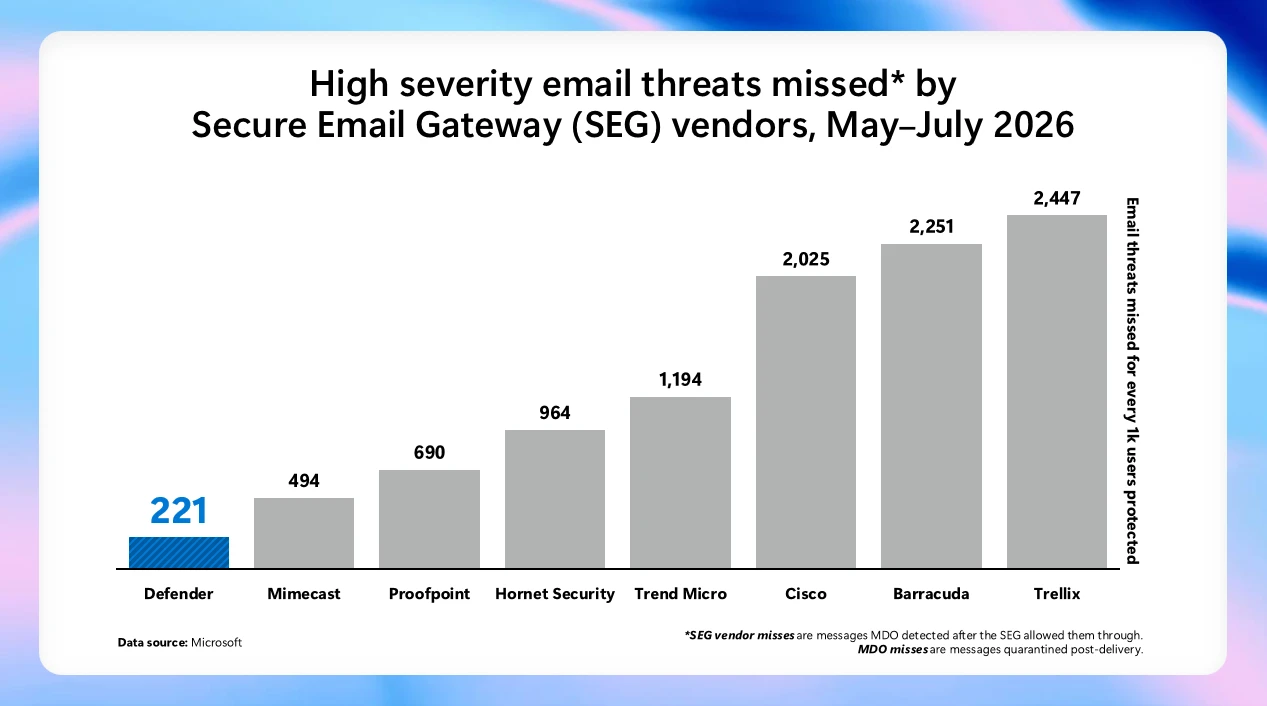
​​​​What’s new in Microsoft Security: July 2026

Every organization needs security that protects end to end with the speed and scale of AI. Microsoft’s vision is simple: security should be ambient and autonomous, just like the AI it protects.

As organizations scale AI and expand across environments, security teams need protection that covers every surface. This month’s updates help security and IT teams secure their AI environments, use AI to defend at speed and scale, and strengthen the foundations that AI-powered operations depend on. Here’s what’s new:

Project Perception brings agentic defense to security operations

Project Perception, newly announced, is a coordinated system of specialized agents, cybersecurity-focused models, and enterprise-wide signals that transform how security operates. The agents work as a team: red team agents expose weaknesses, blue team agents investigate cyberthreats, and green agents harden what’s found. These multi-agent autonomous workflows work as a team to operate in continuous loops to execute end-to-end security workflows.

Diagram illustrating roles of Red, Blue, and Green team agents in continuous, proactive protection. Red team simulates attacks to identify exploits, Blue team detects and triages threats quickly, and Green team fixes and remediates issues to close gaps and ensure safe resolution.

Microsoft Defender secures the full AI attack surface, from inbox to cloud

Expanded Microsoft Defender protections are designed to reduce risks associated with day-to-day AI interactions, from email inboxes to cloud agent environments. New prompt injection protection in Microsoft Defender, now in preview, identifies and isolates emails containing malicious AI instructions before delivery, reducing the risk of prompt injection attacks reaching the inbox. Unified Defender posture and runtime protection for cloud agents in Microsoft Agent 365 consolidates security posture assessment and runtime protection for Microsoft Foundry, Microsoft Copilot Studio, and third party-managed agents, helping teams reduce AI-specific risk across the agent estate.

Accelerate detection, prioritization, and response with AI embedded in SecOps workflows

Security teams can accelerate detection, prioritization, and response to cyberthreats with AI embedded directly into security operations (SecOps) workflows through Microsoft Defender. Threat intelligence enhancements, including Microsoft Defender Threat Intelligence convergence and an enhanced Threat Intelligence Agent, bring more out-of-the-box intelligence and automation into the unified SecOps workflow, so teams can move from summary to action.

Strengthen the cloud, code, and identity foundations AI depends on

Microsoft Defender is strengthening the foundational protections that AI-era operations depend on across cloud, code, and identity. Cloud Security Posture Management extends coverage to serverless containers, giving teams visibility and continuous posture assessment across containerized workloads running on Azure Container Apps, Azure Container Instances, and Amazon Web Services Elastic Container Service (AWS ECS) on Fargate. New interconnected experiences between Defender and Microsoft Entra empower the security operations center (SOC) to disable compromised identities directly using a role-based access control (RBAC) mode that maintains least privilege. Microsoft Defender Experts services are also expanding: Microsoft Defender Experts Threat Intelligence delivers human-led, curated insight into the cyberthreats most relevant to each organization, and Microsoft Defender Experts MDR extends expert-run detection and response beyond the Microsoft estate into third-party and multicloud signals through Microsoft Sentinel.

Microsoft Entra strengthens identity across the AI-powered enterprise

Strengthen identity foundations for AI-powered operations

New capabilities in Microsoft Entra are designed to strengthen the identity foundations that AI-powered operations depend on. Tenant governance helps organizations discover, manage, and govern tenants across their environment with centralized policies and cross-tenant delegated administration. Microsoft Entra ID is making passkeys the default authentication experience, which helps reduce reliance on SMS and voice, strengthens phishing-resistant security, and makes for an easier transition away from Microsoft-provided telecom delivery, which will retire in 2027. Through new interconnected Entra and Defender experiences, identity and access management and SOC teams share user experience, RBAC, and agentic workflows that eliminate product seams so identity and security operations can work together.

Protect sensitive data in motion across software as a service (SaaS) and AI apps with Microsoft Purview and Microsoft Entra

Microsoft Purview now integrates with Microsoft Entra Internet Access to extend data security to the network layer, enabling real-time protection of sensitive data shared with unmanaged cloud and AI apps over the network. For example, when an employee attempts to upload sensitive customer data or proprietary information, including text and files, into shadow AI apps, sharing is detected and blocked before the data is leaked from the organization. Organizations now have a unified Microsoft solution to gain visibility into where organizational data is shared externally, to detect and block sensitive data in transit, and to enable consistent data protection across their environment without relying on third-party solutions.

Microsoft Purview strengthens data security, compliance, and investigation for AI

A new Microsoft Purview Data Loss Prevention (DLP) for Microsoft 365 Copilot protection, available in preview, now gives data security teams greater control over how Copilot leverages email content, given external sources can introduce sensitive, third-party, or unvetted information that organizations may not want to rely on. Now admins can exclude emails from external senders from being referenced, summarized, or used as grounding data for Copilot. For example, with this DLP policy in place, an employee working with an external collaborator can still rely on Copilot to leverage internal insights, while external conversations are automatically excluded from Copilot-generated responses. With the native integration between Microsoft Purview and Microsoft 365 Copilot, organizations can extend controls to AI interactions with minimal additional configuration, resulting in a more predictable and policy-aligned AI environment.

A new centralized Microsoft Purview Insider Risk Management alert experience simplifies the prioritization of the most pressing data risks by bringing agentic alert triage, enriched user details, and expanded analysis capabilities (such as notes infused on the Insider Risk Management case) into a single view. Helping power this experience, the Data Security Triage Agent includes an advanced AI reasoning layer, now generally available, that performs deeper, multi-step analysis across user, device, and data activity signals to surface the incidents most likely to require investigation while reducing noise. Analysts can filter across classic and Data Security Triage Agent attributes on a single page, preview agent summaries and user details without switching views, and document findings while the system automatically records status changes and escalations to maintain a clear investigation history. Together, the Insider Risk Management alert experience and Data Security Triage Agent help security teams investigate faster and with greater confidence.

The unified Insider Risk Management alerts list, showing inline agent summaries, the new Categorization column, and combined classic and agent filtering on a single page.

Advanced endpoint management now broadly available

As of July 1, 2026, the capabilities of the Microsoft Intune Suite are included in Microsoft 365 E5, with select capabilities also available in Microsoft 365 E3, bringing advanced endpoint management to more organizations without added cost. IT and security teams can now apply advanced endpoint management capabilities to reduce standing admin rights, modernize certificate management, resolve issues quickly, streamline app delivery, and bring AI into workflows with Microsoft Security Copilot in Intune. Together, these capabilities strengthen the endpoint foundations that AI-powered operations depend on. See everything that’s now included in your plan and how to start putting it to work.

Stay In the Loop

Microsoft Security is focused on delivering innovations across our portfolio, along with research-driven insights and reports for the security community. In the Loop posts are your reliable source of what’s new across Microsoft Security and what it means for your security strategy. Check back for the next drop.

To learn more about Microsoft Security solutions, visit our website. Bookmark the Security blog to keep up with our expert coverage on security matters. Also, follow us on LinkedIn (Microsoft Security) and X (@MSFTSecurity) for the latest news and updates on cybersecurity.

The post ​​​​What’s new in Microsoft Security: July 2026 appeared first on Microsoft Security Blog.
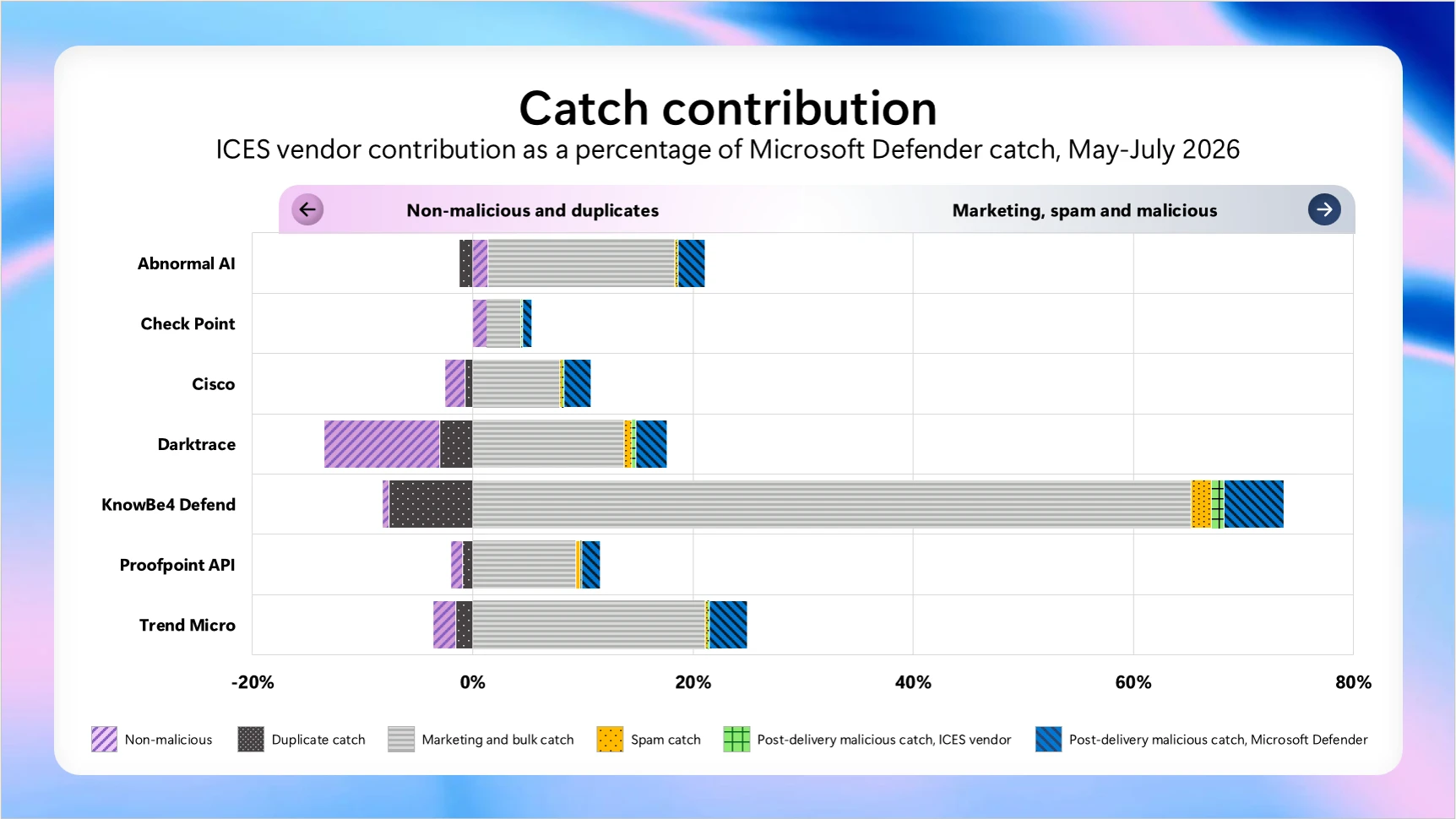
​​Better security starts with better questions

As organizations move beyond AI experimentation, success will depend on how effectively they combine intelligence and trust. The same systems that amplify knowledge, accelerate decisions, and unlock new outcomes must also protect data, govern AI, and build resilience. In this next phase of transformation, security is not separate from innovation—it is an enabler that helps make responsible innovation possible at a faster pace. That starts with asking better questions—the kind that help organizations turn intelligence into action and trust into a foundation for progress. 

AI is changing how security decisions are made. Defenders now have access to more signals, insights, and analytical power than ever before. But better security does not start with more information. It starts with asking the right questions: What are we trying to protect? What risks matter most? What conditions need to be true? And what decisions do we need to make with confidence? 

That clarity matters because security is shaped by more than technology. The challenges organizations face rarely exist in isolation. They emerge across people, processes, technology, data, identities, and governance. Understanding those connections is what allows security teams to use platforms, AI, and automation to make better decisions under real-world conditions. 

Security as a systems challenge 

Security has never been a single-layer challenge. Vulnerabilities can emerge across code, data, identities, and integrations, while exposure is often created at the intersections between them. Designing for security requires a systems mindset—understanding how these elements work together, where failure can occur, and what safeguards are needed so no single layer carries the burden alone. That is why defense in depth remains essential: layered controls, ongoing monitoring, mitigations, and risk management across the AI lifecycle help organizations reduce exposure while continuing to adapt. 

Agentic AI in cybersecurity

Explore actionable takeaways ↗

This is especially important as AI becomes more embedded in how organizations operate. AI can help teams analyze vast amounts of information, identify patterns, and surface recommendations at a scale that was previously unthinkable. Those AI outputs still require oversight, governance, and human judgment, with clear accountability for how AI-generated insights are validated and used. But insight only creates value when it is grounded in the right context and connected to action. 

AI-generated insights still require validation, oversight, and resilience planning because AI systems can produce incomplete or inaccurate outputs.

Clarity creates better decisions 

The most important security decisions start with a clear view of the risk, the level of control or visibility required, and the outcome the system is designed to achieve. When we optimize for capability over context, we miss how security decisions are actually made: through signals, expertise, validation, and judgment. This becomes even more important as AI expands what is possible. Better analysis can surface more insights, but better decisions still depend on understanding what matters most and applying the right context. That matters most when conditions are changing quickly, and teams need to act before every answer is certain. 

Threat intelligence offers a useful example. Defenders operate in environments defined by ambiguity, incomplete information, and rapidly changing conditions. Success rarely comes from a single source or signal. It comes from combining multiple forms of intelligence, applying expertise, validating assumptions, and connecting insights in ways that strengthen assurance.  

The lesson extends beyond threat intelligence. Different security objectives require different combinations of signals, analysis, and human judgment. Resilient decisions come from bringing those elements together thoughtfully, rather than relying on a single source of truth or assuming technology alone can provide the answer. 

Designing for better outcomes  

As AI becomes more embedded in security operations, the quality of our outcomes depends on how clearly we define the objectives we are trying to achieve. Security leaders create the most value when they identify the risks that matter most, the conditions that need to be true, and the systems required to support better decisions. 

Then we design for those outcomes through the right mix of controls, safeguards, and decision-making processes. This shows up not just in architecture, but in how teams establish guardrails, validate assumptions, and respond to the unexpected. The aim is not to make security harder for defenders. It is to make the work easier to execute, supported by platforms, tooling, and AI that help deliver greater speed, accuracy, and confidence. 

The systems we are building today do not exist in isolation. They interact with people, shape decisions, and operate at a scale that can amplify both strengths and weaknesses. Our responsibility extends beyond technology choices. We have to help organizations design systems they can understand, govern, and rely on with confidence as complexity grows. 

Trust is not something we can take for granted, and that does not change in the era of AI. It is built through deliberate choices: the controls we establish, the visibility we create, the assumptions we validate, and the safeguards we put in place. As AI becomes more embedded in how organizations operate, security leaders have a responsibility to help build confidence in the systems people rely on every day. 

Building trustworthy AI systems requires governance, security, privacy protections, transparency, and accountability across the full technology stack, aligned to responsible AI principles and standards.

The risk is not simply that we choose the wrong tool, model, or platform. The greater risk is believing that one answer can solve a complex, evolving problem. AI can help teams make sense of complexity, but it does not eliminate the need for judgment. If anything, it raises the importance of defining the right outcomes and designing systems that make the right actions easier to take. 

Better security starts with better questions, and with the clarity to act on them. The organizations that succeed will apply AI thoughtfully, define outcomes clearly, and combine analytical power with the expertise, judgment, and adaptability needed to build more resilient systems in the age of AI. 

To learn more about Microsoft Security solutions, visit our website. Bookmark the Security blog to keep up with our expert coverage on security matters. Also, follow us on LinkedIn (Microsoft Security) and X (@MSFTSecurity) for the latest news and updates on cybersecurity.

The post ​​Better security starts with better questions appeared first on Microsoft Security Blog.
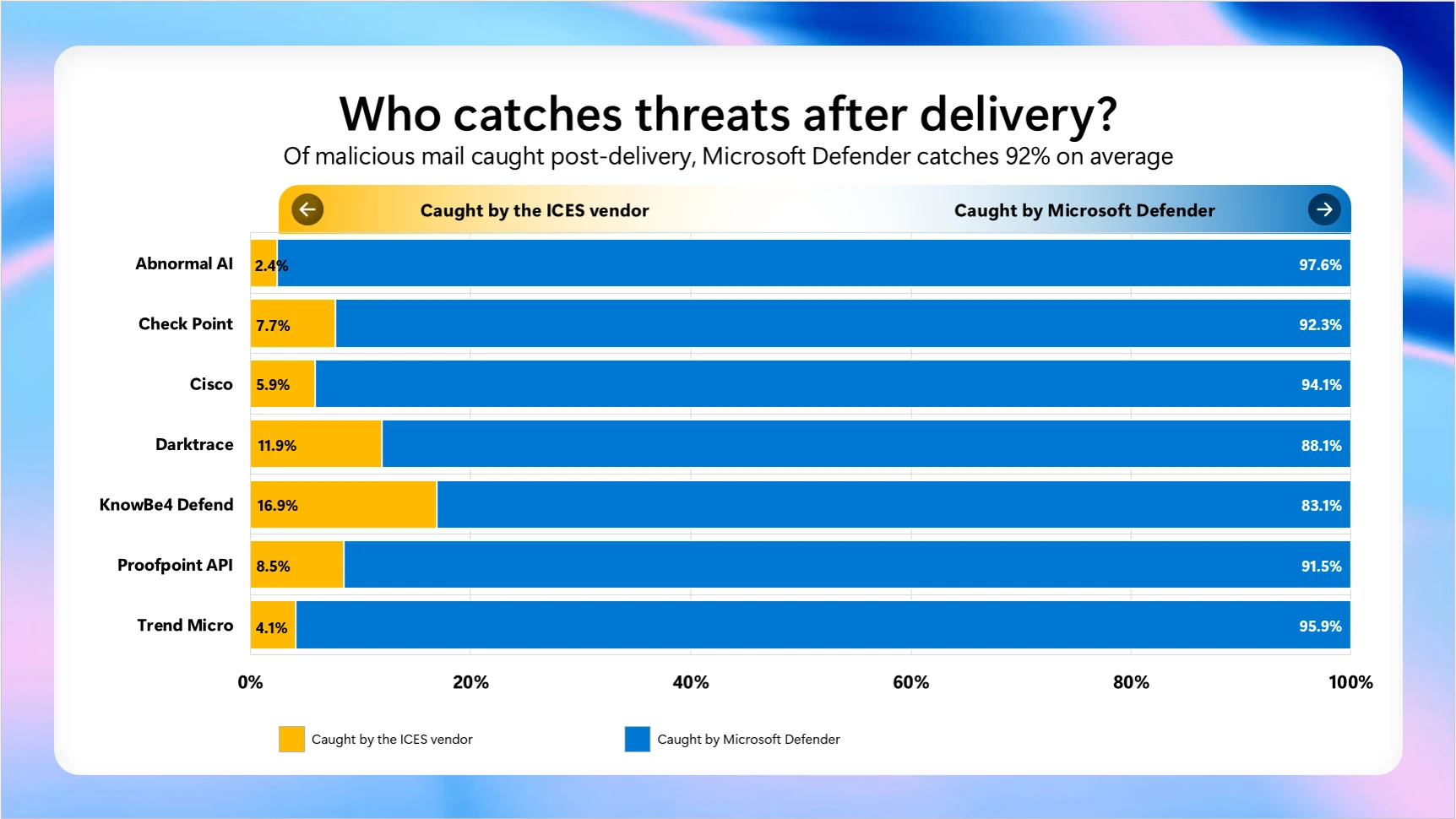
​​​​What’s new in Microsoft Security: July 2026

Every organization needs security that protects end to end with the speed and scale of AI. Microsoft’s vision is simple: security should be ambient and autonomous, just like the AI it protects.

As organizations scale AI and expand across environments, security teams need protection that covers every surface. This month’s updates help security and IT teams secure their AI environments, use AI to defend at speed and scale, and strengthen the foundations that AI-powered operations depend on. Here’s what’s new:

Project Perception brings agentic defense to security operations

Project Perception, newly announced, is a coordinated system of specialized agents, cybersecurity-focused models, and enterprise-wide signals that transform how security operates. The agents work as a team: red team agents expose weaknesses, blue team agents investigate cyberthreats, and green agents harden what’s found. These multi-agent autonomous workflows work as a team to operate in continuous loops to execute end-to-end security workflows.

Diagram illustrating roles of Red, Blue, and Green team agents in continuous, proactive protection. Red team simulates attacks to identify exploits, Blue team detects and triages threats quickly, and Green team fixes and remediates issues to close gaps and ensure safe resolution.

Microsoft Defender secures the full AI attack surface, from inbox to cloud

Expanded Microsoft Defender protections are designed to reduce risks associated with day-to-day AI interactions, from email inboxes to cloud agent environments. New prompt injection protection in Microsoft Defender, now in preview, identifies and isolates emails containing malicious AI instructions before delivery, reducing the risk of prompt injection attacks reaching the inbox. Unified Defender posture and runtime protection for cloud agents in Microsoft Agent 365 consolidates security posture assessment and runtime protection for Microsoft Foundry, Microsoft Copilot Studio, and third party-managed agents, helping teams reduce AI-specific risk across the agent estate.

Accelerate detection, prioritization, and response with AI embedded in SecOps workflows

Security teams can accelerate detection, prioritization, and response to cyberthreats with AI embedded directly into security operations (SecOps) workflows through Microsoft Defender. Threat intelligence enhancements, including Microsoft Defender Threat Intelligence convergence and an enhanced Threat Intelligence Agent, bring more out-of-the-box intelligence and automation into the unified SecOps workflow, so teams can move from summary to action.

Strengthen the cloud, code, and identity foundations AI depends on

Microsoft Defender is strengthening the foundational protections that AI-era operations depend on across cloud, code, and identity. Cloud Security Posture Management extends coverage to serverless containers, giving teams visibility and continuous posture assessment across containerized workloads running on Azure Container Apps, Azure Container Instances, and Amazon Web Services Elastic Container Service (AWS ECS) on Fargate. New interconnected experiences between Defender and Microsoft Entra empower the security operations center (SOC) to disable compromised identities directly using a role-based access control (RBAC) mode that maintains least privilege. Microsoft Defender Experts services are also expanding: Microsoft Defender Experts Threat Intelligence delivers human-led, curated insight into the cyberthreats most relevant to each organization, and Microsoft Defender Experts MDR extends expert-run detection and response beyond the Microsoft estate into third-party and multicloud signals through Microsoft Sentinel.

Microsoft Entra strengthens identity across the AI-powered enterprise

Strengthen identity foundations for AI-powered operations

New capabilities in Microsoft Entra are designed to strengthen the identity foundations that AI-powered operations depend on. Tenant governance helps organizations discover, manage, and govern tenants across their environment with centralized policies and cross-tenant delegated administration. Microsoft Entra ID is making passkeys the default authentication experience, which helps reduce reliance on SMS and voice, strengthens phishing-resistant security, and makes for an easier transition away from Microsoft-provided telecom delivery, which will retire in 2027. Through new interconnected Entra and Defender experiences, identity and access management and SOC teams share user experience, RBAC, and agentic workflows that eliminate product seams so identity and security operations can work together.

Protect sensitive data in motion across software as a service (SaaS) and AI apps with Microsoft Purview and Microsoft Entra

Microsoft Purview now integrates with Microsoft Entra Internet Access to extend data security to the network layer, enabling real-time protection of sensitive data shared with unmanaged cloud and AI apps over the network. For example, when an employee attempts to upload sensitive customer data or proprietary information, including text and files, into shadow AI apps, sharing is detected and blocked before the data is leaked from the organization. Organizations now have a unified Microsoft solution to gain visibility into where organizational data is shared externally, to detect and block sensitive data in transit, and to enable consistent data protection across their environment without relying on third-party solutions.

Microsoft Purview strengthens data security, compliance, and investigation for AI

A new Microsoft Purview Data Loss Prevention (DLP) for Microsoft 365 Copilot protection, available in preview, now gives data security teams greater control over how Copilot leverages email content, given external sources can introduce sensitive, third-party, or unvetted information that organizations may not want to rely on. Now admins can exclude emails from external senders from being referenced, summarized, or used as grounding data for Copilot. For example, with this DLP policy in place, an employee working with an external collaborator can still rely on Copilot to leverage internal insights, while external conversations are automatically excluded from Copilot-generated responses. With the native integration between Microsoft Purview and Microsoft 365 Copilot, organizations can extend controls to AI interactions with minimal additional configuration, resulting in a more predictable and policy-aligned AI environment.

A new centralized Microsoft Purview Insider Risk Management alert experience simplifies the prioritization of the most pressing data risks by bringing agentic alert triage, enriched user details, and expanded analysis capabilities (such as notes infused on the Insider Risk Management case) into a single view. Helping power this experience, the Data Security Triage Agent includes an advanced AI reasoning layer, now generally available, that performs deeper, multi-step analysis across user, device, and data activity signals to surface the incidents most likely to require investigation while reducing noise. Analysts can filter across classic and Data Security Triage Agent attributes on a single page, preview agent summaries and user details without switching views, and document findings while the system automatically records status changes and escalations to maintain a clear investigation history. Together, the Insider Risk Management alert experience and Data Security Triage Agent help security teams investigate faster and with greater confidence.

The unified Insider Risk Management alerts list, showing inline agent summaries, the new Categorization column, and combined classic and agent filtering on a single page.

Advanced endpoint management now broadly available

As of July 1, 2026, the capabilities of the Microsoft Intune Suite are included in Microsoft 365 E5, with select capabilities also available in Microsoft 365 E3, bringing advanced endpoint management to more organizations without added cost. IT and security teams can now apply advanced endpoint management capabilities to reduce standing admin rights, modernize certificate management, resolve issues quickly, streamline app delivery, and bring AI into workflows with Microsoft Security Copilot in Intune. Together, these capabilities strengthen the endpoint foundations that AI-powered operations depend on. See everything that’s now included in your plan and how to start putting it to work.

Stay In the Loop

Microsoft Security is focused on delivering innovations across our portfolio, along with research-driven insights and reports for the security community. In the Loop posts are your reliable source of what’s new across Microsoft Security and what it means for your security strategy. Check back for the next drop.

To learn more about Microsoft Security solutions, visit our website. Bookmark the Security blog to keep up with our expert coverage on security matters. Also, follow us on LinkedIn (Microsoft Security) and X (@MSFTSecurity) for the latest news and updates on cybersecurity.

The post ​​​​What’s new in Microsoft Security: July 2026 appeared first on Microsoft Security Blog.
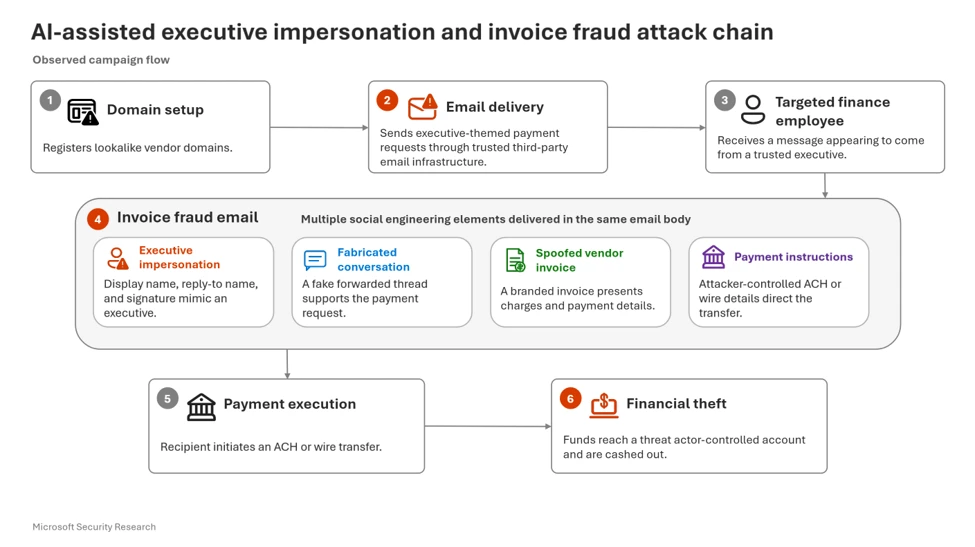
​​Better security starts with better questions

As organizations move beyond AI experimentation, success will depend on how effectively they combine intelligence and trust. The same systems that amplify knowledge, accelerate decisions, and unlock new outcomes must also protect data, govern AI, and build resilience. In this next phase of transformation, security is not separate from innovation—it is an enabler that helps make responsible innovation possible at a faster pace. That starts with asking better questions—the kind that help organizations turn intelligence into action and trust into a foundation for progress. 

AI is changing how security decisions are made. Defenders now have access to more signals, insights, and analytical power than ever before. But better security does not start with more information. It starts with asking the right questions: What are we trying to protect? What risks matter most? What conditions need to be true? And what decisions do we need to make with confidence? 

That clarity matters because security is shaped by more than technology. The challenges organizations face rarely exist in isolation. They emerge across people, processes, technology, data, identities, and governance. Understanding those connections is what allows security teams to use platforms, AI, and automation to make better decisions under real-world conditions. 

Security as a systems challenge 

Security has never been a single-layer challenge. Vulnerabilities can emerge across code, data, identities, and integrations, while exposure is often created at the intersections between them. Designing for security requires a systems mindset—understanding how these elements work together, where failure can occur, and what safeguards are needed so no single layer carries the burden alone. That is why defense in depth remains essential: layered controls, ongoing monitoring, mitigations, and risk management across the AI lifecycle help organizations reduce exposure while continuing to adapt. 

Agentic AI in cybersecurity

Explore actionable takeaways ↗

This is especially important as AI becomes more embedded in how organizations operate. AI can help teams analyze vast amounts of information, identify patterns, and surface recommendations at a scale that was previously unthinkable. Those AI outputs still require oversight, governance, and human judgment, with clear accountability for how AI-generated insights are validated and used. But insight only creates value when it is grounded in the right context and connected to action. 

AI-generated insights still require validation, oversight, and resilience planning because AI systems can produce incomplete or inaccurate outputs.

Clarity creates better decisions 

The most important security decisions start with a clear view of the risk, the level of control or visibility required, and the outcome the system is designed to achieve. When we optimize for capability over context, we miss how security decisions are actually made: through signals, expertise, validation, and judgment. This becomes even more important as AI expands what is possible. Better analysis can surface more insights, but better decisions still depend on understanding what matters most and applying the right context. That matters most when conditions are changing quickly, and teams need to act before every answer is certain. 

Threat intelligence offers a useful example. Defenders operate in environments defined by ambiguity, incomplete information, and rapidly changing conditions. Success rarely comes from a single source or signal. It comes from combining multiple forms of intelligence, applying expertise, validating assumptions, and connecting insights in ways that strengthen assurance.  

The lesson extends beyond threat intelligence. Different security objectives require different combinations of signals, analysis, and human judgment. Resilient decisions come from bringing those elements together thoughtfully, rather than relying on a single source of truth or assuming technology alone can provide the answer. 

Designing for better outcomes  

As AI becomes more embedded in security operations, the quality of our outcomes depends on how clearly we define the objectives we are trying to achieve. Security leaders create the most value when they identify the risks that matter most, the conditions that need to be true, and the systems required to support better decisions. 

Then we design for those outcomes through the right mix of controls, safeguards, and decision-making processes. This shows up not just in architecture, but in how teams establish guardrails, validate assumptions, and respond to the unexpected. The aim is not to make security harder for defenders. It is to make the work easier to execute, supported by platforms, tooling, and AI that help deliver greater speed, accuracy, and confidence. 

The systems we are building today do not exist in isolation. They interact with people, shape decisions, and operate at a scale that can amplify both strengths and weaknesses. Our responsibility extends beyond technology choices. We have to help organizations design systems they can understand, govern, and rely on with confidence as complexity grows. 

Trust is not something we can take for granted, and that does not change in the era of AI. It is built through deliberate choices: the controls we establish, the visibility we create, the assumptions we validate, and the safeguards we put in place. As AI becomes more embedded in how organizations operate, security leaders have a responsibility to help build confidence in the systems people rely on every day. 

Building trustworthy AI systems requires governance, security, privacy protections, transparency, and accountability across the full technology stack, aligned to responsible AI principles and standards.

The risk is not simply that we choose the wrong tool, model, or platform. The greater risk is believing that one answer can solve a complex, evolving problem. AI can help teams make sense of complexity, but it does not eliminate the need for judgment. If anything, it raises the importance of defining the right outcomes and designing systems that make the right actions easier to take. 

Better security starts with better questions, and with the clarity to act on them. The organizations that succeed will apply AI thoughtfully, define outcomes clearly, and combine analytical power with the expertise, judgment, and adaptability needed to build more resilient systems in the age of AI. 

To learn more about Microsoft Security solutions, visit our website. Bookmark the Security blog to keep up with our expert coverage on security matters. Also, follow us on LinkedIn (Microsoft Security) and X (@MSFTSecurity) for the latest news and updates on cybersecurity.

The post ​​Better security starts with better questions appeared first on Microsoft Security Blog.
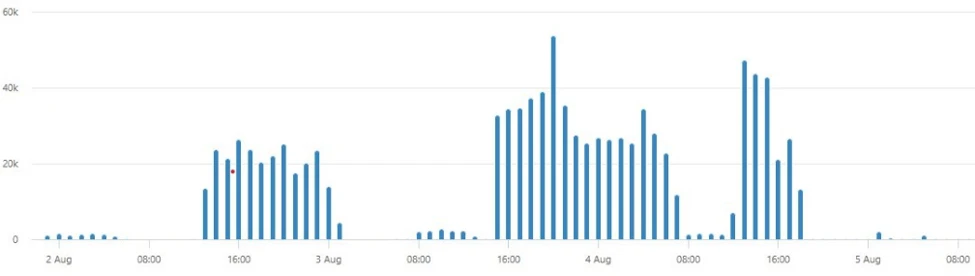
Rethinking security for the age of AI

Why security needs a new Cyber Stack — Introducing Project Perception

The physics of cybersecurity are changing. Autonomous systems can now reason, adapt and operate continuously. At the same time, the cost of offense is falling, while the volume, velocity and complexity of what must be secured continues to grow. Attackers can generate exploits faster, scale campaigns further and operate with unprecedented efficiency. The approaches built for a world of human actors cannot keep pace with a world of AI, agents and machine-speed attacks.

Security needs a new Cyber Stack. A new Cyber Stack must continuously perceive risk across the entire digital estate, reason across vast amounts of context and take action at machine speed. It must learn and adapt as environments evolve, helping organizations stay ahead of threats. And because security is ultimately a human mission, it must amplify defenders with better insights and more powerful ways to act. The defining characteristic of the next generation of security systems will not be their ability to generate more alerts. It will be their ability to continuously perceive, reason and act.

That vision led us to build Project Perception. A new agentic security system designed for the realities of AI. It turns signals into real-time protections using AI to defend against AI.

Project Perception brings together signals, context, models and specialized agents into a continuously learning system of defense. It can reason, prioritize and act at machine speed while keeping humans firmly in control and empowering them with powerful new workflows.

Project Perception is based on a simple idea: effective defense requires continuous understanding of how an attacker sees the world, how a defender evaluates risk and how protections are improved over time. To accomplish this, Perception coordinates three classes of specialized agents. Red team agents identify potential paths to compromise before an attacker can exploit them. Blue team agents investigate, reason over context and determine what represents meaningful risk. Green team agents take corrective actions and strengthen defenses across the environment. Working together, these agents form a closed-loop system that continuously discovers, evaluates and improves an organization’s security posture.

Diagram titled“Project Perception: Teams of agents.” Three interconnected agent teams are shown in a horizontal sequence: Red team agents, represented by a bug icon, simulate attacks; Blue team agents, represented by a shield icon, detect and triage threats; and Green team agents, represented by a wrench icon, fix and remediate issues. Plus signs between the teams indicate collaboration and coordination among the agent groups as part of a continuous cybersecurity workflow.

A system like Project Perception is only as effective as the visibility it has, the actions it can take, the experience of the teams building it and the models it can use. Microsoft brings together all four.

We see across identities, endpoints, applications, data, clouds and AI systems, providing broad visibility across the digital estate. Equally important, we can help customers take action across those environments. Combined with decades of security research, threat intelligence and real-world operational experience defending organizations, these capabilities shape how Project Perception reasons, prioritizes and responds.

Security is a 24/7 mission. Organizations need protection that is highly effective, continuously available and affordable at scale. That requires more than access to the most capable model. It requires applying the right model to the right task. Project Perception adopts a multi-model architecture that combines frontier and specialized cyber models, optimizing for both quality and cost.

As part of this multi-model strategy, we are committed to bringing customers the best models for each security task, including innovating with our own specialized models. The first scenario is software vulnerability management, bringing MAI-Cyber-1-Flash inside MDASH, our software vulnerability multi-model team of agents. MDASH with MAI-Cyber-1-Flash delivers 96% on CyberGym, an industry leading benchmark, +12 points above Mythos. And this same configuration delivers almost 50% of cost savings vs. the current MDASH configuration in market today. That’s the power of a well-tuned, multi-model system with access to uniquely rich historical training data. Next, Project Perception will take advantage of MAI-Cyber-1-Flash for many more security workflows, beyond the software vulnerability scenario.

We are bringing this vision to customers around the world through Project Perception, which enters public preview on August 3.

YouTube Video

https://www.youtube-nocookie.com/embed/ACx7NxQW9uo?feature=oembed

A Cyber Stack built for agentic security

Delivering agentic security requires more than adding agents to existing workflows. It requires a new Cyber Stack, designed from the ground up.

The stack begins with signals and sensors that provide awareness across the digital estate. Security context transforms those signals into token-efficient understanding that agents can use. Models provide intelligence and reasoning. A harness coordinates models and agents across security workflows. Agents apply that intelligence across security workflows and actuators translate decisions into protection. Together, these layers create a continuous learning system that can understand risk, adapt to changing conditions and improve security outcomes over time.

Diagram titled “The New Cyber Stack” showing six layers of an AI-powered cybersecurity architecture. From bottom to top, the layers are: Signals and sensors (visibility across endpoints, identities, data, clouds, apps and AI); Context (continuously enriched intelligence providing operational context); Models (a multi-model approach for reasoning over threats); Harness (a framework that orchestrates agents and models); Agents (specialized red, blue and green team agents that continuously defend); and Actuators (mechanisms that turn agent decisions into real-world actions). The layers are displayed as stacked horizontal bands within a rounded rectangular frame, illustrating how security data is transformed into automated defensive actions.

While each layer provides important capabilities, the power of Project Perception comes from how they work together.

Security context built for AI

Effective reasoning requires more than raw signals. Agents need context.

Microsoft transforms its breadth of visibility, threat intelligence and security expertise into a security context that connects security data, knowledge and semantics across the digital estate. The result is a continuously updated representation of an organization’s assets, identities, relationships, risks and activities that gives agents a shared, near real-time, understanding of the environment they are helping to defend.

Flow diagram illustrating how Project Perception transforms security data into agent-driven cyber defense. On the left, data sources and security signals from Microsoft Defender for Endpoint, Microsoft Entra ID, Microsoft Sentinel, Microsoft Defender, Azure Resource Manager, User and Entity Behavior Analytics, Exposure Management, and Threat Intelligence feed into security context data such as device events, identity information, alerts, email events, cloud resources, exposure graphs, and red team operations. These inputs are organized into higher-level security models, including a graph, attack graph, lateral movement analysis, process tree, identity graph, exposure graph, agent exposure, alert triage, email threats, infrastructure, red team operations, and anomaly detection. The models then power specialized blue, green, and red team agents that detect threats, remediate issues, and simulate attacks. Color-coded connections show information flowing from sensors and signals through security.

This shared understanding is foundational to how Project Perception operates. Rather than forcing agents to continuously gather, correlate and reconstruct context from raw signals, it provides them with immediate and token-efficient access to the information they need to reason over risk, prioritize actions and make decisions. By grounding every interaction in this rich security context, Project Perception improves the accuracy and consistency of reasoning while reducing the time, compute and cost required to operate at scale.

A multi-model architecture built for security

No single model will be optimal for every security task. Effective cyber defense requires applying the right model to the right problem at the right time.

For Project Perception, the right model is determined by the combination of quality, reliability, latency and cost. Rather than relying on a single model, Project Perception adopts a multi-model architecture that continuously selects the capabilities best suited to the task, optimizing for both effectiveness and economics. Because security is an always-on mission, sustainable economics are essential to operating protection at scale.

This approach is shaped by ongoing research, benchmarking and evaluation across frontier and specialized models. Our security researchers continuously assess models against real-world security workflows, enabling us to match each task with the model that delivers the best outcome. This allows customers to benefit from advances in AI without being tied to any single model.

Actuators — insights to actions

Security teams do not need more information. They need better outcomes.

That is why actuators are a critical part of the Cyber Stack. Project Perception is deeply integrated across Microsoft Security products, enabling agents to connect insights to actions. Organizations can continuously reduce risk rather than simply identify it, helping defenders strengthen security while remaining in control.

Built with safety first

Underpinning every layer of the Cyber Stack is a foundation of trust. Project Perception is built in alignment with Microsoft’s Responsible AI principles and inherits the security, compliance, governance and operational controls our customers already rely on. This ensures these capabilities are delivered with the same rigor, accountability and enterprise readiness that customers expect.

The future of security

Security has always been a race between attackers and defenders. AI changes the speed, scale and economics of that race. Defenders need systems that can continuously perceive, reason and act alongside them.

 Project Perception is how we begin to build that future.

To learn more about Microsoft Security solutions, visit our website. Bookmark the Security blog to keep up with our expert coverage on security matters. Also, follow us on LinkedIn (Microsoft Security) and X (@MSFTSecurity) for the latest news and updates on cybersecurity.

Microsoft’s AI Red Team Announces New Alliance: Enhancing AI Security Through Global AI Red Teaming

Hayete Gallot leads Microsoft’s work to help organizations operate securely in an AI-driven world. Her scope includes identity, threat protection, compliance and data security at global scale.

The post Rethinking security for the age of AI appeared first on Microsoft Security Blog.
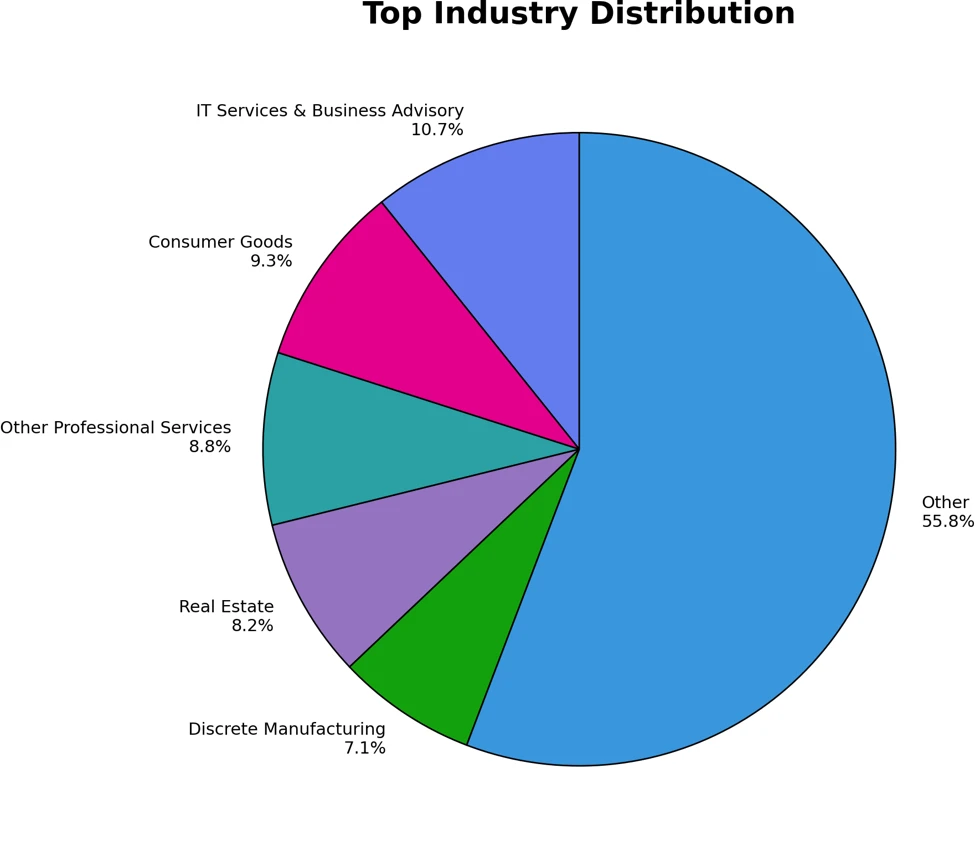
Enhancing AI security through global AI red teaming

Most AI safety testing still happens inside the walls of individual organizations. That has resulted in a fundamental disconnect: many of the highest-risk failure modes in modern AI systems require deep domain expertise, multilingual context, or regional understanding that no single internal team can fully replicate on its own. 

As frontier models become more capable, the attack surface expands with them. AI red teaming is no longer just about prompt injection or content safety edge cases. It increasingly involves security operations, misuse scenarios, multilingual harms, alignment failures, and domain-specific abuse patterns that can vary significantly across geographies and languages. 

Microsoft’s AI Red Team has observed that meaningful testing of advanced AI systems- and models similarly requires broader participation from researchers and practitioners who operate outside traditional corporate security boundaries. To address that gap, today we are announcing the External Red Team Alliance (EXTRA), a formalized global extension of Microsoft’s AI Red Team designed to support and encourage external expertise to advance AI safety and security testing.  We are proud to share we are funding the development of new AI safety assessments on six continents through unrestricted gifts. 

Building a global alliance

EXTRA is a two-part initiative focused on expanding AI safety research and strengthening external collaboration. 

The first component supports a global academic network focused on advancing AI safety and security research. Microsoft’s AI Red Team has provided unrestricted gifts to 18 university labs spanning six continents. The goal is intentionally broad: support researchers who are already investigating difficult, unresolved questions in AI safety and help them continue pushing that work forward independently. 

Some of the supporting institutions include: 

“Academic research is critical to understanding the cyber security landscape and finding solutions that work for all of society – and partnerships like this with industry are essential to delivering on that promise. Through partnerships, civil society and public institutions researchers gain access to frontier technology to understand how models work and bring their expertise to the task of determining risk and developing more effective countermeasures for the benefit of society as a whole.”

Nicolas Papernot, professor, University of Toronto. 

The second component of EXTRA focuses on operational collaboration. Microsoft is building a distributed network of specialists who can participate directly in red teaming highly specialized areas where deeper expertise is required. That includes researchers, practitioners, and regional experts who understand specific attack classes, languages, cultural contexts, or technical domains that internal teams may not fully cover alone. 

Beyond expanding participation, EXTRA is also intended to help advance the science of AI safety evaluation. By bringing together academic researchers, security practitioners, and domain experts from around the world, the initiative aims to contribute to the development of more robust methodologies and testing practices for increasingly capable AI systems. Today’s cybersecurity ecosystem depends on coordinated vulnerability research, responsible disclosure programs, academic inquiry, and global communities of independent security researchers who routinely identify risks that vendors alone would not find. Likewise, advancing AI safety will benefit from ongoing contributions from experts across institutions, disciplines, and geographies to identify emerging threats, strengthen safeguards, and improve evaluation practices. 

“As frontier model capabilities advance, they create new risk opportunities, particularly in low-resource settings. Partnerships, such as this EXTRA, bring greater attention to the study of the local risk landscape and can enable broader impact of the work carried out around the globe in smaller academic settings.”

Balaraman Ravindran, head of the Robert Bosch Centre for Data Science and Artificial Intelligence (RBC-DSAI) at IIT Madras. 

What the research focuses on

The research areas funded through EXTRA reflect several of the emerging areas Microsoft’s AI Red Team continues to encounter when evaluating advanced AI systems. 

Some universities are examining the cybersecurity implications of AI systems themselves — including how models can be attacked, manipulated, or abused in operational environments. Other labs are exploring the inverse problem: how AI systems can assist defenders and improve cyber operations. 

The structure of the program is intentional. The funding is unrestricted because the objective is not to direct research outcomes toward product requirements or predefined deliverables. The goal is to strengthen independent safety research capacity globally and create stronger long-term collaboration between academia and operational AI security teams. 

Why this matters

“Managing frontier AI risk requires more than internal safeguards. It requires continuous engagement with experts who understand how these systems behave across different technical, linguistic, and cultural contexts. EXTRA reflects Microsoft’s broader Frontier Governance Framework approach: combining rigorous internal governance with external support and collaboration to better identify, assess, and mitigate emerging risks as AI capabilities advance. By supporting independent research and building stronger connections with universities and specialists around the world, we are helping strengthen the broader ecosystem needed for trustworthy and secure AI development,” says Natasha Crampton, Chief Responsible AI Officer, Microsoft 

Governments too are increasingly focused on understanding the capabilities and security implications of frontier AI systems to strengthen resilience. But just as coordinated international research helped unlock the benefits of previous technological revolutions, diverse expertise from researchers and practitioners around the world is essential to identify emerging threats, improve defenses, and build greater confidence in AI systems.   

“Frontier AI is already shaping the future of both cybersecurity and national security. Understanding how these systems can be misused, and identifying risks before they become real-world threats, requires expertise that spans institutions, disciplines, and borders.” says Mike Yeh, VP & Deputy General Counsel, Customer Security and Trust, Microsoft 

AI red teaming is becoming more interdisciplinary, multilingual, and globally distributed. The expertise needed to identify meaningful failure modes increasingly lives across universities, independent research communities, and regional specialists. 

EXTRA reflects a practical shift in how AI security testing must operate going forward. External expertise is no longer supplemental to red teaming; in many cases, it is essential. 

Microsoft would like to thank these people for their important contributions with this project: Steph Ballard, Blake Bullwinkel, Nicholas Butts, Janelle Bryant, Kaja Ciglic, Hector de Rivoire, Eugenia Kim, Amanda Minnich, Shujaat Mirza, Jingxia Ni, Saphir Qi, Giorgio Severi, Hilary Solan, Hiwot Tesfaye, Sam Vaughan, Marguerita Wicklander, and the many teams at these schools around the world who helped coordinate 

The post Enhancing AI security through global AI red teaming appeared first on Microsoft Security Blog.
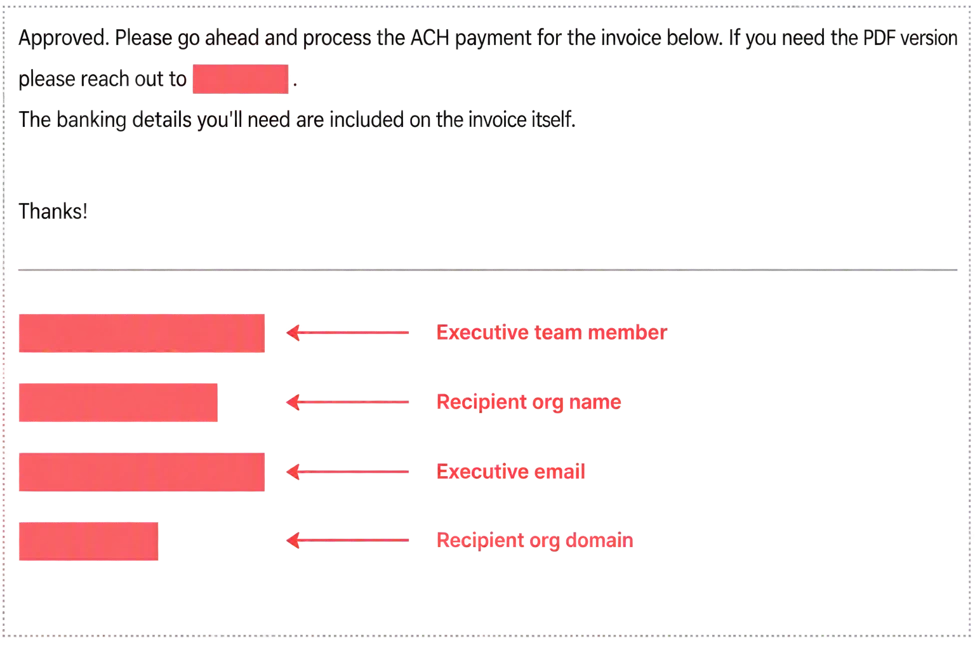
❌